
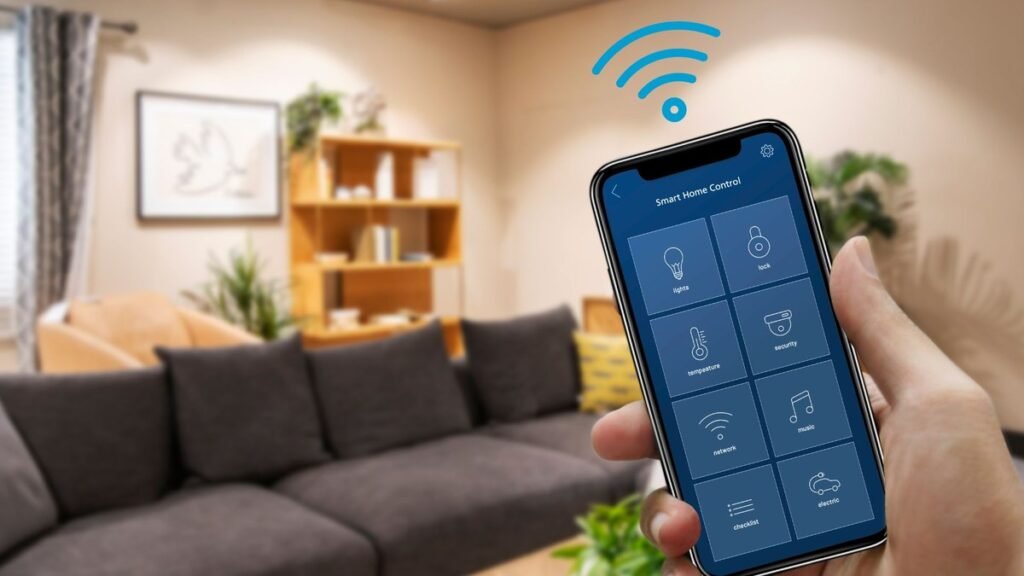
The best smart home devices for beginners in 2026 are not the flashiest ones — they’re the ones you’ll still be using in a year. The smart home industry wants you to believe you need twenty gadgets, three hubs, and a weekend of troubleshooting. You don’t. A smart plug, a smart bulb, and one genuinely useful sensor will teach you more about what you actually want than any starter bundle. This guide covers the three smart home devices actually worth buying first — the Kasa Smart Plug Ultra Mini, the Ting Smart Sensor, and the Aqara T2 bulb — plus the beginner framework that keeps you from wasting money: pick one ecosystem, start small, and expand only toward things you use daily.
Why Most Smart Homes Fail (and How Yours Won’t)
Smart homes usually fail for boring reasons, not technical ones. People buy too much too fast, mix five ecosystems with five apps, and end up with gadgets that need more maintenance than the problems they solve. The fix is a simple philosophy: automate one annoyance at a time. Start with the things you touch daily — the lamp you always forget to turn off, the porch light, the bedroom lighting. Each device should earn its place by either saving you daily effort or protecting something valuable. Everything in this guide passes that test. And in 2026, the Matter standard has made the ecosystem question much less scary: buy Matter-compatible devices and they’ll work with Alexa, Google Home, Apple Home, or SmartThings, so you’re not locked in if you change your mind later. For a deeper look at keeping your setup private and local, see our cloud-free smart home guide.
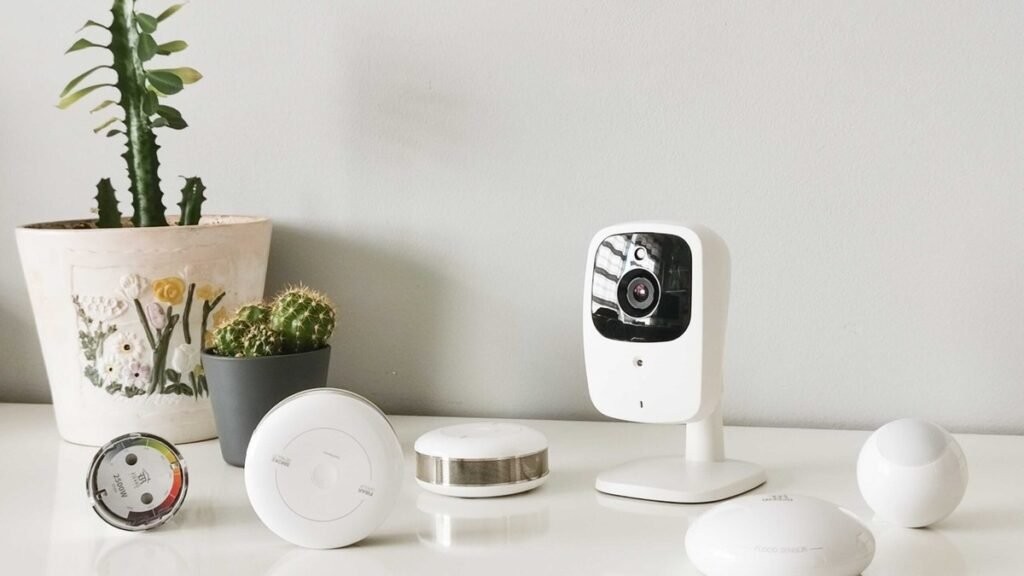
The Beginner’s Smart Home Framework
Before the picks, the four rules that separate a smart home you’ll love from a drawer of abandoned gadgets.
1. Start with two devices, not twenty
A smart plug and a smart bulb. That’s the entire starter kit. They cost little, set up in minutes, and teach you the fundamentals: app control, voice control, scheduling, and routines. Live with them for a few weeks. What you wish they could do next tells you what to buy next.
2. Pick one ecosystem and commit (loosely)
Alexa, Google Home, Apple Home, or SmartThings — choose the one matching the phone and speakers you already own. Matter compatibility keeps the door open, but your automations, routines, and voice control all live in one app. Five apps for five gadgets is how smart homes die.
3. Solve problems, don’t collect gadgets
The best smart home device is one that fixes something you already find annoying: the lamp across the room, the energy bill you can’t explain, the worry about what the wiring is doing inside your walls. If a gadget doesn’t map to a real annoyance, skip it — no matter how cool the demo video looks.
4. Watch for subscription traps
Some devices are cheap because the real price is monthly. Cameras with cloud storage, security sensors with monitoring plans — always check what features require an ongoing subscription before buying. The picks below are chosen partly because their core value doesn’t depend on a monthly fee.
The Smart Home Devices Actually Worth Buying
The easiest start: Kasa Smart Plug Ultra Mini
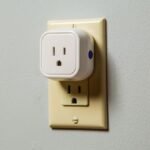
If you’ve never owned a smart home device, start here. The Kasa Smart Plug Ultra Mini turns any “dumb” appliance into a smart one: plug in a lamp, a fan, or a coffee maker, and suddenly it responds to your voice, your phone, and your schedules. Its ultra-mini size is the detail that matters — it doesn’t block the second outlet, which sounds trivial until you’ve fought a bulky plug for outlet real estate. Through the Kasa app you get scheduling (lamp on at sunset, off at midnight), Away Mode (randomized lighting that makes an empty home look occupied), and voice control through Alexa or Google. The classic beginner routine: plug in the living room lamp, set it to turn on at sunset, and feel like you live in the future for the price of a pizza. It’s the lowest-risk entry point in smart home tech, and genuinely useful from day one.
Pros:
- Dead simple: the easiest smart home upgrade that exists
- Compact design doesn’t block adjacent outlets
- Scheduling, Away Mode, and voice control all included
- Inexpensive — the lowest-risk way to start
Cons:
- One plug controls one device — whole-home coverage needs several
- Wi-Fi based, so a house full of plugs adds network load
Best for: Absolute beginners and anyone who wants the single easiest smart home win.
The sleeper hit: Ting Smart Sensor
The Ting Smart Sensor is the least glamorous device in this guide and arguably the most important. It’s a small plug-in sensor that monitors your home’s electrical system for the warning signs of electrical faults — the arcing, overheating signatures, and power anomalies that precede electrical fires. Unlike a smoke detector that alerts you after a fire starts, Ting aims to catch problems before they become emergencies, sending phone alerts with guidance on what to do next. Setup takes minutes: plug it into an outlet, connect it to Wi-Fi, and it quietly watches your wiring. It’s particularly compelling for older homes where wiring age is a genuine concern, and some insurance companies even provide the device free. This is smart home tech at its best — invisible, boring, and potentially the most valuable gadget you own. Note it pairs with a monitoring service, so check the current plan details before buying.
Pros:
- Detects electrical fire risks before they become emergencies
- Minutes to set up; then completely invisible in daily life
- Particularly valuable for older homes with aging wiring
- Often available free through home insurance providers
Cons:
- Requires an ongoing monitoring service for full functionality
- Doesn’t replace smoke detectors — it’s a complement, not a substitute
Best for: Homeowners — especially in older houses — who want protection, not just convenience.
The reliable bulb: Aqara T2
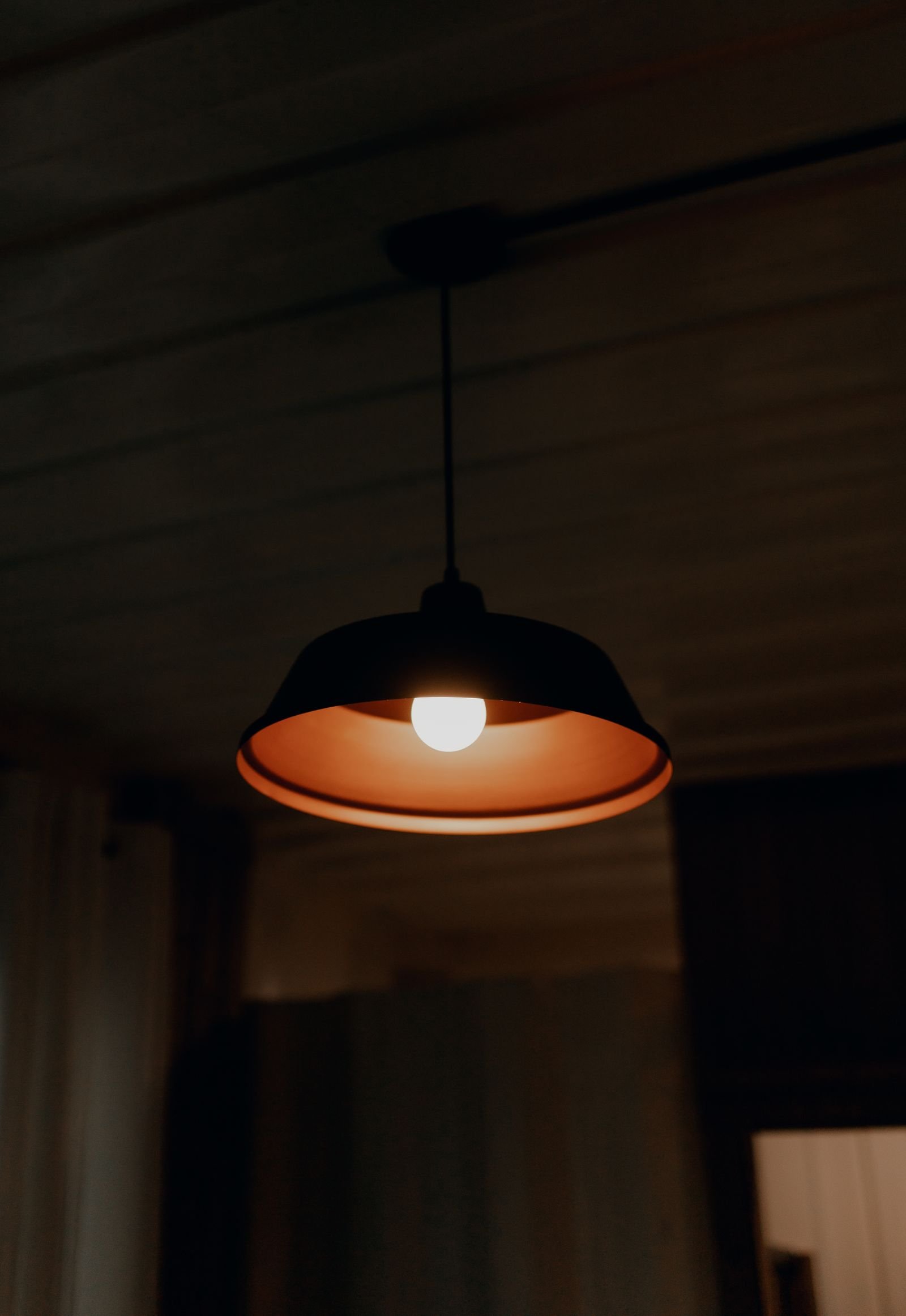
Smart bulbs are wonderful until one randomly drops off your network for the third time in a month. The Aqara T2 earns its place on reliability: it’s designed to work cleanly across modern smart-home setups with stable connectivity, so your automations actually run instead of mysteriously failing. As a bulb it covers the essentials — good color, tunable white, app and voice control — but the real selling point is that it stays connected. For beginners, that reliability is everything: nothing kills smart-home enthusiasm faster than a bedroom light that ignores you at midnight. Aqara’s broader ecosystem (sensors, hubs, switches) also gives you a natural expansion path if you catch the smart-home bug — all speaking the same reliable language.
Pros:
- Excellent connectivity reliability — stays on the network
- Full color plus tunable white for any mood or task
- Natural expansion path into Aqara’s sensor ecosystem
- Works across modern smart-home platforms
Cons:
- Less brand recognition than Philips Hue in some markets
- Best experience comes within the Aqara ecosystem
Best for: Beginners who want a smart bulb that just works, every time.
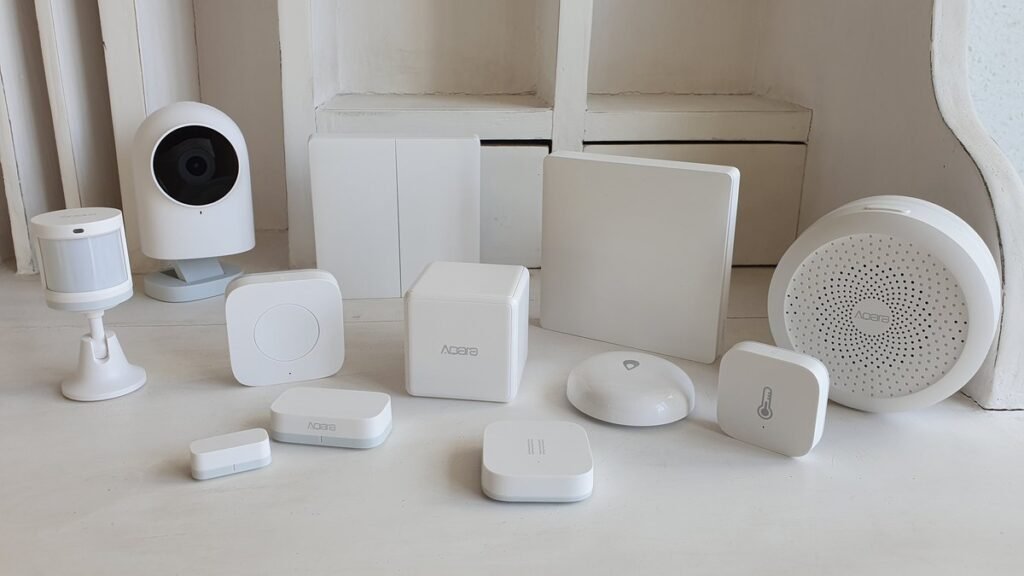
Smart Home Starter Comparison
| Device | What it does | Difficulty | Why it’s worth it |
|---|---|---|---|
| Kasa Smart Plug Ultra Mini | Makes any appliance smart | Trivial | Cheapest, easiest first win |
| Ting Smart Sensor | Monitors wiring for fire risks | Easy | Safety you can’t get elsewhere |
| Aqara T2 bulb | Smart color + white lighting | Easy | Reliability that keeps you sane |
Ready for the next layer? Our best smart lights of 2026 guide goes deeper on bulbs and effects lighting, and our smart speaker guide picks the best voice controllers to run it all.
As an Amazon Associate I earn from qualifying purchases.
Smart Home FAQs
What is the best first smart home device to buy?
A smart plug. It’s cheap, it works with things you already own, and it teaches you every core concept — app control, voice commands, scheduling — in about ten minutes. The Kasa Smart Plug Ultra Mini is the canonical starter for good reason. Add a smart bulb second, and you’ve built the foundation everything else stacks onto.
Do I need a hub for a smart home in 2026?
Not to start. Wi-Fi devices like the Kasa plug and most Matter bulbs work hub-free with your phone and voice assistant. A hub (or a speaker with hub features, like the Echo Dot Max) becomes worthwhile when you grow past a dozen devices or add sensors and switches that use Zigbee or Thread. Start hub-free; add one only when you feel the need.
Is the Ting sensor worth it?
If you own your home — especially an older one — yes. Electrical fires cause devastating damage, and Ting is one of the only consumer devices that watches for the precursors rather than the aftermath. It’s inexpensive, often free through insurers, and requires zero attention after setup. Renters in newer buildings will get less value from it.
Alexa vs Google Home vs Apple Home — which should beginners pick?
Match the phone in your pocket: iPhone users should lean Apple Home, Android users toward Google Home or Alexa. Alexa currently has the broadest third-party device support, which gives beginners the most options. With Matter-compatible devices like the ones in this guide, you’re not permanently locked in — but your routines and automations live in one app, so choose deliberately.
How much should a beginner smart home cost?
Under $100 for a genuinely useful start: a smart plug and a smart bulb. That two-device setup automates a lamp and a light, and teaches you whether you enjoy this enough to expand. The most common beginner mistake isn’t spending too little — it’s spending $500 on day one and using three devices.
Final Verdict
The best smart home devices for beginners in 2026 are the boring ones: a Kasa Smart Plug Ultra Mini to automate what you already own, an Aqara T2 bulb for lighting that never lets you down, and a Ting Smart Sensor quietly guarding your wiring. That’s a complete, genuinely useful smart home for well under what most starter bundles cost — no hub required, no subscriptions needed for the core value, no drawer of abandoned gadgets in six months. Start with the plug and the bulb. Live with them. Then — and only then — decide what your home actually needs next.
Affiliate Disclosure: This article contains affiliate links. If you purchase through them, we may earn a commission at no extra cost to you.
Where to Buy: Check Price on Amazon · Compare Prices on Daraz · Check Daraz Deals · Check AliExpress Price · See AliExpress Deals
Check the price on AliExpress — the global marketplace with millions of tech products.
As an AliExpress affiliate, we may earn a commission on qualifying purchases.
















Pingback: Best Smart Speakers 2026: Alexa, Apple & Sonos Compared
Pingback: Best Robot Vacuum 2026: 5 Picks That Actually Clean
Pingback: Best WiFi 7 Router 2026: Top 7 Picks for Every Home
Pingback: Ray-Ban Meta Glasses Review: $799 Display Worth It?