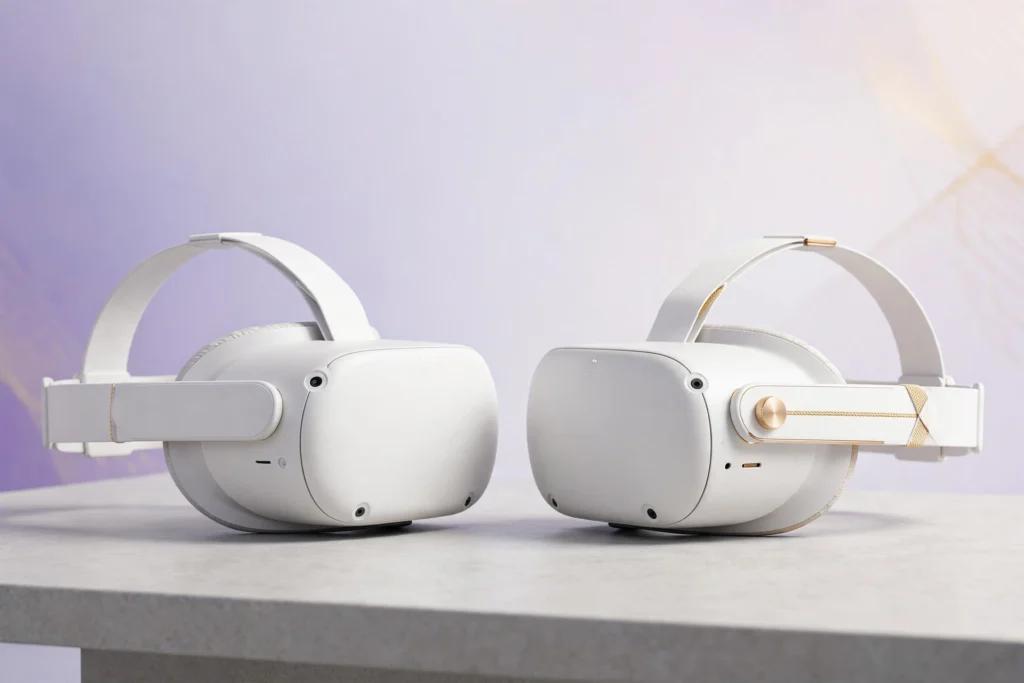
Meta made this decision both easy and confusing. Easy, because the Quest 3 and Quest 3S share the same processor, the same controllers, and the same game library — so you’re not choosing between ecosystems. Confusing, because the price gap is significant and the differences are all in areas that are hard to evaluate without trying both.
Here’s the short version: the Quest 3 has better displays and better mixed reality. The Quest 3S costs a lot less and plays all the same games just as well. Everything else is detail — important detail, but detail.
Let’s get into it.
As an Amazon Associate I earn from qualifying purchases.
What’s Actually Different
Before the comparisons, it helps to see the full picture. The two headsets are far more alike than different.
What’s identical: the Snapdragon XR2 Gen 2 chip, the Touch Plus controllers (no tracking rings, same haptics), the tracking system, the Quest software library, Wi-Fi 6E support, and the general feature set. A game that runs on one runs identically on the other. Full stop.
What’s different: the displays and lenses, the passthrough cameras, the physical design, storage options, and the price. That’s the whole list. So the entire buying decision comes down to whether the display and mixed-reality upgrades are worth the premium to you.
Display and Lenses: The Big One
This is where your money goes, so let’s be precise.
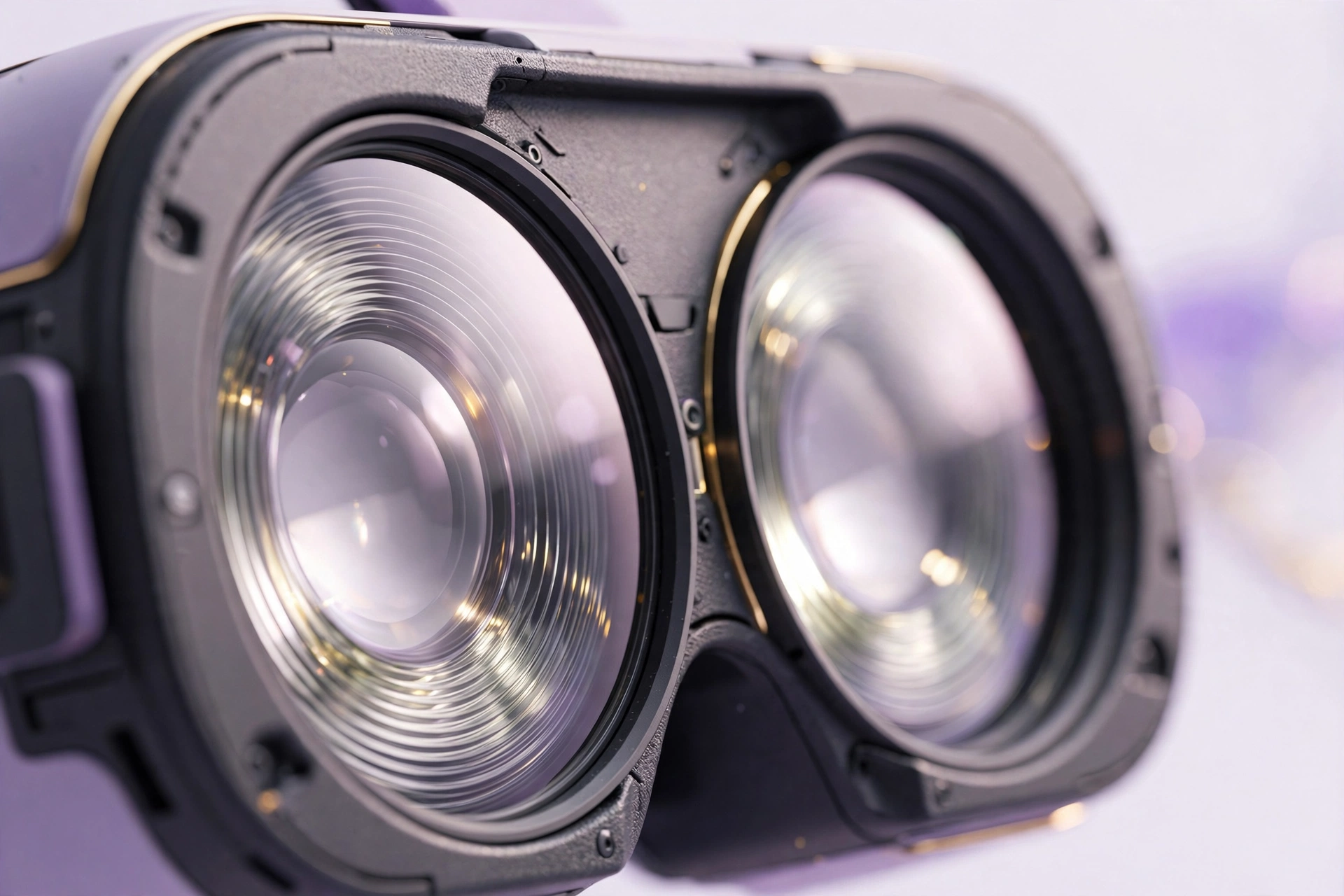
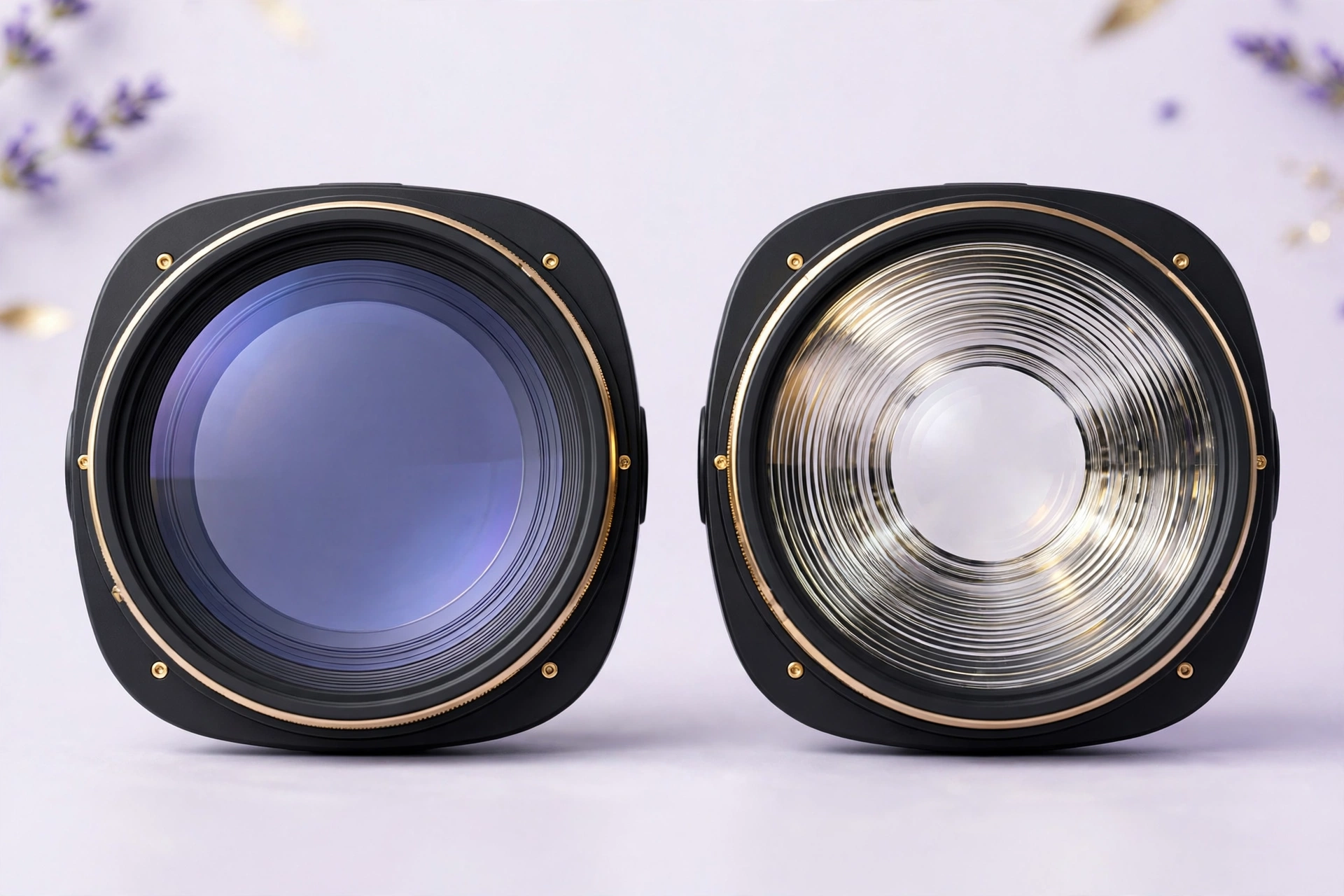
The Quest 3 uses pancake lenses with higher-resolution displays (2064×2208 per eye). Pancake lenses are thinner, which makes the headset slimmer, and they deliver a larger “sweet spot” — the area where the image looks sharp. Text is crisper, fine details hold up better, and there’s less of that blurry-edge effect when you glance to the side.
The Quest 3S reuses the Quest 2’s fresnel lenses and lower-resolution panels (1832×1920 per eye). Fresnel lenses are bulkier and have a smaller sweet spot, plus the characteristic “god rays” — those faint light streaks you see around bright objects on dark backgrounds.
How much does it matter in practice? It depends on what you do. For fast-moving games like Beat Saber or Supernatural, you’ll barely notice — you’re not reading text mid-song. For anything involving reading, virtual desktop work, or slower cinematic experiences, the Quest 3’s clarity is genuinely noticeable. It’s not subtle if you compare them side by side; it’s just that the 3S is perfectly enjoyable on its own until you know what you’re missing.
Performance: A Tie
There’s nothing to debate here, which is refreshing. Both headsets run the Snapdragon XR2 Gen 2, and in real-world use they perform identically. Same frame rates, same load times, same games, same settings.
This is actually the Quest 3S’s killer feature as a product: Meta didn’t cheap out on the part that determines what you can play and how well it runs. They cheap out on the windows you’re looking through, not the engine behind them. Clever, and great for buyers.
One small note: because the 3S renders at a lower resolution, it arguably has an easier job — but in practice both hit their targets smoothly. Call it a draw and move on.
Mixed Reality: Quest 3 Wins Clearly
If mixed reality matters to you, this section might decide the whole thing.
The Quest 3 has dual 4MP RGB passthrough cameras that deliver full-color, reasonably sharp views of your real surroundings. It’s good enough that MR apps — virtual furniture in your room, mixed-reality games that use your walls and floor — feel practical, not demo-ware.
The Quest 3S has lower-fidelity passthrough. It works fine for the basics — finding your controllers, checking your surroundings, basic guardian setup — but it’s noticeably grainier and less color-accurate. For MR gaming and productivity, it’s a meaningful step down.
How much should you care? Ask yourself whether you’ll actually use mixed reality. Plenty of VR owners spend 95% of their time in fully virtual experiences, where passthrough quality barely registers. But if the idea of virtual monitors floating in your office or MR games in your living room excites you, the Quest 3 is the only real choice of the two.
Design, Comfort, and Storage
Physically, the headsets look different. The Quest 3 is slimmer up front thanks to those pancake lenses; the 3S has the chunkier, more familiar Quest 2-style visor. In terms of weight they’re in the same ballpark, and honestly, neither is winning comfort awards with the stock strap — most heavy users end up buying an aftermarket head strap regardless of which model they pick.
Storage-wise, the Quest 3S launched with 128GB as the base option, while the Quest 3 offers higher tiers (including 512GB). Games keep getting bigger — some flagship titles eat 30GB+ — so if you’re the type who installs everything and never deletes, the larger Quest 3 storage options have real appeal. For most people, 128GB holds plenty.
Battery life is comparable between the two — around two to three hours depending on what you’re doing. Neither will get you through a marathon session without a break (which your eyes will appreciate anyway).
Price: The Deciding Factor for Most
Let’s talk money, because this is where the 3S makes its case. The price gap between the two is substantial — typically in the couple-hundred-dollar range depending on storage and current deals. That’s not pocket change; it’s the difference between “impulse buy” and “think about it for a month” for a lot of households.
Here’s a useful way to frame it: the Quest 3S plus a good aftermarket head strap and a couple of games often costs less than a bare Quest 3. If you’re buying your first headset, that bundle math is hard to argue with.
Who Should Buy the Quest 3S?
- First-time VR buyers. You get the full Quest experience — every game, same performance — for the lowest entry price. If you fall in love with VR, you can always upgrade later and hand this down.
- Families and gift-givers. Lower price, same library, durable enough for supervised kids. It’s the safer gift.
- Fitness gamers. If your VR life is Beat Saber, Supernatural, and boxing apps, the display differences barely register. Save the money.
- The budget-conscious. Obviously. This is the value king of VR right now.
Who Should Buy the Quest 3?
- Visual quality matters to you. If you’re sensitive to screen-door effect, god rays, or blurry edges — or you just want the best-looking image — the pancake lenses earn their keep.
- Mixed-reality enthusiasts. The passthrough difference is real and significant. For MR gaming, virtual monitors, or productivity, get the 3.
- Virtual desktop / productivity users. Reading text in VR demands sharpness. The Quest 3 is meaningfully better here.
- People who keep headsets for years. If this is a 3-4 year purchase, the better displays will age more gracefully.
The Verdict
There’s no wrong answer here, which is why this comparison is almost too close to call. The Quest 3S is the smarter buy for most people — same chip, same games, much lower price. The Quest 3 is the better headset, full stop — sharper, slimmer, better mixed reality.
If I had to give one-line advice: buy the Quest 3S unless you know specifically why you want the Quest 3. “Better displays and mixed reality” is a real reason, but it’s a reason for enthusiasts and specific use cases, not the average buyer. The 3S gets you into VR’s best ecosystem at a price that’s easy to justify — and once you’re in, the games are what matter anyway.
Affiliate Disclosure: This article contains affiliate links. If you purchase through them, we may earn a commission at no extra cost to you.
Where to Buy: Check Price on Amazon · Compare Prices on Daraz · Check Daraz Deals · Check AliExpress Price · See AliExpress Deals
Check the price on AliExpress — the global marketplace with millions of tech products.
As an AliExpress affiliate, we may earn a commission on qualifying purchases.