
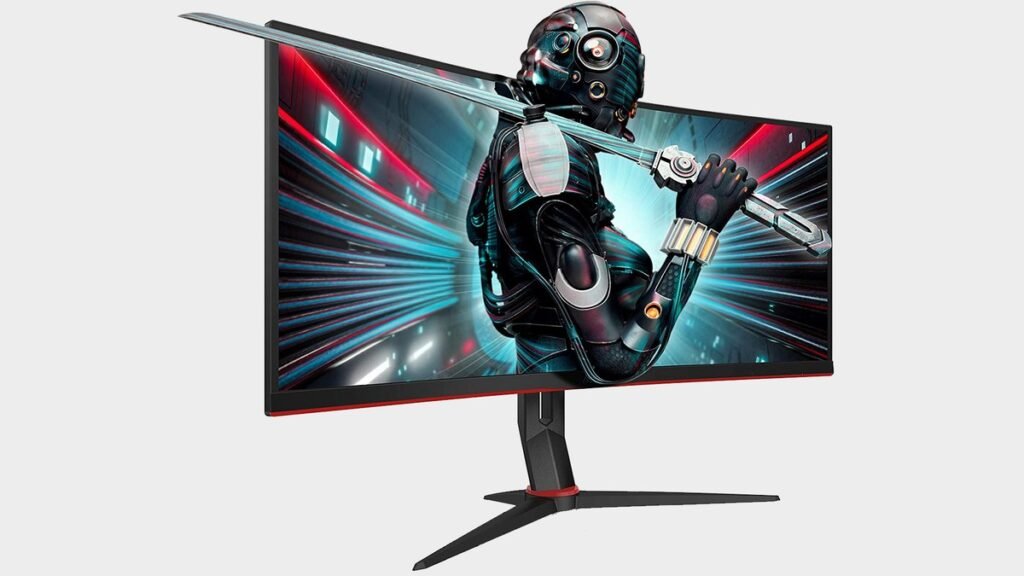
OLED gaming monitors used to sit firmly in the “I’d love one, but I’m not paying that much” category. That’s changing fast. In 2026, 27-inch QD-OLED panels with 240Hz refresh rates have dropped into the $300–$500 range, and the best budget OLED gaming monitor of 2026 is no longer a fantasy — it’s a genuinely smart buy for gamers who care about image quality.
Three picks at three levels: an affordable entry into OLED, a no-compromise competitive monster with a 500Hz panel, and a massive 49-inch ultrawide for total immersion. You’ll also get the honest burn-in talk — because OLED’s one real weakness deserves a straight answer, not marketing spin.
Why OLED changes gaming (and what’s different in 2026)
The reason OLED looks so different from LCD comes down to physics. A traditional IPS or VA panel uses a backlight shining through liquid crystals — even the darkest scenes have some light bleed, because the backlight never fully turns off. OLED pixels produce their own light and switch completely off for black. Result: effectively infinite contrast, no backlight bloom around bright objects, and dark scenes that actually look dark.
OLED also has near-instant pixel response times (around 0.03ms), which kills the ghosting and motion blur that LCDs fight with overdrive tricks. Fast-moving games look crisper — not because of a higher refresh rate, but because each frame is sharper. That’s why even a 240Hz OLED can feel clearer than a faster LCD.
What’s new in 2026 is price and brightness. QD-OLED — the quantum-dot color variant — has matured into its third generation with better brightness and burn-in resistance, and 27-inch 1440p 240Hz panels have fallen into the $300–$500 range. OLED is no longer a $1,000+ indulgence; it’s a legitimate option for a mid-range gaming setup.
How to choose a gaming monitor in 2026
1. Start with what you actually play
This is the buying tip that matters most. Competitive FPS players should prioritize refresh rate, response time, and input latency — frames win fights. Cinematic single-player gamers should prioritize resolution, HDR, contrast, and color quality — beauty wins immersion. Buying a 500Hz monitor for story-driven RPGs is paying for performance you’ll never use; buying a 60Hz 4K panel for Valorant is handicapping yourself. Match the monitor to the games.
2. Resolution vs refresh rate: the 1440p sweet spot
For most gamers in 2026, 27″ 1440p at 240Hz remains the sweet spot: sharp enough to look great, fast enough for competitive play, and achievable for mid-range GPUs. 4K demands serious GPU horsepower and makes more sense for single-player showcases. Ultrawide (21:9 or 32:9) is about immersion, not competitiveness — check that your favorite games support the aspect ratio before committing.
3. Panel type: QD-OLED vs WOLED vs the rest
QD-OLED (Samsung Display panels, used by AOC, MSI, Alienware) tends to offer punchier colors and better brightness; WOLED (LG panels) is also excellent with slightly different color characteristics. Both are OLED with the same core advantages. Mini-LED is the LCD alternative: brighter, no burn-in risk, but can’t match OLED’s blacks. Standard IPS is fine for budget and productivity, but it’s not in the same league for gaming image quality.
4. The burn-in question, answered honestly
Burn-in — permanent image retention from static elements — remains OLED’s one real weakness. Modern panels fight it with pixel refresh cycles, pixel shift, logo detection, and improved materials, and for varied gaming content the risk is low. But leave the same static desktop or HUD on screen for 8+ hours daily with no mitigation and you can still cause uneven wear. Vary your content, let the panel run its maintenance cycles, and it’s a non-issue for most gamers.
The best budget OLED gaming monitors of 2026
Best value OLED: AOC Q27G4ZD
The AOC Q27G4ZD is the pick for people who want into OLED without spending a fortune. It’s a 27-inch QD-OLED panel at 2560×1440 with a 240Hz refresh rate and the ~0.03ms response times that make OLED motion look so clean. You get the deep blacks, the punchy QD-OLED colors, and esports-grade smoothness — the full OLED experience — at a price that would have been unthinkable for this technology two years ago.
There are compromises, and you should know them. No USB-C, so single-cable laptop docking is out, and peak brightness won’t match the brightest LCDs — bright rooms will wash it out somewhat. The stand is basic, so plan on a VESA arm if you want adjustability.
At 27″ 1440p, it also pairs well with mid-range GPUs — you don’t need a flagship graphics card to drive 240fps in competitive titles at this resolution, and single-player games look stunning thanks to the contrast and color.
Pros:
- Genuine QD-OLED image quality at a budget-friendly price
- 240Hz + 0.03ms response for elite motion clarity
- 27″ 1440p is the sweet spot most GPUs can actually drive
- Deep blacks and vibrant colors transform dark games
Cons:
- No USB-C — no single-cable laptop connectivity
- Brightness is modest; not ideal for very bright rooms
Best for: Gamers who want the OLED experience — contrast, color, motion clarity — at the lowest sensible price.
Competitive pick: MSI MPG 271QR QD-OLED X50
Now we enter ridiculous territory. The MSI MPG 271QR QD-OLED X50 pairs a 1440p QD-OLED panel with a 500Hz refresh rate, a listed 0.03ms GtG response time, DisplayPort 2.1a, and HDMI 2.1. Five hundred hertz sounds excessive because, for most people, it is — but for competitive Counter-Strike 2 and Valorant players at a very high level, the motion clarity at 500fps is genuinely remarkable.
The honest math: going from 240Hz to 500Hz saves less than 2ms of frame time, versus nearly 10ms going from 60Hz to 144Hz. You’ll feel the difference in side-by-side tests, but in blind gameplay most players can’t reliably tell. What you’re buying is the absolute ceiling — and the knowledge that your display will never be the bottleneck.
Pros:
- 500Hz — the fastest refresh rate in its class
- QD-OLED panel: elite contrast and color alongside the speed
- Modern connectivity: DisplayPort 2.1a, HDMI 2.1
- 0.03ms response eliminates ghosting entirely
Cons:
- Requires a very powerful PC to actually hit 500fps
- Diminishing returns vs 240Hz for non-competitive players
- Premium pricing — you’re paying for the bleeding edge
Best for: Serious competitive FPS players with high-end GPUs who want the absolute fastest panel available.
Ultimate immersion: Samsung Odyssey OLED G9
Then there’s the Samsung Odyssey OLED G9, which isn’t a monitor so much as a cockpit. A massive 49-inch ultrawide with 5120×1440 resolution and a 32:9 aspect ratio — the equivalent of two 27″ 1440p monitors fused into one seamless curve, with no bezel in the middle. Racing games, flight simulators, and sprawling RPGs are where this format earns its keep: instead of looking at a game, you’re surrounded by it.
As an OLED, it brings the same perfect blacks and instant response as the smaller picks, just at a staggering scale. The 1000R curve wraps your peripheral vision, and in supported sims and RPGs the effect is genuinely transportive. It also doubles as a productivity powerhouse — the equivalent of two 27″ displays with no bezel between them.
Pros:
- Unmatched immersion — 49″ of seamless curved OLED
- 5120×1440 gives huge workspace for multitasking too
- OLED contrast and response at ultrawide scale
- No center bezel vs a dual-monitor setup
Cons:
- Premium price — and demands a powerful GPU
- Needs a deep desk; not all games support 32:9
- Overkill (and awkward) for competitive FPS
Best for: Sim racers, flight-sim pilots, and immersion-first gamers with the desk space and GPU to feed it.
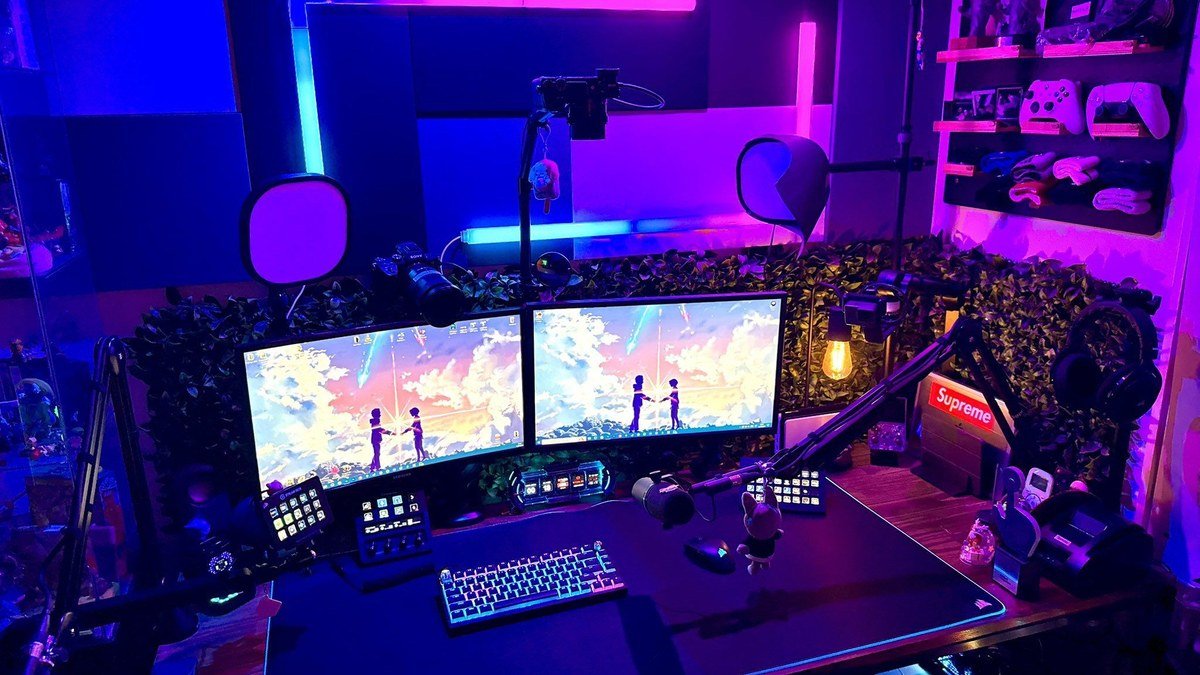
Gaming monitor comparison table
| Monitor | Size / resolution | Refresh rate | Panel | Best for |
|---|---|---|---|---|
| AOC Q27G4ZD | 27″ / 1440p | 240Hz | QD-OLED | Best value OLED |
| MSI MPG 271QR QD-OLED X50 | 27″ / 1440p | 500Hz | QD-OLED | Competitive esports |
| Samsung Odyssey OLED G9 | 49″ / 5120×1440 | High (ultrawide) | OLED | Immersion / sims |
As an Amazon Associate I earn from qualifying purchases.
FAQs about OLED gaming monitors
Is OLED worth it for gaming in 2026?
Yes — with one caveat. Modern OLED panels are brighter than early ones and include burn-in protections that run automatically. Play varied content, let the panel do its maintenance, and burn-in is unlikely to affect you. For pure desktop/office use with static windows all day, an LCD remains the safer choice.
Should I worry about OLED burn-in?
Less than you think — but don’t ignore it. For varied gaming content, modern protections handle it well. The risk cases are static elements displayed for many hours daily: news tickers, taskbars, game HUDs that never change. Use the panel’s built-in protections, vary content, and hide the taskbar if you’re cautious.
Is 500Hz worth it over 240Hz?
For almost everyone, no. The jump from 60Hz to 144Hz is transformative; 144Hz to 240Hz is noticeable; 240Hz to 500Hz is subtle and demands a PC that can render 500fps. Buy the 500Hz MSI only if you compete at a high level in shooters and own the GPU to feed it.
What GPU do I need for these monitors?
For 27″ 1440p 240Hz: a mid-range to upper-mid-range GPU handles competitive titles at high frame rates; single-player games look great even at 60–120fps thanks to OLED’s contrast. For the 500Hz MSI: a high-end GPU with competitive settings. For the 49″ G9’s 5120×1440: treat it like a resolution between 1440p and 4K — a strong GPU is mandatory for high refresh rates.
QD-OLED vs WOLED — which is better for gaming?
Both are excellent. QD-OLED (used in the AOC and MSI here) typically offers punchier colors and slightly better brightness; WOLED (LG’s panels) has its own strengths in uniformity and text clarity. In practice, either one will look dramatically better than any LCD. Don’t agonize over the panel subtype — agonize over size, resolution, and refresh rate, which affect your experience far more.
Final verdict
The best budget OLED gaming monitor of 2026 for most gamers is the AOC Q27G4ZD: real QD-OLED image quality, 240Hz smoothness, and a 27″ 1440p format that mid-range PCs can actually drive — at a price that finally makes OLED the sensible choice rather than the luxury one. Step up to the MSI MPG 271QR QD-OLED X50 only if you’re a serious competitive player with the GPU to exploit 500Hz, and consider the Samsung Odyssey OLED G9 if immersion is your religion and your desk (and wallet) can handle 49 inches of it.
Whichever you choose, pair it with the rest of your setup thoughtfully — a good gaming keyboard and gaming mouse matter more for competitive performance than the last 100Hz of refresh rate. And remember: buy for the games you actually play, not the specs that impress on paper.
Affiliate Disclosure: This article contains affiliate links. If you purchase through them, we may earn a commission at no extra cost to you.
Where to Buy: Check Price on Amazon · Compare Prices on Daraz · Check Daraz Deals · Check AliExpress Price · See AliExpress Deals
Check the price on AliExpress — the global marketplace with millions of tech products.
As an AliExpress affiliate, we may earn a commission on qualifying purchases.















Pingback: Best Magnetic Phone Gaming Controller Picks 2026