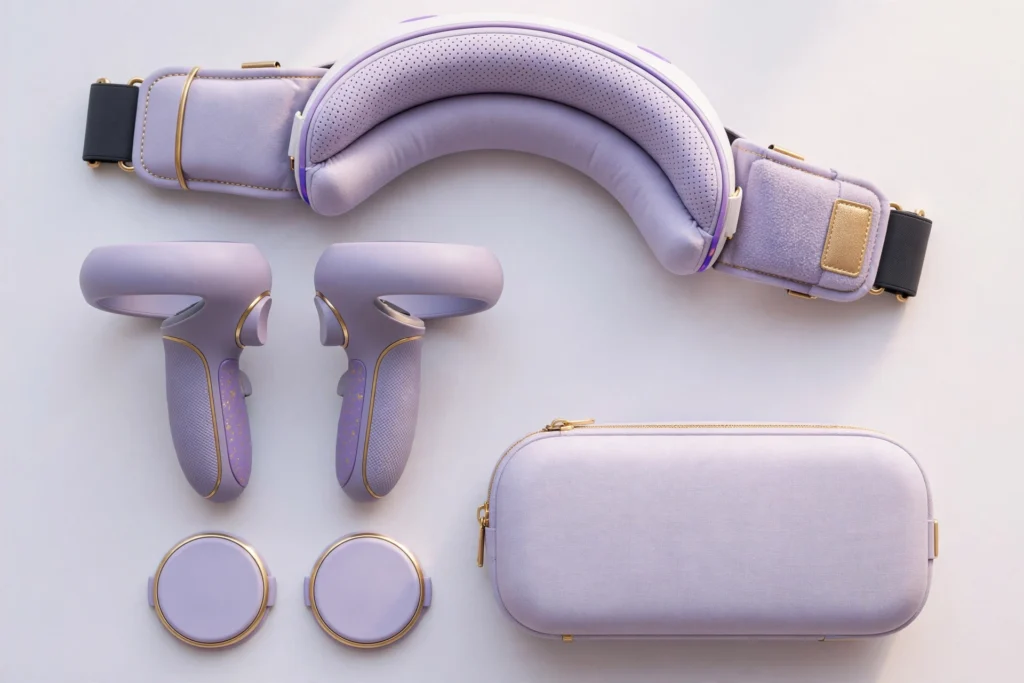
Here’s something nobody tells you before buying a VR headset: the headset is just the start. The stock head strap gets uncomfortable after 45 minutes. The controllers fly out of sweaty hands. The lenses collect dust and micro-scratches. And good luck tossing a $300–500 device into a backpack unprotected.
The good news? The Quest accessory market is mature, competitive, and full of genuinely worthwhile upgrades. The bad news? It’s also full of junk. These are the seven accessories that are actually worth your money — the ones that fix real problems rather than inventing new ones.
As an Amazon Associate I earn from qualifying purchases.
The 7 Best Meta Quest Accessories
1. KIWI Design K4 Head Strap — The Single Best Upgrade
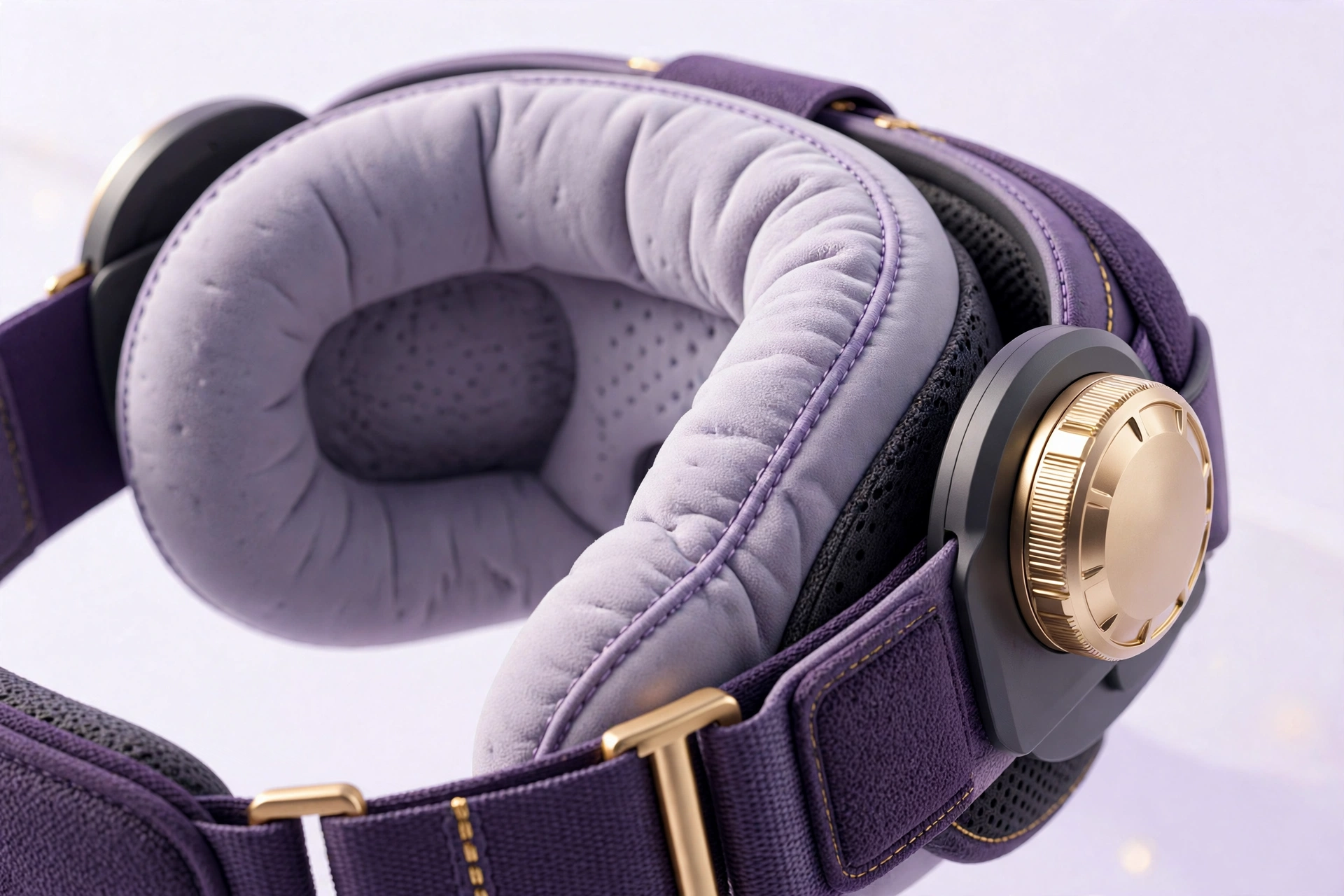
If you buy one accessory, make it this. The stock Quest strap — on both the 3 and 3S — is a soft fabric band that does an okay job for short sessions and a bad job for long ones. All the weight sits on your face, pressure builds on your cheeks, and by the hour mark you’re adjusting constantly.
The KIWI Design K4 (and quality alternatives in the same style) replaces it with a rigid halo-style strap that distributes weight across your forehead and the back of your head instead of your face. The difference is dramatic — it’s the gap between “VR is fun for 30 minutes” and “I lost track of time for three hours.”
What to look for in any head strap: a rear cradle or counterweight design, a top strap to prevent sliding, easy adjustability (you’ll share the headset, trust me), and ideally a hinge so you can flip the visor up. The K4 checks all of those boxes at a reasonable price, which is why it’s the default recommendation.
2. Link Cable — For PCVR Without Compromise
Your Quest can double as a PCVR headset, and it’s genuinely great at it — but only with the right connection. You have two options: a dedicated Link cable (USB-C, long, rated for the bandwidth) or wireless via Air Link / Virtual Desktop over a good Wi-Fi 6 router.
The cable is the reliable choice. No compression artifacts from a weak signal, no latency spikes when someone microwaves popcorn, no router upgrades required. Look for a 16-foot USB-C cable explicitly rated for VR/Link use — length matters because you’ll be moving around, and not all long USB-C cables sustain the data rates VR needs.
That said, if your play space has a strong Wi-Fi 6 signal from a nearby router, wireless is wonderfully freeing. Many people start with the cable and go wireless later. Either way, don’t try PCVR over a cheap 6-foot phone charger cable and wonder why it stutters.
3. Carrying Case — Non-Negotiable Protection
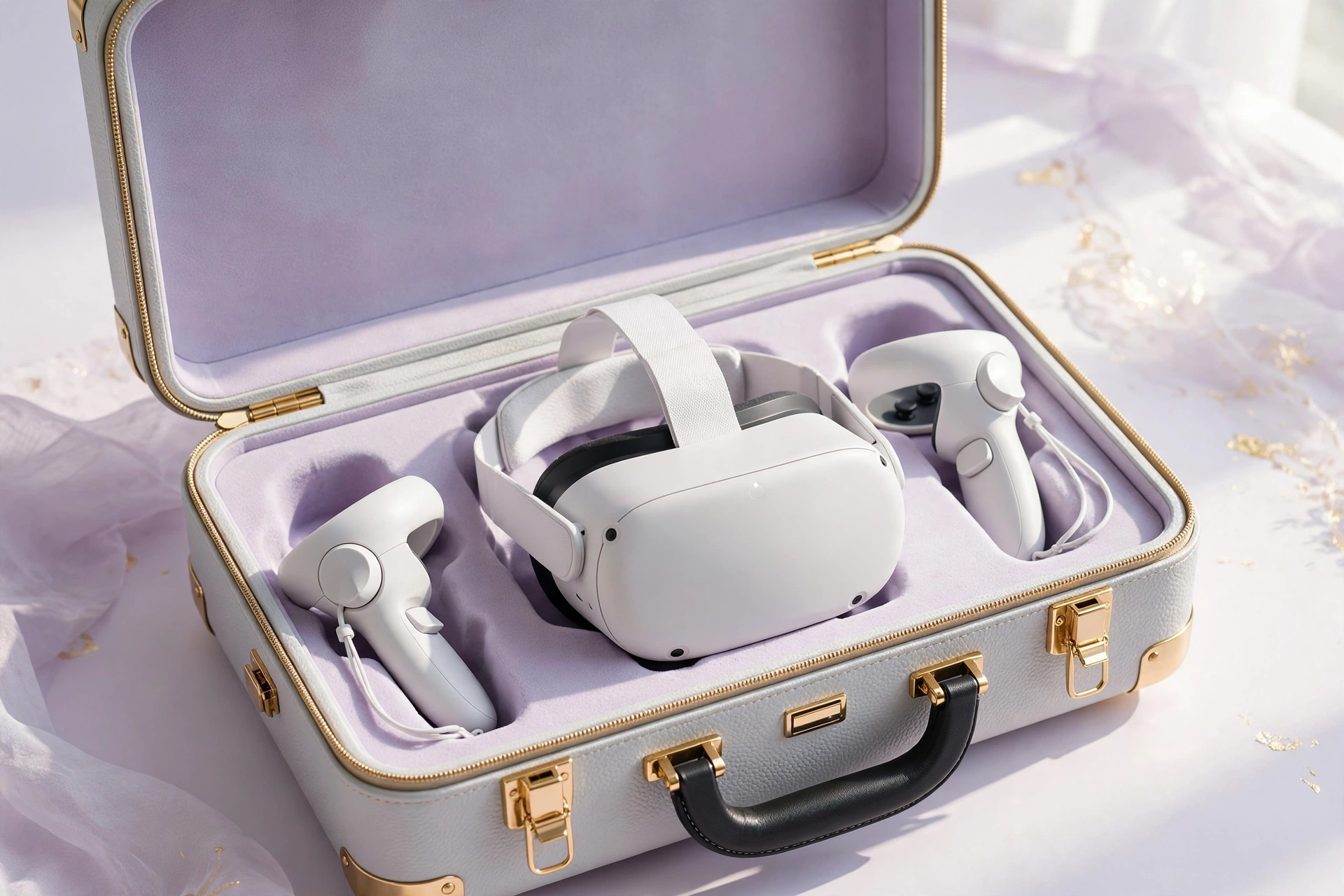
VR headsets are awkwardly shaped, lens-forward, and expensive. Tossing one in a bag unprotected is asking for scratched lenses — and scratched lenses are permanent. A hard-shell carrying case is cheap insurance.
The official Meta case is fine, but third-party options often give you more for less: molded compartments for the headset, controllers, and charging cable; a lens cover built in; and sometimes room for a head strap upgrade or battery pack. Hard shell outside, soft lining inside — that’s the formula.
Even if your headset never leaves the house, a case keeps dust off the lenses and gives the whole setup a home. It also makes the “let me show you VR” moment with friends dramatically easier.
4. Controller Grips — Stop Launching Controllers
Everyone has a story. Mid-song in Beat Saber, hands sweaty, controller goes flying. The stock wrist straps help, but knuckle-style grip covers are better — they let you open your hand fully (for throwing motions in games) without dropping anything.
Good grips add a textured, sweat-resistant surface and a strap that goes over your knuckles rather than your wrist. They’re especially worthwhile if you play fitness or rhythm games, where the stock controllers get slippery fast. They’re also cheap — one of the best dollars-per-improvement ratios in all of VR.
One tip: make sure any grips you buy are compatible with your specific headset’s controllers. Quest 3/3S Touch Plus controllers (no tracking rings) need different grips than older Quest 2 controllers.
5. Lens Protectors — The Cheapest Insurance You’ll Buy
VR lenses scratch easily and can’t be repaired — only replaced, usually by replacing the whole headset. Lens protectors (thin covers or clip-on guards) cost next to nothing and eliminate the risk entirely.
This matters doubly if you wear glasses. Glasses frames grinding against VR lenses is the number one cause of scratches, and it happens gradually enough that you don’t notice until the damage is done. If you wear glasses in VR, protectors aren’t optional — or better yet, look into prescription lens inserts made for your headset model, which replace glasses entirely and give you a clearer image to boot.
Keep a microfiber cloth in your case too. Wipe lenses gently, never with your shirt.
6. Charging Dock — Tidy Up the Ritual
Quest headsets and controllers charge over USB-C, which means cables draped across your desk and the eternal “is it charged?” question. A charging dock turns the whole thing into a ritual: finish playing, drop the headset and controllers on the dock, done. Everything’s charged next time.
Look for docks with proper contact charging (not just cable passthroughs), overcharge protection, and a stable base that won’t tip when you set the headset down blind. Some docks include rechargeable batteries for the controllers — a nice touch, since the Touch controllers eat AAs otherwise.
It’s a quality-of-life purchase, not a necessity. But VR has enough friction already; anything that makes you more likely to actually put the headset on is worth it.
7. VR Mat — Know Where You Are
A VR mat is a round, cushioned pad (usually around 35 inches across) that marks the center of your play space. When your feet feel the edge, you know you’re drifting — no more punching walls or stumbling into furniture.
It sounds minor until you’ve played a few months without one. The mat also adds welcome cushioning for your feet and knees during long sessions, and the textured center marker helps you reorient without lifting the headset. For room-scale gaming, it’s one of those things you don’t appreciate until you try it.
If you’re strictly a seated player (racing sims, flight sims, movie watching), skip it. Everyone else: strongly consider it.
What to Skip
Not everything in the accessory aisle deserves your money. A few categories to be skeptical of:
Cheap no-name battery packs that strap to the headset. Counterweight is a legitimate concept, but poorly made ones are uncomfortable, and sketchy lithium batteries near your face are a risk not worth taking. Stick to reputable brands.
“VR gloves” and exotic controllers. Fun concept, immature products. The stock Touch controllers are excellent; most alternatives are worse.
Overpriced “pro” lens cleaning kits. A microfiber cloth and common sense are all you need. Don’t pay $30 for a branded cloth.
Anything promising to “increase FOV” or “boost resolution.” Physics doesn’t work that way. These are scams or placebos.
Frequently Asked Questions
Are third-party accessories safe to use with my Quest?
Generally yes, from reputable brands. Straps, cases, grips, and lens covers are purely mechanical — nothing to go wrong. For anything electrical (charging docks, battery packs, cables), stick to well-reviewed brands and check compatibility with your exact model.
Do I need all of these?
No. The honest priority order: head strap first (comfort changes everything), then lens protectors (irreversible damage prevention), then a case. Everything else depends on how you use VR — PCVR players need the cable, travelers need the case, fitness players need grips.
Will Quest 2 accessories fit the Quest 3/3S?
Sometimes, but don’t assume. The Touch Plus controllers (Quest 3/3S) have a different shape than Quest 2 controllers, so grips and docks usually aren’t cross-compatible. Head straps differ too. Always check the listing for your specific model.
How do I clean my VR headset?
Microfiber cloth for lenses (gentle, circular motions). Slightly damp cloth for the facial interface — or better, a wipeable silicone cover, which is itself a worthwhile cheap accessory for hygiene, especially if you share the headset or work out in it.
The Bottom Line
VR accessories follow a simple rule: fix comfort first, protect the lenses always, and add convenience as you go. A good head strap transforms the experience more than any spec upgrade, and a $10 lens protector prevents the single most expensive mistake in VR.
Start with the strap and the protectors. Add the rest as your VR habits tell you what you need. And skip the gimmicks — the best accessory is the one that gets the headset onto your face more often.
Affiliate Disclosure: This article contains affiliate links. If you purchase through them, we may earn a commission at no extra cost to you.
Where to Buy: Check Price on Amazon · Compare Prices on Daraz · Check Daraz Deals · Check AliExpress Price · See AliExpress Deals
Check the price on AliExpress — the global marketplace with millions of tech products.
As an AliExpress affiliate, we may earn a commission on qualifying purchases.