
There’s something frustrating about having a “smart” home that becomes surprisingly dumb the moment your internet connection disappears. Your lights shouldn’t stop responding just because your broadband went down. Yet that’s exactly what happens with most cloud-dependent smart home setups — every command travels to a company’s server and back, so when the connection drops, so does your house. A smart home without internet dependency isn’t science fiction. It’s what Home Assistant has been doing for years.
This guide explains why cloud-dependent smart homes are fragile, how a local-first setup works, and the simplest way to get started: Home Assistant Green, a plug-and-play hub that runs everything inside your house. Whether you’re privacy-conscious, live with unreliable internet, or just want your automations to be instant, here’s the full picture.
The Problem With Cloud-Dependent Smart Homes
Most mainstream smart home products depend heavily on the manufacturer’s cloud. Press a button in an app, and the command travels from your phone to a data center — possibly on another continent — and back to the bulb in your ceiling. When everything works, it’s seamless. When it doesn’t, your “smart” home degrades in ways a regular light switch never would.
There are three real problems. First, outages: if your internet goes down, cloud-dependent devices can lose some or all of their functionality. Lights, locks, thermostats — things that should obviously work locally — stop working because their brains live in the cloud. Second, longevity: manufacturers change services, raise subscription prices, or discontinue products. Your hardware keeps working only as long as the company keeps the servers on, and plenty of once-popular smart home brands have shut down their clouds, bricking devices people paid good money for.
Third, privacy. The more of your smart home activity passes through outside services, the more you have to think about where that data goes. Every light toggle, every door sensor event, every thermostat change can be logged, profiled, and in some cases sold. A local-first smart home keeps that data inside your house, on hardware you own.
What a Local Smart Home Actually Means
A local smart home runs its logic on hardware inside your home — not on someone else’s server. Your automation hub talks directly to your devices over your home network or local wireless protocols like Zigbee, Z-Wave, Thread, and Matter. Commands execute in milliseconds because they never leave the building. Your internet could vanish for a week and the lights, sensors, and automations keep working.
The protocols matter. Zigbee and Z-Wave are mature mesh protocols: battery-powered sensors sip power for years, and mains-powered devices relay signals for each other, extending range across the house. Matter and Thread are the newer open standards backed by Apple, Google, Amazon, and Samsung — they’re gradually making cross-brand compatibility the norm. Home Assistant speaks all of them, which is its superpower: it can bridge devices from different ecosystems into one system instead of forcing you to pick a single brand’s walled garden.
There’s a distinction worth understanding: Wi-Fi devices vs. protocol devices. Many cheap smart bulbs and plugs are Wi-Fi-based and often require the manufacturer’s cloud app even for basic control. Zigbee/Z-Wave/Thread devices, paired through a local hub, can work entirely offline. When building a local smart home, prefer devices that speak local protocols — they’re the ones that keep working when the internet dies.
Home Assistant: The Local-First Hub
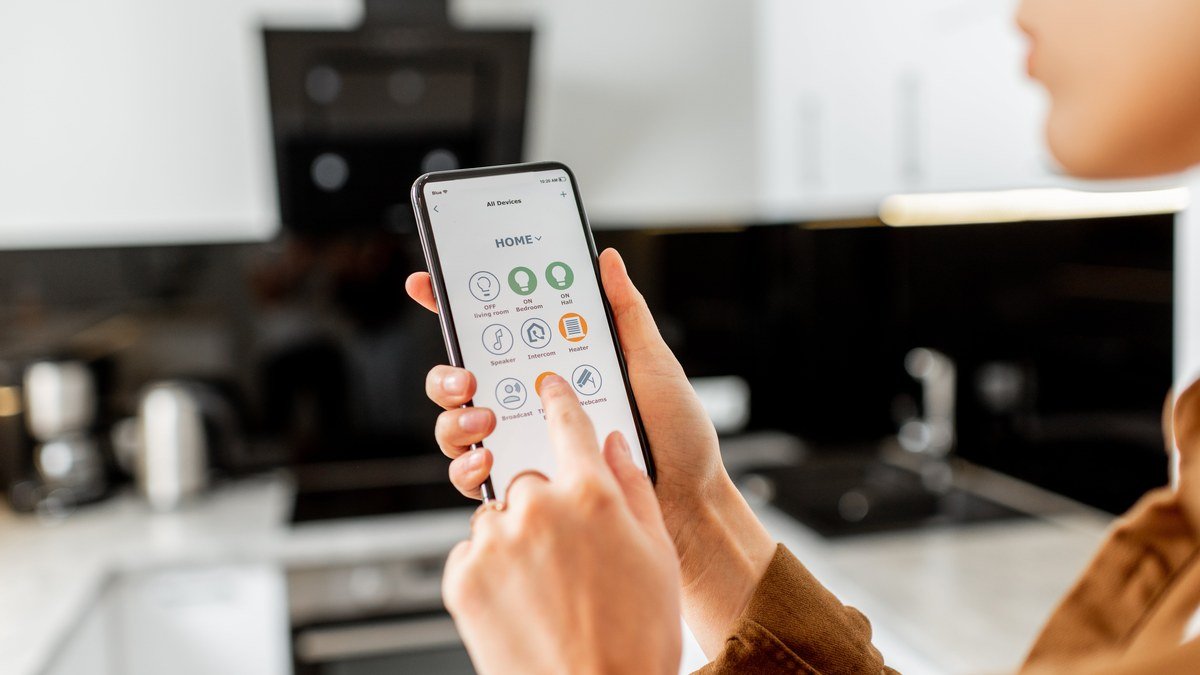
Home Assistant is free, open-source software that runs on hardware inside your home and is designed around local control and privacy. Install it on a small computer, connect it to your network, and it automatically detects compatible smart home devices and gives you one central place to manage them — lights, sensors, thermostats, cameras, media players, vacuums, everything.
The pitch is simple: compatible local devices keep working even when the internet is down, and your data stays stored locally instead of in someone’s cloud. Automations run on the hub, so “turn on the porch light at sunset” or “lock the door when everyone leaves” executes instantly, with no round-trip latency and no dependency on a server farm.
The honest catch: Home Assistant is still more complicated than buying an Echo and saying “Alexa, turn on the lights.” You’ll spend some time learning how integrations, devices, and automations fit together. But that’s also the fun part — and where it beats basic platforms. Once you understand the basics, you can build automations far more customized than what cloud platforms allow: multi-condition logic, presence detection from your phones, energy monitoring, and dashboards you design yourself. And the community is enormous, so nearly every problem you’ll hit has already been solved and documented by someone.
Getting Started: Your Hardware Options
Option 1: Home Assistant Green (easiest)
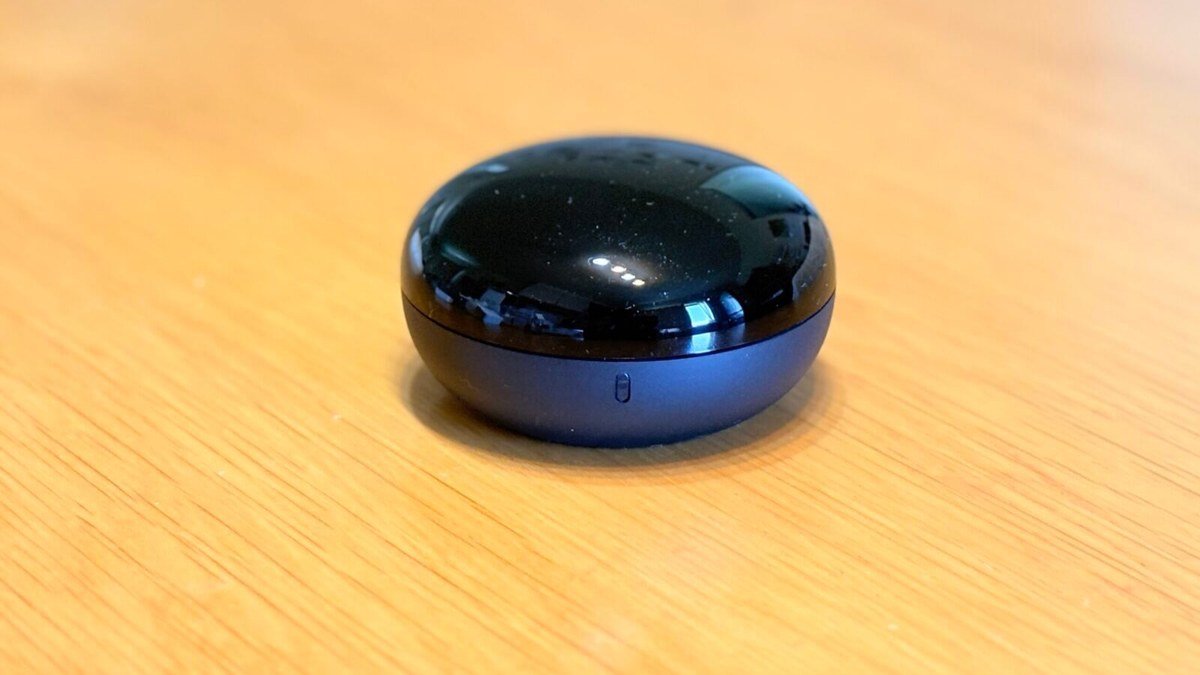
If the thought of flashing an SD card and configuring a Raspberry Pi makes you want to close this article, Home Assistant Green is for you. It’s the official plug-and-play hub: connect power and your network cable, and Home Assistant is already installed. Auto-discovery finds your compatible devices, and you’re building automations within minutes.
Green is deliberately simple — no fan, no fiddling, no Linux commands required. It’s the fastest path from zero to a working local smart home, and it’s what I’d recommend to anyone who isn’t already comfortable with single-board computers.
Pros:
- Zero setup friction — plug in power and network, done
- Official hardware with ongoing support
- Silent, low-power, small enough to hide behind a router
Cons:
- Less flexible than a DIY build for heavy add-ons (cameras, media servers)
- No built-in Zigbee radio — you’ll want a USB coordinator dongle for Zigbee devices
Best for: Beginners and anyone who wants local smart home benefits without becoming a hobbyist.
Option 2: Raspberry Pi (the classic DIY route)
The traditional way to run Home Assistant: flash the Home Assistant OS image onto a Raspberry Pi (a Pi 4 with 4GB or a Pi 5 works well), plug it in, and you’re running the exact same software as Green. It costs less, and the Pi ecosystem gives you GPIO pins and endless expansion options if you want to tinker with custom sensors later.
The trade-off is setup effort — flashing an SD card, maybe dealing with USB SSDs for longevity — and the Pi supply/price situation has been uneven. If you already own a Pi, this is a no-brainer. If you’re buying new, compare the total cost against Green before deciding.
Pros:
- Cheapest entry point if you already own the hardware
- Huge community knowledge base for every Pi quirk
- GPIO and expansion for DIY sensor projects
Cons:
- SD cards wear out — plan for a USB SSD for long-term reliability
- More setup steps than Green
Best for: Tinkerers and anyone with a Pi already sitting in a drawer.
Option 3: Mini PC or old laptop (the power-user route)
Got an old laptop or a cheap mini PC gathering dust? Install Home Assistant OS on it and you’ve got a hub with far more headroom than any Pi — enough to also run camera recording (Frigate), media servers, and dozens of add-ons simultaneously. This is the route for people planning a big setup: lots of cameras, energy dashboards, voice assistants, the works.
Pros:
- Far more processing power for cameras and add-ons
- Free if you’re repurposing hardware you own
- SSD storage built in — no SD card wear issues
Cons:
- Bigger, noisier, more power-hungry than a Pi or Green
- Overkill if you just want lights and sensors
Best for: Ambitious setups with cameras, media, and heavy automation — or anyone repurposing existing hardware.
Local vs Cloud Smart Home: Comparison
| Local (Home Assistant) | Cloud-based (typical) | |
|---|---|---|
| Works without internet | Yes (with local devices) | Often no |
| Response speed | Milliseconds | Seconds (cloud round-trip) |
| Privacy | Data stays in your home | Data goes to vendor servers |
| Cross-brand support | Excellent (Matter/Thread/Zigbee/Z-Wave) | Limited to ecosystem |
| Subscription fees | None (optional remote-access service) | Common for cameras/features |
| Setup difficulty | Moderate | Easy |
As an Amazon Associate I earn from qualifying purchases.
FAQs About Local Smart Homes
Do Zigbee and Z-Wave devices really work without internet?
Yes. Zigbee, Z-Wave, Thread, and Matter are local wireless protocols — devices communicate with your hub directly, over your home network, with no internet required. That’s the whole point of building on these protocols rather than Wi-Fi cloud devices. Your automations keep firing during an outage exactly as they do when the internet is up.
Is Home Assistant hard to set up for a beginner?
It depends on the route. Home Assistant Green is genuinely plug-and-play: power, network, done — auto-discovery handles most of the rest. The Raspberry Pi route adds SD-card flashing and a few more steps, but guided installers have made it far less intimidating than it used to be. The learning curve is in automations and integrations, and the community documentation is excellent. Most people get a basic working setup in an afternoon.
Can I still use Alexa or Google Assistant with a local setup?
Yes. Home Assistant can expose devices to Alexa and Google Assistant, and there’s an optional official cloud service (Nabu Casa) that handles remote access and voice control securely. Many users run a hybrid: everything local by default, with cloud voice control as an optional layer. You’re choosing what leaves your house instead of having the choice made for you.
What happens to my smart home if the manufacturer shuts down?
With cloud devices, you’re at the company’s mercy — and several brands have bricked products by killing their clouds. With a local setup, the manufacturer can’t take your devices away: the hub, the protocols, and the automations are yours. Open-source software can’t be discontinued by a board meeting. That’s the real long-term argument for local-first.
Which smart home devices should I buy first?
Start with lights and a few sensors — they’re the most satisfying automations. Our guides to the best smart lights of 2026 and the best smart home devices worth buying are good starting points; just check for Zigbee, Z-Wave, Thread, or Matter support so your purchases work locally.
Final Verdict
A smart home without internet dependency isn’t a compromise — for most things, it’s strictly better. Faster responses, no subscription treadmill, real privacy, and immunity to both outages and corporate shutdowns. Home Assistant is the platform that makes it practical, and Home Assistant Green has removed the last excuse: you no longer need to be a tinkerer to get local control.
Start small. A hub, a few Zigbee bulbs, one automation that makes you smile — “lights on at sunset” is a classic for a reason. Once you feel the difference between an instant local command and a cloud round-trip, you won’t want to go back. And your house will keep working when the internet doesn’t, which is really how a smart home should have worked all along.
Affiliate Disclosure: This article contains affiliate links. If you purchase through them, we may earn a commission at no extra cost to you.
Where to Buy: Check Price on Amazon · Compare Prices on Daraz · Check Daraz Deals · Check AliExpress Price · See AliExpress Deals
Check the price on AliExpress — the global marketplace with millions of tech products.
As an AliExpress affiliate, we may earn a commission on qualifying purchases.















Pingback: Best Smart Home Devices for Beginners in 2026