Best Tablets for Reading in 2026: 5 E-Ink and LCD Picks
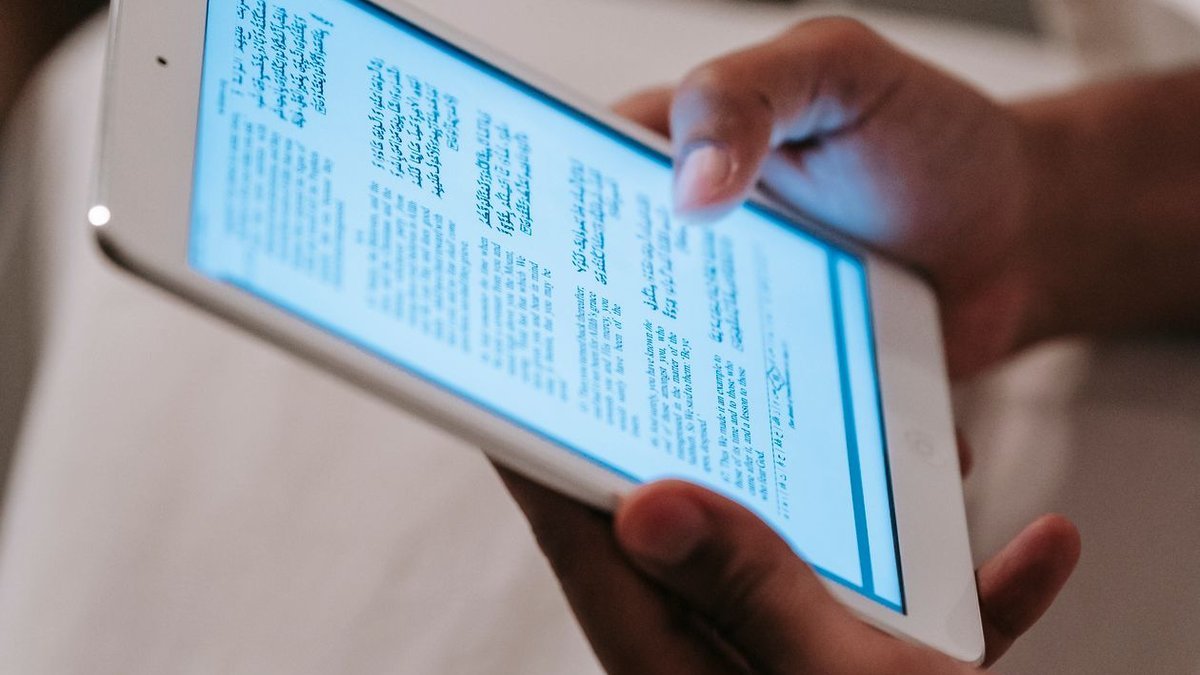
If you read more than twenty minutes a day, the screen you read on matters as much as the books you pick. Finding the best tablets for reading in 2026 isn’t just about the sharpest display — it’s about how your eyes feel after an hour, how comfortable the thing is in one hand on a crowded train, and whether your library actually lives in the Kindle store, Kobo’s store, or a mix of apps and PDFs.
This guide covers five genuinely different answers: dedicated E Ink readers like the Kindle Paperwhite and Kobo Clara Colour, a paper-like tablet that doubles as a notebook, an eye-friendly LCD that splits the difference, and the iPad mini for readers who want full apps alongside their books. No filler picks — just the trade-offs that matter.
Disclosure: This article contains affiliate links. As an Amazon Associate, we earn from qualifying purchases. We may also earn commissions from Daraz and AliExpress purchases made through links on this page, at no extra cost to you.
E Ink vs. LCD: Why the Screen Type Matters Most
Every reading-device decision starts at the same fork in the road: E Ink or LCD. They work in completely different ways, and each one wins at a different kind of reading.
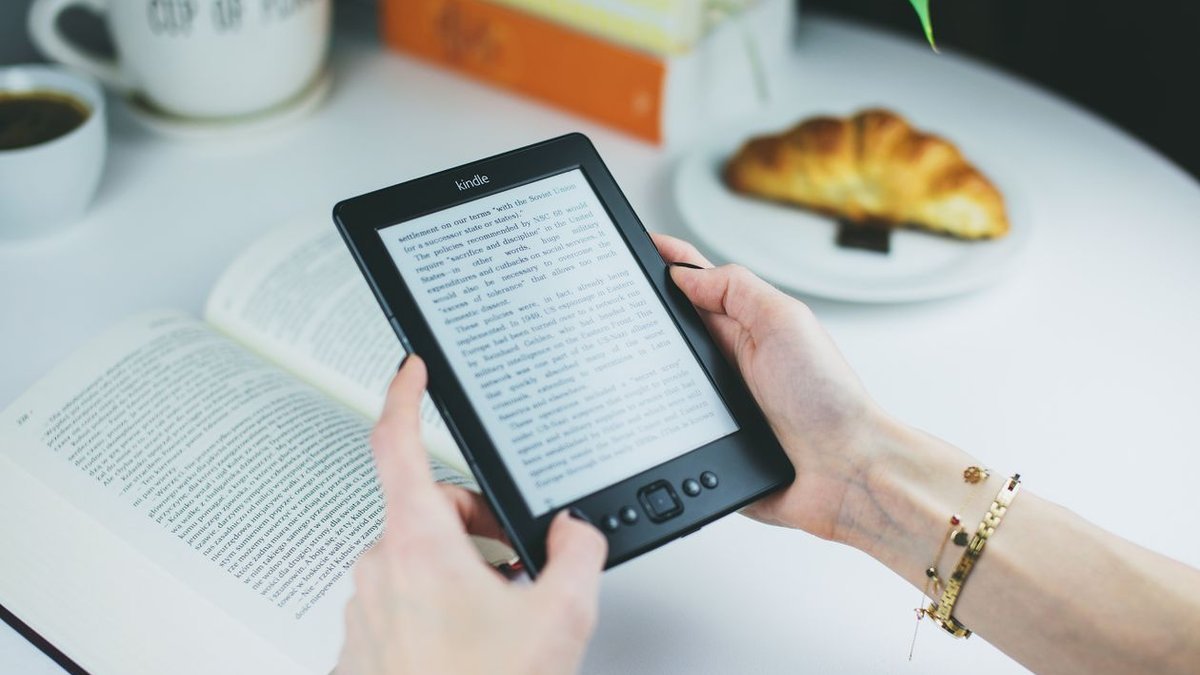
E Ink is a reflective display — like paper, it bounces ambient light back at your eyes instead of shining light into them. Pages look like printed text: no glare, no flicker. Battery life stretches for weeks. The trade-off is speed — page turns lag a touch, scrolling is sluggish, and video is out of the question. Color E Ink (as in the Kobo Clara Colour) adds muted, newspaper-like color for covers and comics. Nothing like a phone screen.
LCD and OLED tablets are backlit, fast, and run every app — but a glowing screen for hours tires some readers out, and outdoor glare is a constant fight. In between sit matte, low-glare LCDs like TCL’s NXTPAPER, which keep full tablet speed with less harshness. Know your camp — dedicated reader or do-everything tablet — and almost everything else decides itself.
How to Choose a Reading Tablet in 2026
1. Pick your display technology first
If 90% of what you do is read novels, E Ink is the honest answer — lighter, easier on the eyes, weeks per charge. If you read magazines, comics, or PDFs, or you want library apps next to your books, a full tablet earns its keep. Just don’t buy an E Ink device hoping it becomes a general tablet. It won’t.
2. Match the size to how you read
Six to seven inches is the sweet spot for novels — light enough for one-handed reading over an hour. Jump to 10 or 11 inches for PDFs, textbooks, or manga, where small text gets cramped. Bigger screens read better but weigh more, and weight is the spec nobody checks until their wrist complains on page 200.
3. Check the lighting and storage
A front light with warm color-temperature adjustment is the best feature on any e-reader — read in bed without blasting blue light at your face. For storage, 16GB holds thousands of books; only grab 32GB+ if you carry audiobooks or manga. Waterproofing (IPX8 on the Kindle Paperwhite) is worth having if you read in the bath or by the pool.
4. Make sure your library comes with you
Kindle ties you to Amazon’s store (the Kindle app runs everywhere, though); Kobo plays nicer with public libraries through built-in OverDrive/Libby support in the US. Borrow library ebooks regularly? That alone can settle it. Full tablets dodge the question entirely — every reading app works.
The 5 Best Tablets for Reading in 2026
1. Amazon Kindle Paperwhite — Best e-reader for most people
The Kindle Paperwhite stays the default answer for a reason: it does one job — displaying books — better than anything near its price. The 7-inch glare-free E Ink display is sharp and evenly lit, the warm front light makes late-night reading easy, and the weeks-long battery means the charger lives in a drawer. It’s waterproof and plugs straight into Amazon’s bookstore, Kindle Unlimited, and Prime Reading. The store lock-in is real, but for pure novel reading, nothing touches it at around $170. See how it stacks up against budget tablets in our guide to whether a cheap Fire tablet is worth it.
Pros: Paper-like 7″ screen, warm front light, waterproofing, and weeks of battery.
Cons: Tied to Amazon’s ecosystem; no color; page turns are still E Ink-slow.
Best for: Novel readers who want the simplest, most comfortable read.
2. Kobo Clara Colour — Best for library books and color covers
The Kobo Clara Colour is the e-reader for people who practically live at the public library. Its 6-inch color E Ink screen renders covers and highlights in soft color, and built-in OverDrive support lets you borrow library ebooks right on the device — a real edge over Kindle in the US. It reads more formats natively (EPUB included) and matches the Paperwhite on waterproofing. Color E Ink looks muted next to any phone screen, but at around $160 it’s the most flexible dedicated reader you can buy.
Pros: Borrow library books directly; color E Ink; open formats; waterproof.
Cons: Muted colors; smaller store than Amazon; the 6″ screen feels tight for PDFs.
Best for: Library regulars who want color without a glowing screen.
3. Apple iPad mini (A17 Pro) — Best tablet for reading apps
Not everyone wants a single-purpose reader. The iPad mini is the best full tablet for readers who also want apps: an 8.3-inch display big enough for comics and PDFs yet small enough to hold like a paperback, the A17 Pro chip that’ll stay fast for years, and every reading app — Kindle, Apple Books, Libby, Kobo, webtoons. It’s heavier than an e-reader and lasts a day or two per charge instead of weeks, but as a travel companion that reads, browses, and streams, it’s unmatched at around $500.
Pros: Every reading app; fast A17 Pro chip; compact 8.3″ size; great for comics and PDFs.
Cons: Backlit screen tires eyes sooner; battery lasts days, not weeks; pricey for “just reading.”
Best for: Readers who want one device for books, apps, and travel entertainment.
4. reMarkable Paper Pro — Best for PDFs and note-taking
The reMarkable Paper Pro is a different species: an 11.8-inch color E Ink tablet built for reading documents and writing on them. Academic papers, contracts, and textbooks look beautiful on the big paper-like screen, and the stylus feels closer to pen on paper than any LCD note app. But there’s no app store and no real web browser, and at around $580 plus the stylus it costs more than most full tablets. Buy it for work and study reading — not for novels.
Pros: Huge paper-like color E Ink display; superb stylus feel; great for PDFs and documents.
Cons: Expensive; no apps or bookstore; overkill for casual novel reading.
Best for: Students and professionals who read and annotate documents daily.
5. TCL NXTPAPER 11 Plus — Best eye-friendly full tablet
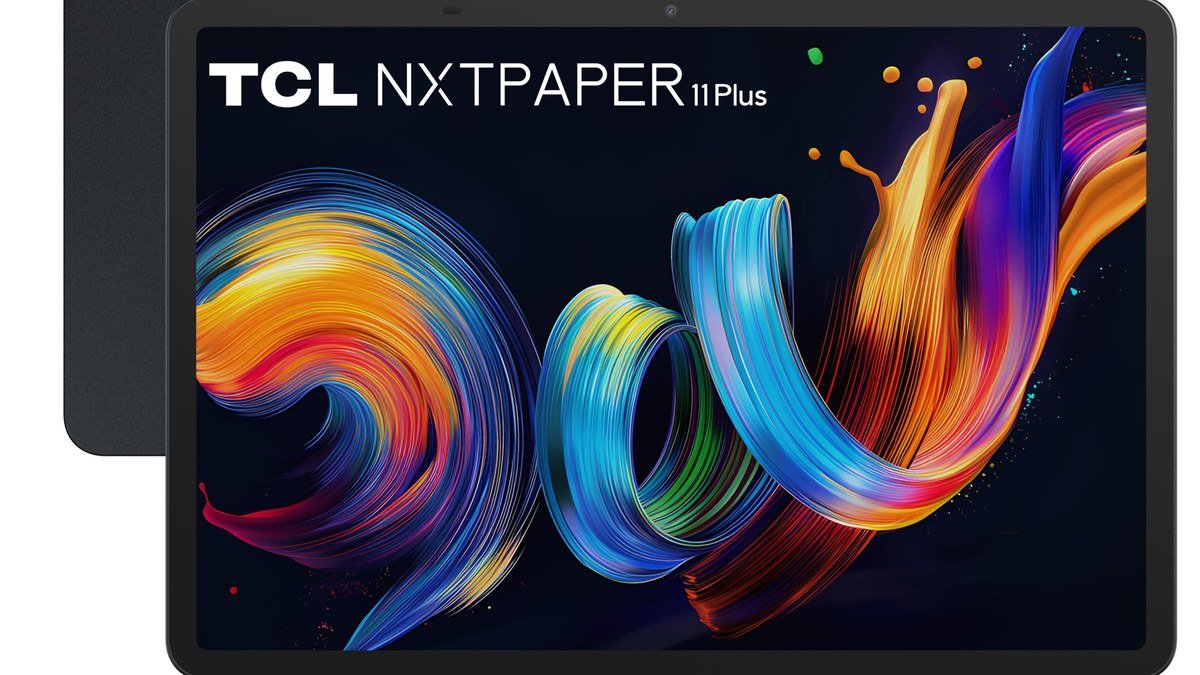
The TCL NXTPAPER 11 Plus is the compromise candidate: a full Android tablet with a matte, low-glare display that mimics paper far better than any glossy LCD. You get real tablet speed, all your reading apps, an 11-inch screen that stays comfortable through long sessions, and a monochrome ink mode for distraction-free reading. It can’t match true E Ink on battery life, and TCL’s update record trails Samsung and Apple. But at around $250, it’s the cheapest big, comfortable reading screen that still does everything else. Read our full take on why the NXTPAPER 11 Plus won us over.
Pros: Paper-like matte display; full Android apps; big 11″ screen; easy on the wallet.
Cons: Battery nowhere near E Ink; weaker software support; not great in direct sun.
Best for: Budget buyers who want a big, easy-on-the-eyes screen for books and everything else.
Best Tablets for Reading: Quick Comparison
| Tablet | Display | Best for | Around |
|---|---|---|---|
| Kindle Paperwhite | 7″ E Ink, warm light | Novel readers | $170 |
| Kobo Clara Colour | 6″ color E Ink | Library borrowers | $160 |
| iPad mini (A17 Pro) | 8.3″ LCD | Apps + travel | $500 |
| reMarkable Paper Pro | 11.8″ color E Ink | PDFs and notes | $580 |
| TCL NXTPAPER 11 Plus | 11″ matte LCD | Budget all-rounder | $250 |
Frequently Asked Questions
Is E Ink really better for your eyes than LCD?
For most people, yes — over long sessions. E Ink reflects ambient light like paper instead of shining light at you, so there’s less glare and no flicker. A good LCD with night mode is fine for shorter reads; strain has more to do with marathon sessions and tiny text than the technology alone.
Can I read my Kindle books on a Kobo?
Not directly — Kindle purchases are tied to Amazon’s format and DRM. The free Kindle app runs on any phone or tablet, but a Kobo can only open Kindle books by stripping DRM, which breaks Amazon’s terms. If your library is mostly Kindle books, stick with a Kindle or a full tablet.
Is the iPad mini too small for reading PDFs?
For novels and articles it’s ideal, but full-page PDFs feel cramped at 8.3 inches — expect plenty of pinch-zooming. If PDFs are your main diet, step up to an 11-inch tablet like the TCL NXTPAPER 11 Plus or the reMarkable Paper Pro.
Do I need a cellular model for a reading tablet?
Almost certainly not. Books download in seconds over Wi-Fi, and most readers sync at home before heading out. Skip the extra cost and the monthly data plan — spend it on books instead.
What is the difference between the Kindle Paperwhite and the basic Kindle?
The Paperwhite gets you a larger 7-inch screen, warm adjustable front light, waterproofing, and faster page turns; the basic Kindle is smaller, cheaper, and skips the warm light. Read in bed or the bath? The Paperwhite is worth it. Mostly a daytime reader? Save with the basic model.
Final Verdict
The Kindle Paperwhite is our pick for most readers — nothing beats it for comfortable, distraction-free novel reading at the price. Library devotees should grab the Kobo Clara Colour for direct OverDrive borrowing. If your reading tablet has to run apps and travel with you, the iPad mini justifies its premium. Document-heavy professionals belong with the reMarkable Paper Pro; budget buyers wanting a big screen should look at the TCL NXTPAPER 11 Plus.
Where to Buy: Compare Prices on Daraz · Check AliExpress Price
Check the price on AliExpress — the global marketplace with millions of tech products.
As an AliExpress affiliate, we may earn a commission on qualifying purchases.