Best iPad Accessories of 2026: 5 Keyboards, Styluses and Cases Worth It
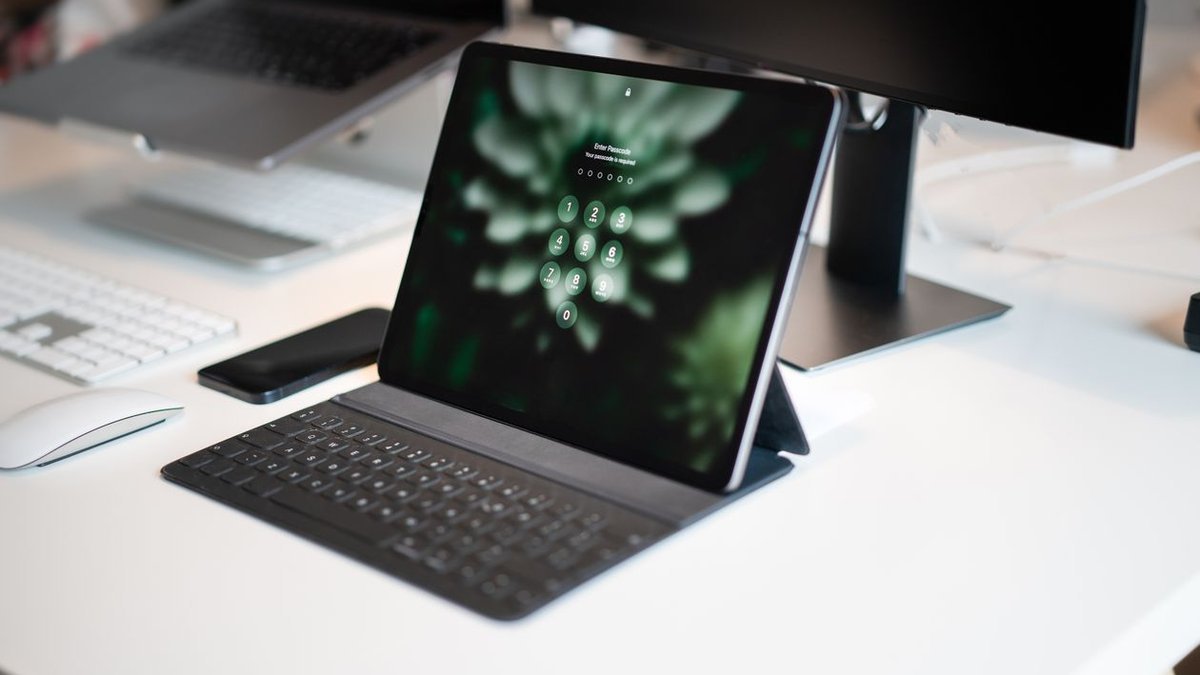
An iPad on its own is a great screen. An iPad with the right accessories is a notebook, a laptop, a sketchbook, and a portable office. But Apple’s accessory shelf is a minefield of overlapping products, generation-specific compatibility, and prices that stack up fast — it’s easy to spend $400 on add-ons for a $500 tablet. This guide to the best iPad accessories of 2026 cuts through that: five keyboards, styluses, and cases genuinely worth the money, with honest notes on who should skip each one.
Just bought your first iPad, or finally accessorizing the one in your drawer? These are the five upgrades that make the biggest difference — starting with the single most important rule: check compatibility before you buy anything.
Disclosure: This article contains affiliate links. As an Amazon Associate, we earn from qualifying purchases. We may also earn commissions from Daraz and AliExpress purchases made through links on this page, at no extra cost to you.
Why iPad Accessories Are Tricky (Compatibility First)
Here’s what nobody tells first-time iPad buyers: almost every iPad accessory is generation-specific. The Magic Keyboard for the iPad Pro M4 doesn’t fit older Pros. The Apple Pencil Pro only works with recent iPad Pro and iPad Air models — it won’t pair with a standard iPad or iPad mini at all. Cases are cut for exact dimensions that change nearly every generation.
Before buying anything here, check your iPad’s model: open Settings > General > About and look at the Model Name. Then match it against the accessory’s compatibility list. This thirty-second check prevents the most common accessory regret — a beautiful keyboard case that almost fits. Still deciding which iPad to buy? Our guide to the best iPad for most people will point you at the right model first.
How to Choose iPad Accessories in 2026
1. Confirm your exact iPad model first
As above: Settings > General > About > Model Name. Keyboards, cases, and Pencils are all model-specific, and retailers’ “fits iPad Pro 11-inch” labels often span incompatible generations. When in doubt, buy from a listing that names your exact model year.
2. Keyboards: typing feel vs. portability
Apple’s Magic Keyboard types beautifully and floats the iPad at a great angle, but it’s heavy and expensive. Detachable keyboard cases (like Logitech’s) are lighter and protect the whole iPad but feel less premium. Decide what your iPad is becoming: a laptop (get the best keyboard) or a tablet that sometimes types (get the lighter case).
3. Styluses: be honest about whether you will use one
A stylus is transformative for note-takers, students, and artists — and a drawer decoration for everyone else. Take handwritten notes daily or draw? The Pencil Pro is worth every penny. Buying one “just in case”? Skip it; a $30 capacitive stylus handles the occasional signature and doodle fine.
4. Protection vs. bulk: pick your case philosophy
Slim folios keep the iPad feeling like an iPad — great for couch and travel. Rugged cases add real drop protection at the cost of bulk and weight. Match the case to your life: commuters and parents need protection; desk workers can go slim. Either way, pair any case with a screen protector.
The 5 Best iPad Accessories in 2026
1. Apple Pencil Pro — Best stylus for iPad
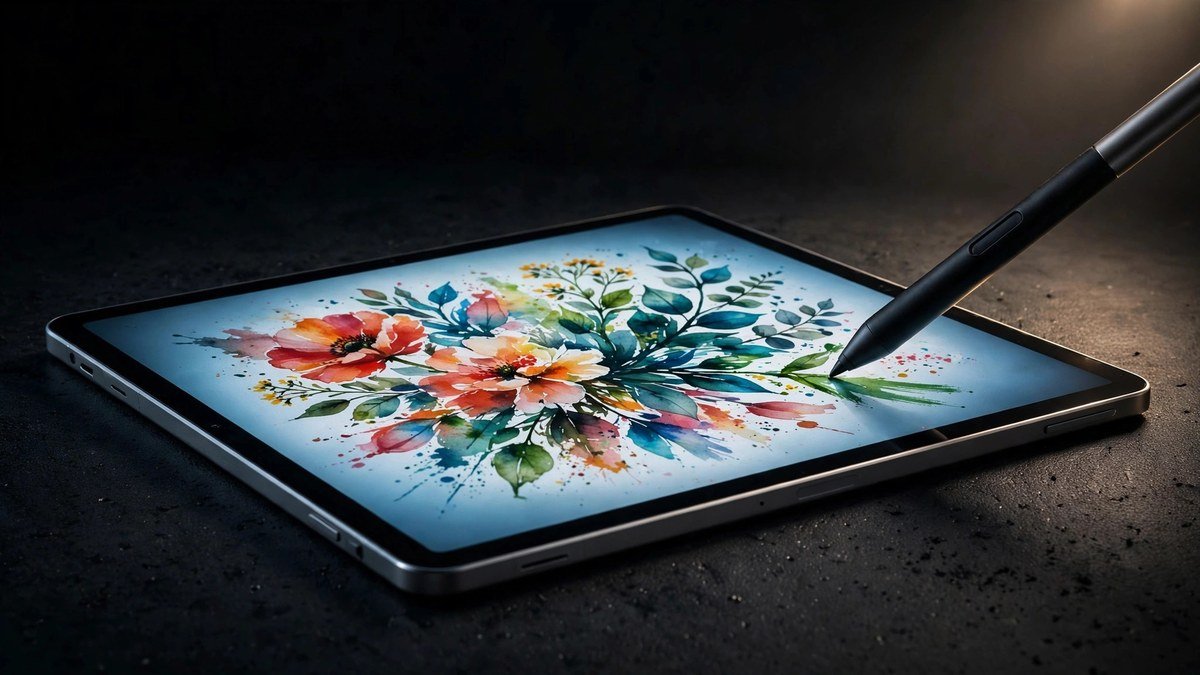
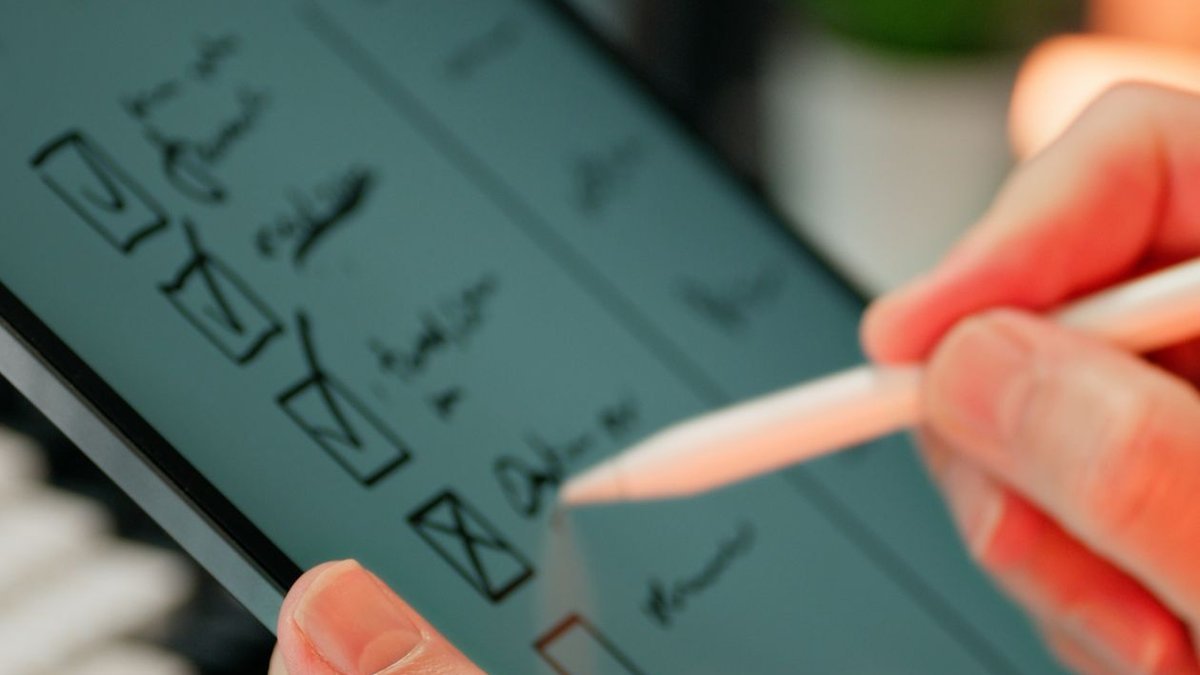
The Pencil Pro is the best stylus Apple has ever made, and the gap over the older Pencil 2 is real: barrel-roll rotation for shaped brushes, squeeze gestures for quick tool switching, hover preview, and Find My support for the day it slides behind the couch. Pressure sensitivity and tilt remain excellent, and USB-C pairing is painless. The catch is compatibility — it only works with recent iPad Pro (M4) and iPad Air (M2/M3) — and the price, around $129. If your iPad supports it and you write or draw regularly, nothing else comes close.
Pros: Best-in-class writing feel; squeeze and barrel-roll gestures; Find My support.
Cons: Limited compatibility; $129 is steep; easy to lose without a holder.
Best for: Note-takers, students, and artists with a compatible iPad Pro or Air.
2. Apple Magic Keyboard — Best iPad keyboard
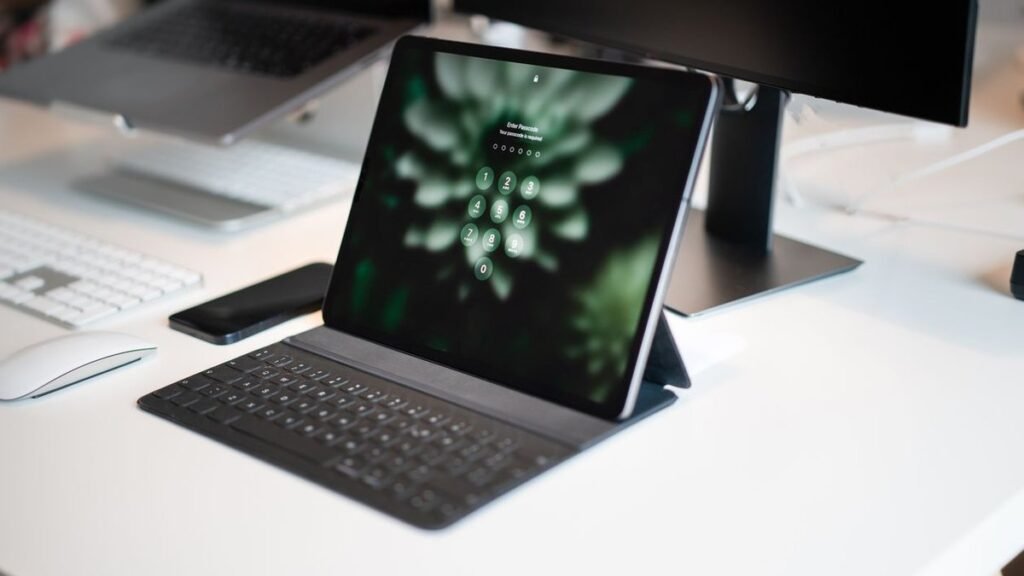
The redesigned Magic Keyboard (for M4 iPad Pro, with a version for iPad Air) is the closest an iPad gets to a MacBook: a superb backlit keyboard, a larger glass trackpad with haptic feedback, an aluminum palm rest, and the function row that was missing for years. Typing on it for hours is genuinely comfortable, and the floating cantilever design still looks like the future. It’s heavy — nearly doubles the iPad’s weight — and at around $299 it costs as much as a Chromebook. But if your iPad is your laptop, this is the keyboard that makes it work.
Pros: Excellent typing feel; large haptic trackpad; function row; premium build.
Cons: Very expensive; adds serious weight; no edge protection.
Best for: Anyone using an iPad Pro or Air as a laptop replacement.
3. Logitech Combo Touch — Best keyboard case value
The Logitech Combo Touch is the thinking person’s Magic Keyboard alternative: a detachable backlit keyboard plus a protective case with kickstand, for roughly $100 less than Apple’s offering. The keys are comfortable, the trackpad is large and precise, and unlike the Magic Keyboard it actually protects the iPad’s back and corners. It’s bulkier and the fabric finish collects dust, but as a do-everything case-plus-keyboard for students and mobile workers, the value is outstanding at around $200 depending on model.
Pros: Keyboard + full protection in one; detachable; much cheaper than Apple’s combo.
Cons: Bulkier than Magic Keyboard; fabric shows wear; model-specific fit.
Best for: Students and travelers who want typing plus real drop protection.
4. Paperlike — Best screen protector for writing
Writing on bare glass feels like skating — the Pencil glides too smoothly, and the tapping sound gets old. Paperlike’s matte screen protectors add just enough friction to make handwriting feel natural, while cutting glare and fingerprints as a bonus. The trade-off is real: the matte texture slightly softens the display, which photo and video folks will notice. At around $35–40 for a two-pack, it’s the cheapest meaningful upgrade on this list. Essential if you write daily; skippable if your iPad is mostly a movie screen.
Pros: Natural paper-like writing feel; less glare; cheap for the difference it makes.
Cons: Slightly softens display clarity; wears nibs faster; tricky bubble-free install.
Best for: Heavy note-takers and anyone who writes more than they watch.
5. Apple Smart Folio — Best slim iPad case
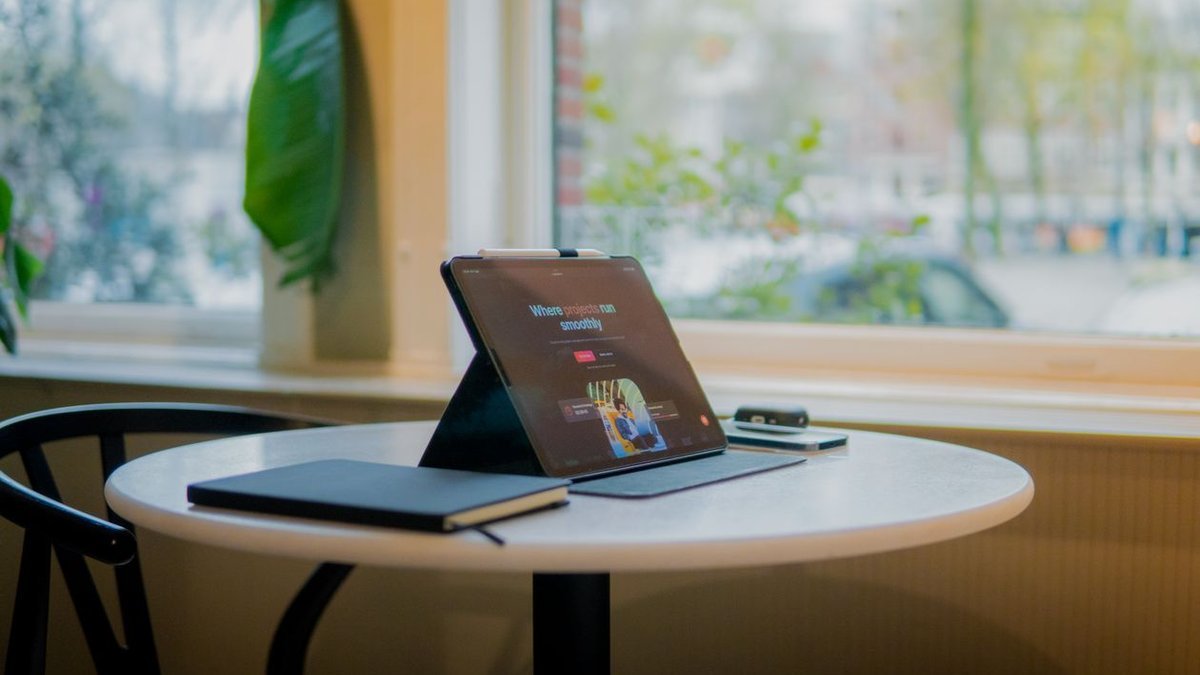
Sometimes the official simple answer is the right one. The Smart Folio is thin, light, wakes and sleeps the iPad on open and close, and folds into a stable typing or viewing stand. It offers zero drop protection — scratch and stand duty only — and at around $79 it’s overpriced for what’s essentially a fancy cover. But nothing else preserves the iPad’s thin-and-light feel this well, and the magnetic attachment is perfect. Pair it with a screen protector and a careful lifestyle, and it’s all the case most desk-bound iPads need.
Pros: Featherlight; perfect magnetic fit; doubles as a stand; keeps the thin design.
Cons: No drop protection; pricey for a cover; back stays exposed.
Best for: Careful owners who want minimal bulk and a reliable stand.
Best iPad Accessories: Quick Comparison
| Accessory | Type | Standout trait | Around |
|---|---|---|---|
| Apple Pencil Pro | Stylus | Squeeze + barrel roll | $129 |
| Apple Magic Keyboard | Keyboard | MacBook-like typing | $299 |
| Logitech Combo Touch | Keyboard case | Keyboard + protection | $200 |
| Paperlike | Screen protector | Paper feel for writing | $35–40 |
| Apple Smart Folio | Slim case | Featherlight stand | $79 |
Frequently Asked Questions
Which Apple Pencil works with my iPad?
It depends on your model: Pencil Pro works with recent iPad Pro (M4) and iPad Air (M2/M3); Pencil 2 fits older Pro/Air/mini models; the USB-C Pencil and Pencil 1 cover the standard iPad and older models. Check Settings > General > About for your model name, then match it to Apple’s compatibility list — the wrong Pencil simply won’t pair.
Is the Magic Keyboard worth it?
If your iPad is your primary computer, yes — the typing experience justifies it. Type occasionally? The Logitech Combo Touch gives you 85% of the experience plus protection for less money. Rarely type? Skip keyboards entirely and put the money toward storage or a Pencil.
Do I need a screen protector on my iPad?
For writers, yes — a matte protector like Paperlike transforms the writing feel and cuts glare. Everyone else: optional. Modern iPad glass is tough, and a good case covers the real risks. Skip the cheap glass protectors that add glare without benefit.
Can I charge my iPad faster with a better charger?
Yes — iPads fast-charge over USB-C, and the tiny charger in some boxes isn’t the fastest option. A good GaN charger (see our best GaN chargers of 2026) with a quality USB-C cable noticeably shortens charge times — handy when you’re topping up between meetings.
What is the best cheap iPad accessory that is actually worth it?
Paperlike, at around $35–40 for two. It’s the rare accessory that changes how the device feels every single day. Runner-up: a simple USB-C hub, which makes any iPad far more capable with external displays and drives.
Final Verdict
Start with compatibility, then buy for your actual use. Writers and artists: Apple Pencil Pro plus Paperlike — non-negotiable. Laptop-replacers: the Magic Keyboard if the budget allows, the Logitech Combo Touch for protection and value. Minimalists: the Smart Folio and nothing else. The golden rule of iPad accessories is restraint — buy the one upgrade matching what you do every day, not the full shelf. Your wallet (and your bag) will thank you.
Where to Buy: Compare Prices on Daraz · Check AliExpress Price
Check the price on AliExpress — the global marketplace with millions of tech products.
As an AliExpress affiliate, we may earn a commission on qualifying purchases.