
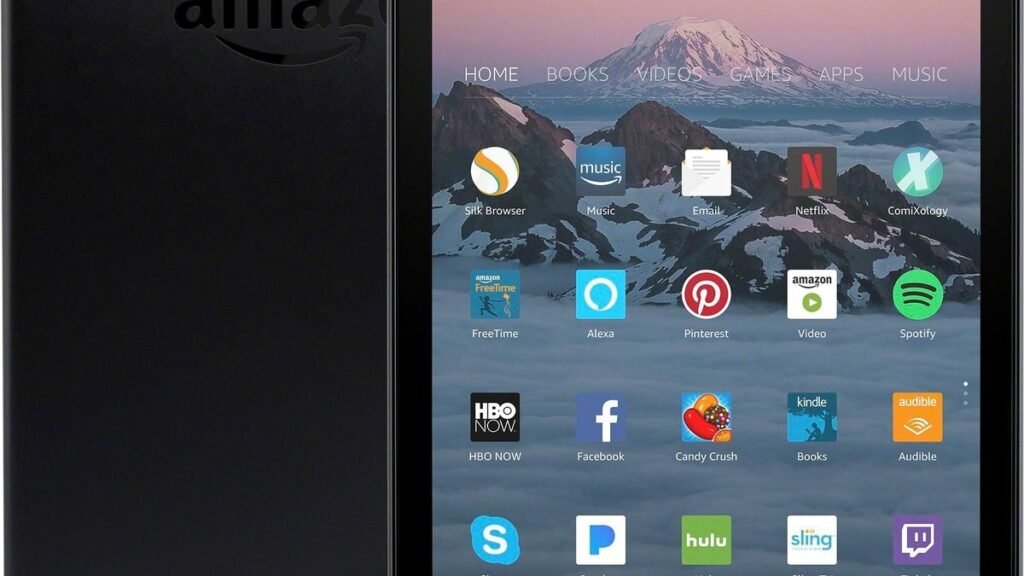
Let’s be honest: nobody buys an Amazon Fire HD 10 because they want the most powerful tablet around. You buy it because it’s cheap, simple, and good enough for the things you actually do. And as the best cheap tablet under $150, it keeps winning for one simple reason: nothing else gives you a 10.1-inch 1080p screen, all-day battery, and a decent entertainment experience for the price of a nice dinner — especially when it drops to $73–$77 on sale, which happens all the time.
But the low price hides a real catch: you’re buying into Amazon’s ecosystem, not Android’s. Here’s exactly what the Fire HD 10 does well, where the ecosystem limits bite, who should buy it, and who should spend more on an iPad or Samsung tablet instead.
What you actually get: the Fire HD 10’s real strengths
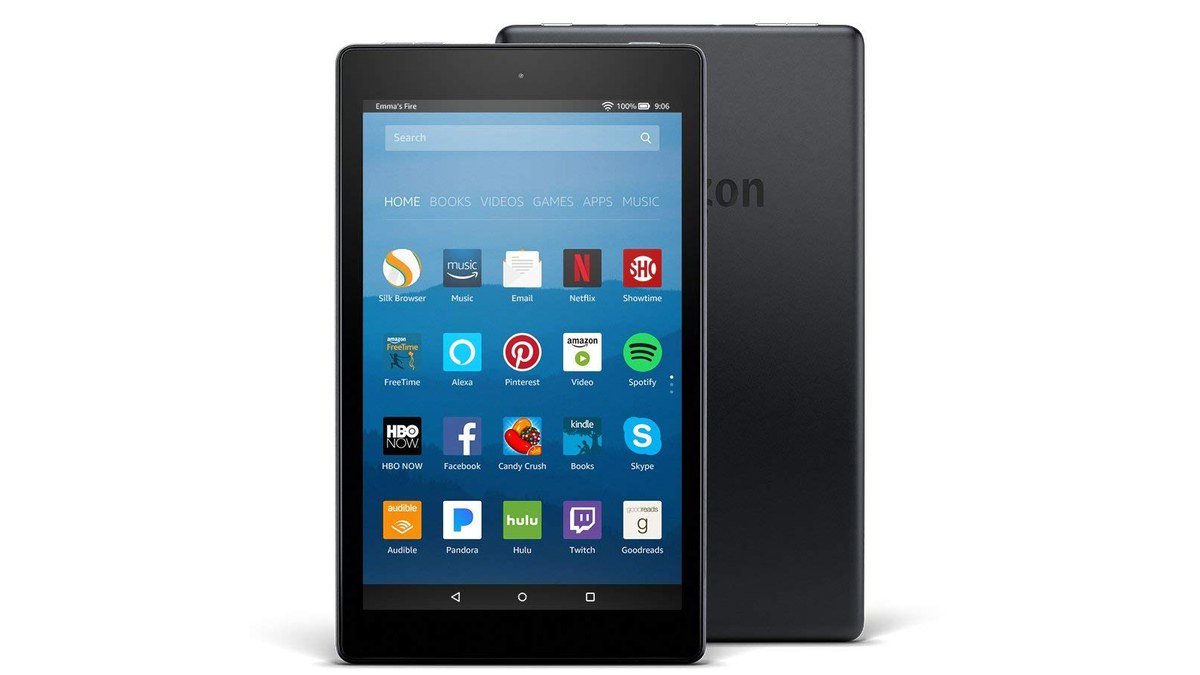
The current Fire HD 10 centers on a 10.1-inch 1080p Full HD display (1920×1200) that’s genuinely good for the money — sharp enough for movies, shows, ebooks, and browsing. Battery life is rated at up to 13 hours, and most people will get 10+ hours of streaming at high brightness. Under the hood: an octa-core processor, 3–4GB of RAM depending on the configuration, 32GB or 64GB of storage expandable to 1TB via microSD, dual stereo speakers, a headphone jack, USB-C, and 5MP front and rear cameras that are fine for video calls.
Where it really makes sense is inside Amazon’s ecosystem: Prime Video, Kindle books, Audible, and Alexa all work seamlessly. Amazon Kids parental controls are excellent for families, and the optional Kids+ subscription bundles thousands of books, apps, and videos. PCMag gave it an Editors’ Choice award, and SlashGear’s 7/10 review concluded it stays compelling for the price. Amazon famously sells the hardware near cost to pull you into its services — and that works in your favor here.
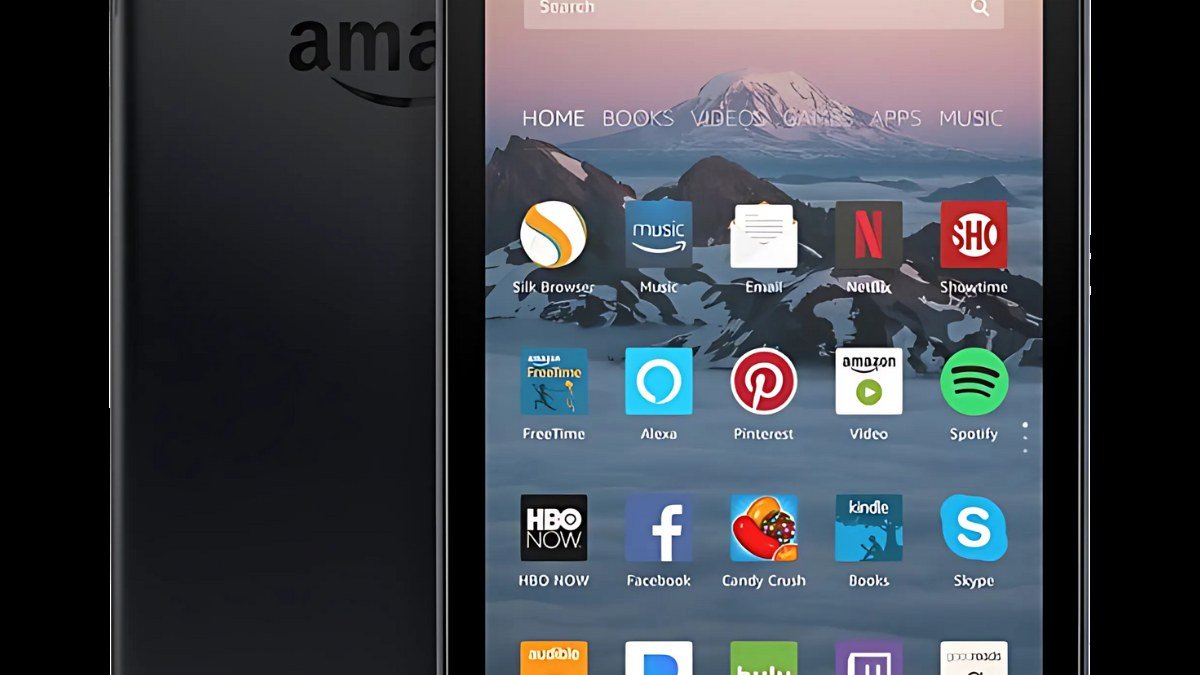
The catch, and it’s a big one: no Google Play Store. Fire OS is Amazon’s heavily modified Android, so you get the Amazon Appstore instead of Google Play, the Silk browser instead of Chrome, and no native Gmail, Google Drive, or YouTube app experience. You can sideload apps if you’re technical, but I wouldn’t recommend it casually — unofficial sources carry security risks, and it’s fiddly to maintain.
Cheap tablet buying guide: 4 questions before you buy
1. What will you actually do with it?
Be brutally honest. If the answer is “watch Netflix/Prime Video in bed, read Kindle books, browse the web, and hand it to the kids” — the Fire HD 10 is perfect, and spending more buys you nothing you need. If the answer includes “schoolwork, note-taking with a stylus, video editing, or serious multitasking,” you need a real iPad or Samsung tablet. The Fire HD 10 is a consumption device. Don’t buy it expecting a productivity machine.
2. Can you live without Google apps?
This is the dealbreaker question. No Play Store means no native Gmail, Google Docs, Google Photos backup, or Chrome sync. Amazon’s Silk browser and app store cover the basics — Netflix, Disney+, Spotify, and most major streaming apps are all there — but if your digital life runs on Google, you’ll feel the friction every day. In that case, the iPad (even a base model on sale) is worth the stretch.
3. Timing: never pay full price
The Fire HD 10’s $139–$155 list price is basically fictional. It routinely drops to $73–$77 during Prime events and holiday sales — nearly half off. At $75, it’s a no-brainer; at $140, the value argument weakens a lot against discounted iPads and Samsung tablets. Not on sale today? Wait a few weeks. One more thing: the cheapest config shows lock-screen ads, and the ad-free version costs about $15 more.
4. Storage and longevity
32GB of base storage is meager, but the microSD slot (up to 1TB) fixes it cheaply for media — load up movies, books, and music locally. Longevity is the real concern: the processor handles streaming and reading fine today, but it won’t age gracefully under heavier use. Buy it for what it does now, not as a five-year investment.
Our pick: Amazon Fire HD 10
Amazon Fire HD 10 — the best cheap tablet under $150
The Fire HD 10 wins the budget category by understanding its job. The 10.1-inch 1080p screen is the right size for video, the 13-hour battery outlasts a long flight, the speakers are decent, and the whole thing is tough enough to survive kids. As a bedroom streaming screen, a travel entertainment device, a kitchen recipe display, or a first tablet for a child, it’s genuinely hard to beat — especially at sale prices.
The ecosystem lock-in is the price of admission, and it’s non-negotiable: Fire OS, Amazon Appstore, Silk browser, lock-screen ads on the base model. Performance is fine for media and light tasks but shows its limits under multitasking. Go in with your eyes open and it’s a great purchase; go in expecting an iPad and you’ll be disappointed.
Pros:
- Unbeatable value — 10.1″ 1080p display for $73–$77 on sale
- Up to 13-hour battery life; microSD expansion to 1TB
- Excellent for Prime Video, Kindle, Audible, and kids (parental controls)
- Durable, with headphone jack and decent stereo speakers
Cons:
- No Google Play Store — no native Gmail, Drive, or Chrome
- Modest performance; lock-screen ads on the cheapest version
Best for: families, video watchers, Kindle readers, and anyone who wants the cheapest decent big screen possible.
Worth considering: spend more for the real thing
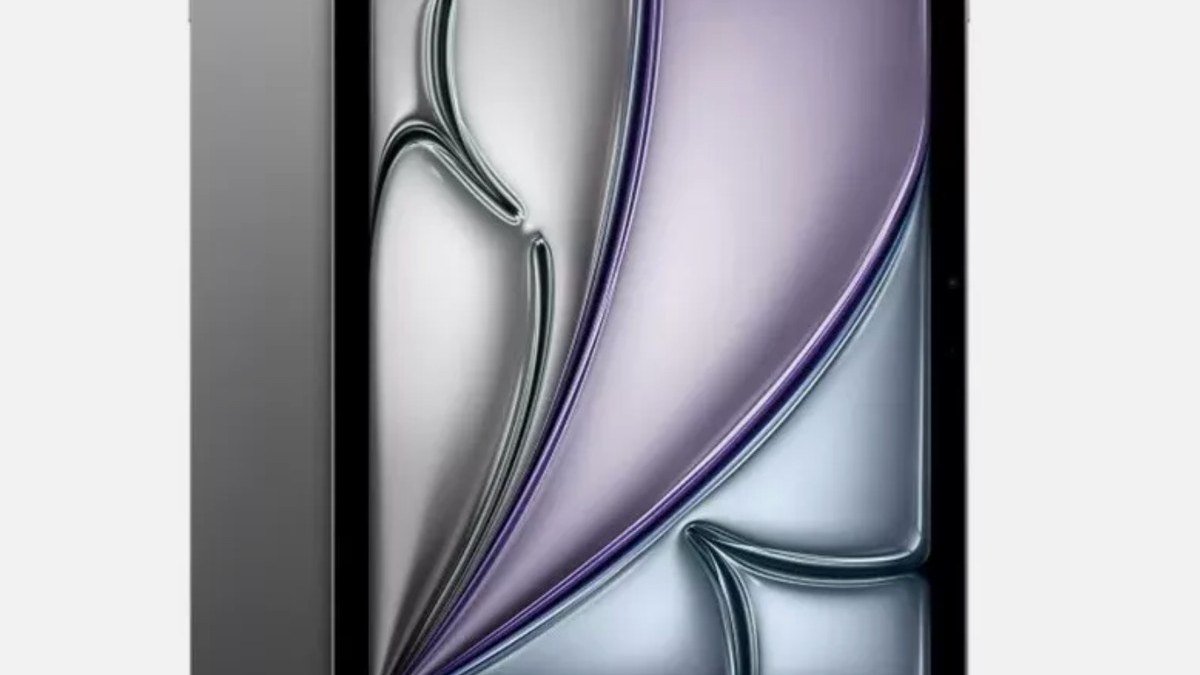
If the Google-apps gap bothers you, the step up is clear: our guide to the best tablet for most people explains why the iPad remains the default recommendation, and Samsung’s Galaxy Tab line covers the Android side. For something unusual, the TCL Nxtpaper 11 Plus is a fascinating e-ink-style alternative for readers. But all of them cost two to four times the Fire HD 10’s sale price — which is exactly why the Fire keeps winning the budget crown.
Fire HD 10 vs the step-up options
| Feature | Fire HD 10 | Base iPad |
|---|---|---|
| Display | 10.1″ 1080p LCD | 10.9″ higher-quality LCD |
| App store | Amazon Appstore (no Google Play) | Full App Store |
| Battery | Up to 13 hours | Up to 10 hours |
| Storage | 32/64GB + microSD to 1TB | 64GB+, no expansion |
| Performance | Fine for media | Noticeably faster |
| Typical sale price | $73–$77 | $250–$330 |
| Best for | Video, reading, kids | Everything, including work |
As an Amazon Associate I earn from qualifying purchases.
Fire HD 10 FAQs
Is the Fire HD 10 worth it in 2026?
Yes — with the caveat in the title. At its frequent $73–$77 sale price, nothing touches it for video watching, reading, and kids’ use. Not worth it at full price if an iPad or Samsung tablet is on sale nearby — and never worth it if you need Google apps or real productivity. Know what you’re buying and it’s one of tech’s best values.
Can you get Google Play on the Fire HD 10?
Not officially — Amazon doesn’t include the Play Store, and Fire OS replaces Google services with Amazon’s equivalents. Sideloading the Play Store is technically possible but not something I’d recommend for most people: it can break with updates and introduces security risks. If you need Google apps, buy a tablet that ships with them.
Fire HD 10 vs iPad — which should I buy?
Buy the Fire HD 10 if your budget is tight and your needs are media, reading, and kids — at $75 it’s about a quarter of the iPad’s price. Buy the iPad if you need Google apps, real performance, note-taking, or a tablet that stays capable for years. They’re barely competing products; the use case decides, not the spec sheet.
How long does the Fire HD 10 battery last?
Amazon rates it at up to 13 hours of mixed use — most people will find 10+ hours of HD video streaming at high brightness realistic. Day to day, expect a full day of heavy use or several days of casual evening use. Charging is slowish (around 4 hours with the included 9W charger), so overnight charging is the routine.
Is the Fire HD 10 good for kids?
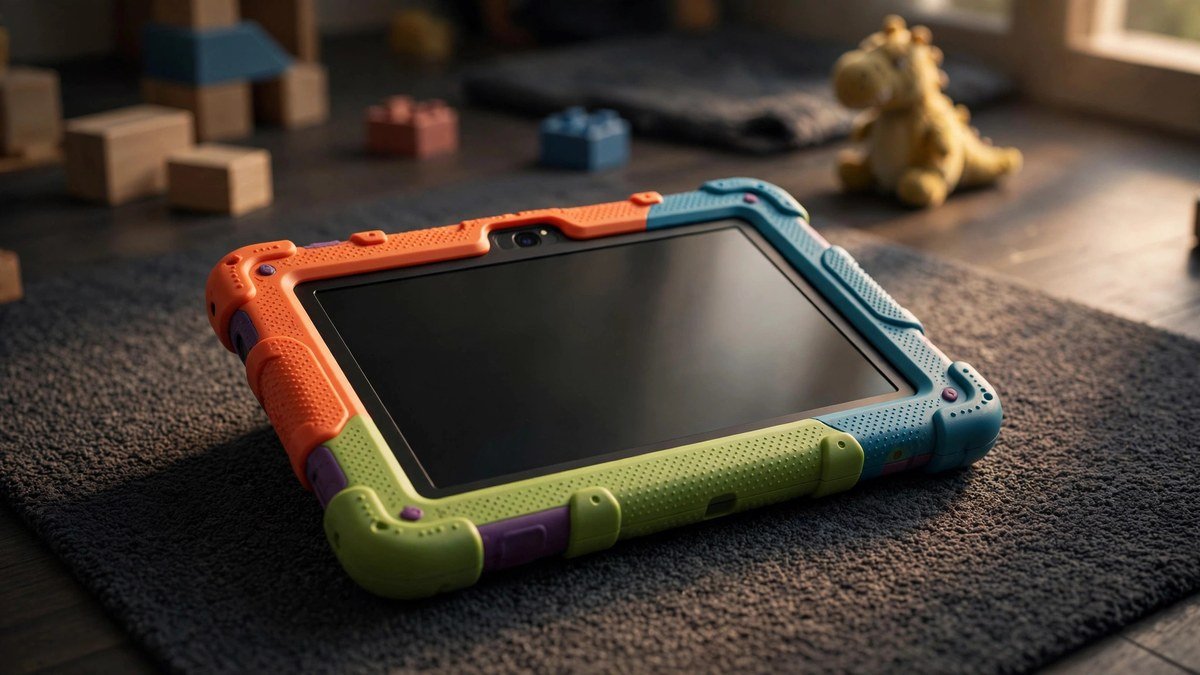
It’s one of the best kids’ tablets you can buy. Amazon Kids parental controls are genuinely excellent — time limits, content filters, and age-appropriate profiles — and the optional Kids+ subscription adds thousands of books, videos, and apps. And it’s cheap enough that a cracked screen isn’t a financial disaster, which is honestly the real parenting feature.
Final verdict: the best cheap tablet under $150
The Amazon Fire HD 10 remains the best cheap tablet you can buy, and it’s not close — provided you understand the deal. You’re getting a big 1080p screen, all-day battery, and a polished media experience for the price of a dinner out, in exchange for living in Amazon’s world instead of Google’s. For video watchers, readers, travelers, and families, that’s a trade worth making every time. Just never pay full price, and never buy it expecting an iPad. Buy it for what it is, and it’s one of the smartest $75 you’ll spend on tech.
Affiliate Disclosure: This article contains affiliate links. If you purchase through them, we may earn a commission at no extra cost to you.
Where to Buy: Check Price on Amazon · Compare Prices on Daraz · Check Daraz Deals · Check AliExpress Price · See AliExpress Deals
Check the price on AliExpress — the global marketplace with millions of tech products.
As an AliExpress affiliate, we may earn a commission on qualifying purchases.















Pingback: OnePlus Pad 4 Review: Two-Day Battery Tablet