Best Smart Thermostats of 2026: 5 Picks That Cut Your Energy Bill
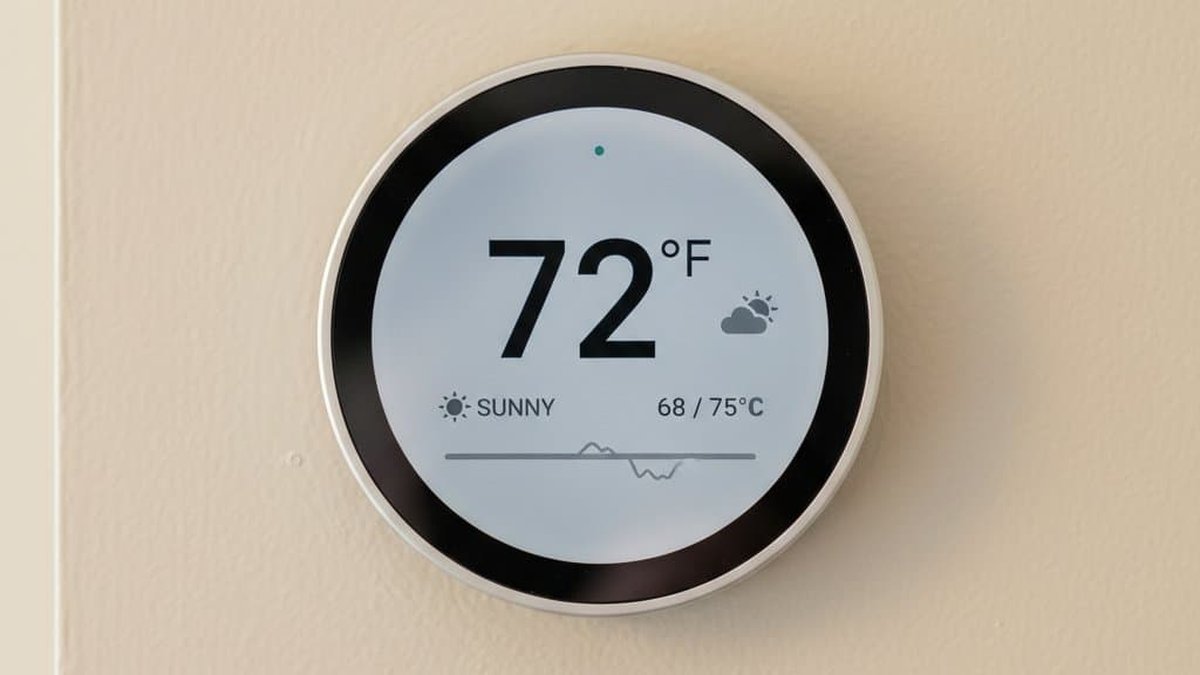
Your heating and cooling system is probably the biggest energy hog in your home — and the best smart thermostats of 2026 can quietly shave a meaningful chunk off that bill. A smart thermostat learns your routine, dials things back when you’re away, and many US utilities offer rebates that make the upgrade surprisingly cheap.
We narrowed the field to five thermostats actually worth buying — from Google’s Nest Learning Thermostat to a sub-$80 Amazon option that handles the basics well.
Disclosure: This article contains affiliate links. As an Amazon Associate, we earn from qualifying purchases. We may also earn commissions from Daraz and AliExpress purchases made through links on this page, at no extra cost to you.
How a Smart Thermostat Actually Saves You Money
A regular thermostat just holds one temperature. A smart thermostat watches your behavior — when you leave for work, when you go to bed, when the house sits empty — and builds schedules around your real life. Most models also show an energy history so you can see what’s driving your bill.
The big money-savers: geofencing (it notices your phone leaving and eases off the HVAC), learning schedules, and room sensors (some average the temperature across rooms, fixing that always-freezing back bedroom). Manufacturers often claim 10–15% savings on heating and cooling; in most US homes the thermostat pays for itself within a year or two — especially with a utility rebate.
One thing worth knowing: most smart thermostats need a C-wire (common wire) for power. If yours doesn’t have one, a few models include a power extender kit — but it’s the first compatibility question to check before buying.
What to Look For: Smart Thermostat Buying Guide
1. Compatibility With Your HVAC System
Before anything else, check your system. Most smart thermostats work with forced air, gas, oil, and electric furnaces plus central AC and heat pumps. The troublemakers: high-voltage baseboard heaters (usually need a specialized thermostat), some proprietary communicating systems, and two-transformer setups without a C-wire. Use the manufacturer’s online compatibility checker — and photograph your current wiring before touching anything.
2. Learning vs. Programming
Google Nest’s famous approach is learning: adjust the temperature for a week or two and it builds the schedule itself. ecobee and most others go the programming route: set schedules manually in the app, with plenty of automation layered on. Learning feels magical but can annoy people who want direct control; programming takes ten minutes of setup and does exactly what you’re told. Either works — pick the style that matches your patience for setup.
3. Room Sensors and Zoning
Hot and cold spots? Look for a thermostat with wireless room sensors. These pucks sit in other rooms and let the thermostat average temperatures or follow whichever room is occupied. It’s the single best comfort upgrade for multi-story homes. Nest includes a sensor in the box with the 4th-gen model; ecobee’s sensors are excellent but usually sold separately or bundled.
4. Ecosystem and Voice Control
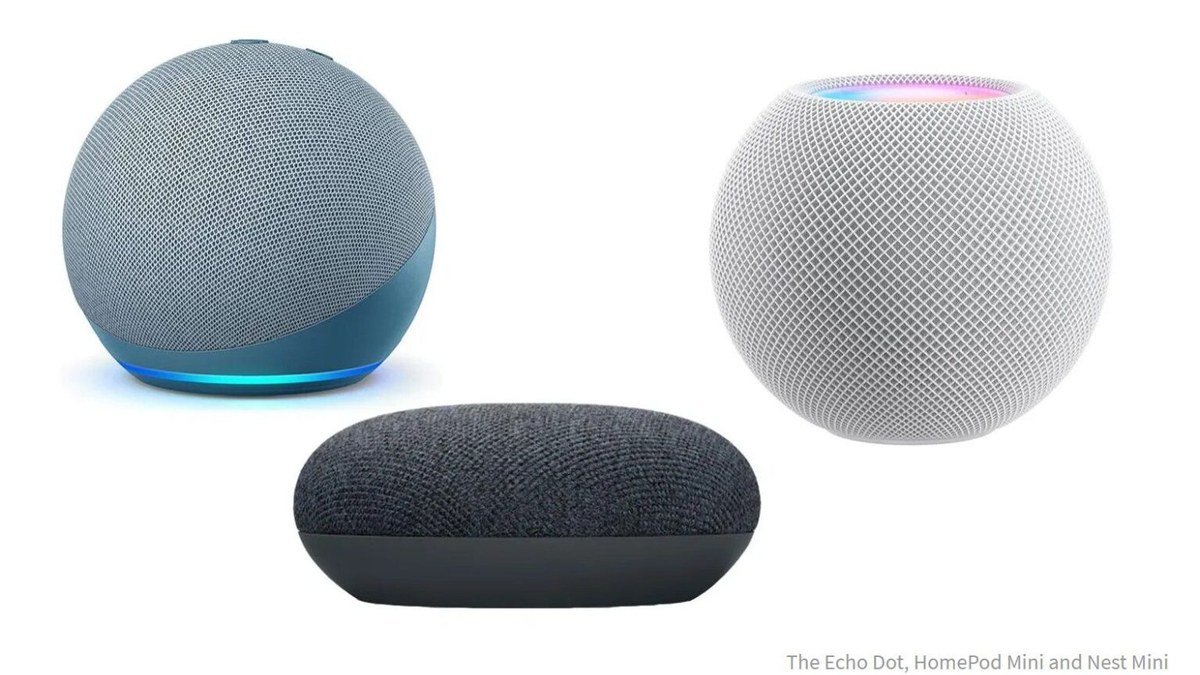
Nearly all of these work with Alexa, Google Assistant, and (usually) Apple HomeKit or Matter. If you already live in a particular smart-home ecosystem, prioritize compatibility — changing the temperature by voice is one of those things you never think about until you can’t do it. Pair these with one of the best smart speakers of 2026 and the whole house answers to your voice.
The 5 Best Smart Thermostats of 2026
1. Google Nest Learning Thermostat (4th Gen) — Our Pick for Best Overall
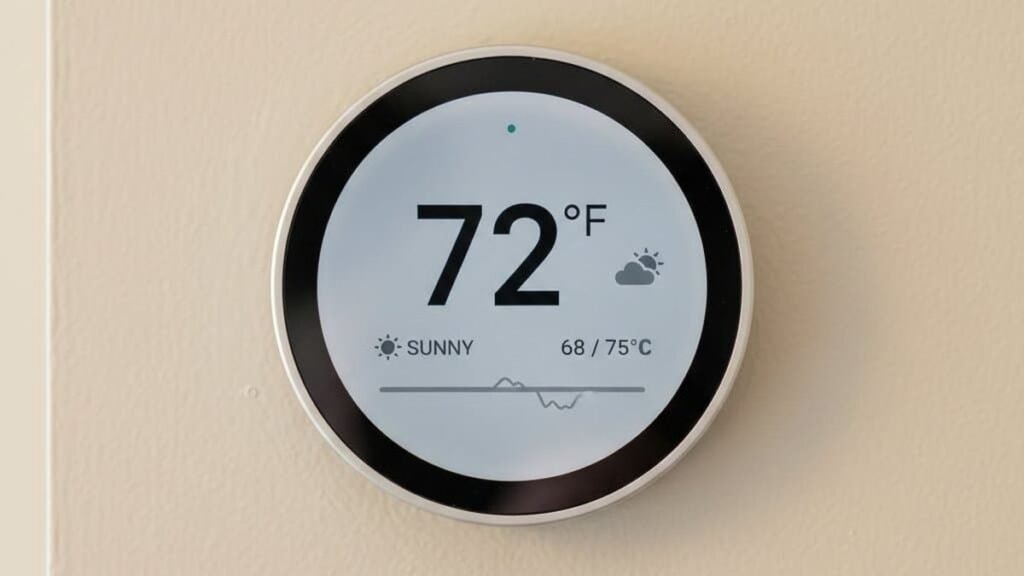
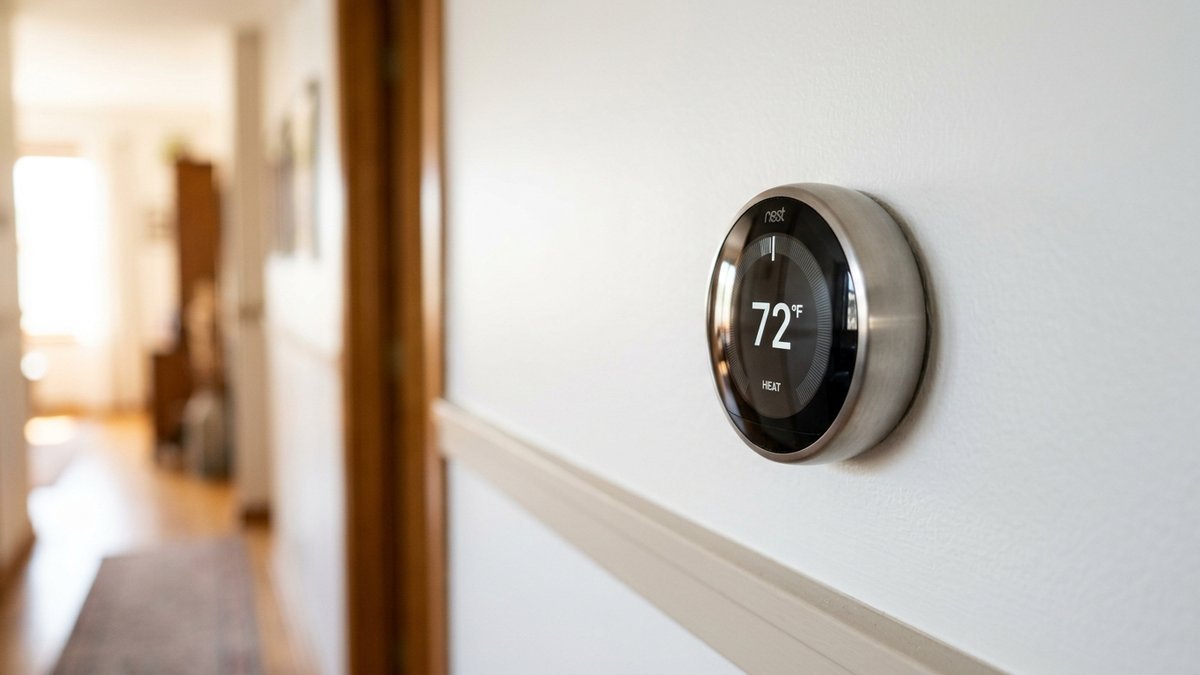
The Nest Learning Thermostat is the one that started it all, and the 4th-gen model remains the best smart thermostat for most people. Its headline trick is learning: set your preferred temperatures for a week or so and it builds a schedule around you, no programming required. It looks gorgeous on the wall — polished stainless ring, bright display — and the included remote sensor helps balance hot and cold spots. Energy reports in the Google Home app show where your money goes, and it works with Alexa, Google Assistant, and Matter-compatible platforms.
It usually sells for around $250–$280, and utility rebates can knock that down dramatically in many states.
Pros:
- Learning schedule adapts to your routine automatically
- Premium look and feel; bright, readable display
- Includes a remote temperature sensor in the box
- Broad voice assistant and Matter compatibility
Cons:
- Learning can take a week or two to settle in
- Premium price before rebates
Best for: Most homes — the set-it-and-forget-it option.
2. ecobee Smart Thermostat Premium — Best for Room Sensors and HomeKit
ecobee has long been Nest’s sharpest rival, and the Smart Thermostat Premium is the pick if you want the deepest data and the best room-sensor system. It ships with a SmartSensor in the box, and ecobee’s app gives you granular, occupancy-based control — follow the occupied rooms, ignore the empty ones. There’s a built-in air quality monitor and a speaker that can double as an Alexa device, though you’ll probably still prefer your main speaker.
It typically runs around $250 and, like Nest, qualifies for many utility rebates. In the Apple ecosystem? ecobee’s HomeKit support is the most reliable of the bunch.
Pros:
- Excellent room sensors with occupancy detection
- Built-in indoor air quality monitoring
- Strong Apple HomeKit support
- Detailed energy and HVAC health reports
Cons:
- No self-learning schedule — setup is manual
- Built-in Alexa speaker is mediocre
Best for: Multi-room homes and Apple Home users.
3. Amazon Smart Thermostat — Best Budget Pick
If the point is saving money, the Amazon Smart Thermostat starts saving before it even heats anything: it usually costs around $70–$80. Built with Honeywell Home technology, it handles the essentials well — app scheduling, Alexa control, energy-saving presets, usage reports. You give up the learning magic and room sensors, but for a small apartment or a second home, the basics are all you need.
Have several zones and a tight budget? This is the thermostat to buy in multiples.
Pros:
- Very affordable — great value for zoned homes
- Simple setup and reliable Alexa integration
- Honeywell Home tech under the hood
- C-wire adapter available for homes without one
Cons:
- No learning and no room sensors
- Requires the Alexa app for setup
Best for: Budget shoppers and simple setups.
4. Sensi Touch 2 — Best for Privacy and Simplicity
Not everyone wants a thermostat that phones home to a tech giant. The Sensi Touch 2 from Emerson is the privacy-friendly pick: it stores your data locally and needs no account for the basic features. It’s also dead simple — clean touchscreen, straightforward app, compatibility with most HVAC systems including a power extender kit for C-wire-less homes. Works with Alexa, Google, and HomeKit, and usually sells for around $130–$170.
Pros:
- No account required; data stays local
- Easy touchscreen and simple app
- Good HVAC compatibility with C-wire workaround included
- Reasonable price for the feature set
Cons:
- No learning or advanced automation
- Design feels dated next to Nest and ecobee
Best for: Privacy-conscious buyers who want simplicity.
5. Honeywell Home T9 — Best for Multi-Room Comfort
The Honeywell Home T9 is built around one idea: every room should be comfortable, not just the hallway where the thermostat lives. Its Smart Room Sensors detect temperature and occupancy, and the T9 intelligently prioritizes rooms that are actually in use. Setup is friendly, the app is solid, and it works with Alexa, Google, and HomeKit. Usually around $200, with extra sensors available if your home needs more coverage.
Pros:
- Room sensors with both temperature and occupancy detection
- Strong HVAC brand with reliable hardware
- Works with all major voice assistants
- Good option for hot/cold spot problem homes
Cons:
- Extra sensors add to the cost
- App isn’t as polished as Google Home or ecobee
Best for: Homes where some rooms never feel right.
Smart Thermostat Comparison Table
| Thermostat | Learning | Room Sensors | Price |
|---|---|---|---|
| Nest Learning (4th Gen) | Yes | 1 included | around $250–$280 |
| ecobee Smart Thermostat Premium | No (scheduled) | 1 included | around $250 |
| Amazon Smart Thermostat | No | No | around $70–$80 |
| Sensi Touch 2 | No | No | around $130–$170 |
| Honeywell Home T9 | No (scheduled) | 1 included | around $200 |
Smart Thermostat FAQs
Do smart thermostats really save money?
For most households, yes. By cutting heating and cooling while you’re asleep or away — and showing you exactly where energy goes — the best smart thermostats typically pay for themselves in one to two years. Add utility rebates (many US power companies offer $50–$125 toward a smart thermostat) and payback gets even faster.
Do I need a C-wire for a smart thermostat?
Most models need one for continuous power. Peek behind your current thermostat for a wire labeled “C.” Missing? Some thermostats include a power extender kit, and the Amazon Smart Thermostat sells a C-wire adapter. When in doubt, an HVAC tech can add one — though that adds cost to the project.
Will a smart thermostat work with my heat pump?
Usually, yes. Nest, ecobee, Sensi, and Honeywell all support most heat pump configurations, including auxiliary heat. During setup the thermostat walks you through identifying your system type, so it runs the heat pump efficiently instead of falling back to expensive emergency heat.
Can I control a smart thermostat when I’m away?
That’s the whole point. Every thermostat on this list has an app with full remote control, plus voice control through Alexa, Google Assistant, and usually Siri. Geofencing can also adjust the temperature automatically from your phone’s location.
Do smart thermostats work without Wi-Fi?
Yes — they’ll keep running your schedule as a basic thermostat if Wi-Fi drops. You just lose remote control, energy reports, and cloud features until the connection returns. Your heating and cooling never stop because the internet went out.
Final Verdict: Which Smart Thermostat Should You Buy?
The Google Nest Learning Thermostat (4th Gen) is our top pick for most homes — the learning schedule removes the setup chore, it looks great, and a room sensor comes in the box. For maximum control and the best multi-room system, especially in an Apple Home household: the ecobee Smart Thermostat Premium. On a budget, the Amazon Smart Thermostat is hard to argue with. Privacy-minded? The Sensi Touch 2. And if some rooms never feel right, the Honeywell Home T9’s sensor system was built for exactly that. Check your utility’s rebate program first — it might be the cheapest upgrade your home gets all year. For the next step, see our roundup of the best smart home devices of 2026.
Where to Buy: Compare Prices on Daraz · Check AliExpress Price
Check the price on AliExpress — the global marketplace with millions of tech products.
As an AliExpress affiliate, we may earn a commission on qualifying purchases.