Best Smart Locks of 2026: 5 Keyless Picks Worth Trusting
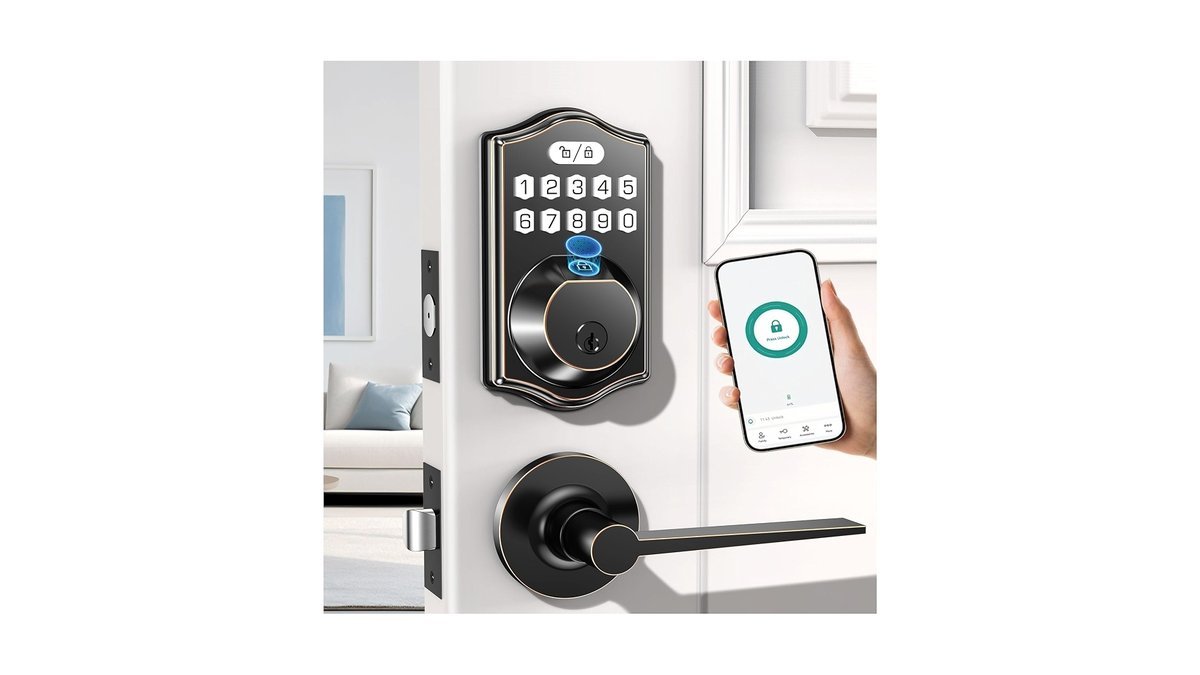
Fumbling for keys with groceries in your hands. Wondering if you locked the door after leaving for work. The best smart locks of 2026 solve all of it: fingerprint, keypad, or phone-based entry, auto-locking behind you, and a log of exactly who came and went.
A good smart lock should be boring in the best way — it just works, every time. Five locks that meet that bar below, from the premium Schlage Encode Plus to a solid budget keypad lock. Here’s how to choose, and which one fits your door.
Disclosure: This article contains affiliate links. As an Amazon Associate, we earn from qualifying purchases. We may also earn commissions from Daraz and AliExpress purchases made through links on this page, at no extra cost to you.
What a Smart Lock Actually Does (and Doesn’t Do)
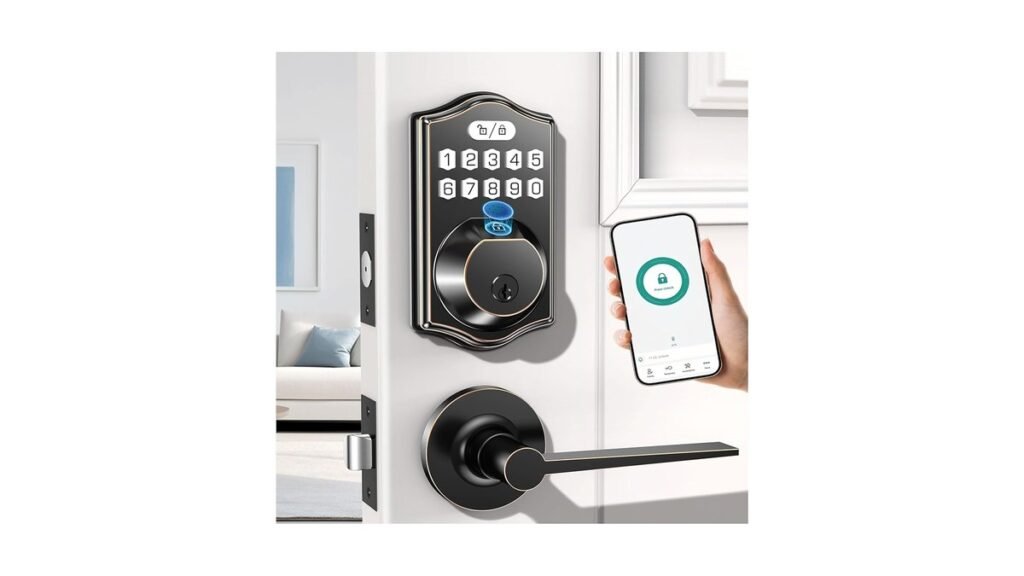
A smart lock replaces or upgrades your deadbolt so the door opens without a physical key. Most offer a keypad code, fingerprint reader, or phone-based unlocking (Bluetooth or Wi-Fi), and nearly all auto-lock after a set time — no more wondering. Many log every entry, create temporary codes for guests or cleaners, and ping you when the door’s left unlocked.
What they don’t do: make your door invincible. A smart lock is only as strong as the deadbolt it’s attached to and the frame it’s mounted in. Look for solid metal construction and an ANSI/BHMA Grade 1 or Grade 2 rating — the industry’s durability standard. Battery life matters too: good locks run 6–12 months, warn you well before dying, and keep a key or backup power option for emergencies.
Building out home security beyond the front door? Our guide on how to turn your smart lights into a security system pairs nicely with a smart lock routine.
What to Look For: Smart Lock Buying Guide
1. Installation Type: Replace or Retrofit
Full-replacement locks swap out the entire deadbolt and usually look cleanest. Retrofit locks, like the August, keep your existing deadbolt and keys, adding a motor on the inside — great for renters. Either way, most install with a screwdriver in 15–30 minutes and fit standard US deadbolt doors.
2. How You’ll Unlock It
Keypads are the most universal: anyone can punch a code, no phone or fingerprint enrollment needed. Fingerprint readers are fastest for daily use once enrolled, though they get fussy with wet hands. Phone-based unlocking (geofencing or tap) is convenient but leans on Bluetooth/Wi-Fi reliability. The best locks offer at least two methods — redundancy matters when you’re standing in the rain.
3. Connectivity: Bluetooth, Wi-Fi, or a Hub
Bluetooth-only locks work great up close but need a hub or bridge for remote control when you’re away. Wi-Fi locks connect directly and unlock from anywhere, at the cost of battery life. Matter/Thread support is the standard to look for now — the new common language that lets locks work across Alexa, Google Home, and Apple Home without brand lock-in.
4. Backup Access and Battery Reality
Every lock needs a plan B. A physical key backup is the gold standard; some locks add USB-C emergency power to jump-start a dead battery. Check battery type (AAs are easiest to replace), expected life, and whether the app warns you at low battery. And keep one spare key somewhere safe — even with the smartest lock on the market. For the wider connected-home picture, see the best smart home devices of 2026.
The 5 Best Smart Locks of 2026
1. Schlage Encode Plus — Our Pick for Best Overall
The Schlage Encode Plus is the smart lock we’d put on our own front door. It’s built by a company making locks for over a century, carries a strong security rating, and adds modern smarts without compromise: built-in Wi-Fi for remote control, a responsive keypad, and tap-to-unlock with a phone or Apple Watch for Apple Home users. The backlit keypad is easy to use at night, and the build feels appropriately solid — no plastic toy here.
It usually sells for around $300–$320. Premium, yes — but brand trust, build quality, and features justify it.
Pros:
- Trusted lock brand with strong security credentials
- Built-in Wi-Fi — no hub needed for remote control
- Tap-to-unlock and Apple home key support
- Sturdy metal construction, backlit keypad
Cons:
- Premium price
- No fingerprint option
Best for: Homeowners who want the most trusted all-rounder.
2. Yale Assure Lock 2 — Best for Flexibility
Yale’s Assure Lock 2 is the modular pick: choose your entry method (keypad, fingerprint touch, or key-free) and your connectivity module (Wi-Fi, Bluetooth, or Z-Wave/Matter variants), so the lock matches your setup instead of the other way around. The fingerprint version is fast and reliable daily; the keypad version is the guest-friendly choice; all of them install cleanly on standard doors.
Expect around $160–$280 depending on the configuration you choose.
Pros:
- Choose keypad, fingerprint, or key-free versions
- Multiple connectivity options including Matter
- Clean, modern design that suits most doors
- Good guest code management in the app
Cons:
- Wi-Fi versions drain batteries faster
- Configuration options can be confusing to shop
Best for: Buyers who want to tailor the lock to their needs.
3. August Wi-Fi Smart Lock (4th Gen) — Best for Renters
The August Wi-Fi Smart Lock is the renter’s answer: it installs inside your existing deadbolt, so the outside of your door — and your landlord’s key — stays exactly the same. Current keys keep working, and August adds auto-unlock on approach, auto-lock on departure, guest access, and an activity feed. Built-in Wi-Fi means no extra bridge for remote control.
Typically around $180–$230 — one of the more affordable premium options.
Pros:
- Keeps your existing lock and keys — renter-friendly
- Auto-unlock on approach, auto-lock on departure
- Built-in Wi-Fi for remote access, no bridge needed
- Compact design fits most doors
Cons:
- No keypad built in (sold separately)
- Relies on your existing deadbolt’s security
Best for: Renters and anyone who can’t replace the deadbolt.
4. Kwikset Halo Touch — Best Fingerprint Value
Want fingerprint unlocking without flagship prices? The Kwikset Halo Touch is the value pick. Your fingerprint is the key — enroll the household once and everyone just touches the reader. There’s a keypad-style backup, Wi-Fi for remote control and guest management, and Kwikset’s SmartKey re-keying lets you re-key the physical cylinder yourself in seconds — a genuinely useful feature competitors charge a locksmith for.
Usually around $200–$250.
Pros:
- Fingerprint unlock at a mid-range price
- SmartKey lets you re-key the lock yourself
- Built-in Wi-Fi for remote control
- Good app with guest access controls
Cons:
- Fingerprint reader can be slow with wet or dirty fingers
- Bulkier than the competition
Best for: Families who want fast fingerprint entry on a budget.
5. eufy Security Smart Lock E330 — Best Feature-Packed Value
eufy’s Smart Lock E330 throws in everything: fingerprint, keypad, physical key, app, and voice control, with no monthly subscription. eufy has built a reputation for packing flagship features into reasonable prices, and this lock is no exception — quick fingerprint reader, backlit keypad, an app that handles schedules and temporary codes well. Usually around $200–$280, undercutting the big names on features per dollar.
Pros:
- Five ways to unlock: fingerprint, keypad, key, app, voice
- No subscription required for any feature
- Strong value versus Schlage and Yale
- Good build quality for the price
Cons:
- Younger lock brand with less long-term track record
- Wi-Fi model trades some battery life for connectivity
Best for: Feature hunters who refuse to pay premium prices.
Smart Lock Comparison Table
| Lock | Entry Methods | Remote Access | Price |
|---|---|---|---|
| Schlage Encode Plus | Keypad, phone tap, key | Built-in Wi-Fi | around $300–$320 |
| Yale Assure Lock 2 | Keypad / fingerprint (config) | Wi-Fi or module | around $160–$280 |
| August Wi-Fi (4th Gen) | Phone, auto-unlock | Built-in Wi-Fi | around $180–$230 |
| Kwikset Halo Touch | Fingerprint, key | Built-in Wi-Fi | around $200–$250 |
| eufy Smart Lock E330 | Fingerprint, keypad, key, app | Built-in Wi-Fi | around $200–$280 |
Smart Lock FAQs
Are smart locks actually secure?
A quality smart lock from an established brand is at least as secure as a standard deadbolt — the locking mechanism and strike plate matter far more than the electronics. Stick with Grade 1 or Grade 2 rated locks from known makers, use a long door strike with 3-inch screws into the frame, and keep the firmware updated. The app and codes are conveniences layered on real hardware.
What happens if the battery dies?
You won’t get locked out. Good locks warn you in the app — and with beeps — weeks before the battery dies. Ignore all of that and most locks still keep a physical key backup; many support emergency USB power, so a power bank held to the port wakes it long enough to unlock.
Can a smart lock be hacked?
Any connected device carries some theoretical risk, but reputable locks use encrypted connections and there’s no documented epidemic of smart-lock break-ins. The realistic threats to your door are the same as ever: weak frames, short strike screws, unlocked windows. Buy from established brands and turn on two-factor authentication for the lock’s app account.
Do smart locks work in a power outage?
Yes. Smart locks run on batteries, not your home’s electricity, so they keep working through outages. Bluetooth unlocking and keypads work fine offline; you only lose remote features that need home Wi-Fi — which is down anyway in a power cut.
Can I install a smart lock myself?
Almost certainly. Most smart locks install with a Phillips screwdriver in 15–30 minutes and fit standard US deadbolt cutouts. Retrofit locks like the August are simpler still. The exceptions: mortise locks or non-standard backsets, which may need an adapter or a locksmith.
Final Verdict: Which Smart Lock Should You Buy?
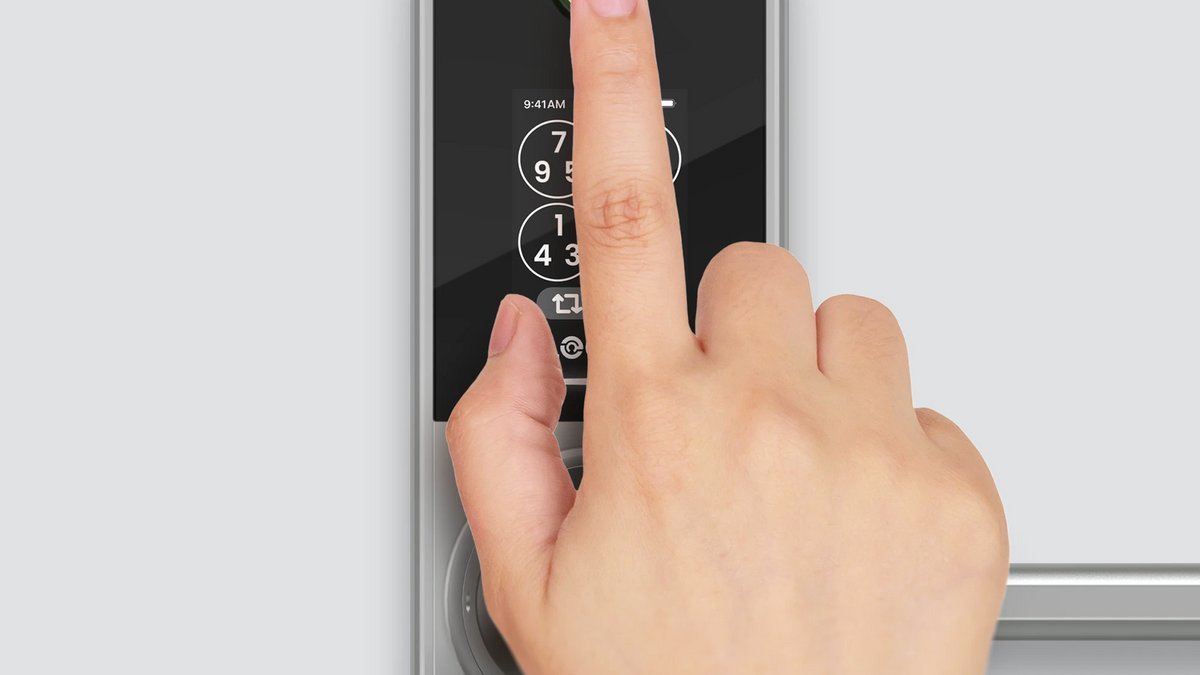
The Schlage Encode Plus is our top pick — trusted lock brand, solid hardware, full smart features, no hub required. The Yale Assure Lock 2 is best if you want to configure your own mix of keypad, fingerprint, and connectivity. Renters: get the August Wi-Fi Smart Lock and leave the existing deadbolt untouched. The Kwikset Halo Touch delivers fingerprint convenience at a fair price, and the eufy Smart Lock E330 packs the most features per dollar. Whichever you choose, upgrade your strike-plate screws while you’re at it — the cheapest real security improvement you can make.
Where to Buy: Compare Prices on Daraz · Check AliExpress Price
Check the price on AliExpress — the global marketplace with millions of tech products.
As an AliExpress affiliate, we may earn a commission on qualifying purchases.