Best Monitor Light Bars of 2026: 5 Picks for Late-Night Work
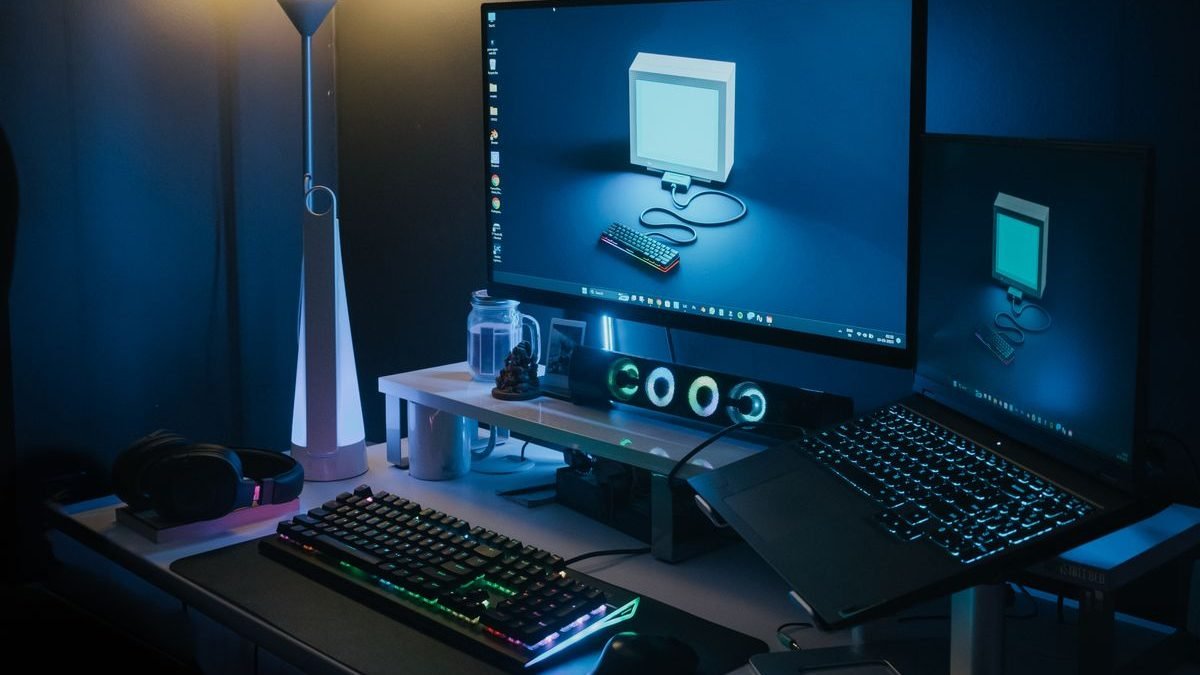
The best monitor light bars fix the exact problem every late-night worker knows: your screen is blazing, your desk is pitch dark, and your eyes are paying the difference. A light bar clips onto the top of your monitor and washes your desk in even light — no glare on your screen, no desk space eaten up like a traditional lamp. We rounded up the five best monitor light bars of 2026, from BenQ’s originals to budget picks that cost a fraction of the price.
Disclosure: This article contains affiliate links. As an Amazon Associate, we earn from qualifying purchases. We may also earn commissions from Daraz and AliExpress purchases made through links on this page, at no extra cost to you.
What a monitor light bar actually does
Simple idea, well executed: an LED strip in a weighted housing that sits on top of your monitor bezel, aimed down at your desk. The trick is the asymmetric optical design — light projects forward and down onto your keyboard and documents, never backward onto your screen. That’s what separates a light bar from just pointing a lamp at your desk: zero screen glare, zero reflections.
Why does this matter so much at night? Eye strain is mostly about contrast — a bright screen in a dark room forces your pupils to constantly adjust. Bias lighting (light behind or around the screen) and desk lighting both shrink that contrast. A light bar does both jobs at once: it lights your work surface and raises the ambient light around the monitor.
Most light bars are USB-powered, so they run off your monitor’s USB port or a hub, and many switch on automatically when they detect your screen. If you’re building out a full desk setup, pair your light bar with a good panel from our best gaming monitors of 2026 guide or a work-focused display — the lighting upgrade shows most on larger screens.
How to choose a monitor light bar
1. Asymmetric light projection (no glare)
This is the defining feature — don’t buy a light bar without it. The optics should throw light only forward and down, keeping your screen completely glare-free. BenQ invented this category with the original ScreenBar, and every credible competitor now uses the same asymmetric approach. Generic straight LED strips? They’ll reflect right on your screen.
2. Brightness and color temperature range
Look for adjustable brightness and color temperature (roughly 2700K warm to 6500K cool). Warm light suits the evening wind-down; neutral-to-cool suits focused work. Auto-dimming that reacts to room brightness is a genuinely useful premium feature if you work across day and night.
3. Monitor compatibility and mounting
Most light bars clamp onto flat monitor tops 0.7–3cm thick and suit 15–34″ displays. Got a curved ultrawide or a very thin laptop-style display? Check compatibility — some mounts struggle with aggressive curves. Counterweight-style mounts (BenQ’s approach) are the most stable; clip mounts are fine on standard monitors.
4. Controls and power
USB-C power is standard now — plug into your monitor or dock and forget about it. For controls, a wireless puck or dial (like BenQ’s) beats reaching up to tap the bar itself. Auto on/off via an ambient light sensor is the convenience feature worth paying for if you keep irregular hours.
Our 5 picks for the best monitor light bars
1. BenQ ScreenBar Halo 2 — Best Overall Monitor Light Bar
The BenQ ScreenBar Halo 2 is the refined version of the product that created this category — and our pick for the best monitor light bar overall. It adds a rear fill light that washes the wall behind your monitor, cutting screen-to-room contrast even further, alongside the asymmetric front light. The wireless controller handles brightness, color temperature, and the front/rear balance, and auto-dimming adjusts to your room as light changes.
Specs (generic-safe): front asymmetric light + rear fill light | wireless controller | auto-dimming | adjustable brightness + color temperature | USB-C powered | fits most monitors
Pros: The reference design — best optics in the category; the rear fill light genuinely eases eye strain; excellent wireless controller; rock-solid counterweight mount.
Cons: Premium price; overkill if you just want basic desk light; the controller needs a battery.
Best for: anyone who wants the best light bar experience with zero compromises.
2. BenQ ScreenBar Plus — Best Light Bar with a Desk Controller
The ScreenBar Plus is BenQ’s mid-range option — and the sweet spot for most buyers. You get the same asymmetric, glare-free optics as the flagship, with a wired desktop dial for brightness and color temperature. No reaching up to the bar, no batteries to change. It skips the Halo’s rear fill light and wireless control, which brings the price down noticeably.
Specs (generic-safe): asymmetric front light | wired desktop dial controller | adjustable brightness + color temperature | USB powered | auto on/off option
Pros: Same great BenQ optics for less; the desk dial is fast and intuitive; no batteries; reliable build.
Cons: No rear fill light; the wired controller adds a cable; pricier than third-party alternatives.
Best for: buyers who want BenQ quality and a physical dial without the Halo 2 premium.
3. Xiaomi Mi Monitor Light Bar — Best Value Light Bar
The Xiaomi Mi Monitor Light Bar is the value champion — often half the price of BenQ’s entry model with surprisingly good performance. The asymmetric design keeps glare off your screen, brightness and color temperature adjust via the included wireless remote, and the minimalist aluminum build looks clean on any monitor. For most desks, this is all the light bar you’ll ever need.
Specs (generic-safe): asymmetric light design | wireless remote control | adjustable brightness + color temperature | aluminum body | USB-C powered
Pros: Excellent price-to-performance; clean minimalist design; wireless remote in the box; solid build quality.
Cons: No auto-dimming; brightness ceiling sits lower than BenQ’s; availability varies by region.
Best for: budget-conscious buyers who want 80% of the BenQ experience for half the price.
4. Quntis Monitor Light Bar PRO+ — Best Budget Light Bar
Quntis built its name as the best cheap alternative to BenQ, and the PRO+ is the current pick. It covers the essentials — asymmetric glare-free light, stepless dimming, adjustable color temperature — at a price that often dips under $50. The remote is straightforward, and it fits the vast majority of flat monitors. It’s the light bar we recommend to students and anyone testing whether they even like the concept.
Specs (generic-safe): asymmetric glare-free optics | stepless dimming | adjustable color temperature | remote control | USB powered | wide monitor compatibility
Pros: Very affordable; covers all the core features; simple remote; good compatibility.
Cons: Build feels cheaper than BenQ or Xiaomi; no auto-dimming; light uniformity is good, not great.
Best for: students and skeptics — the cheapest way to try a real light bar.
5. Yeelight Monitor Light Bar Pro — Best Smart Light Bar
The Yeelight Monitor Light Bar Pro adds what the others skip: real smart features. It plugs into the Yeelight/Mi Home ecosystem for app control, schedules, and voice assistants, and includes a rear ambient light for wall glow. If your desk lighting should shift warmer on a schedule or answer to voice commands, this is your pick — and it still delivers the asymmetric, glare-free front light that defines the category.
Specs (generic-safe): asymmetric front light + rear ambient light | app, schedule, and voice control | adjustable brightness + color temperature | USB-C powered
Pros: Best smart-home integration of any light bar; rear ambient light included; schedules and voice control work well.
Cons: The smart features need the Yeelight ecosystem; app setup takes more effort; pricier than basic bars.
Best for: smart-home users who want their desk light running on a schedule.
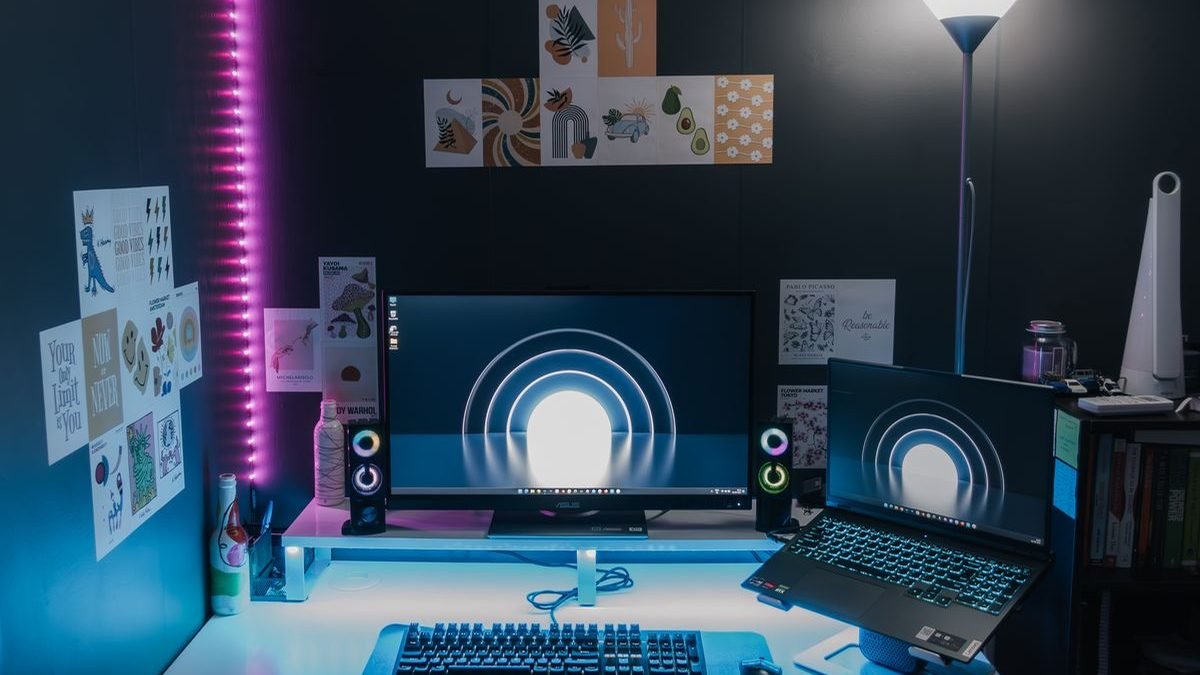
Light bars compared, side by side
| Light bar | Standout feature | Price | Best for |
|---|---|---|---|
| BenQ ScreenBar Halo 2 | Front + rear fill light, wireless control | ~$169–189 | Best overall |
| BenQ ScreenBar Plus | Wired desk dial controller | ~$119–139 | BenQ quality, lower price |
| Xiaomi Mi Light Bar | Minimalist design, wireless remote | ~$45–60 | Best value |
| Quntis PRO+ | Core features under $50 | ~$40–55 | Budget pick |
| Yeelight Light Bar Pro | App + voice smart control | ~$70–90 | Smart home desks |
Questions people actually ask
Do monitor light bars cause screen glare?
No — at least, not the good ones. Every pick here uses asymmetric optics that project light forward and down onto your desk, never backward onto the screen. That glare-free design is the entire point of a light bar versus a regular lamp.
Are monitor light bars better than desk lamps?
For screen-heavy work, yes. A light bar lights your desk without touching your screen or taking up desk space, and it keeps light out of your eyes. A traditional desk lamp is more versatile for non-desk tasks. Plenty of people end up with both — see our best smart lights guide for room lighting to complete the setup.
Will a light bar fit my curved monitor?
Most light bars fit flat and gently curved monitors up to 32–34″. Aggressively curved ultrawides (1000R and tighter) can be trouble — check the manufacturer’s compatibility list for your exact model before buying.
Do light bars work with laptops?
They can, but the thin lids and shallow bezels of most laptops make mounting awkward — and you can’t close the lid with the bar attached. Light bars are really built for desktop monitors. Laptop users are better off with a small desk lamp or a ring light for video calls.
What color temperature is best for late-night work?
Warm light around 2700K–3000K is easiest on the eyes late at night and interferes less with sleep. All five picks here adjust down to warm tones — go warm after sunset and you’ll feel the difference within days.
The verdict
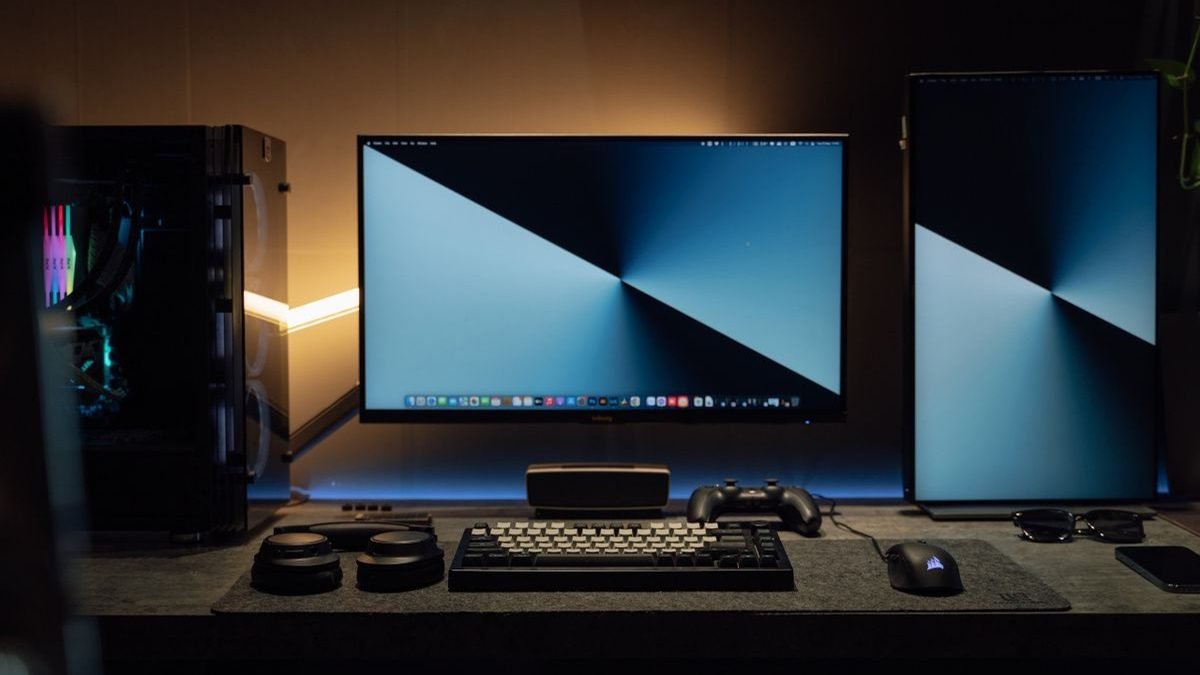
The BenQ ScreenBar Halo 2 is the best monitor light bar for most people in 2026 — the reference optics plus a rear fill light that genuinely eases late-night eye strain. The ScreenBar Plus gets you BenQ quality with a desk dial for less. Value hunters should grab the Xiaomi Mi Light Bar, tight budgets the Quntis PRO+, and smart-home fans the Yeelight Light Bar Pro. Compare light bar prices on AliExpress.
Where to Buy: Compare Prices on Daraz · Check AliExpress Price
Check the price on AliExpress — the global marketplace with millions of tech products.
As an AliExpress affiliate, we may earn a commission on qualifying purchases.