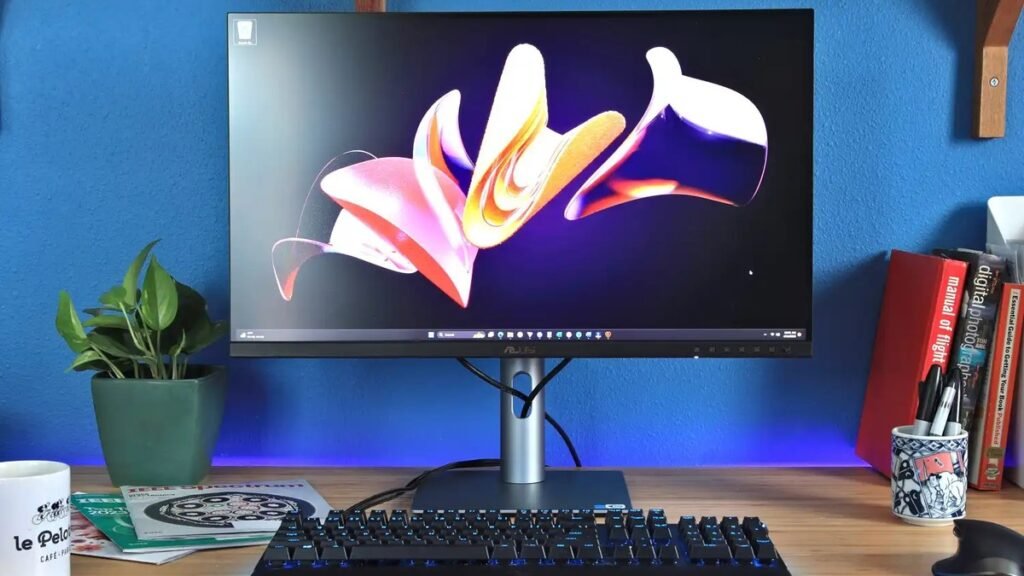
Best 4K Monitors for Work in 2026: 5 Picks for Home Offices
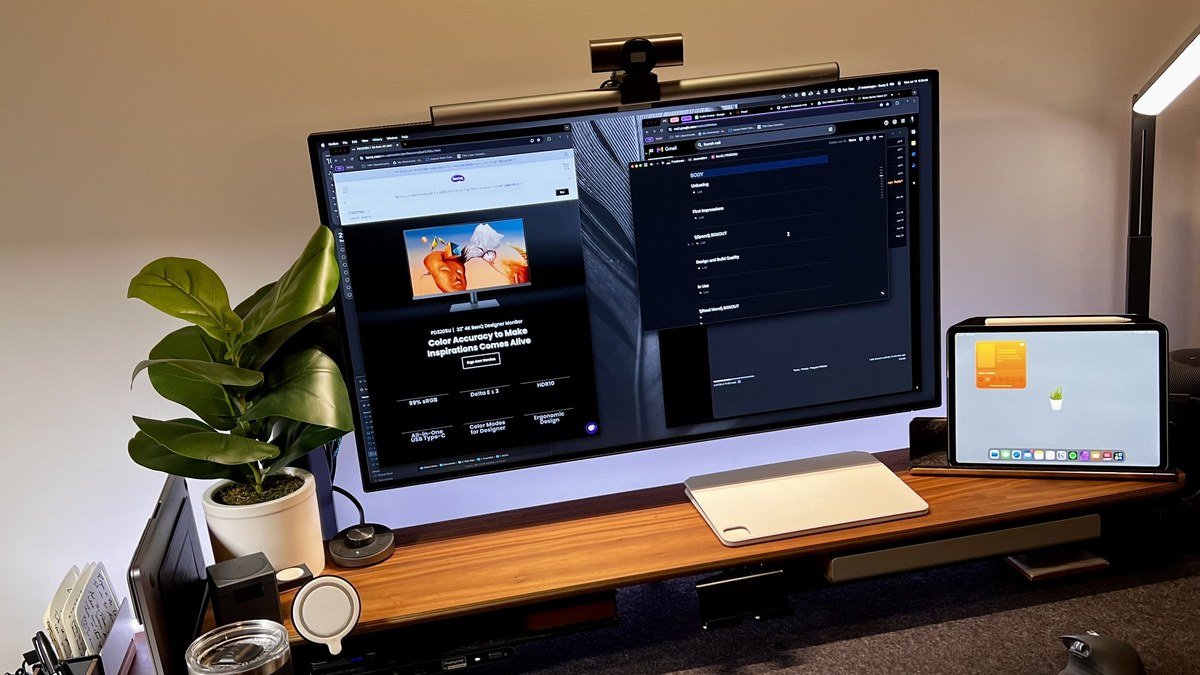
Finding the best 4K monitors for work is the single biggest upgrade you can make to a home office in 2026. Four times the pixels of 1080p means razor-sharp text and room for three documents side by side. Prices have dropped to the point where a great 4K panel costs less than a mid-range smartphone. We researched this year’s leading 27-inch 4K work monitors to find the five worth your money — from a $349 budget steal to the Mac user’s gold standard.
Best 4K Monitors for Work: Quick Comparison
Short on time? Here are our five picks, ranked by who they’re best for.
| Monitor | Key spec | Price | Best for |
|---|---|---|---|
| Dell UltraSharp U2725QE | 27″ 4K IPS Black, 120Hz, Thunderbolt 4 | ~$649 | Best overall work monitor |
| LG 27UP850N-W | 27″ 4K IPS, USB-C 90W, 99% sRGB | ~$399 | Best mid-range value |
| BenQ PD2706U | 27″ 4K, 100% sRGB/Rec.709, KVM switch | ~$449 | Best for designers & creators |
| Samsung ViewFinity S80D | 27″ 4K IPS, USB-C 90W, built-in speakers | ~$349 | Best budget pick |
| Apple Studio Display | 27″ 5K Retina, 600 nits, 12MP camera | $1,599 | Best for Mac users |
1. Dell UltraSharp U2725QE — Best Overall 4K Monitor for Work
The Dell UltraSharp U2725QE is our top pick for the best 4K monitor for work in 2026. The 27-inch 4K IPS Black panel delivers a 3,000:1 contrast ratio — roughly three times the blacks of conventional IPS — so documents stop looking washed out. Factory calibration to Delta E < 1.5 with 99% DCI-P3 means accurate color out of the box, and the 120Hz refresh rate makes scrolling noticeably smoother than 60Hz panels.
Where the U2725QE really earns its keep is connectivity. A single Thunderbolt 4 cable drives the display, charges your laptop at up to 140W, and connects peripherals through the built-in hub — a true one-cable desk setup. If you need more ports, see our best USB-C docks of 2026. ComfortView Plus keeps blue light low without tinting whites yellow, and the stand supports tilt, swivel, pivot, and height.
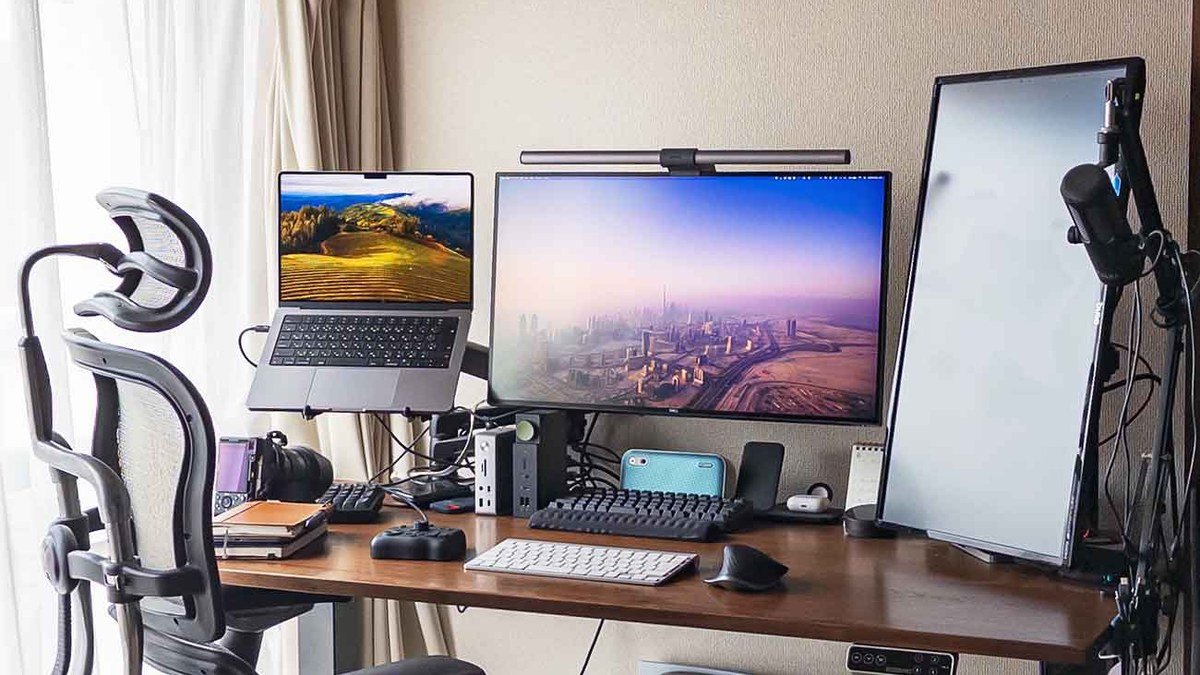
Specs: 27″ 4K UHD (3840×2160) IPS Black | 120Hz | 99% DCI-P3, 100% sRGB | Thunderbolt 4 (140W PD), DP 1.4, HDMI 2.1, USB hub, RJ45 Ethernet | 450 nits | HDR600
Pros: Best-in-class contrast for an office monitor; true one-cable Thunderbolt 4 docking; 120Hz smoothness; excellent factory color calibration.
Cons: Pricier than basic 4K panels; overkill if you only need a second screen for email.
2. LG 27UP850N-W — Best Mid-Range 4K Work Monitor
If the Dell is more monitor than your budget allows, the LG 27UP850N-W is the sweet spot of the 4K work monitor market. You get a 27-inch 4K IPS panel with 99% sRGB coverage, HDR400, and USB-C with 90W power delivery — enough to charge a MacBook Pro or Windows ultrabook while driving the display. LG’s Reader Mode and Flicker Safe tech make it comfortable for all-day document work.
At around $399, it’s regularly discounted further during sales — the monitor we recommend most to friends outfitting a home office on a sensible budget. Color accuracy is solid for productivity and casual creative work, though serious photo editors should step up to the BenQ. The slim-bezel design looks clean in dual-monitor setups.
Specs: 27″ 4K UHD (3840×2160) IPS | 60Hz | 99% sRGB | USB-C 90W PD, DP, 2× HDMI | 400 nits | HDR400 | Built-in speakers
Pros: Excellent price-to-performance; 90W USB-C charging; slim bezels ideal for dual setups; reliable LG panel quality.
Cons: Standard IPS contrast (1,000:1); 60Hz only; no Thunderbolt.
3. BenQ PD2706U — Best 4K Monitor for Designers
Creative professionals should look at the BenQ PD2706U, the 2026 heir to BenQ’s beloved PD designer series. This 27-inch 4K panel covers 100% sRGB and 100% Rec.709, ships with AQCOLOR factory calibration, and includes uniformity technology to keep brightness consistent edge to edge — exactly what you want when grading video or laying out print work. DualView previews the same image in two color modes side by side, and the KVM switch shares one keyboard and mouse between two computers.
The design pedigree shows in the ergonomics too: a fully adjustable stand, hotkey puck for switching color modes, and a neutral gray bezel that won’t skew your color perception. Around $449, it undercuts the Dell while delivering the color credentials designers actually need. If photo and video work is your job, this is the best 4K monitor for work in a creative studio — and it pairs well with a second screen from our best portable monitor 2026 guide.
Specs: 27″ 4K UHD (3840×2160) IPS | 60Hz | 100% sRGB, 100% Rec.709, Delta E ≤ 3 | USB-C 90W PD, KVM, DP, HDMI | 350 nits | Hotkey puck
Pros: Designer-grade color out of the box; KVM for two-computer workflows; excellent uniformity; great value for creators.
Cons: 60Hz; lower brightness than rivals; gaming features are minimal.
4. Samsung ViewFinity S80D — Best Budget 4K Work Monitor
The Samsung ViewFinity S80D proves you don’t need to spend $500 to get a genuinely good 4K work monitor. At around $349, this 27-inch 4K IPS panel delivers crisp text, USB-C with 90W charging, built-in speakers, and a height-adjustable stand — a spec sheet that would have cost twice as much three years ago. The matte finish handles glare well, and Samsung’s Easy Setting Box software helps you snap windows into productivity layouts.
Trade-offs are honest for the price: standard IPS contrast, good-but-uncalibrated color, and a tilt-and-height-only stand. For spreadsheets, email, coding, and video calls, none of that matters — text is razor sharp and the workspace feels huge. This is our pick for anyone upgrading from 1080p who wants maximum screen for minimum money. Pair it with a good webcam for video calls and you’ve upgraded your whole home office for under $500.
Specs: 27″ 4K UHD (3840×2160) IPS | 60Hz | 99% sRGB | USB-C 90W PD, HDMI, DP | 350 nits | Built-in speakers | Height-adjustable stand
Pros: Best price for a name-brand 4K work monitor; USB-C charging; height-adjustable stand included; great text sharpness.
Cons: Basic color calibration; no Thunderbolt; speakers are just okay.
5. Apple Studio Display — Best 4K Monitor for Mac Users
Technically it’s 5K, not 4K — but if you work on a Mac, the Apple Studio Display deserves its spot. The 27-inch 5K Retina panel (5120×2880) at 218 pixels per inch is the sharpest display on this list, with 600 nits, P3 wide color, and True Tone that adapts to your room. Text looks printed; UI elements are perfectly crisp at macOS’s native scaling.
The extras justify the $1,599 price for Mac loyalists: a 12MP Center Stage camera that keeps you framed on calls, a studio-quality three-mic array, and a six-speaker sound system with Spatial Audio. One Thunderbolt 3 cable connects and charges your MacBook at 96W, with three downstream USB-C ports. The catch — you need a Mac to unlock the camera and True Tone features, and the height-adjustable stand costs extra. For Mac-only households, nothing else feels this integrated.
Specs: 27″ 5K Retina (5120×2880) | 60Hz | P3 wide color, 600 nits, True Tone | Thunderbolt 3 (96W), 3× USB-C | 12MP Center Stage camera | Six speakers
Pros: Sharpest image on this list; superb camera, mics, and speakers; seamless Mac integration; gorgeous aluminum build.
Cons: Expensive; height-adjustable stand is a $400 upgrade; camera/True Tone need a Mac.
Buying Guide: How to Choose the Best 4K Monitor for Work
Panel size and resolution. 27 inches is the sweet spot for 4K — at that size, 4K hits 163 pixels per inch, making text crisp without tiny scaling. 32-inch 4K panels cost more and demand a deeper desk. Skip 24-inch 4K: the pixels are wasted.
Panel type matters. IPS is the work-monitor standard for wide viewing angles and color accuracy. Dell’s IPS Black is the meaningful 2026 upgrade — contrast jumps from 1,000:1 to 3,000:1, which your eyes will notice daily. VA offers deeper blacks but narrower viewing angles; OLED is gorgeous but burn-in risky for static office content.
USB-C with power delivery is the killer feature. One cable carrying video, laptop charging, and peripherals turns your desk into a one-plug setup. Look for at least 65W; 90W covers most 14–16″ laptops. Thunderbolt 4 (like the Dell’s 140W) adds daisy-chaining and faster data.
Ergonomics aren’t optional. A stand with height, tilt, swivel, and pivot — or VESA 100×100 mounting for a monitor arm — prevents neck strain. The top of the screen should sit at or slightly below eye level.
Refresh rate is a nice-to-have. 60Hz is fine for office work, but 120Hz (as on the Dell U2725QE) makes scrolling and window movement feel dramatically smoother. A worthwhile luxury, not a necessity.
Final Verdict
The Dell UltraSharp U2725QE is the best 4K monitor for work in 2026 for most people — IPS Black contrast, 120Hz smoothness, and one-cable Thunderbolt 4 docking at ~$649. On a tighter budget, the Samsung ViewFinity S80D (~$349) delivers the core 4K experience for half the price. Designers should grab the BenQ PD2706U (~$449), the LG 27UP850N-W (~$399) is the safe mid-range all-rounder, and Mac users will love the Apple Studio Display ($1,599). Pair your pick with an ergonomic office chair and your home office is done.
Dell UltraSharp U2725QE 4K Monitor
As an Amazon Associate I earn from qualifying purchases.
Frequently Asked Questions
Is a 4K monitor worth it for office work?
Yes — 4K’s biggest benefit for work is text. At 27 inches, 4K makes text dramatically sharper than 1080p or 1440p, reduces eye strain over long sessions, and fits the equivalent of four 1080p windows. Most people who switch never go back.
What size 4K monitor is best for a home office?
27 inches is the sweet spot: ideal pixel density for crisp text at comfortable 150% scaling. If your desk is deep (30″+) and you multitask heavily, 32-inch 4K is worth considering, but it costs significantly more.
Do I need USB-C on a work monitor?
If you use a laptop, yes — it’s the most convenient feature a work monitor can have. USB-C with power delivery lets one cable carry video, charge your laptop, and connect peripherals. Look for 65W minimum, 90W for larger laptops.
Is 60Hz enough for a work monitor, or do I need 120Hz?
60Hz is perfectly fine for documents, email, coding, and video calls. 120Hz makes scrolling and window movement feel smoother and reduces perceived flicker. A worthwhile luxury, not a necessity.
IPS vs VA vs OLED for office work?
IPS is the best choice: wide viewing angles, accurate colors, no burn-in risk. IPS Black (as in the Dell U2725QE) fixes traditional IPS’s mediocre contrast. VA offers deeper blacks but narrower angles; OLED looks stunning but risks burn-in from static taskbars.
Your monitor is the window you look through all workday — make it a good one. With 4K panels this affordable in 2026, there’s never been a better time to upgrade your home office centerpiece.
Affiliate Disclosure: This article contains affiliate links. If you purchase through them, we may earn a commission at no extra cost to you.
Where to Buy: Check Price on Amazon · Compare Prices on Daraz · Check Daraz Deals · Check AliExpress Price · See AliExpress Deals
Check the price on AliExpress — the global marketplace with millions of tech products.
As an AliExpress affiliate, we may earn a commission on qualifying purchases.