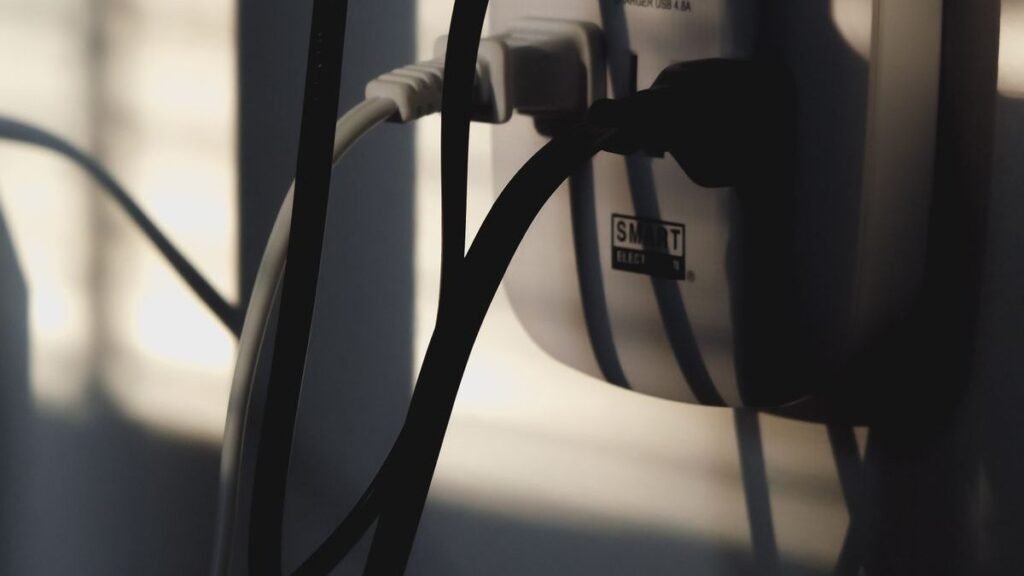
Best Cable Management Kits of 2026: 5 Picks for a Clean Desk
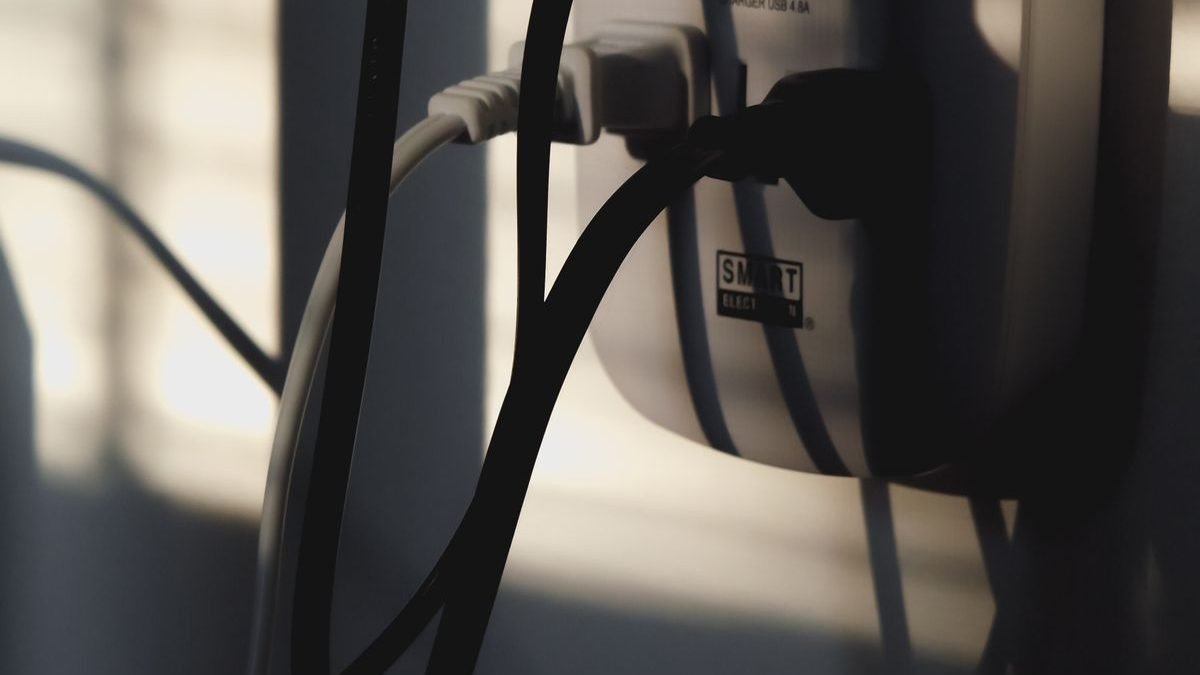
The best cable management kits do something no single gadget can: they make your desk feel bigger, calmer, and more professional. Cable spaghetti under a desk isn’t just ugly — it collects dust, makes cleaning miserable, and turns every device swap into a 20-minute excavation. A good kit (trays, sleeves, boxes, raceways) hides the mess for good. We picked five of the best cable management kits of 2026, covering under-desk trays, cord concealers, and the all-in-one boxes that start most cleanups.
Disclosure: This article contains affiliate links. As an Amazon Associate, we earn from qualifying purchases. We may also earn commissions from Daraz and AliExpress purchases made through links on this page, at no extra cost to you.
Why it’s worth the Saturday afternoon
Every desk accumulates cables: monitor power, laptop charger, dock, phone charger, lamp, speakers, webcam. Left alone, they tangle into a dust-collecting mass that makes your setup look unfinished no matter how nice the gear is. Worse, tangled cables trap heat around power bricks and make it genuinely hard to unplug or replace anything.
Cable management has three layers. First, containment: trays under the desk and boxes on the floor that hold power strips and bricks out of sight. Second, routing: sleeves, raceways, and clips that guide cables along planned paths — under the desk edge, down one leg, to the wall outlet. Third, shortening: Velcro ties and shorter cables to kill slack, because slack is what turns into spaghetti.
Buy a kit that covers all three rather than hunting for one magic product. And while you’re under the desk anyway, audit your power situation — our best GaN chargers of 2026 can replace several bulky bricks with one compact charger. Cable management by subtraction.
How to choose a cable management kit
1. Start with an under-desk tray or box
This is the foundation. A tray mounted under the desk (or a box on the floor) holds your power strip and all the bricks, so only one cable runs to the wall. Measure your desk’s underside clearance and check the mounting method — screw-mount trays are sturdiest; adhesive or clamp mounts suit renters and glass desks.
2. Match the kit to your desk type
Standing desks need cable solutions with slack and flex — the cables have to survive the desk moving up and down every day. Look for trays with open designs and spiral wraps rather than rigid raceways. Fixed desks can use adhesive raceways along the back edge and down a leg for a near-invisible result.
3. Plan for heat and access
Power bricks and chargers generate heat, so never seal them in an airtight box — ventilated boxes and open trays are safer. And leave yourself access: you will need to unplug things eventually, so don’t permanently glue everything down. Velcro ties beat zip ties because you can redo them.
4. Count your cables first
Before buying, count what’s actually under your desk — most people underestimate by half. A kit that handles 10 cables won’t survive 20. Buy about 30% more capacity than you think you need; the spare room disappears fast.
Our 5 picks for the best cable management kits
1. D-Line Cable Management Box — Best Overall Cable Box
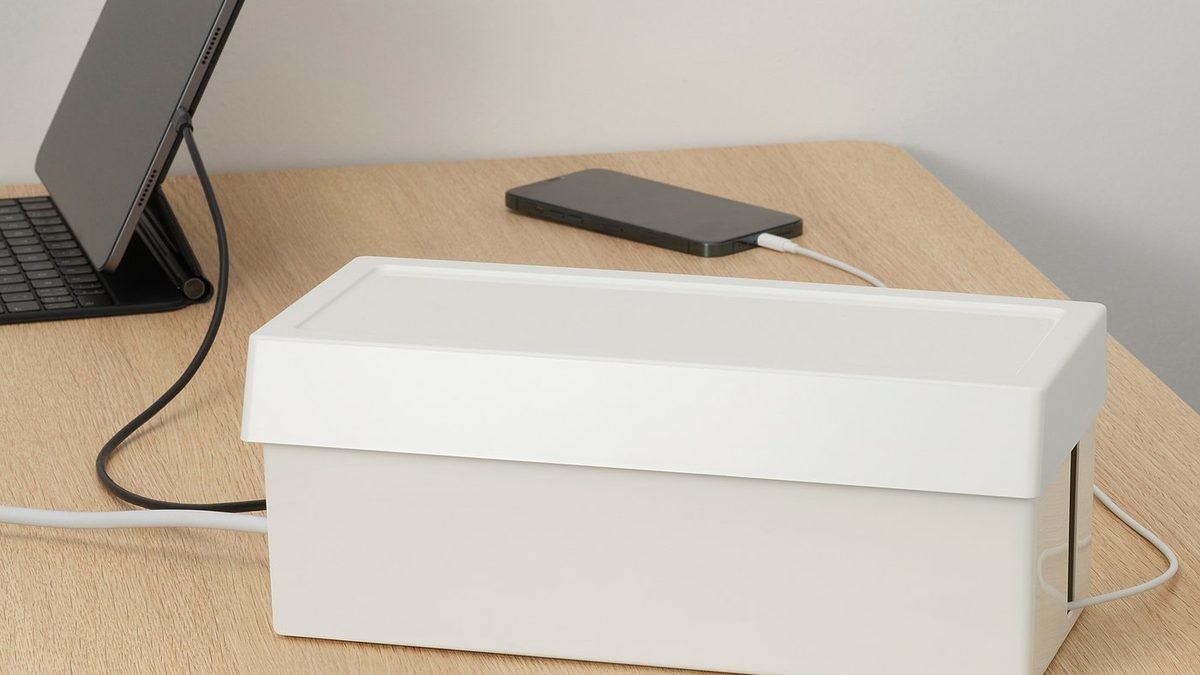
The D-Line cable management box is the classic starting point for a desk cleanup — and our pick for the best cable management kit centerpiece. It’s a ventilated box that swallows a full power strip plus bricks, with cable entry and exit slots on the back and sides. It comes in sizes from small to large, and the clean white or black finish looks intentional rather than hidden away in shame.
Specs (generic-safe): ventilated enclosure for power strips | multiple cable entry/exit slots | small, medium, and large sizes | clean matte finish
Pros: Hides the worst of the mess in minutes; ventilation keeps bricks cool; multiple sizes; looks tidy on its own.
Cons: It’s a box, not a full system — pair it with ties and sleeves; the large size is bulky; cables still need routing to reach it.
Best for: anyone starting a cleanup — the single fastest visible improvement you can make.
2. IKEA SIGNUM — Best Under-Desk Cable Tray
The IKEA SIGNUM is the under-desk tray that half the internet’s clean setups are built on. A simple steel rack that screws under your desk and holds a power strip, bricks, and coiled slack — everything off the floor and out of sight. It’s cheap, sturdy, and sized for real setups. Pair it with a D-Line box on the floor and your cables effectively disappear.
Specs (generic-safe): steel under-desk rack | screw mounting | holds power strips and adapters | open design for ventilation
Pros: Very affordable; rock-solid steel; the open design stays cool; the standard solution for a reason.
Cons: You have to screw into the desk; cables are organized, not hidden — add sleeves for the full effect; IKEA availability varies.
Best for: the core of any under-desk cable system, especially with fixed desks.
3. JOTO Cable Management Sleeve — Best Cable Sleeve Kit
Once the bricks are contained, the JOTO neoprene sleeve handles the routing: it zips around a bundle of cables and turns five visible cords into one clean tube. The 10-foot length covers a full desk-to-floor run, and you can cut it to size. It’s the cheapest way to make the remaining visible cables look deliberate.
Specs (generic-safe): neoprene zip-up sleeve | ~10 ft length, trimmable | bundles multiple cables into one | flexible routing
Pros: Very cheap; dramatic visual improvement; trims to exact length; easy to add or remove cables later.
Cons: Doesn’t contain bricks — routing only; neoprene collects dust; the zipper can snag.
Best for: the finishing layer — turning contained cables into one clean run.
4. Alex Tech Cord Protector — Best for Hiding Cables Along Walls and Floors
The Alex Tech cord protector is a braided sleeving kit that shines on the runs a tray can’t cover: along baseboards, across the floor to a far outlet, or down a desk leg. The self-wrapping split design makes it easy to add cables after installation, and the braided look is far nicer than plastic raceways in living spaces where the desk sits in a shared room.
Specs (generic-safe): self-wrapping braided sleeving | multiple diameters and lengths | split design for easy cable entry | pet-friendly abrasion resistance
Pros: Great for floor and wall runs; easy to add cables later; looks good in shared living spaces; protects cables from pets.
Cons: Overkill for short under-desk runs; the braided texture traps some dust; you need to measure to size it right.
Best for: desks far from outlets and pet owners who need cable protection.
5. UT Wire Cable Concealer Kit — Best Adhesive Raceway Kit
The UT Wire concealer kit is the renter-friendly answer: paintable adhesive raceways that stick to walls and desk edges, guiding cables in a straight, invisible line with zero drilling. It’s the standard solution for hiding TV and monitor cables against a wall, and works just as well running a cable down the back leg of a desk to the floor.
Specs (generic-safe): adhesive-backed raceway channels | paintable to match walls | snap-on covers | multiple lengths included
Pros: No drilling — renter friendly; paintable for a truly invisible look; clean straight lines; easy to install.
Cons: Adhesive can damage paint on removal; limited capacity per channel; rigid — not for standing desks.
Best for: renters and anyone hiding cables against walls with zero tools.
Kits compared, side by side
| Kit | Type | Price | Best for |
|---|---|---|---|
| D-Line Cable Management Box | Ventilated power box | ~$25–45 | Fastest visible cleanup |
| IKEA SIGNUM | Under-desk steel tray | ~$15–20 | Under-desk foundation |
| JOTO Cable Sleeve | Zip-up neoprene sleeve | ~$10–15 | Finishing layer |
| Alex Tech Cord Protector | Braided sleeving | ~$12–20 | Floor and wall runs |
| UT Wire Concealer Kit | Adhesive raceway | ~$20–35 | Renter-friendly wall runs |
Questions people actually ask
What is the best way to hide cables under a desk?
Mount an under-desk tray like the IKEA SIGNUM to hold your power strip and bricks, then route the leftovers with a sleeve like JOTO’s. That two-step combo — contain, then route — handles 90% of desk cable messes.
Are cable management boxes safe?
Yes, if they’re ventilated. Power bricks generate heat, so choose boxes with ventilation slots (like the D-Line) and don’t overload them or wrap chargers in insulation. Keep the box accessible so you can unplug things without a fight.
How do I manage cables on a standing desk?
Standing desks need flexible solutions with slack: an under-desk tray mounted to the moving desktop, spiral wraps or sleeves (never rigid raceways) for the drop to the floor, and enough cable length for full height travel. Run the full up-down range before you finalize the ties.
What is the cheapest way to do cable management?
Velcro ties and a single JOTO-style sleeve cost under $20 total and make a visible difference. Add an IKEA SIGNUM (~$15–20) when you can — the tray-plus-sleeve combo is the best value in cable management, full stop.
Can I hide cables without drilling?
Absolutely. Adhesive raceways (UT Wire), clamp-mount trays, floor cable boxes, and self-adhesive cable clips all work without a drill — ideal for renters and glass desks. Adhesive holds best on clean, smooth surfaces, so wipe with alcohol first.
The verdict
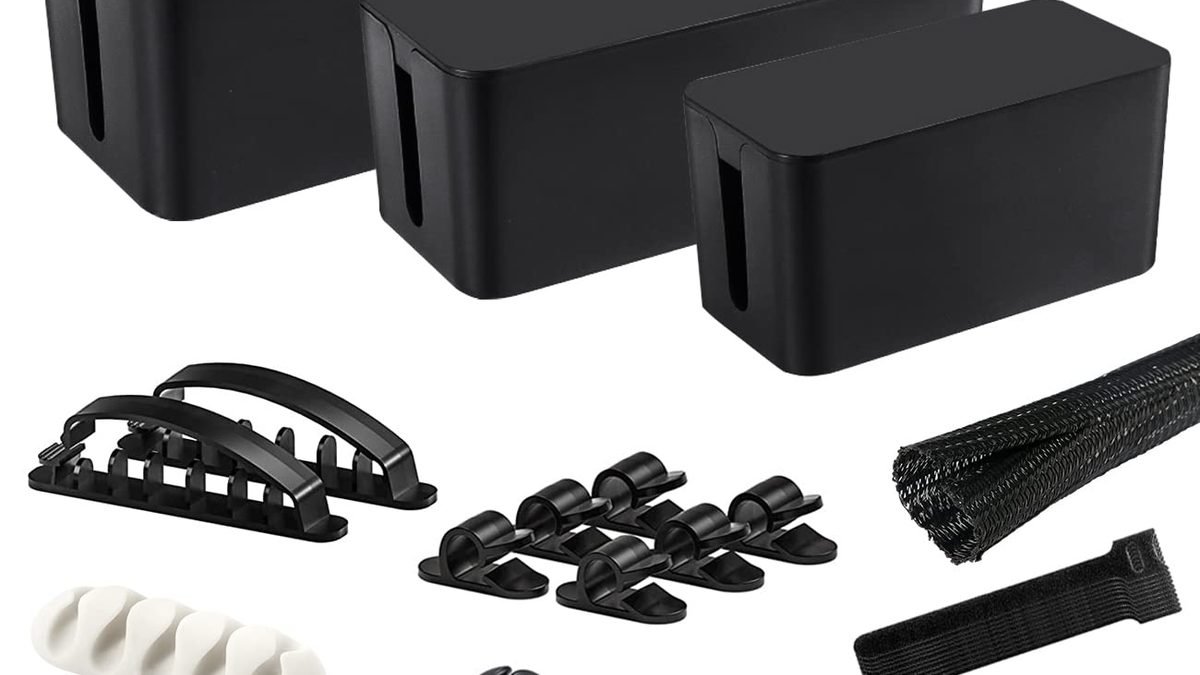
Start with the D-Line Cable Management Box for the fastest visible win, add an IKEA SIGNUM tray under the desk as your foundation, and finish with a JOTO sleeve for clean routing. Long floor runs call for the Alex Tech cord protector; renters hiding wall runs should grab the UT Wire concealer kit. One Saturday afternoon and under $75 total buys you a desk that looks twice as expensive — and if the cleanup inspires a bigger refresh, our best gaming monitors of 2026 guide covers displays worth showing off on it. Compare cable management kits on AliExpress.
Where to Buy: Compare Prices on Daraz · Check AliExpress Price
Check the price on AliExpress — the global marketplace with millions of tech products.
As an AliExpress affiliate, we may earn a commission on qualifying purchases.