Best Laptops for Video Editing in 2026: 5 Picks with Real Power
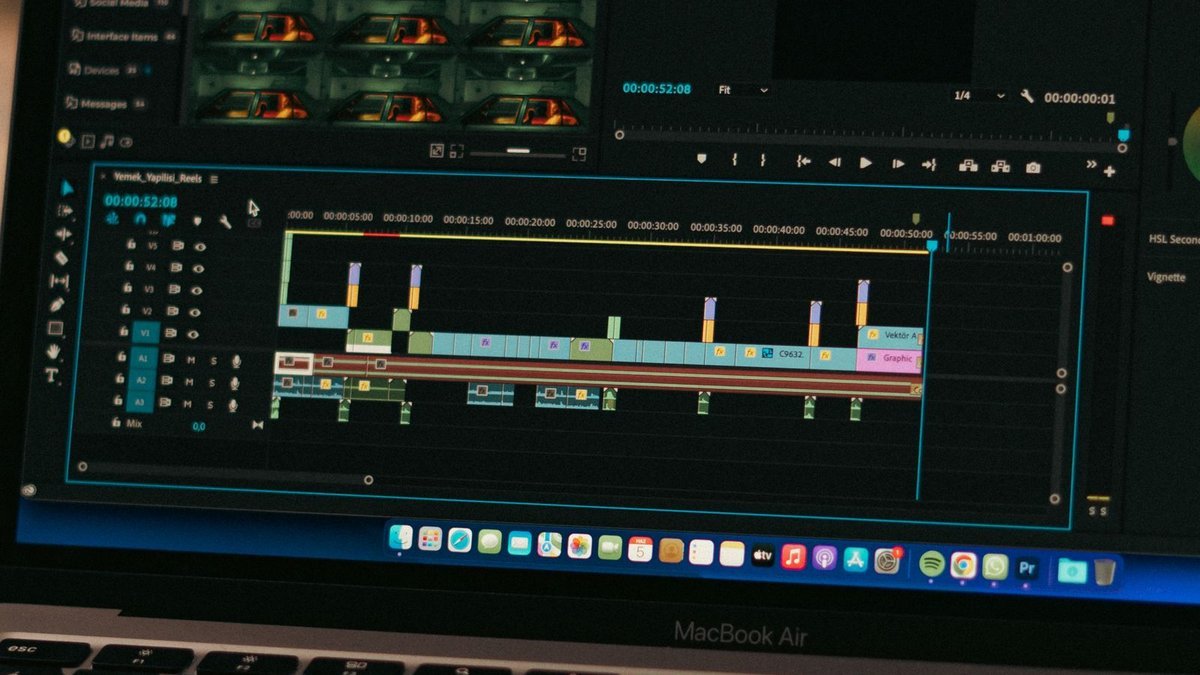
Video editing is the most honest test a laptop can face. Scrubbing 4K timelines, rendering effects, exporting long projects — it exposes every weakness. Weak processors stutter. Thin RAM crashes. Dim, inaccurate screens wreck your color work. Slow storage turns every save into a coffee break. The best laptops for video editing aren’t just fast on paper; they hold that speed for hours without throttling, and their displays show you what your footage actually looks like.
Good news: in 2026 you don’t need a desktop anymore. Apple’s M4 Pro and M4 Max chips brought workstation-class performance to laptops, and Windows creator machines have closed the gap. Whether you cut YouTube videos or commercial work, these five laptops have the real power editing demands.
Disclosure: This article contains affiliate links. As an Amazon Associate, we earn from qualifying purchases. We may also earn commissions from Daraz and AliExpress purchases made through links on this page, at no extra cost to you.
What Video Editing Actually Demands from a Laptop
Editing stresses a laptop differently than gaming or office work. The processor handles decoding footage, applying effects, and encoding exports — more cores and better media engines (Apple’s dedicated ProRes accelerators, Intel Quick Sync, NVIDIA NVENC) translate directly into faster timelines and exports. RAM is critical: 16GB is the minimum, 32GB is comfortable for 4K, and 64GB+ suits heavy multicam and After Effects.
The GPU accelerates effects, color grading, and the AI features now standard in Premiere Pro, DaVinci Resolve, and Final Cut (denoise, auto-reframe, transcription). Storage needs to be fast and plentiful — 4K footage eats gigabytes per minute, so 1TB SSD minimum, with fast external storage for active projects (see our portable SSD guide). And the display is your grading monitor: color accuracy, brightness, and HDR support decide whether what you see is what your audience gets.
Finally, sustained performance separates editing laptops from impostors. Plenty of thin laptops throttle after 30 seconds — but editing sessions last hours. You need proper cooling, which is why the best editing laptops run a little thicker than ultrabooks.
Video Editing Laptop Buying Guide: What to Look For
1. CPU with strong media engines
Core count matters, but dedicated media hardware matters more. Apple’s M4 Pro/Max pack ProRes engines that chew through professional codecs; on Windows, Intel Quick Sync and NVIDIA NVENC/CUDA do the same job. A mid-range chip with great media engines often out-edits a faster chip without them.
2. 32GB RAM if you can afford it
16GB runs Premiere and DaVinci fine for 1080p and light 4K work. Step up to 4K multicam, Fusion compositions, or After Effects and 16GB becomes the bottleneck — timeline stutters no processor can fix. Since RAM is soldered on most editing laptops, 32GB is the smart buy if you’ll keep the machine 3+ years. Best upgrade dollar in editing, full stop.
3. Display: color accuracy first, resolution second
For color work, a factory-calibrated display covering 100% DCI-P3 (MacBook Pro, ProArt) beats a higher-resolution panel with poor accuracy. OLED options (Razer Blade, ProArt) give perfect blacks and stunning contrast for HDR grading. Brightness counts too — 500+ nits keeps the screen usable in bright rooms. If you grade professionally, budget for an external reference monitor eventually; until then, the laptop display is your monitor.
4. Ports, storage, and the extras that save time
An SD card slot (MacBook Pro, ProArt) saves every shooter from dongle hell. Fast ports (Thunderbolt 4/5, USB4) matter for external SSDs and docks. Get 1TB internal storage minimum — 512GB fills up shockingly fast with video. And don’t sleep on audio: good speakers help with rough cuts, and a quality wireless mic matters more to your final video than any laptop upgrade.
The 5 Best Laptops for Video Editing in 2026
1. Apple MacBook Pro 14 (M4 Pro) — Best Laptop for Video Editing Overall
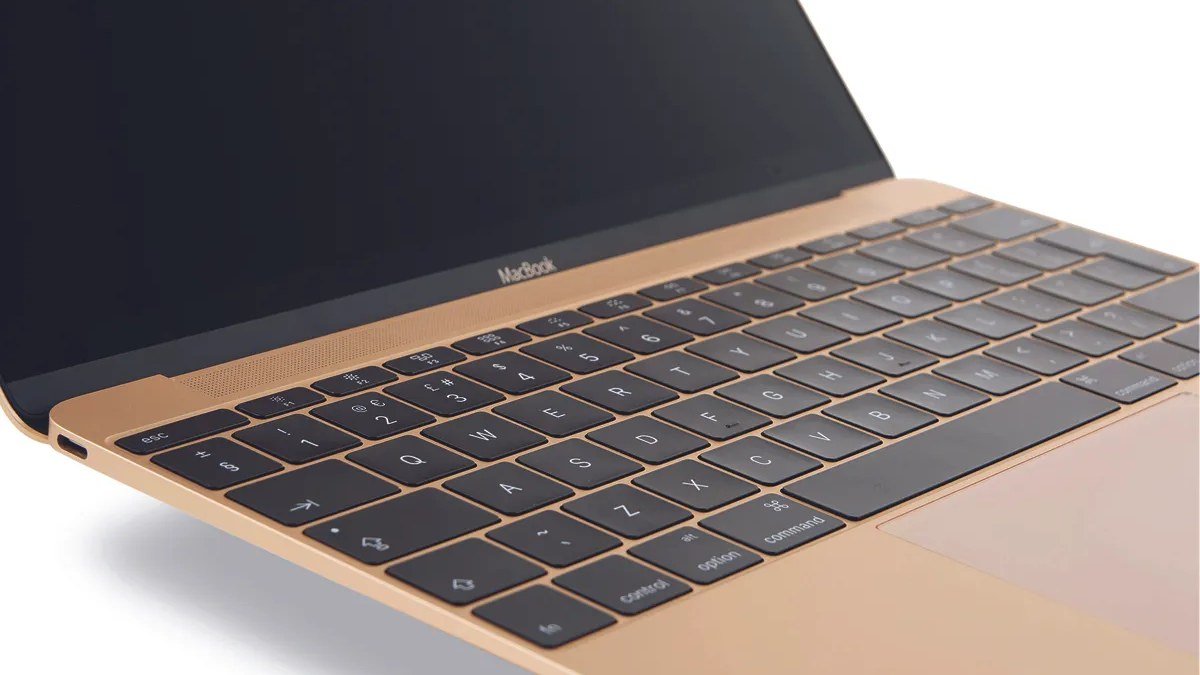
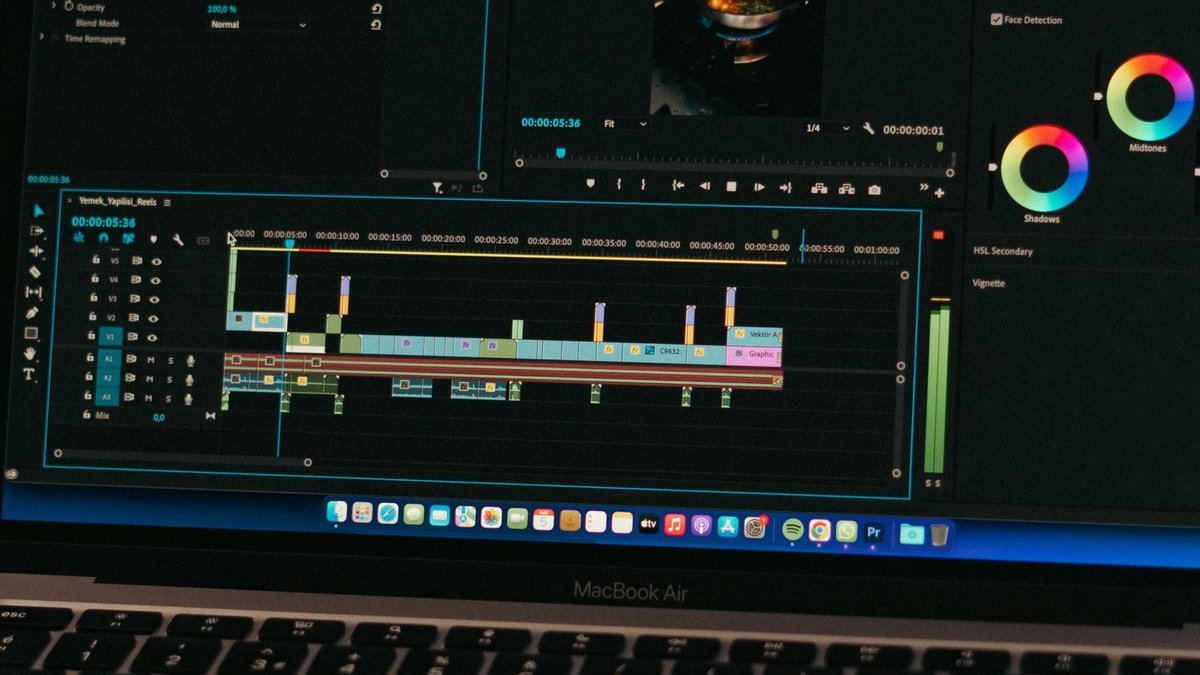
The MacBook Pro 14 with M4 Pro is our best laptop for video editing pick in 2026. Its media engines demolish H.264, HEVC, and ProRes timelines, the 14-inch mini-LED XDR display is a legitimate grading monitor (1000 nits sustained, P3 wide color), and it stays cool and quiet while delivering 18+ hours of battery.
Final Cut Pro is optimized to an almost unfair degree, but Premiere Pro and DaVinci Resolve fly too. The SD card slot, HDMI, and three Thunderbolt ports cover a shooter’s workflow with zero dongles. Around $1,999 to start (more with 32GB+ RAM) — expensive, yes, but it’s the complete package: power, display, battery, and silence in a 3.4-pound machine.
Pros: Best-in-class performance per watt; superb XDR display for grading; SD slot + HDMI; silent and cool.
Cons: Expensive, especially with RAM upgrades; Apple ecosystem only; gaming is weak.
Best for: Most video editors — YouTubers, freelancers, and professionals who want the complete package.
2. Apple MacBook Pro 16 (M4 Max) — Best for Heavy 4K/8K Work
When timelines get serious — 8K RAW, heavy After Effects, complex Fusion comps — the MacBook Pro 16 with M4 Max is the answer. The M4 Max adds significantly more GPU cores and memory bandwidth over the M4 Pro, plus support for up to 128GB of unified memory, which keeps massive projects fluid. The 16-inch XDR display gives you more timeline room, and the bigger chassis sustains peak performance longer.
This is overkill for YouTube talking-head videos — and priced like it, starting around $3,499 and climbing fast. But for commercial editors, colorists, and filmmakers working demanding codecs daily, it’s a desktop replacement that fits in a backpack. If you bill clients for render time, it pays for itself.
Pros: Maximum Apple Silicon performance; huge memory options; big beautiful display; desktop-class power, portable.
Cons: Very expensive; heavy at 4.7 lbs; overkill for casual editing.
Best for: Professional editors, colorists, and filmmakers with demanding 4K/8K workflows.
3. Asus ProArt P16 — Best Windows Laptop for Creators
The Asus ProArt P16 is the Windows machine built specifically for creative work. It pairs powerful AMD Ryzen AI or Intel processors with NVIDIA RTX graphics, a gorgeous 16-inch OLED touchscreen (calibrated, PANTONE-validated — ready for color work out of the box), and thoughtful creator touches like the Asus DialPad for brush control and an SD card slot.
It wins on Windows software compatibility (some plugins are Windows-only), NVIDIA CUDA acceleration for AI and 3D work, and often a lower price for equivalent specs (around $1,800–2,200). Battery life is good-not-great and it gets louder under load — but for creators who need Windows, this is the one.
Pros: Calibrated OLED display; RTX graphics with CUDA; creator-focused features; Windows compatibility.
Cons: Shorter battery life than MacBooks; louder under sustained load; heavier.
Best for: Windows-based creators who need RTX power and a color-accurate OLED screen.
4. Razer Blade 16 — Best for Editing and Gaming
The Razer Blade 16 is for the editor who also games — or the gamer who edits. It’s one of the thinnest laptops to pack high-end NVIDIA RTX graphics, with a stunning 16-inch OLED display option (240Hz, color-accurate) that’s as good for grading as it is for gaming. Performance in Premiere and DaVinci is excellent thanks to NVIDIA’s mature creator drivers and NVENC encoding.
The trade-offs: it’s expensive (around $2,500+ for RTX configurations), battery life is modest, and Razer’s support reputation is mixed. But if you want one machine that edits by day and games by night, nothing balances both as well.
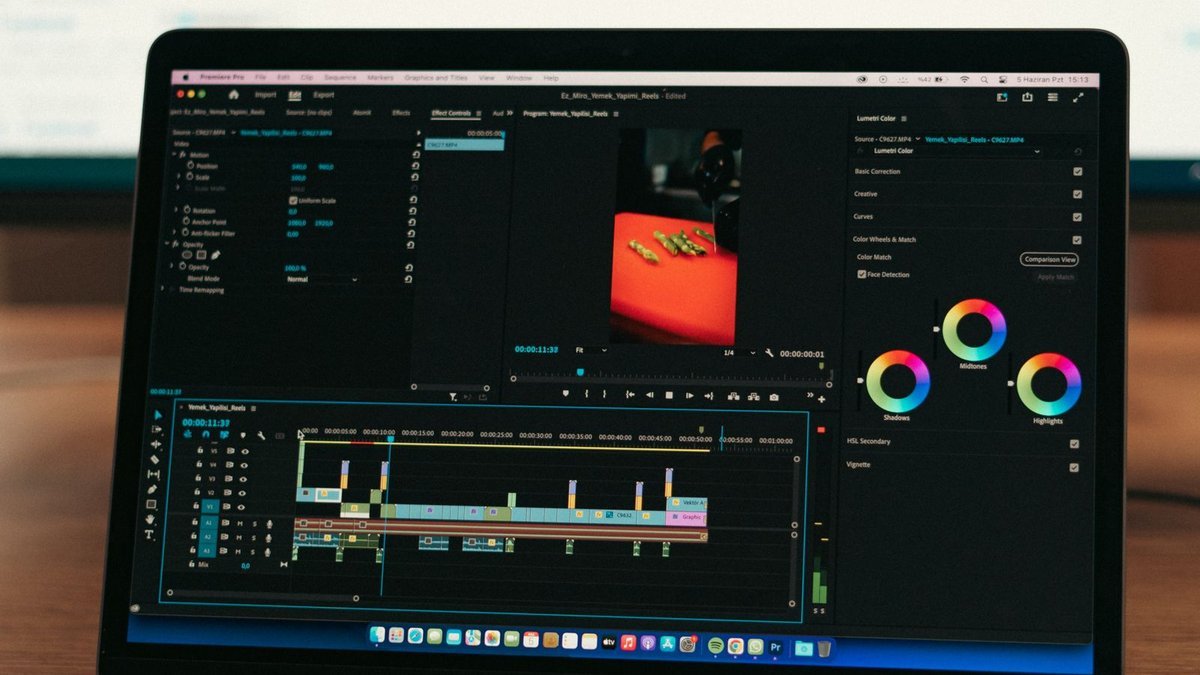
Pros: Excellent RTX performance; beautiful OLED display; premium build; great for gaming too.
Cons: Expensive; modest battery life; runs warm and loud under load.
Best for: Creators who want one machine for serious editing and serious gaming.
5. Dell XPS 14 — Best Value Editing Laptop
Not everyone needs a $2,000+ machine. The Dell XPS 14 brings editing-capable performance — Intel Core Ultra processors with Arc graphics options, a beautiful 14.5-inch OLED display option, and Dell’s premium build — for around $1,400–1,700. It’s the sensible pick for YouTubers and content creators editing 1080p and light 4K who don’t need workstation-class power.
Be realistic about limits: the XPS 14 handles everyday editing smoothly but will feel the strain on long 4K multicam timelines or heavy effects work compared to the picks above. For that, step up to 32GB RAM if your budget allows. But as an entry point to serious editing — great screen, solid performance, portable size — it’s the best value here.
Pros: Great OLED display option; premium portable design; strong value; good everyday editing performance.
Cons: Not a workstation — heavy timelines will tax it; minimal port selection (dongles needed); pricey RAM upgrades.
Best for: YouTubers and creators who need capable editing performance without the flagship price.
Best Laptops for Video Editing: Comparison Table
| Laptop | Key specs | Display | Around | Best for |
|---|---|---|---|---|
| MacBook Pro 14 (M4 Pro) | M4 Pro, 24GB+ unified memory | 14.2″ mini-LED XDR, 120Hz | ~$1,999 | Best overall |
| MacBook Pro 16 (M4 Max) | M4 Max, up to 128GB memory | 16.2″ mini-LED XDR, 120Hz | ~$3,499 | Heavy 4K/8K work |
| Asus ProArt P16 | Ryzen AI/Intel + RTX graphics | 16″ OLED touch, calibrated | ~$2,000 | Best Windows creator |
| Razer Blade 16 | Intel + high-end RTX graphics | 16″ OLED, 240Hz option | ~$2,500 | Editing + gaming |
| Dell XPS 14 | Intel Core Ultra, Arc graphics | 14.5″ OLED option | ~$1,500 | Best value |
Frequently Asked Questions
How much RAM do I need for video editing in 2026?
16GB is the minimum for comfortable 1080p and light 4K editing. 32GB is the sweet spot for regular 4K work, multicam, and After Effects. 64GB+ is for professionals with heavy timelines. Since most editing laptops have soldered RAM, buy for the work you’ll be doing in year three, not just today.
Is Mac or Windows better for video editing?
Both are excellent. Mac wins on efficiency, battery life, display quality, and Final Cut optimization; Windows wins on software compatibility, NVIDIA CUDA acceleration, and hardware choice. Final Cut users need Mac; everyone else should choose by preference and budget.
Can I edit 4K video on a $1,000 laptop?
Light 4K — yes, with proxies and patience. Laptops like the MacBook Air M4 or Dell XPS 14 handle short 4K projects fine. But regular 4K multicam work with effects wants the sustained performance, RAM, and cooling of the machines on this list. No shame in starting small and upgrading when the work demands it.
Do I need a dedicated GPU for video editing?
It helps a lot for effects-heavy work, color grading, and AI features — NVIDIA RTX cards accelerate all of these. But Apple’s integrated M-series GPUs are so strong that a MacBook Pro without a “dedicated GPU” out-edits many Windows laptops that have one. Don’t treat “dedicated GPU” as a requirement; treat real editing performance as the requirement.
What else do I need besides the laptop?
Fast external storage is essential — 4K footage fills internal drives fast (see our portable SSD picks). A good camera and decent audio matter more to your final video than laptop specs. And back everything up — a dead drive without a backup ends projects.
Final Verdict
The MacBook Pro 14 (M4 Pro) is the best laptop for video editing in 2026 for most editors — powerful, portable, silent, and long-lasting in one machine. Professionals with brutal timelines should step up to the MacBook Pro 16 (M4 Max), Windows creators want the Asus ProArt P16, gamer-editors should look at the Razer Blade 16, and the Dell XPS 14 is the smart value entry point. Whichever you choose, max out the RAM you can afford — it’s the upgrade you’ll feel longest. You can also compare editing laptop deals on Daraz or browse creator gear on AliExpress to complete your setup.
Where to Buy: Compare Prices on Daraz · Check AliExpress Price
Check the price on AliExpress — the global marketplace with millions of tech products.
As an AliExpress affiliate, we may earn a commission on qualifying purchases.