
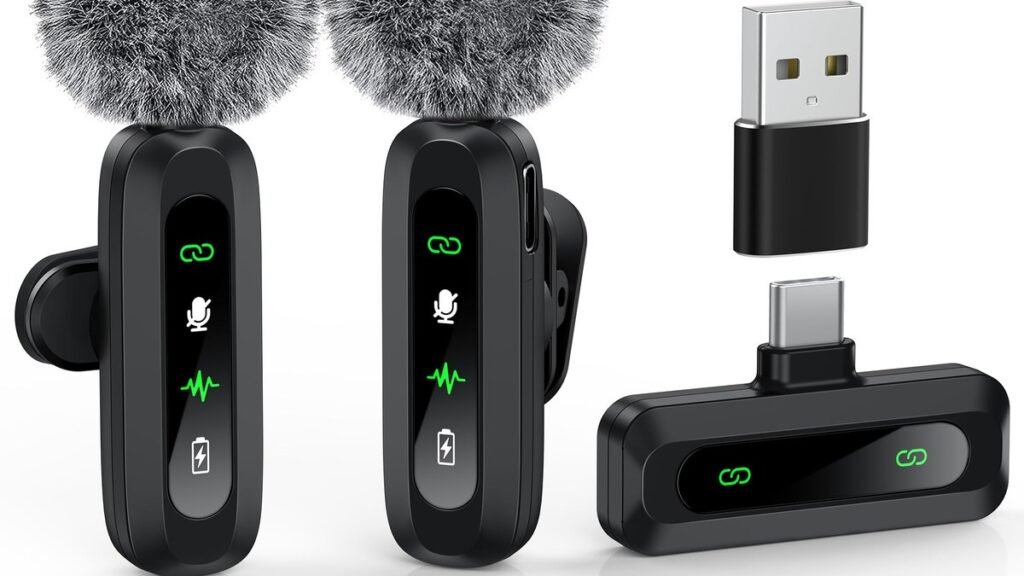
Good video can survive mediocre lighting. Bad audio is much harder to forgive — and nothing ruins a perfect take like clipped, distorted sound. A wireless mic with 32-bit float recording solves this at the root: it captures such an enormous dynamic range that sudden shouts, laughs, or gusts of wind don’t destroy your audio. The DJI Mic Mini 2S brings this pro-level safety net to a tiny, affordable, creator-friendly package, with internal backup recording on every transmitter. For YouTubers, vloggers, and interview creators, that combination is a bigger deal than it sounds.
This guide explains what 32-bit float actually does, why internal recording matters more than most spec sheets suggest, how the Mic Mini 2S compares to its rivals, and — importantly — whether you should upgrade if you already own a wireless mic.
Why 32-Bit Float Changes Everything
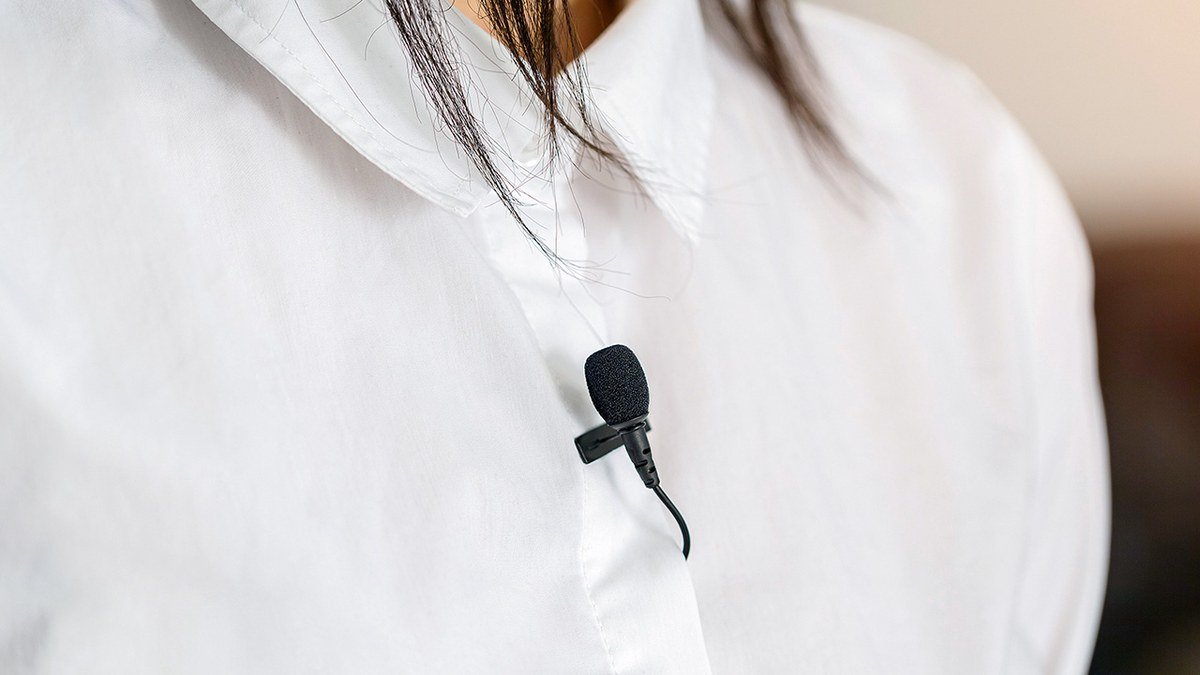
Traditional audio recording forces you to set gain levels carefully: too low and your voice is buried in noise; too high and loud moments clip into harsh distortion you can’t fix. 32-bit float recording effectively removes this dilemma. It captures such a wide dynamic range that you can record a whisper and a shout in the same take, then adjust levels freely in editing — quiet parts raised without noise, loud parts lowered without distortion. It’s the audio equivalent of shooting RAW photos: maximum flexibility after the fact.
The DJI Mic Mini 2S pairs this with internal recording on each transmitter: roughly 14.5GB of built-in storage capturing up to about 21 hours of 32-bit float audio (longer at 24-bit). Why does that matter? Because wireless transmission can fail. Interference, distance, a dead receiver battery — any of these can corrupt the wireless feed. With internal recording, the transmitter is independently saving a pristine backup copy the whole time. If the wireless link glitches, your audio survives. For anyone who’s ever lost a perfect interview to a dropout, that’s the single most valuable feature a wireless mic can have.
Add AI-powered noise cancellation (two levels — a gentle indoor mode and an aggressive outdoor mode), support for up to four transmitters on one receiver, and direct pairing with DJI cameras like the Osmo Pocket 3, and you’ve got a system that punches well above its size and price.
How to Choose a Wireless Mic as a Creator
1. Prioritize the safety net over the spec sheet
Range figures and frequency specs matter less than this question: what happens when something goes wrong? Internal backup recording (like the Mini 2S’s) protects against wireless failures; 32-bit float protects against clipping. A mic with both lets you stop babysitting audio levels and focus on the content. Choosing between two systems? Pick the one with the better safety net.
2. Match the kit to your shooting style
Solo phone creators need one transmitter and a mobile receiver — don’t pay for a four-transmitter camera kit you’ll never use. Interview and podcast creators need two or more transmitters from day one. The Mini 2S scales from a 1TX mobile bundle to a 4-transmitter setup, so buy for what you shoot now with room to grow.
3. Consider your camera ecosystem
Shoot on DJI gear — especially the DJI Osmo Pocket 3 — and the Mini 2S transmitters can pair directly without the receiver, simplifying your rig enormously. On Sony/Canon/Nikon mirrorless, any quality system works via the standard receiver and 3.5mm/USB connection. Ecosystem lock-in is a convenience, not a requirement.
4. Don’t forget the rest of the chain
A great mic into a bad workflow still disappoints. Record a backup on your phone with a teleprompter app running, light your face properly (a budget ring light costs less than most mic upgrades), and store finished projects on a reliable portable SSD. Audio is the highest-leverage upgrade — but it’s still one link in a chain.
Wireless Mic with 32-Bit Float: The Options
DJI Mic Mini 2S — the affordable 32-bit float pick
The Mini 2S is the first in DJI’s Mini lineup with internal recording, and it’s the cheapest way to get 32-bit float backup recording from a major brand. Each featherweight transmitter (around 12g) carries ~14.5GB of storage, records internally in 32-bit float, and supports AI noise cancellation with Basic and Strong modes. One receiver handles up to four transmitters — enough for podcasts and panel interviews. Battery life is excellent: roughly 11 hours per transmitter, with the charging case pushing total runtime past 40 hours. It’s compatible with previous DJI mic products, easing upgrades.
The honest limitations: sound quality is very good but not quite top-tier pro level, the app experience draws complaints, and there’s no receiver screen like pricier systems. But for the money (around $191 MSRP for the standard kit), nothing else offers this combination of size, backup recording, and 32-bit float.
Pros:
- 32-bit float internal recording — no more clipped takes
- Tiny and light; 40+ hour total battery with case
- Up to 4 transmitters for interviews and podcasts
- Direct pairing with DJI cameras
- Very competitive price
Cons:
- Audio quality a notch below true pro systems
- App is clunky; no receiver display screen
Best for: YouTubers, vloggers and interview creators who want pro backup features without pro prices.
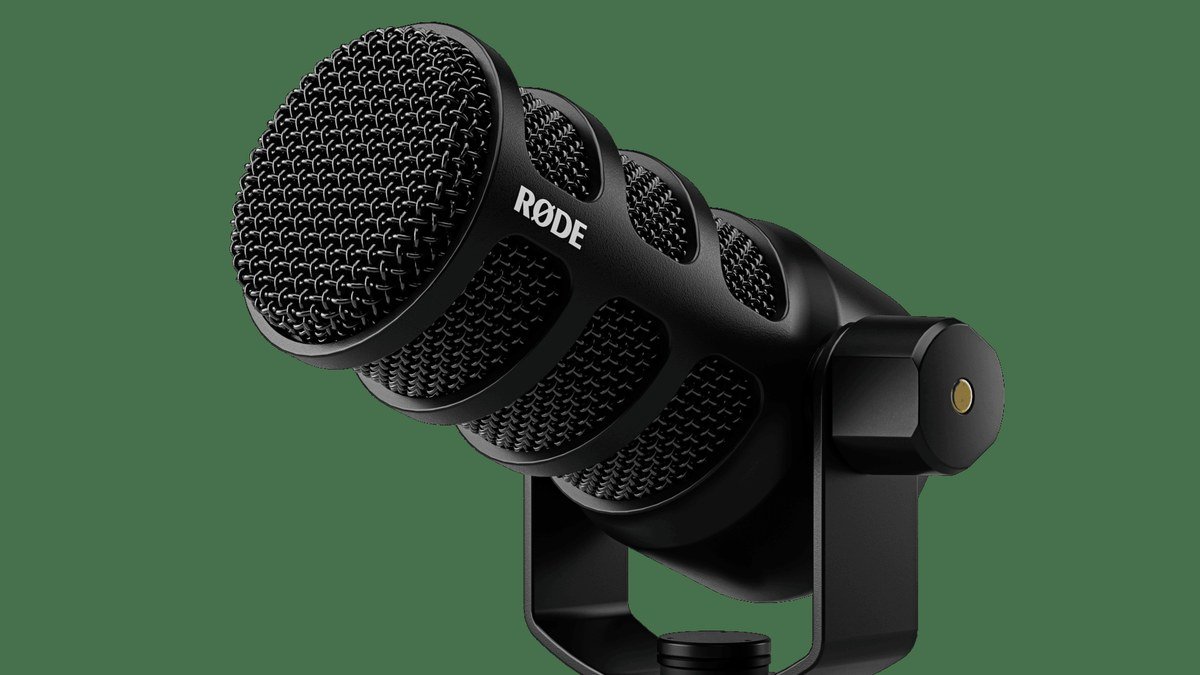
DJI Mic 2 — the ecosystem all-rounder
The regular DJI Mic 2 remains an excellent system — slightly larger, with a touchscreen receiver and polished software. If you bought one recently, here’s the uncomfortable truth: the Mini 2S’s headline features (internal 32-bit float recording) are genuinely useful, but whether they’re worth replacing a working Mic 2 depends on your pain. Never lost audio to a dropout or clipping? Keep your money. Have you — and did it sting? The upgrade math changes.
Pros:
- Polished interface with touchscreen receiver
- Deep DJI ecosystem integration
- Proven reliability
Cons:
- No internal 32-bit float backup recording
- Upgrading just for the 2S features is expensive
Best for: Existing owners who are happy — and anyone who values the receiver screen over backup recording.
Rode Wireless Pro — the pro alternative
If your audio absolutely cannot fail — weddings, documentaries, paid client work — the Rode Wireless Pro is the established pro standard: 32-bit float internal recording, 32GB of onboard storage per transmitter, timecode support, and Rode’s GainAssist. It’s bigger, heavier, and significantly more expensive than the Mini 2S, but it’s the system professionals trust when there’s no second take.
Pros:
- 32-bit float + massive 32GB per-transmitter storage
- Timecode for multi-camera workflows
- Proven professional reliability
Cons:
- Notably more expensive
- Larger and less discreet than the Mini 2S
Best for: Professionals and event shooters where audio failure isn’t an option.
Wireless Mics Compared
| System | 32-bit float internal rec. | Transmitters | Battery (total w/ case) | Best for |
|---|---|---|---|---|
| DJI Mic Mini 2S | Yes (~14.5GB) | Up to 4 | 40+ hours | Creators on a budget |
| DJI Mic 2 | No | Up to 2 | ~18 hours | Ecosystem users |
| Rode Wireless Pro | Yes (32GB) | Up to 2 | ~30+ hours | Professionals |
Wireless Mic FAQs
What does 32-bit float actually do for my videos?
It makes your audio nearly un-clippable. Record an interview where someone suddenly laughs loudly — with 32-bit float internal recording, you can pull that moment down to normal levels in editing with no distortion. Without it, that laugh is permanently harsh digital clipping. It doesn’t fix bad mic placement or room echo, but it eliminates the most common catastrophic audio failure.
Do I need internal recording if the wireless connection is reliable?
Yes — because “reliable” isn’t “infallible.” Crowded RF environments (events, cities, conferences), distance, and low batteries can all interrupt a wireless feed without warning. Internal recording is a backup that costs you nothing during the shoot and saves you when things go wrong. It’s the cheapest insurance in your kit.
Should I upgrade from the DJI Mic 2 to the Mini 2S?
Only if you’ve felt the pain it solves. Lost takes to dropouts or clipping? The internal 32-bit float recording is worth it. If your Mic 2 has been flawless, the upgrade buys you features you may never trigger — and the Mini 2S gives up the touchscreen receiver. Be honest about your actual problems before spending.
How many transmitters do I need?
One for solo talking-head and vlogging work. Two for interviews and two-person content. Three to four for podcasts and panels. The Mini 2S supports up to four on one receiver, so a 2TX kit covers most creators with room to expand later.
Is the DJI Mic Mini 2S good for beginners?
It’s one of the best beginner picks available: genuinely simple to use (clip on, power on, record), affordable, and the 32-bit float safety net forgives the gain-setting mistakes beginners always make. A beginner with a Mini 2S will get usable audio in situations that would ruin a more “pro” manual system. Pair it with the DJI Osmo Pocket 3 and you have a complete creator kit that fits in a jacket pocket.
Final Verdict: DJI Mic Mini 2S
The DJI Mic Mini 2S matters because it democratizes the two features that separate amateur audio from professional audio: 32-bit float recording and internal backup. You no longer need a $300+ pro system to stop worrying about clipped takes and dropped signals. For YouTubers, vloggers, and interview creators, it’s the obvious pick — tiny, long-lasting, expandable to four mics, and priced for real budgets. Rode’s Wireless Pro remains the choice when failure truly isn’t an option, and Mic 2 owners can upgrade only if they’ve felt the specific pain. For everyone else starting or stepping up their audio game: this is the wireless mic with 32-bit float to beat.
Affiliate Disclosure: This article contains affiliate links. If you purchase through them, we may earn a commission at no extra cost to you.
Where to Buy: Check Price on Amazon · See Amazon Deals · Compare Prices on Daraz · Check Daraz Deals · Check AliExpress Price · See AliExpress Deals
Check the price on AliExpress — the global marketplace with millions of tech products.
As an AliExpress affiliate, we may earn a commission on qualifying purchases.
















Pingback: DJI Osmo Pocket 3 for Vlogging: Still Worth It?