
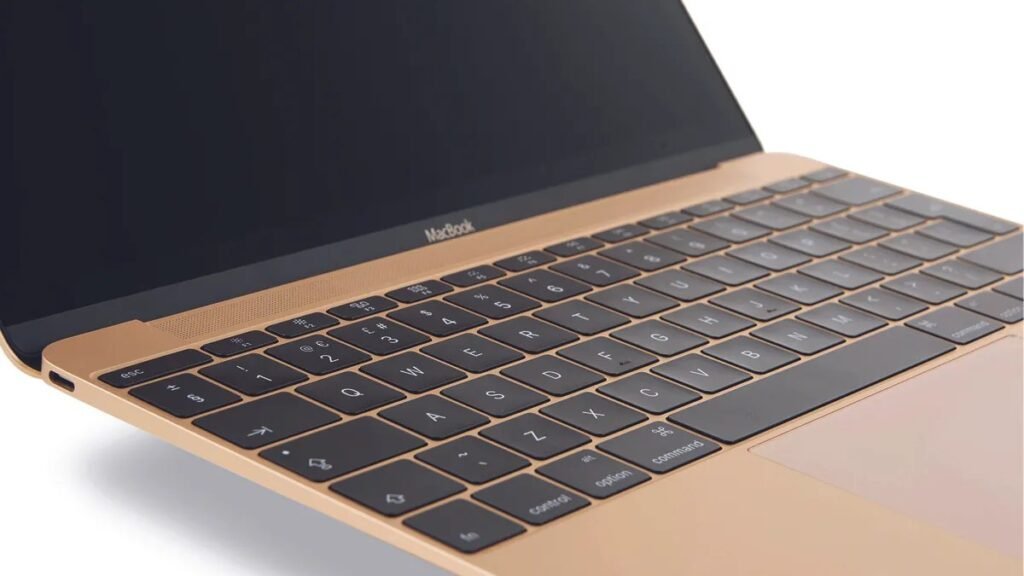
If you don’t want to spend hours comparing processors, RAM configurations, and benchmark charts before buying a laptop, the MacBook Air M5 is an easy place to start. In 2026 the choice got more interesting, though: Apple now sells the MacBook Air M5 and MacBook Neo side by side, with the Neo undercutting the Air by hundreds of dollars. So which one should most people actually buy? This guide breaks down the M5 Air — still our pick for most buyers — explains where the cheaper Neo fits, what to check before choosing any MacBook, and who should step up to a MacBook Pro instead.
The short version: the MacBook Air M5 (from $1,299) remains the safest, most well-rounded laptop recommendation in 2026. The M5 chip has plenty of power for everyday work, studying, browsing, and photo editing; the fanless design means silence; Apple rates battery life at up to 18 hours; and the 2026 model now starts with 512GB of storage and 16GB of memory. The Neo (now $699, or $599 with education pricing) is a genuine alternative for tight budgets — but the Air is the better long-term buy for most people. Here’s exactly why.
Why the MacBook Air Keeps Winning “Best Laptop”
The MacBook Air’s formula hasn’t changed in years because it hasn’t needed to: fast, efficient chip, thin silent chassis, great battery life — and don’t ask the buyer to think about any of it. The M5 generation refines that formula rather than reinventing it. You get the M5 chip with real performance headroom, a faster SSD, Wi-Fi 7 and Bluetooth 6, and doubled base storage (512GB). None of it excites on a spec sheet. All of it makes the machine feel right four to five years from now.
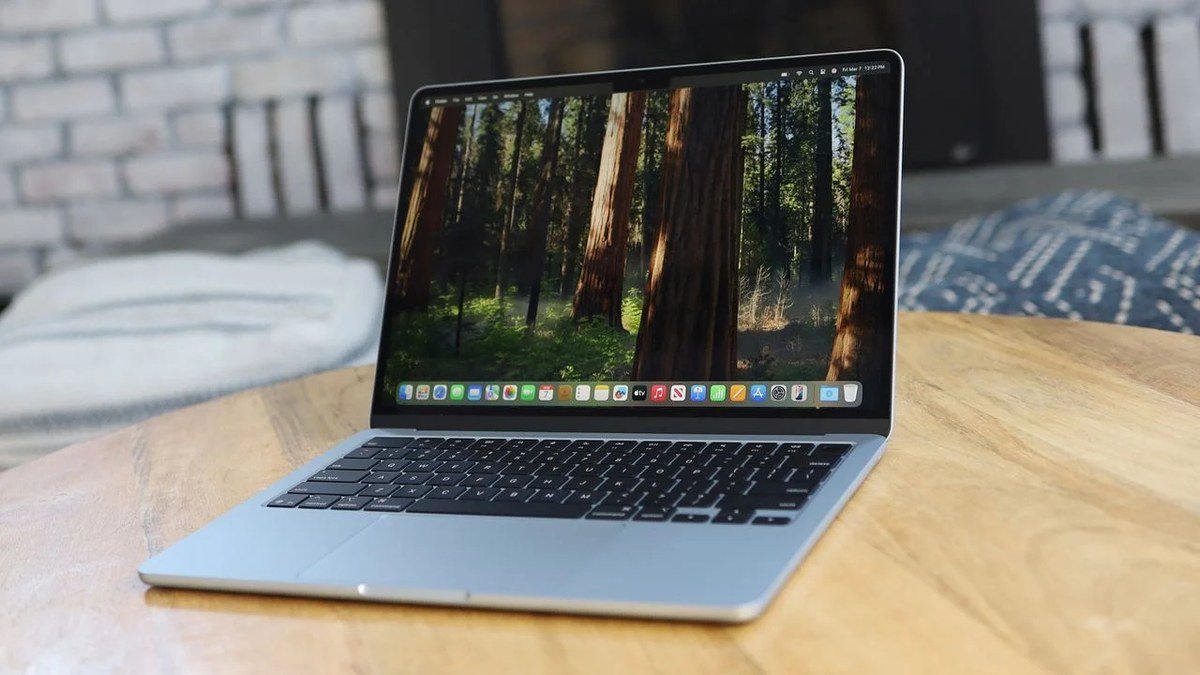
What reviewers keep coming back to is the absence of friction. Fanless, so it’s silent under load. 2.7 pounds, so it travels easily. The battery genuinely lasts a full day and then some — Engadget measured a full 18 hours of video playback, matching Apple’s claim. And macOS means no bloatware, no driver hunts, and years of software updates. For students, writers, office workers, and freelancers, “a laptop that gets out of the way” is the whole pitch — and the Air delivers it better than anything else at this price.
The 2026 context matters, though. The MacBook Neo’s arrival means the Air is no longer the default “just buy a Mac” answer for every budget. It’s now the better Mac for people who can stretch — while the Neo covers the entry level. Understanding the gap between them is this year’s key buying decision.
Buying Guide: How to Choose the Right MacBook in 2026
Apple’s lineup now has three clear tiers: Neo (budget), Air (mainstream), Pro (professional). Here’s how to pick yours.
1. Start with memory — it’s the longevity decision
The single most consequential difference between the Neo and the Air is RAM. The Air starts at 16GB; the Neo is fixed at 8GB with no upgrade path. In 2026, 8GB handles browsing, documents, and streaming fine — but it gets tight with dozens of tabs, creative apps, and AI features running together, and you can’t fix it later. If you plan to keep the laptop 4+ years, 16GB is the safer foundation. This is the main reason reviewers call the Air the better long-term buy.
2. Match the chip to your actual workload
The M5 is significantly faster than the Neo’s A18 Pro (an iPhone-derived chip), especially under sustained load. But be honest about your workload: email, Office apps, video calls, streaming, and schoolwork don’t need M5 power — the Neo handles those comfortably. You need the M5’s headroom for video editing, VMs, code compilation, or large creative files. Buy for the work you’ll do in year three, not just year one.
3. Ports, display, and the details that compound
The Air gives you Thunderbolt ports, MagSafe charging, and a P3 wide-color display. The Neo has two plain USB-C ports (one slower than the other, with no labeling), no MagSafe, no backlit keyboard, and an sRGB display. None of these is fatal alone — but together they describe the difference between a machine that grows with you and one built to a price. Also note the Air’s 60Hz display: it’s the one spec that still bothers enthusiasts, and the main reason display-sensitive buyers look at the Pro.
4. Battery life and the “second laptop” test
Apple rates the Air at up to 18 hours and the Neo at up to 16 — both genuine all-day machines. Now ask the “second laptop” question: is this your only computer? If yes, the Air’s extra headroom (performance, memory, ports, display) is worth the premium, because there’s no backup machine to cover its weaknesses. If this is a secondary or family machine for light use, the Neo’s value is harder to argue against. For the Windows side of the battery-life conversation, see the Windows laptop that finally went crazy on battery life.
MacBook Air M5 vs MacBook Neo: Which Should You Buy?
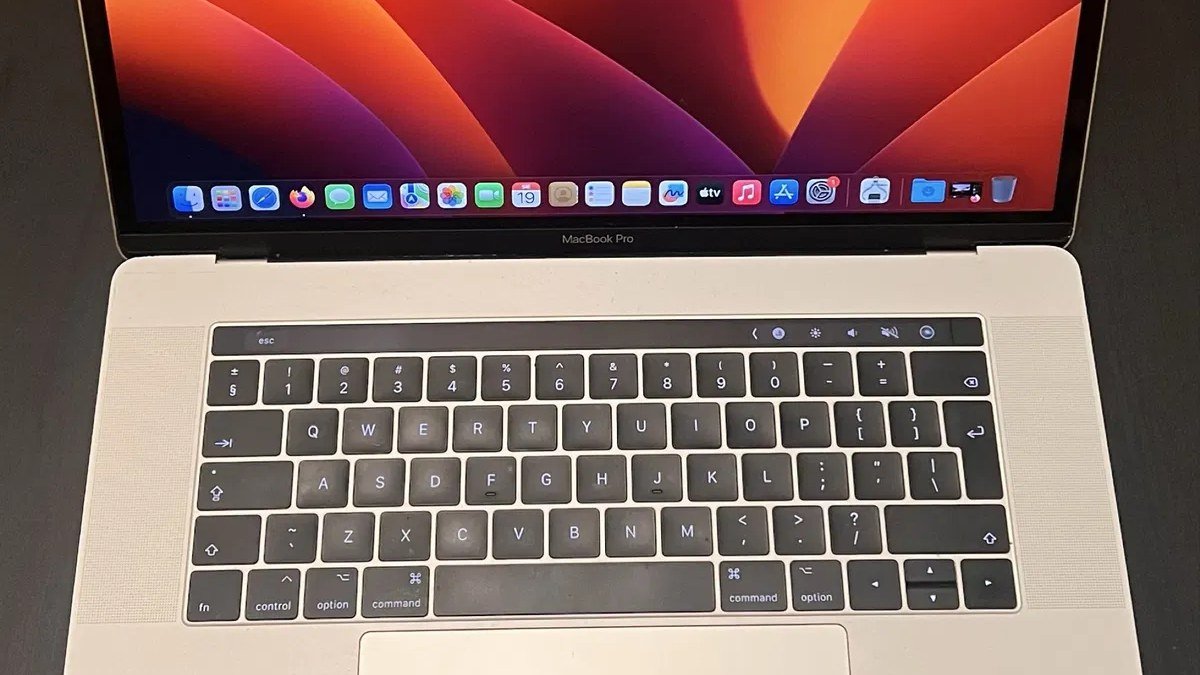
MacBook Air M5 — still the best laptop for most people
The M5 Air is the best MacBook for most buyers because it nails the balance of price, portability, battery life, and performance. The 13-inch model is light, quiet, and fast enough for everyday work — easier to recommend than any other Mac laptop. The 2026 update keeps the winning formula while fixing the old compromises: base storage doubled to 512GB, 16GB of memory standard, Wi-Fi 7 and Bluetooth 6, and a faster SSD.
In daily use, the Air simply doesn’t get in your way. The fanless design stays silent, the 18-hour battery rating holds up in independent testing, and the M5 chip has headroom for everything from student workloads to light creative work. Reviewers across the board — Tom’s Guide, Engadget, Wired, TechRadar — landed in the same place: this is the laptop to beat in 2026.
The compromise remains the 60Hz display. It’s perfectly fine for writing, browsing, studying, office work, video, and photo editing — but if you’re used to 120Hz, you’ll notice, and video editors or motion-sensitive buyers may prefer a MacBook Pro with ProMotion. It’s the one thing stopping the Air from being untouchable.
Pros:
- M5 performance with headroom for years; silent fanless design
- Up to 18 hours battery; 16GB RAM + 512GB SSD standard in 2026
- Thunderbolt ports, MagSafe, P3 display, Wi-Fi 7
- The safest default recommendation in laptops, period
Cons:
- 60Hz display in 2026 feels stingy at this price
- $1,299 starting price is a real stretch vs. the Neo for light users
Best for: Students, writers, office workers, freelancers — anyone who wants one laptop that does almost everything well for years.
MacBook Neo — when the budget is the deciding factor
The Neo is Apple’s cheapest Mac ever — it launched at $599 ($499 education) and now starts at $699 ($599 education) after a mid-2026 price increase. You get a real MacBook: aluminum body, 13-inch Liquid Retina display, A18 Pro chip, 16-hour battery, and full macOS. For browsing, documents, video calls, and streaming, it’s genuinely capable — and reviewers were surprised how little the iPhone-derived chip struggles with everyday work.
But the compromises are structural: 8GB of fixed memory, 256GB base storage, no backlit keyboard, no MagSafe or Thunderbolt, an sRGB display, and two USB-C ports with mismatched speeds. Read our full breakdown in the $599 MacBook that shouldn’t exist. Buy the Neo when $699 is the hard ceiling and your work is light; stretch to the Air when this is your main machine for the next four-plus years.
Who should look at a MacBook Pro instead?
Gamers, people who need Windows-only software, and professionals who specifically need a ProMotion 120Hz display or significantly more graphics performance should skip the Air. Video editors, developers running heavy toolchains, and anyone regularly pushing sustained workloads will appreciate the Pro’s active cooling, better display, and extra ports. For everyone else, the Air is the sensible starting point — and if you want maximum portability on the Windows side, the 2.16-lb Zenbook A14 is worth a look.
MacBook Air M5 vs MacBook Neo: Spec Comparison
| MacBook Air M5 | MacBook Neo | |
|---|---|---|
| Starting price | $1,299 | $699 ($599 education) |
| Chip | Apple M5 | Apple A18 Pro |
| Memory | 16GB (base) | 8GB (fixed) |
| Storage | 512GB (base) | 256GB (base) |
| Display | 13.6″ Liquid Retina, P3, 60Hz | 13″ Liquid Retina, sRGB, 60Hz |
| Ports | Thunderbolt + MagSafe | 2× USB-C (no Thunderbolt/MagSafe) |
| Battery (rated) | Up to 18 hours | Up to 16 hours |
| Best for | Most people, long-term main machine | Tight budgets, light workloads |
MacBook Air M5: FAQs
Is the MacBook Air M5 worth it over the MacBook Neo?
For most buyers, yes — if the budget stretches. 16GB memory, M5 chip, Thunderbolt, MagSafe, P3 display, and 512GB storage make the Air the better 4–5 year machine. The Neo wins when $699 is the hard limit and your workload is light.
How long does the MacBook Air M5 battery last?
Apple rates it at up to 18 hours, and independent testing has matched that for video playback — Engadget measured exactly 18 hours looping a 4K file. Real-world mixed use (browsing, apps, calls) lands closer to 10–12 hours, which is still comfortably all-day. Either way, it’s among the best battery life in any ultraportable.
Is the 60Hz display a dealbreaker?
For most people, no. It’s fine for writing, browsing, studying, office work, video, and photo editing — the vast majority of what Air buyers do. It only bothers you if you’re coming from a 120Hz screen or do motion-sensitive creative work. It’s the Air’s most legitimate criticism, but it hasn’t stopped it from being the most-recommended laptop in its class.
Should I get the 13-inch or 15-inch MacBook Air?
The 13-inch is the portability pick at 2.7 pounds; the 15-inch gives you more screen space for multitasking at the cost of size and weight. Same chip, same strengths. Students and travelers usually prefer the 13-inch; desk-based workers who want screen area without a Pro should consider the 15-inch.
Final Verdict
The MacBook Air M5 isn’t exciting because it does something crazy — it’s exciting because it does so many everyday things really well without making you think about the laptop itself. Silent, light, fast enough for nearly everything, with battery life and base specs that are finally right. The 60Hz display remains the one legitimate gripe, and the MacBook Neo now gives budget buyers a genuine Apple alternative. But for most people buying one laptop to last years, the Air M5 is still the answer — the safest, most well-rounded recommendation in 2026.
Affiliate Disclosure: This article contains affiliate links. If you purchase through them, we may earn a commission at no extra cost to you.
Where to Buy: Check Price on Amazon · See Amazon Deals · Compare Prices on Daraz · Check Daraz Deals · Check AliExpress Price · See AliExpress Deals
Check the price on AliExpress — the global marketplace with millions of tech products.
As an AliExpress affiliate, we may earn a commission on qualifying purchases.

















Pingback: HP OmniBook 3 16 Review: 40-Hour Battery Laptop
Pingback: Asus Zenbook A14 Review: Featherlight, Epic Battery (2026)