MacBook Air vs MacBook Pro in 2026: Which Should You Actually Buy?
The MacBook Air vs MacBook Pro question is Apple’s most-asked buying dilemma, and in 2026 it’s genuinely tricky. The Air isn’t the “cheap, slow MacBook” anymore — the M4 Air handles serious work without breaking a sweat. And the Pro isn’t just for video editors — plenty of everyday users buy it for the screen and speakers alone. Get it wrong and you either overpay for power you’ll never touch, or underbuy and start hitting walls in year two.
Here’s the breakdown: what each MacBook actually gives you, the five differences that matter, and — the part people skip — which one fits your work. Short version: most of you should buy the Air. Keep reading to find out if you’re the exception.
Disclosure: This article contains affiliate links. As an Amazon Associate, we earn from qualifying purchases. We may also earn commissions from Daraz and AliExpress purchases made through links on this page, at no extra cost to you.
What Each MacBook Offers in 2026
The MacBook Air: thin, light, and fast enough
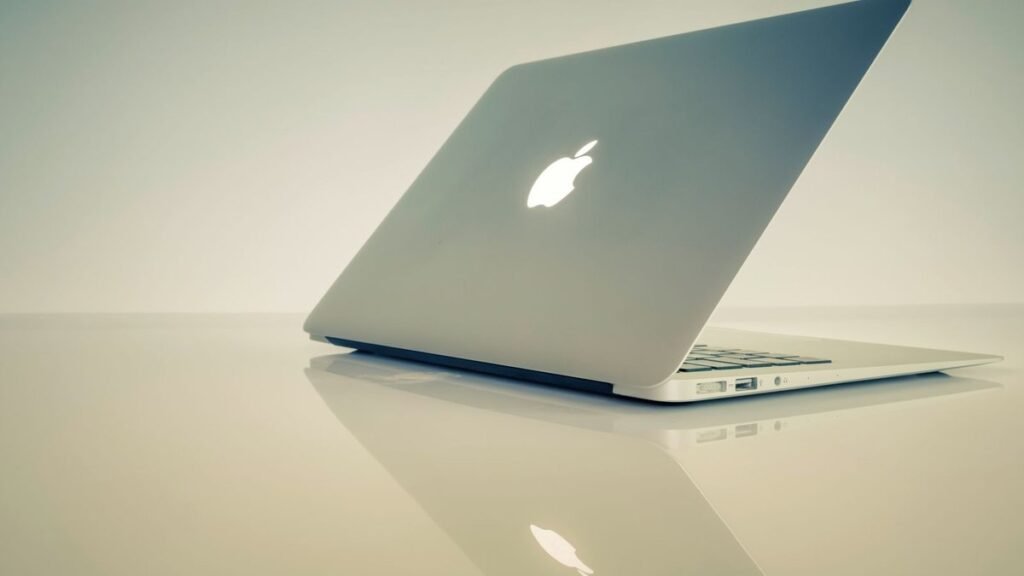
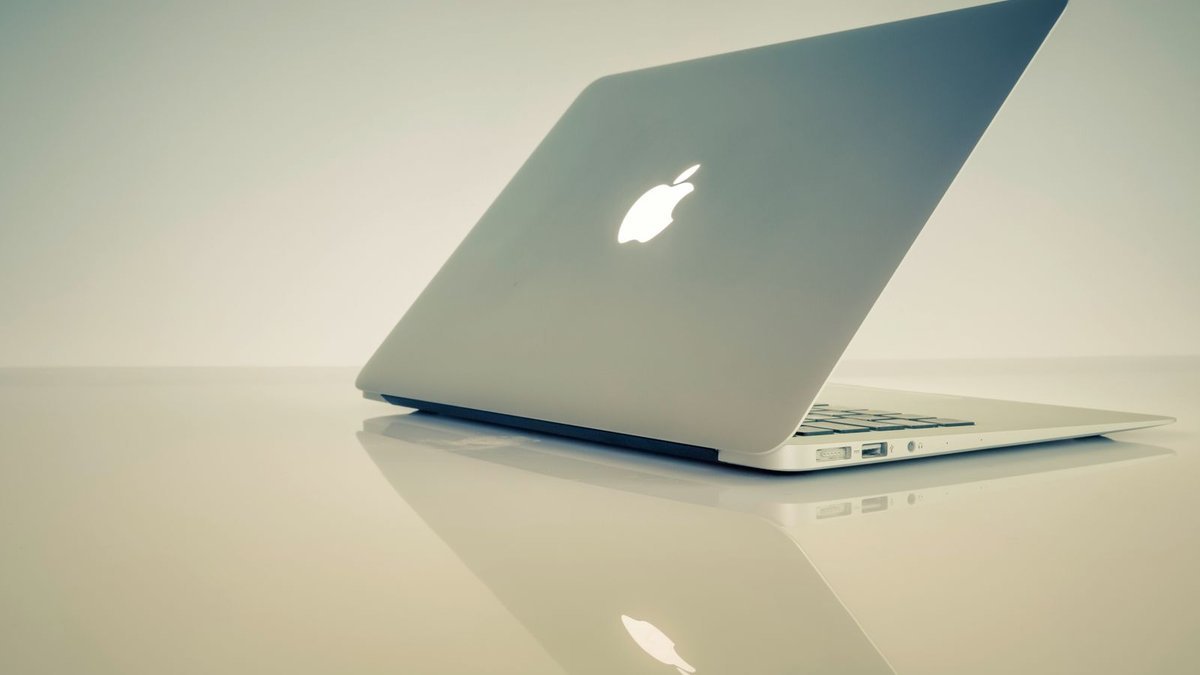
The MacBook Air (13-inch and 15-inch, M4 chip) is Apple’s mainstream laptop — and its best-selling Mac, for good reason. It’s absurdly thin and light (the 13-inch is 2.7 pounds), totally silent thanks to the fanless design, and the M4 chip chews through everyday work plus a surprising amount of creative work: photo editing, light video editing, coding, heavy multitasking. Battery life is excellent at up to 18 hours claimed.
The 15-inch Air deserves its own shout-out: it’s the cheapest way to get a big MacBook screen, ideal if you want screen real estate without Pro pricing. Starting around $999 (13-inch) and $1,199 (15-inch), with sales regularly pushing the 13-inch lower, the Air is the value king of Apple’s lineup.
Check MacBook Air Price on Amazon
The MacBook Pro: power and the best screen Apple makes
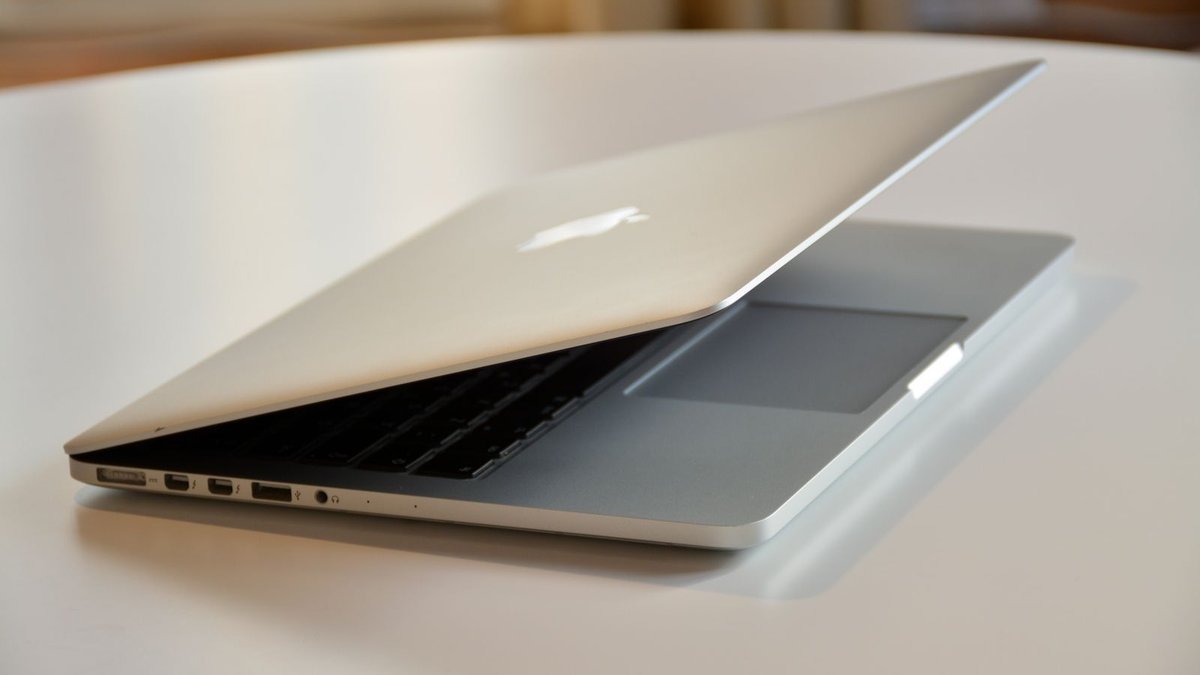
The MacBook Pro (14-inch and 16-inch, M4 / M4 Pro / M4 Max chips) is Apple’s no-compromise laptop. The headline differences: far more powerful chip options for sustained heavy workloads, a mini-LED Liquid Retina XDR display with ProMotion 120Hz — the best screen on any laptop Apple sells — plus more ports (HDMI, SD card slot, three Thunderbolt ports), better speakers, and active cooling that lets it run full speed indefinitely.
Starting around $1,599 (14-inch M4) and climbing fast with Pro/Max chips, it’s a serious investment. What you’re buying is headroom: editing 4K/8K video, compiling big codebases, running 3D renders, or training models without the machine ever slowing down.
Check MacBook Pro Price on Amazon
MacBook Air vs MacBook Pro: The 5 Key Differences
1. Performance — burst speed vs. sustained power
For short tasks, the gap is smaller than the price suggests. The M4 Air opens apps, exports photos, and compiles small projects nearly as fast as the base Pro. The difference shows up under sustained load: the Air is fanless, so on long renders or exports it eventually throttles to stay cool, while the Pro’s fans let it hold full speed indefinitely. If your heavy tasks last minutes, the Air keeps up. If they last hours, the Pro pulls away — and M4 Pro/Max configurations are in another league entirely for video, 3D, and development work.
2. Display — good vs. the best
This is the Pro’s most underrated advantage. The Air’s Liquid Retina display is good — bright, color-accurate, fine for everything. The Pro’s mini-LED XDR display is spectacular: much higher brightness, true HDR with deep blacks, and 120Hz ProMotion that makes scrolling and video buttery smooth. You stare at this screen 8+ hours a day — the Pro’s display is a daily quality-of-life upgrade that specs alone don’t capture.
3. Battery life — both excellent, Air slightly ahead in light use
Both cruise through a full workday. Apple claims up to 18 hours for the Air and up to 22–24 hours for the Pro depending on configuration, though real-world mixed use lands both in the 12–16 hour range. The Air’s efficiency edge shows in light tasks (writing, browsing); under heavy load the Pro’s bigger battery wins. Honestly? Battery shouldn’t decide this one — both are superb.
4. Ports and connectivity
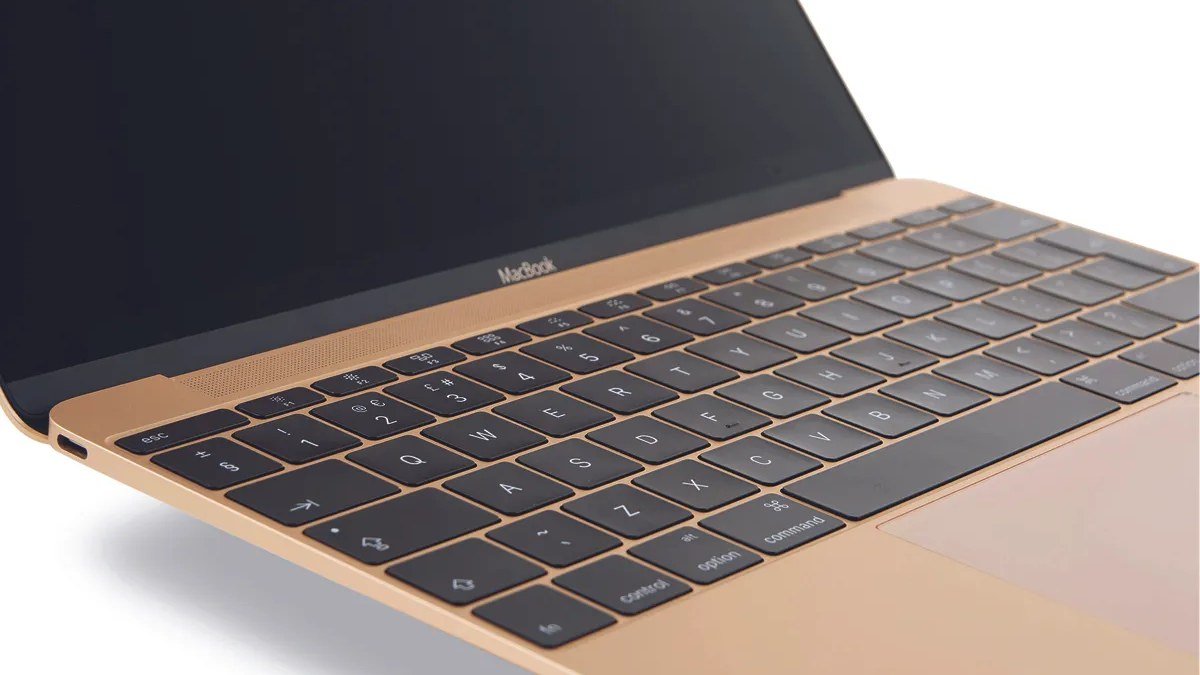
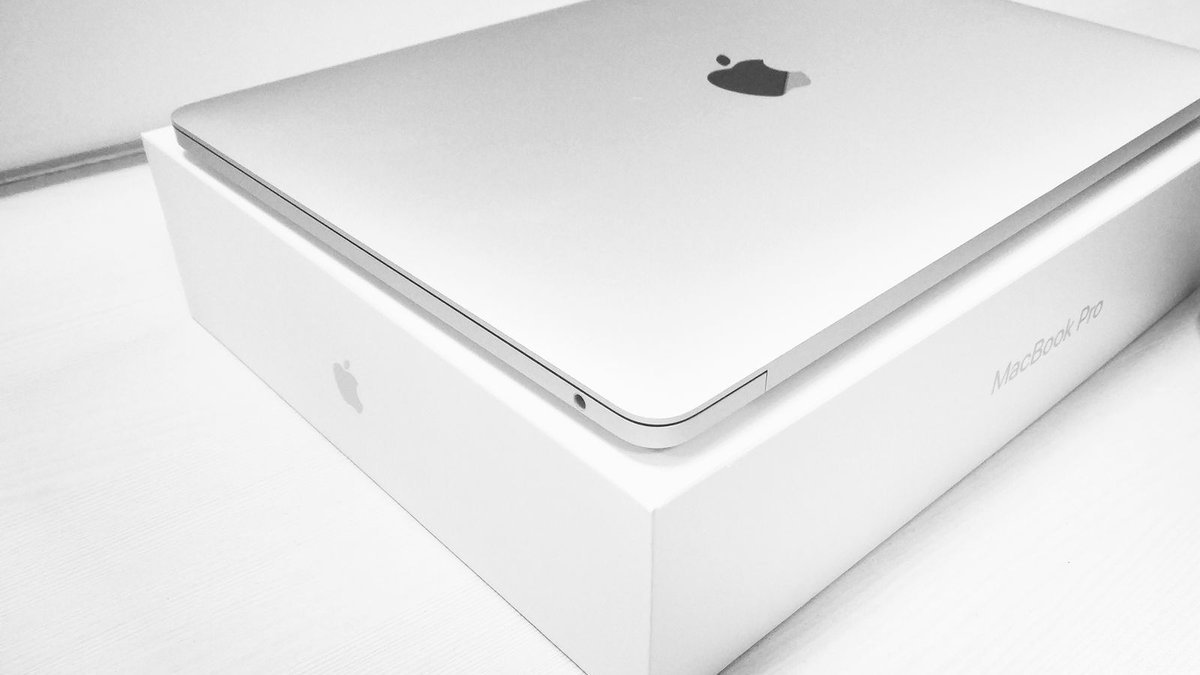
The Air gives you two Thunderbolt/USB-C ports and MagSafe charging. Fine if you live wirelessly; annoying if you regularly plug in external drives, monitors, and cameras (hello, dongle life). The Pro adds a third Thunderbolt port, full-size HDMI, and an SD card slot — a real convenience for photographers, videographers, and anyone who docks at a desk. If you’re sick of dongles, that alone can justify the Pro.
5. Price — the Air wins on value, the Pro on longevity
The 13-inch Air starts around $999; the 14-inch Pro starts around $1,599 — a $600 gap that widens with upgrades. For most buyers the Air is the smarter buy: it’s already more computer than they need. But the Pro has a longevity argument: more headroom today means it stays fast longer, and the better display, speakers, and ports are things you enjoy every single day across the 5–7 years you’ll own it. Buy the Air for value; buy the Pro if you’ll actually use what it offers.
MacBook Air vs MacBook Pro: Comparison Table
| MacBook Air 13/15 (M4) | MacBook Pro 14/16 (M4/Pro/Max) | |
|---|---|---|
| Chip | Apple M4 | M4, M4 Pro, M4 Max |
| Display | Liquid Retina, 60Hz | Mini-LED XDR, 120Hz ProMotion |
| Weight | 2.7 lbs (13″) / 3.3 lbs (15″) | 3.4 lbs (14″) / 4.7 lbs (16″) |
| Ports | 2× Thunderbolt, MagSafe | 3× Thunderbolt, HDMI, SD slot, MagSafe |
| Battery (claimed) | Up to 18 hrs | Up to 22–24 hrs |
| Cooling | Fanless (silent) | Active fans (sustained performance) |
| Starting price | ~$999 | ~$1,599 |
| Buy it if | You want the best value MacBook | You do sustained creative/pro work |
Frequently Asked Questions
Is the MacBook Air powerful enough for video editing?
For light to moderate editing — 1080p and short 4K projects in iMovie, Final Cut, or Premiere — yes, the M4 Air is surprisingly capable. For regular 4K multicam work, long exports, or color grading, the Pro’s sustained performance, better display, and higher RAM ceilings make it the right tool. See our best laptops for video editing guide for the full picture.
Should a college student get the MacBook Air or Pro?
The Air — for almost every student. It’s lighter in the backpack, silent in lectures, cheaper, and more than fast enough for coursework. Only film, architecture, or engineering students running heavy software should look at the Pro. Our college laptop guide breaks it down further.
Is the MacBook Pro worth it over the Air for programming?
Learning to code, web development, small projects — the Air is plenty. Large codebases, Docker-heavy workflows, mobile dev with simulators, machine learning — the Pro’s sustained performance and 24GB+ RAM options earn their keep. Most professional developers pick the Pro; most students do fine with the Air.
MacBook Air 15-inch vs MacBook Pro 14-inch — which is the better buy?
They’re priced close enough to cross-shop (around $1,199 vs $1,599). Pick the Air 15 if you want the biggest screen for the least money and weight. Pick the Pro 14 if you’d trade an inch of screen for a far better display, more power, and more ports. Screen size vs. screen quality — that’s the real question.
How long will a MacBook Air vs MacBook Pro last?
Both give you 5–7 years of comfortable use, thanks to Apple Silicon efficiency and long macOS support. The Pro’s extra headroom means it ages more gracefully under growing workloads; the Air stays perfectly fine for everyday tasks the whole time. Either way it’s a long-term purchase, not a two-year device.
Final Verdict: Which MacBook Should You Buy?
Buy the MacBook Air if: you write, browse, stream, do office work, code lightly, or edit photos and short videos. It’s the best value in Apple’s lineup and the right call for roughly 80% of buyers. The 15-inch Air is the sweet spot if you want a big screen on the cheap.
Buy the MacBook Pro if: you edit video regularly, work with 3D or large codebases, want the best laptop display made, are done with dongles (HDMI + SD slot), or want maximum headroom for a 6–7 year run. The 14-inch M4 is the sensible Pro; the M4 Pro/Max are for professionals who bill for render time.
Still torn? One question settles it: will you regularly push your laptop hard for more than 30 minutes at a stretch? Yes → Pro. No → Air, and pocket the savings. You can compare MacBook deals on Daraz, check MacBook accessories on AliExpress, or pair your pick with a fast portable SSD for extra storage.
Where to Buy: Compare Prices on Daraz · Check AliExpress Price
Check the price on AliExpress — the global marketplace with millions of tech products.
As an AliExpress affiliate, we may earn a commission on qualifying purchases.