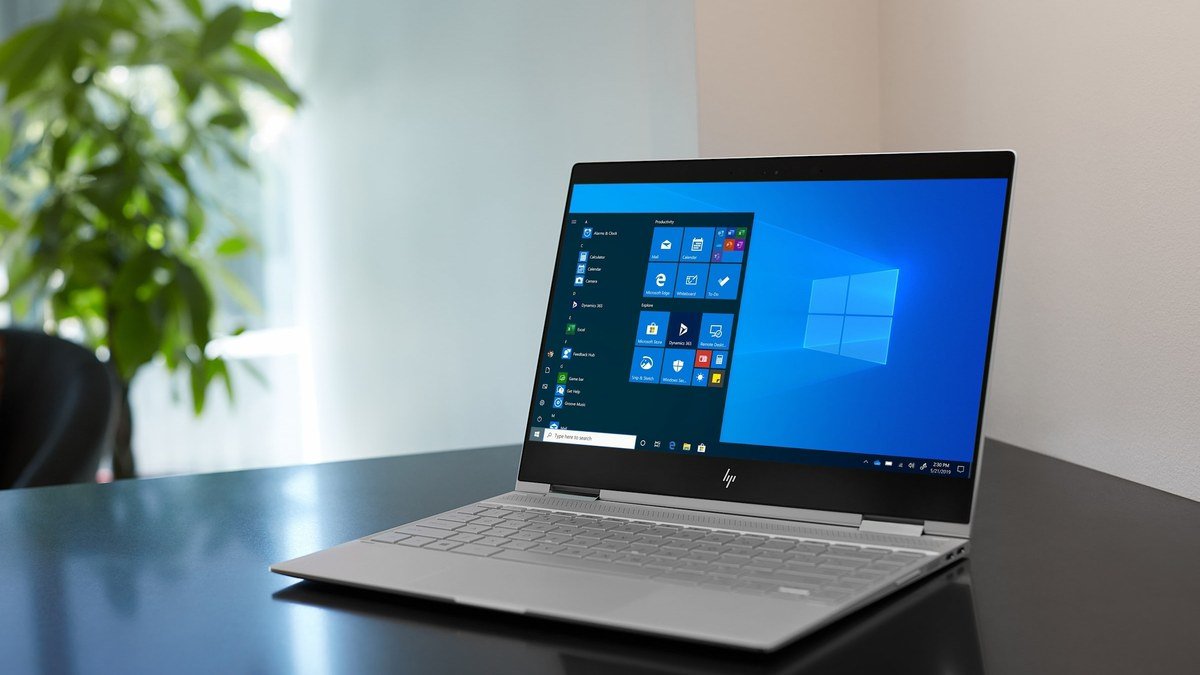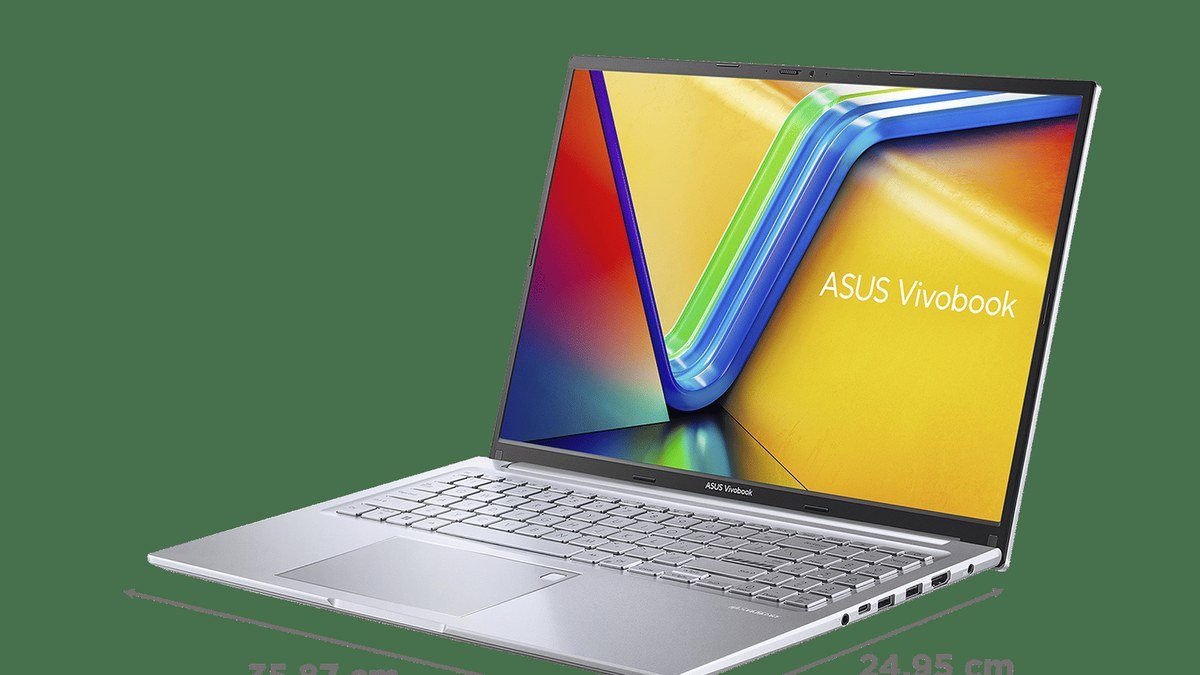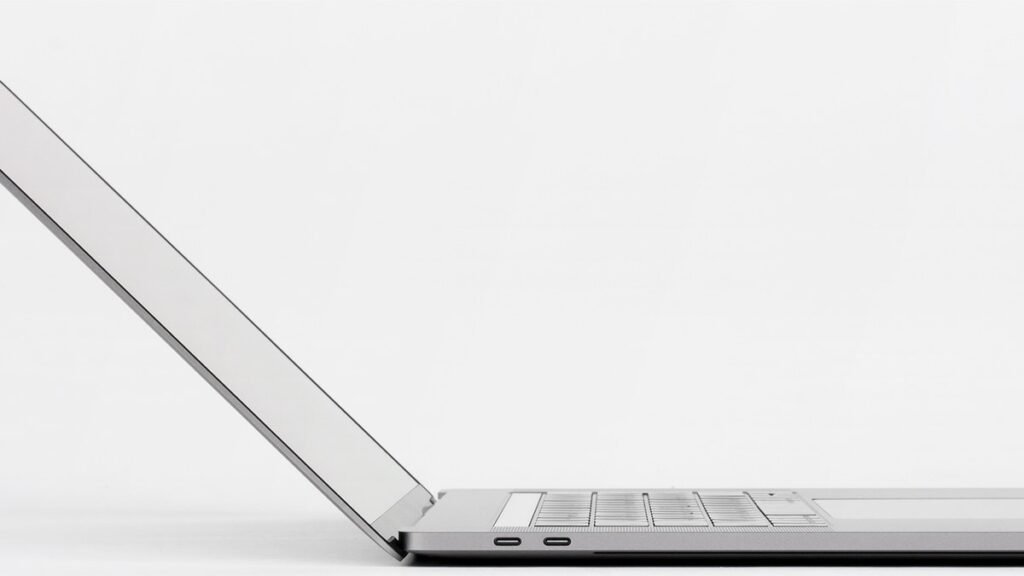
There are lightweight laptops, and then there’s the Asus Zenbook A14. In this Asus Zenbook A14 review, we’ll unpack what makes it special: at around 2.16 pounds (about 980g), it’s the kind of laptop you put in a backpack and almost forget you’re carrying — yet it packs a 70Wh battery that reviewers have measured lasting deep into a second day of use. The supplied testing figure is 27 hours and 36 minutes — an enormous number for a Windows laptop — and independent reviews have consistently confirmed multi-day real-world endurance. That’s the sort of battery life that changes how you use a computer: instead of constantly thinking “where’s the nearest charger?”, you close the lid, throw the laptop in your bag, and leave.
But the A14 isn’t just a battery story. Asus built it around a Ceraluminum chassis — a ceramic-infused material that feels distinct from the usual metal-and-plastic designs — and fitted a 14-inch OLED display, a genuine treat on a machine focused on portability. The catch: the Snapdragon X processor isn’t a powerhouse, and Windows-on-Arm compatibility deserves a hard look if you depend on specialized software. This guide covers the technology, what to check before buying any ultralight laptop, and exactly who the A14 is (and isn’t) for.
Asus Zenbook A14 Review: Why Weight and Battery Matter More Than Specs
For most laptop buyers, the processor is the least important thing about the machine — and the weight is the most. You feel the weight every single time you pick the laptop up; you feel the battery every time you don’t have to think about charging. The Zenbook A14 optimizes precisely for the two things you interact with daily, and compromises on the thing most people rarely max out: raw processing power.
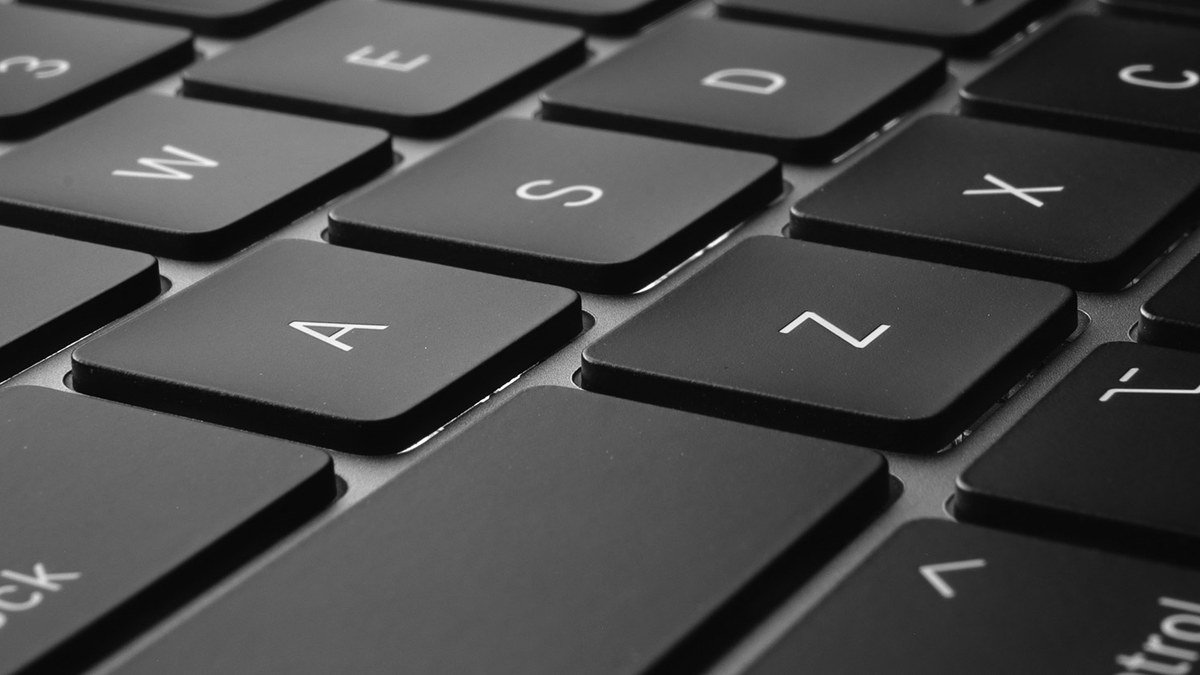
The Ceraluminum chassis is Asus’s answer to the weight problem. It’s a magnesium alloy with a ceramic-like finish that keeps the laptop at 980 grams while feeling more distinctive — and more scratch-resistant — than plain aluminum or plastic. Reviewers have consistently praised the build: it feels like a polished river stone, solid with no flex, in a way that doesn’t scream “budget compromise” despite the featherweight numbers.
The OLED display is the surprise bonus. Most ultraportables chasing battery life settle for dim LCD panels; the A14’s 14-inch 1920×1200 OLED delivers deep blacks, rich color, and strong contrast that make everything from documents to movies look better. OLED panels also sip power on dark content, which pairs nicely with the efficiency-first design. The tradeoff is a 60Hz refresh rate and no touchscreen on most configurations — fine for productivity, less exciting if you’re coming from a high-refresh screen.
Buying Guide: How to Choose an Ultralight Laptop
Ultralight laptops all promise freedom, but they achieve it in very different ways. Here’s what to evaluate before you buy.
1. Real weight, not marketing weight
“Around 2 pounds” covers a wide range. The A14’s 2.16 pounds (980g) is genuinely in the lightest tier for a 14-inch Windows laptop — for context, many 14-inch ultraportables weigh 2.6–3 pounds. Below about 2.5 pounds, a laptop effectively disappears in a bag; above 3 pounds, you’ll notice it on a long travel day. If minimum carry weight is your top priority, every quarter-pound counts more than any spec on the sheet.
2. Battery life: rated vs. real
Manufacturer claims (Asus advertises up to 32 hours of video playback for the A14) are best-case figures. Independent reviewers have measured roughly 14–16 hours of mixed real-world use and over 20 hours of video playback — still exceptional, and still multi-day territory for typical work. The lesson: don’t compare one brand’s fantasy number against another’s; look for independent measurements, and remember that your brightness setting and workload matter more than the headline figure. For perspective on how far Windows battery life has come, see the Windows laptop that finally went crazy on battery life.
3. The Arm compatibility question
This is the big one for any Snapdragon-powered laptop. The Snapdragon X chip is efficient and handles web browsing, documents, streaming, studying, and general productivity smoothly — reviewers describe everyday performance as snappy. Most mainstream apps now run natively on Windows on Arm or well through emulation. But if you depend on specialized older x86 applications, niche utilities, certain drivers, or games with anti-cheat software, verify compatibility before buying. For students, writers, and office workers, this is rarely a problem; for engineers and gamers, it can be a dealbreaker.
4. The everyday details
Check the port selection (the A14 is generous here: USB-C with USB4, USB-A, HDMI, and a headphone jack — no dongle life), the keyboard feel, and whether you need a touchscreen. Also note the speakers and touchpad on the A14 are merely adequate rather than exciting — acceptable in a machine this light, but worth knowing. And if you’d rather stay in the Apple ecosystem for this kind of portability, our MacBook Air M5 guide covers the closest alternative.
The Pick: Asus Zenbook A14

Asus Zenbook A14 — the lightest laptop that keeps going
At around 2.16 pounds, the Zenbook A14 is the kind of laptop you can put into a backpack and almost forget you’re carrying. But the really interesting part isn’t even the weight — it’s the battery. The supplied testing figure is 27 hours and 36 minutes, and independent reviewers have measured real-world endurance that backs up the hype: roughly 14–16 hours of mixed use, over 20 hours of video playback, with Asus’s 70Wh battery sipping power thanks to the efficient Snapdragon X platform. That’s the sort of battery life that changes how you use a computer.
The Ceraluminum chassis gives the laptop a slightly different feel from the usual metal-and-plastic designs — lightweight, durable, and distinctive. The 14-inch OLED display is a genuine bonus on a portability-first machine, with the deep blacks and vivid color that make both work and entertainment look better. The keyboard is comfortable for long typing sessions, and the port selection (USB4, USB-A, HDMI, headphone jack) is refreshingly complete for something this thin.
The catch is performance ceiling and compatibility. The Snapdragon X processor isn’t a powerhouse: for web browsing, documents, streaming, studying, and general productivity it’s smooth and responsive, but workstation-level work will find its limits quickly. Windows-on-Arm compatibility is much better than it used to be, but anyone depending on specialized x86 Windows software should verify their apps first. The touchpad and speakers aren’t particularly exciting either — fine, not memorable.
Pros:
- ~2.16 lb — among the lightest 14-inch Windows laptops ever made
- Exceptional battery life: 27h36m supplied figure, 14–16h real-world mixed use
- 14-inch OLED display with rich color on a portability-first machine
- Distinctive Ceraluminum build; generous ports including USB-A and HDMI
Cons:
- Snapdragon X isn’t for heavy workloads; Windows-on-Arm compatibility caveats remain
- Unremarkable touchpad and speakers; 60Hz non-touch display
Best for: Students, travelers, writers, consultants — anyone whose top laptop requirement is “ridiculously easy to carry” with battery to spare.
Who should look elsewhere?
People who need serious processing performance, gamers, and anyone who depends on specialized x86 Windows software should skip the A14. If you want a bigger screen in a still-portable package, our Acer Aspire 16 AI coverage shows what 16 inches at 3.4 pounds looks like. And if you’re choosing between ultraportable platforms, the MacBook Air remains the efficiency benchmark on the Apple side.
Asus Zenbook A14: How It Compares
| Asus Zenbook A14 | Typical 14″ ultraportable | MacBook Air 13″ | |
|---|---|---|---|
| Weight | ~2.16 lb (980g) | 2.6–3.0 lb | ~2.7 lb |
| Battery (real-world) | 14–16h mixed use | 8–12h | 15–18h |
| Display | 14″ OLED 1920×1200 | 13.6″ LCD 60Hz | 13.6″ LCD 60Hz |
| Platform caveat | Windows on Arm | None (x86) | macOS only |
| Best for | Max portability + battery | Balanced use | Apple ecosystem users |
Asus Zenbook A14 Review: FAQs
How light is the Asus Zenbook A14 really?
About 2.16 pounds (980 grams) — genuinely under a kilogram, which puts it among the lightest 14-inch Windows laptops ever made. In a backpack with a charger and a notebook, you’ll barely notice it’s there. Reviewers consistently describe it as “disappearing” into a bag.
Is the Zenbook A14’s battery life really that good?
Yes, with the usual gap between rated and real figures. The supplied testing figure is 27 hours 36 minutes; independent reviewers measured roughly 14–16 hours of mixed real-world use and 20+ hours of video playback. Either way, it’s multi-day battery for typical work — comfortably ahead of most Intel/AMD ultraportables.
Can the Snapdragon X handle everyday work?
Smoothly. Reviewers describe web browsing, Office apps, video calls, streaming, and studying as snappy and responsive, with cool, quiet operation. The limits appear with heavy creative workloads, virtualization, and gaming. Most mainstream apps run natively on Arm now or work well through emulation — but verify any specialized software you depend on.
What is Ceraluminum?
It’s Asus’s ceramic-infused aluminum material used for the A14’s chassis — a magnesium alloy with a ceramic-like coating. In practice it means a lightweight, scratch-resistant body with a distinctive smooth feel that reviewers describe as feeling like polished stone. It’s a big part of how Asus hit the sub-kilo weight without the laptop feeling flimsy.
Zenbook A14 vs MacBook Air — which is the better ultralight?
The A14 is lighter (2.16 vs ~2.7 lb) and has an OLED display; the MacBook Air has no Arm-compatibility concerns within macOS and stronger sustained performance. Choose the A14 if you want Windows with maximum portability and battery; choose the Air if you’re in the Apple ecosystem or need guaranteed software compatibility. Both are excellent at what they do.
Final Verdict
The Asus Zenbook A14 isn’t about being the fastest laptop around — it’s about making portability and battery life the main event, and it succeeds completely. At 2.16 pounds with genuinely multi-day battery, a lovely OLED display, and a distinctive Ceraluminum build, it’s the easiest laptop to carry we’ve covered, full stop. The Snapdragon X platform asks you to accept modest performance and to double-check software compatibility, which rules it out for power users and some professionals. But for students, travelers, and writers — anyone who lives out of a backpack — the A14 is a remarkable machine that redefines what “all-day laptop” means.
Affiliate Disclosure: This article contains affiliate links. If you purchase through them, we may earn a commission at no extra cost to you.
Where to Buy: Check Price on Amazon · See Amazon Deals · Compare Prices on Daraz · Check Daraz Deals · Check AliExpress Price · See AliExpress Deals
Check the price on AliExpress — the global marketplace with millions of tech products.
As an AliExpress affiliate, we may earn a commission on qualifying purchases.