
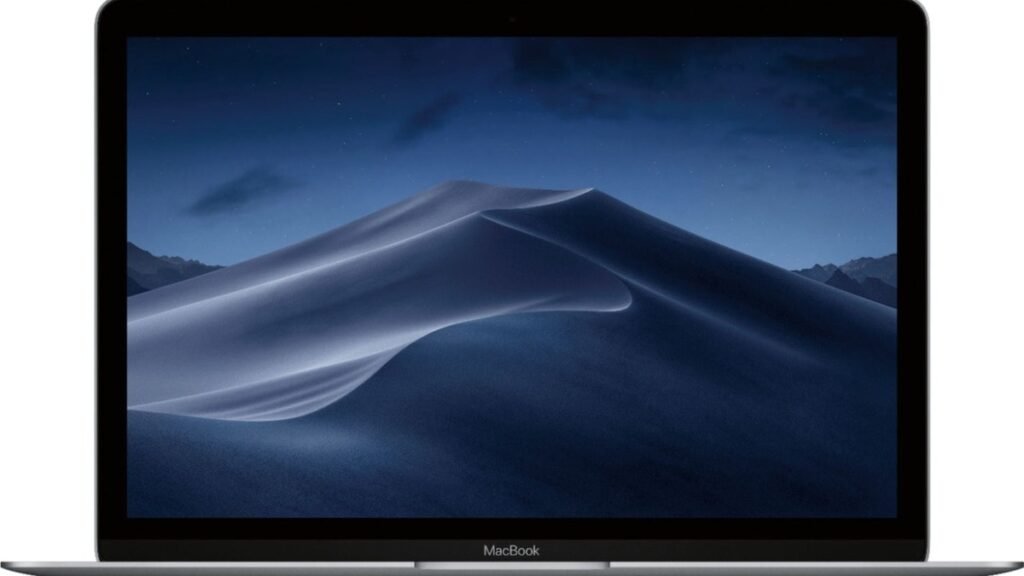
Apple finally made the laptop so many people had been asking for: a genuinely cheap MacBook. The MacBook Neo launched at $599 ($499 for students) and now starts at $699 ($599 education) after a mid-2026 price increase. You get a 13-inch aluminum MacBook with a Liquid Retina display, an A18 Pro chip borrowed from the iPhone 16 Pro, and up to 16 hours of battery life. On paper, it sounds almost too good for the money. So where did Apple cut corners — and does it matter for you?
Short answer: the Neo is a real MacBook that handles everyday work better than its specs suggest, but its compromises are structural — 8GB of fixed memory, 256GB base storage, no backlit keyboard, no MagSafe or Thunderbolt, and an sRGB display. Below: the A18 Pro experiment explained, what to check before buying any budget laptop, who the Neo is perfect for, and who should stretch to the MacBook Air instead.
MacBook Neo: The iPhone Chip Experiment
The Neo’s story is really a chip story. Instead of an M-series processor, Apple dropped the A18 Pro — the chip from the iPhone 16 Pro — into a MacBook running full macOS. Sounds like a compromise, and in a way it is. But iPhone chips have gotten so capable that the A18 Pro’s single-core performance sits near the M1 MacBook Air’s, which was a perfectly good laptop a few years ago. Reviewers kept coming back surprised: 30 browser tabs, Office apps, streaming, video calls, light photo editing — the Neo handles everyday work without breaking a sweat, silently, thanks to its fanless design.
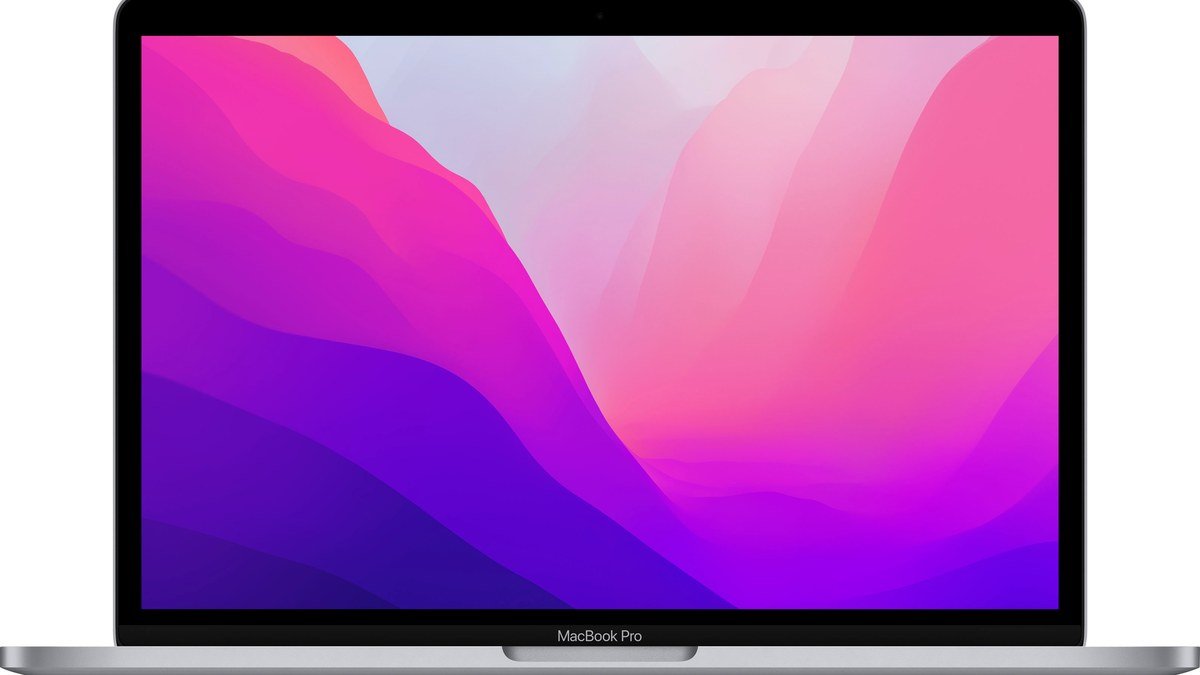
That’s the bet Apple is making: most laptop buyers never use the performance they pay for. If your day is lectures, Google Docs, research, presentations, YouTube, email, and the occasional photo edit, the Neo covers it — in an aluminum body that doesn’t look or feel like a bargain product. And the fun color options (silver, blush, citrus, indigo) are the most playful Apple’s laptop lineup has been in decades.
The catch is the ceiling. The A18 Pro is fine until it isn’t: heavy multitasking against 8GB of fixed memory, 4K video timelines, virtual machines, large creative projects — that’s where the M-series Air pulls away decisively. And unlike the Air, you can’t configure your way out of the Neo’s limits. What you buy is what you get, forever.
Buying Guide: How to Judge a Budget Laptop Honestly
Budget laptops hide their compromises in the fine print. Here’s where to look before you buy the Neo — or any cheap laptop.
1. Memory: the number you can’t change later
The Neo’s 8GB of unified memory is soldered to the A18 Pro with no upgrade path — ever. Reviewers found 8GB surprisingly capable for light work (macOS memory management is excellent), but it gets tight with dozens of tabs plus creative apps — and it’ll only get tighter as software grows. Every other Mac now starts at 16GB. If you keep laptops for 4+ years or multitask heavily, this is the Neo’s biggest risk. Be honest about your tab count.
2. Storage and the Touch ID trap
Base storage is 256GB — workable with cloud storage, tight if you hoard files, photos, or apps. The step-up $699 model (512GB) also adds Touch ID, which the base model lacks. That makes the base model a tough sell: most buyers should consider the step-up, at which point the gap to a discounted MacBook Air narrows. Price out both configurations before deciding.
3. The daily-friction details
No backlit keyboard — sounds minor until you’re typing in a dim lecture hall. Two USB-C ports with no labels, where one runs at USB 3 speeds and the other at USB 2 (twenty times slower). No MagSafe, no Thunderbolt — so no fast external storage or Thunderbolt docks. A 500-nit sRGB display that’s bright but not color-accurate enough for photo or design study. None of these kills the Neo on its own; together they describe exactly what $699 buys and what it doesn’t.
4. Battery life and the student test
Apple rates the Neo at up to 16 hours, and reviewers measured strong real-world endurance (around 13–14 hours of mixed use). That’s a full school day with margin — one of the Neo’s genuine strengths, and a big reason it stacks up well against Chromebooks and budget Windows laptops that die by mid-afternoon. If battery life is the priority on the Windows side, see the Windows laptop that finally went crazy on battery life; for maximum portability, the 2.16-lb Zenbook A14 is worth comparing.
The Pick: MacBook Neo
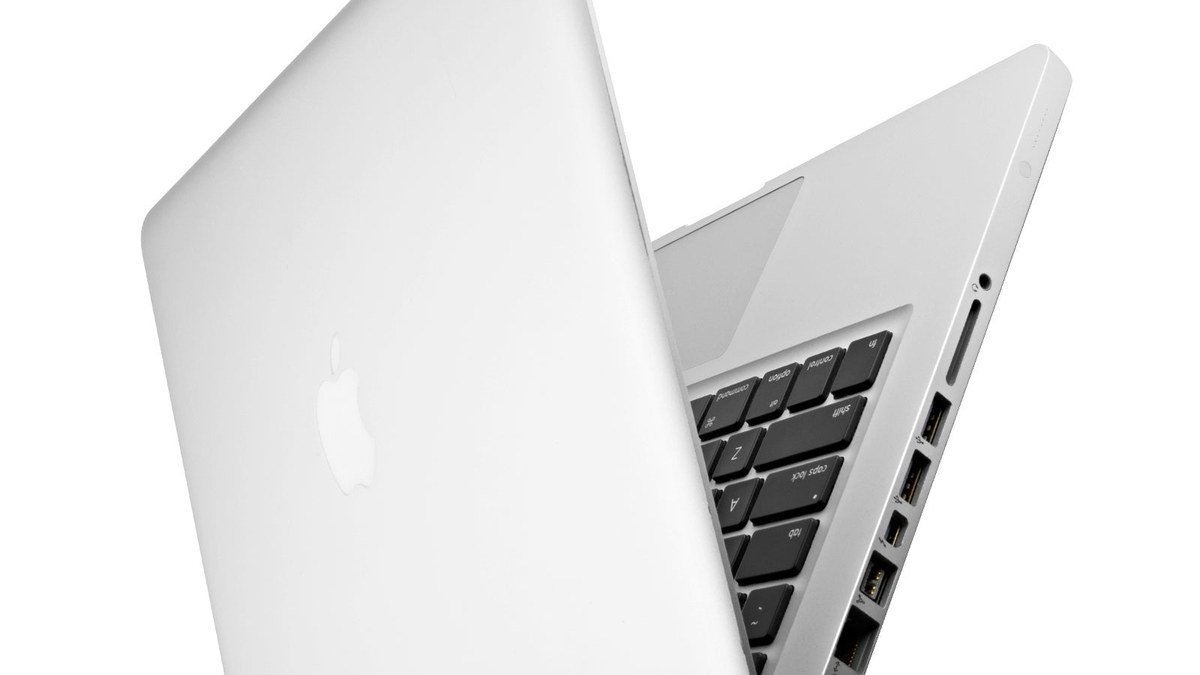
MacBook Neo — Apple’s cheapest MacBook ever
Starting at $699 in the U.S. ($599 with education pricing), the Neo is Apple’s attempt to bring the Mac experience down to a much more accessible price — and the core of it works. You get a 13-inch Liquid Retina display (500 nits), an aluminum body in four colors, the A18 Pro chip, and up to 16 hours of battery life. The design doesn’t scream “cheap laptop”: aluminum construction throughout, colors including blush, citrus, and indigo, and the silent fanless operation MacBook Air owners love.
Performance for everyday work is the pleasant surprise. The A18 Pro handles browsing with dozens of tabs, Office apps, video calls, streaming, homework, and light photo/video editing without feeling slow — reviewers repeatedly noted it feels like a much more expensive machine for typical student workloads. The 1080p webcam is good for classes and calls, and you get the full macOS experience: iPhone Mirroring, Apple Intelligence features, and years of software updates.
Where Apple cut corners: 8GB of unified memory (fixed, not upgradeable), 256GB base SSD, an sRGB display instead of the Air’s P3 wide color, no MagSafe (USB-C charging only), no Thunderbolt, no backlit keyboard, and the odd mismatched USB-C ports (one USB 3, one USB 2, unlabeled). Touch ID costs extra — it’s only on the 512GB model. For color-sensitive study (photography, graphic design), the sRGB panel is a real limitation.
Pros:
- Cheapest Mac ever — real MacBook experience from $699 ($599 edu)
- A18 Pro handles everyday work surprisingly well; silent fanless design
- Up to 16-hour battery; aluminum build in fun colors
- Full macOS with Apple Intelligence and years of updates
Cons:
- 8GB fixed memory — the biggest long-term risk
- No backlit keyboard, no MagSafe/Thunderbolt, sRGB display, Touch ID costs extra
Best for: Students, first-time Mac buyers, families buying a first Mac, and anyone replacing a Chromebook who wants macOS on a budget.
Who should skip it — and buy the Air instead?
If you regularly edit serious video, run virtual machines, work with large creative projects, or hate thinking about storage and memory limits, spend more. The MacBook Air M5 — 16GB memory, M5 chip, Thunderbolt, MagSafe, P3 display, 512GB base storage — is the better 4–5 year machine, and worth the stretch when this is your primary computer. Our full MacBook Air M5 vs MacBook Neo comparison breaks down exactly where the extra money goes.
MacBook Neo: The Trade-offs at a Glance
| MacBook Neo | MacBook Air M5 | Typical $699 Windows laptop | |
|---|---|---|---|
| Price | $699 ($599 edu) | $1,299 | ~$699 |
| Chip | A18 Pro | M5 (faster) | Mid-range Intel/AMD/ARM |
| Memory | 8GB fixed | 16GB base | Often 16GB |
| Display | 13″ 500-nit, sRGB | 13.6″ P3 | Varies widely |
| Battery (rated) | Up to 16 hours | Up to 18 hours | 8–12 hours typical |
| Standouts | Cheapest Mac, silent, colors | Best all-rounder | More RAM, more ports |
MacBook Neo Review: FAQs
Is the MacBook Neo worth it?
For students, first-time Mac buyers, and light users — yes. It’s the cheapest way into macOS by a wide margin: aluminum build, good display, silent operation, and 16-hour battery that embarrasses Windows laptops at this price. Not worth it if you need more than 8GB of memory, Thunderbolt, or a backlit keyboard — then the Air is the rational step up.
How much does the MacBook Neo cost now?
Apple raised the price in June 2026: it now starts at $699 ($599 with education pricing), up from the $599 launch price. The 512GB model with Touch ID costs more. Even at $699, reviewers consider it the best laptop value at the price — but the increase narrows the gap to discounted MacBook Airs, so compare carefully.
Can the A18 Pro handle real work?
Yes, for everyday real work. Reviewers ran 30+ browser tabs, Office apps, Slack, streaming, and video calls simultaneously without slowdowns — even light photo/video editing works, just slower than on M-series chips. The limits show up with heavy sustained workloads: 4K video exports, VMs, large compiles, big creative projects. Know your workload.
MacBook Neo vs Chromebook — which for a student?
The Neo, for most students who can stretch the budget. You get full macOS (real Office apps, creative software, no web-app compromises), far better build quality, and 16-hour battery. Chromebooks win on price (often $300–400 less) and simplicity for very young students. If the budget hard-stops below $500, a Chromebook Plus is the fallback.
What are the biggest MacBook Neo compromises?
Four: 8GB of non-upgradeable memory (the long-term concern), no backlit keyboard, no MagSafe or Thunderbolt (two plain USB-C ports, one slower than the other), and an sRGB display instead of P3. Also note Touch ID is only on the 512GB model. None is fatal for light use; together they’re why it costs half the Air.
Final Verdict
The MacBook Neo isn’t trying to replace the MacBook Pro, or even the MacBook Air. It’s doing something simpler, and arguably more important: making the Mac ecosystem easy to enter without making the laptop look or feel like a bargain-bin product. The A18 Pro experiment works — everyday performance is genuinely good, the battery lasts, and the aluminum design delights. The 8GB memory ceiling and the missing niceties (backlit keyboard, MagSafe, Thunderbolt) are real and permanent. But at $699 ($599 for students), there’s nothing else like it: the cheapest Mac ever made, and an easy recommendation for students and casual users who’ve always wanted a MacBook without the four-figure price.
Affiliate Disclosure: This article contains affiliate links. If you purchase through them, we may earn a commission at no extra cost to you.
Where to Buy: Check Price on Amazon · See Amazon Deals · Compare Prices on Daraz · Check Daraz Deals · Check AliExpress Price · See AliExpress Deals
Check the price on AliExpress — the global marketplace with millions of tech products.
As an AliExpress affiliate, we may earn a commission on qualifying purchases.
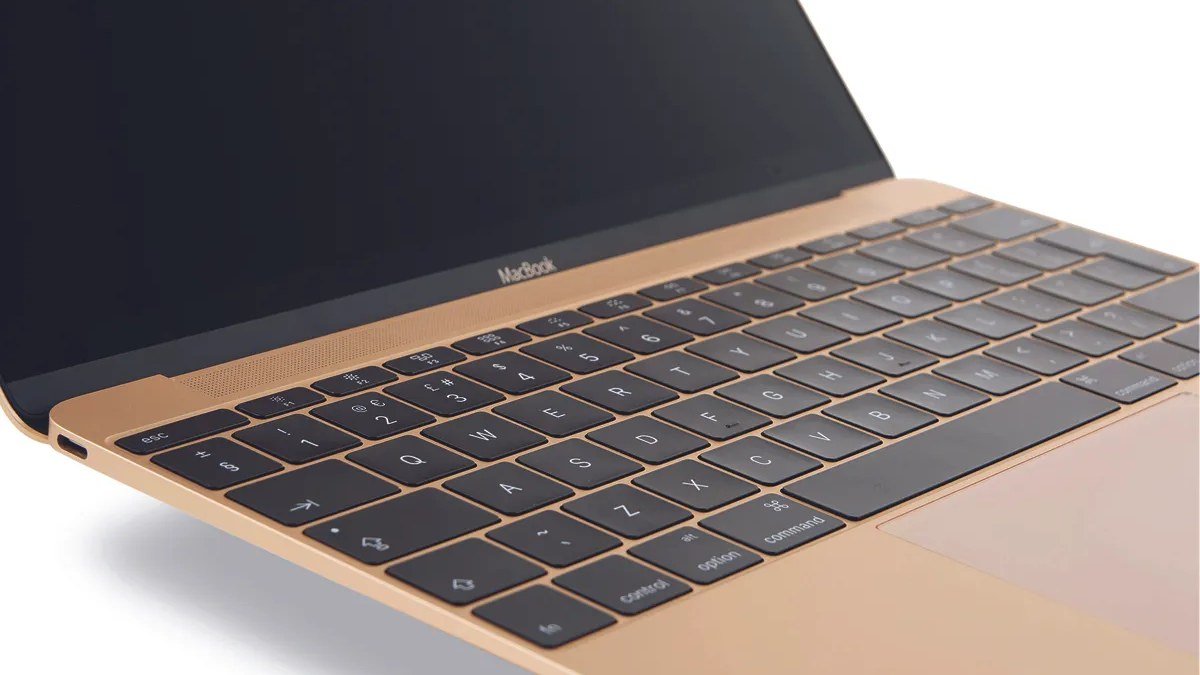
















Pingback: MacBook Air M5 vs MacBook Neo: Best MacBook 2026?