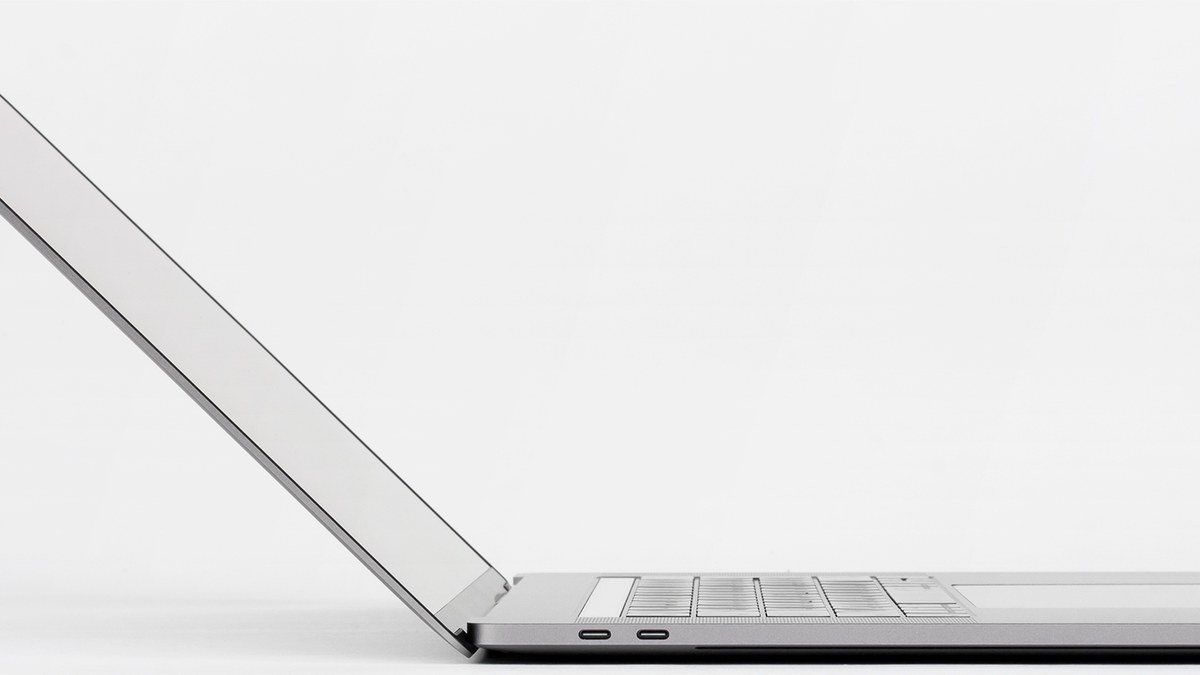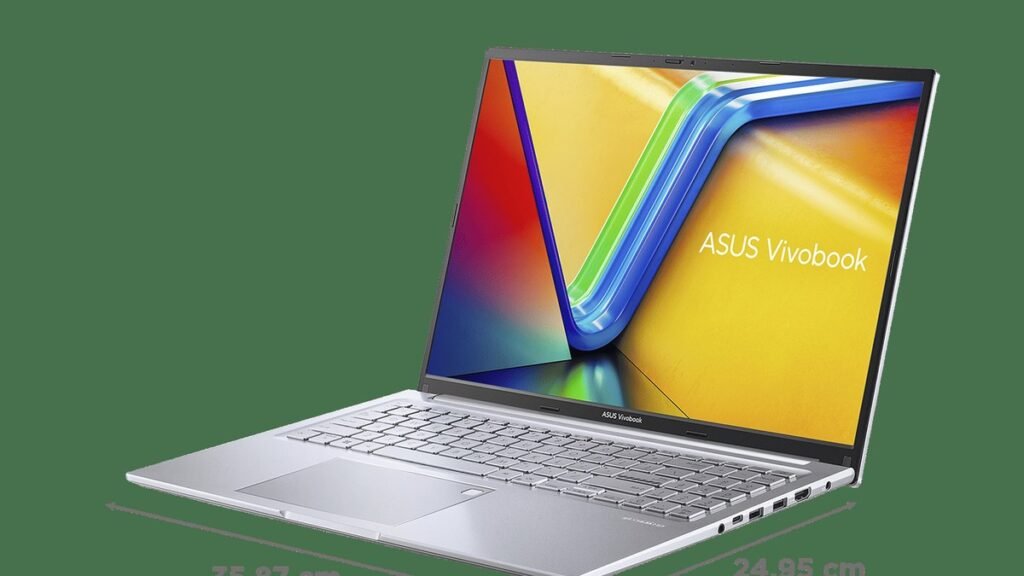
Big-screen laptops have one obvious problem: they’re big. The real question with the Acer Aspire 16 AI is whether a 16-inch laptop can actually feel at home in a backpack instead of chained to a desk. At roughly 3.4 pounds (about 1.55kg), this is one of the few large-screen laptops that doesn’t make you regret choosing screen size over portability.
Here’s the short version: if you do most of your work in a browser, in documents, or on video calls, screen size is one of the biggest quality-of-life upgrades you can buy. The Aspire 16 AI pairs that big 16-inch panel with a battery rated around 21 hours, a comfortable keyboard, and a webcam that’s a cut above the grainy standard in budget laptops. It isn’t trying to be premium — the design is plain, the speakers are forgettable, and color-sensitive creative pros should look elsewhere. But for students and office workers who want room to work without the bulk? Genuinely sensible.
Why a Lightweight 16-Inch Laptop Feels Different
Most 16-inch laptops sit in an awkward middle ground. They’re sold as portable, but at four to five-plus pounds they spend most of their lives on desks — which kind of defeats the point. The old tradeoff was simple: want a big screen, carry a big laptop. The Aspire 16 AI breaks that deal. At roughly 3.4 pounds it weighs about the same as many 14-inch ultraportables from a few years back, while giving you roughly 30 percent more screen area than a 13-inch laptop.
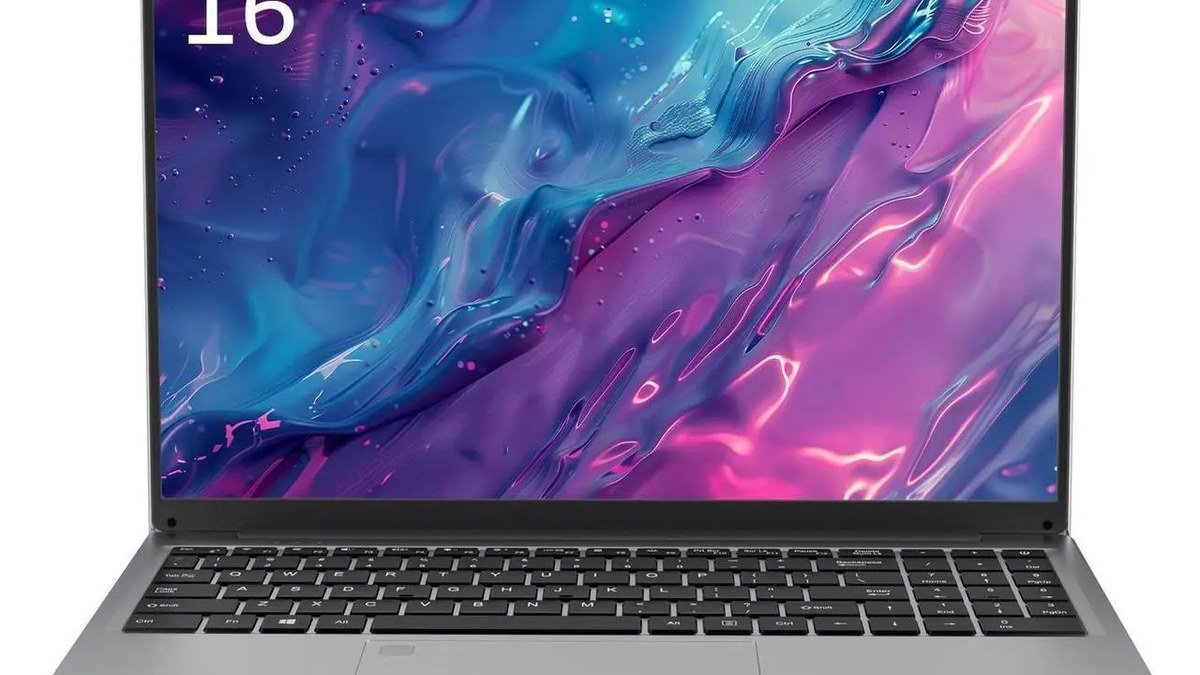
That matters more than it sounds, because for most people screen area isn’t really about movies and games — it’s about work. Researching with your notes open beside your document, keeping a browser window next to Word, comparing two spreadsheets side by side: all of it feels noticeably better on a 16-inch 16:10 panel than on a cramped 13-inch one. The taller 16:10 ratio adds vertical room exactly where documents, web pages, and code editors need it most. You scroll less, you see more context, and long study sessions feel way less claustrophobic.
The other half of the equation is battery life. A big laptop that dies by lunch is still a desk laptop — you’re just carrying it further to the charger. Acer’s supplied figure of around 21 hours puts the Aspire 16 AI in the “charge it at night, stop thinking about it during the day” category. That’s what portable should actually mean for a student or office worker.
Buying Guide: How to Choose a Big-Screen Laptop Without Regret
Before committing to any 16-inch machine, run through these checks. They separate the laptops that earn their size from the ones that just add weight to your bag.
1. Weight per inch of screen
The raw weight number matters less than what you’re getting for it. Roughly 3.4 pounds for a full 16-inch display is excellent — some premium 16-inch laptops weigh nearly a pound more. Rule of thumb: over 4.5 pounds, treat it as a desktop replacement you’ll rarely carry. Under 3.7 pounds, and it can genuinely live in a backpack. The Aspire 16 AI lands comfortably on the portable side of that line.
2. Battery life vs. your actual day
Manufacturer battery figures are best-case scenarios, but they still tell you something about the class of machine. Around 21 hours means real all-day use with margin to spare; 8–10 hours means you’ll be hunting for outlets. Think about your longest day — back-to-back lectures, a full workday at a café, a long flight — and make sure the rating covers it with room to spare. Curious how battery life differs across platforms? See our look at the Windows laptop that finally went crazy on battery life.
3. Display quality for your work, not someone else’s
You don’t need a color-accurate OLED panel to write essays or build spreadsheets — and paying for one you don’t need is the fastest way to overspend. What matters for productivity: a comfortable size, a taller aspect ratio (16:10 over 16:9), and enough brightness for your environment. The Aspire 16 AI’s panel is aimed squarely at everyday work rather than photo editing. For its audience, that’s exactly the right call.
4. The details you’ll touch every day
Keyboard comfort, webcam quality, and port selection matter more over a year of ownership than a slightly faster chip. A comfortable keyboard and a better-than-average webcam — both of which the Aspire 16 AI offers — are worth more to a student on daily video calls than specs they’ll never touch. Check that the machine has the ports you need (HDMI and USB-A save you from dongle life) before falling for a thinner, port-less design.
The Pick: Acer Aspire 16 AI
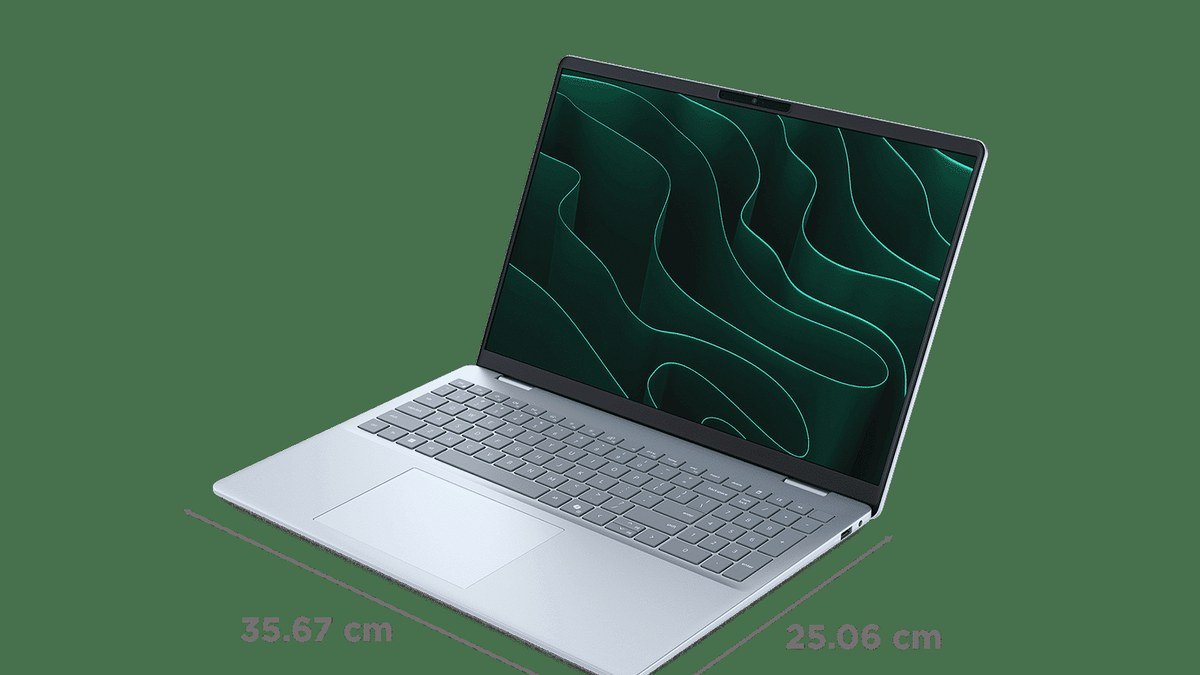
Acer Aspire 16 AI — the big screen that travels
The headline is simple: a 16-inch 16:10 display in a body that weighs roughly 3.4 pounds. That’s the combination worth caring about, because almost nothing else at this price gives you both. The 16:10 screen gives documents and web pages room to breathe, and the weight means you’ll actually carry it to the library, the office, or the café instead of leaving it docked at home.
Battery life is the second reason this machine stands out. With a supplied figure of around 21 hours, you can take it through a full day of classes or meetings without the low-battery anxiety that comes with heavier, thirstier machines. The comfortable keyboard makes long typing sessions painless, and the higher-resolution webcam is a genuine plus if you live on video calls — a detail budget laptops usually get wrong.
The flip side: Acer played it safe with the design, and it shows. This is not a laptop that turns heads; the chassis is understated to the point of plain. The speakers are nothing special — fine for calls, unremarkable for music or movies — and the display, while perfectly good for documents and video, isn’t aimed at professionals who need highly accurate colors. If you’re a gamer or a creative pro, a color-accurate display and stronger graphics are worth paying for elsewhere.
Pros:
- Roughly 3.4 pounds — genuinely portable for a 16-inch laptop
- Big 16-inch 16:10 display with room for real multitasking
- Supplied battery figure around 21 hours — true all-day endurance
- Comfortable keyboard and a better-than-average webcam for calls
Cons:
- Plain, conservative design — no premium feel
- Speakers are mediocre; display isn’t color-accurate enough for creative pros
Best for: Students, office workers, and budget-conscious buyers who want a large screen without carrying a desktop replacement.
Who should skip the Aspire 16 AI?
If old-school portability matters more to you than screen size, a 13- or 14-inch ultraportable will serve you better and weigh less. For a sense of how light Windows laptops have gotten, check out the lightest laptop we’ve covered — and it just keeps going. Gamers and creative pros who need a color-accurate display or discrete graphics should also look elsewhere — this machine is built for everyday productivity, not demanding visual work.
Acer Aspire 16 AI: How It Compares
| Acer Aspire 16 AI | Typical budget 16-inch laptop | Premium 16-inch laptop | |
|---|---|---|---|
| Weight | ~3.4 lb (1.55kg) | 4–5+ lb | ~4–4.7 lb |
| Display | 16″ 16:10, productivity-focused | 16″ 16:9, basic | 16″ high-res, color-accurate |
| Battery (rated) | ~21 hours | 8–12 hours | 15–22 hours |
| Design | Plain, understated | Plain | Premium materials |
| Best for | Students, office work on the go | Desk-bound budget use | Creators, professionals |
Acer Aspire 16 AI Review: FAQs
Is the Acer Aspire 16 AI good for students?
Yes — students are arguably its ideal audience. Big screen for research and writing, light body for hauling across campus, all-day battery, comfortable keyboard: it covers the main things student life demands from a laptop. Just confirm any specialized software your courses require runs on it before buying. And no, the plain design won’t win style points.
How much does the Acer Aspire 16 AI weigh?
Acer lists it at about 1.55kg, roughly 3.4 pounds. For a 16-inch laptop that’s genuinely light — plenty of 16-inch machines weigh a pound or more extra. It’s in the same weight class as a lot of 14-inch ultraportables, which is the whole point.
Is 21 hours of battery life realistic?
The ~21-hour figure is Acer’s supplied rating, measured under favorable conditions. Real-world battery life is always lower — brightness, workload, and connectivity all eat into it. But a rating in that range still puts the Aspire 16 AI firmly in all-day-plus territory: expect to get through even a long day of classes or office work without reaching for a charger.
Can the Aspire 16 AI handle photo or video editing?
For light photo editing, sure. For serious creative work, no. The display isn’t aimed at pros who need highly accurate colors, and there’s no discrete graphics for heavy video timelines. Creative professionals should budget for a machine with a color-accurate panel instead.
Should I buy a 16-inch laptop or a smaller one?
Go 16-inch if you multitask with multiple windows, live in documents and spreadsheets, or just want more comfortable screen space — and you’re fine carrying roughly 3.4 pounds. Go 13 or 14 inches if minimum weight and maximum portability matter more to you than screen area. No wrong answer here, just the wrong tradeoff for your habits.
Final Verdict
The Acer Aspire 16 AI is the kind of laptop you buy because it makes everyday life easier, not because it looks cool. Its case is refreshingly simple: a 16-inch 16:10 screen you can actually carry, battery life that covers the longest days, a comfortable keyboard, and a webcam that won’t embarrass you on calls — at a price that doesn’t require a student loan. The plain design, forgettable speakers, and non-pro display are real compromises, but honest ones: Acer cut where its target buyers won’t feel it. Student or office worker who wants screen space without the bulk? This is one of the most sensible big-screen buys around.
Affiliate Disclosure: This article contains affiliate links. If you purchase through them, we may earn a commission at no extra cost to you.
Where to Buy: Check Price on Amazon · See Amazon Deals · Compare Prices on Daraz · Check Daraz Deals · Check AliExpress Price · See AliExpress Deals
Check the price on AliExpress — the global marketplace with millions of tech products.
As an AliExpress affiliate, we may earn a commission on qualifying purchases.