Kindle Colorsoft vs Paperwhite: Which E-Reader Should You Buy in 2026?
Stuck on the Kindle Colorsoft vs Paperwhite question in 2026? You’re not alone. Amazon’s October 2026 refresh gave both e-readers thinner designs, flush-front displays, and new Signature Editions — but the price gap is still real. The Paperwhite starts at $199.99; the Colorsoft starts at $289.99. Pick the wrong one and you’ve paid $90 for features you may never use.
Verdict first: most people should buy the Paperwhite and spend the $90 they saved on books. But “most people” isn’t necessarily you. Below we break down the display, battery life, features, and pricing of both 2026 models — so you can pick the right one for how you actually read.
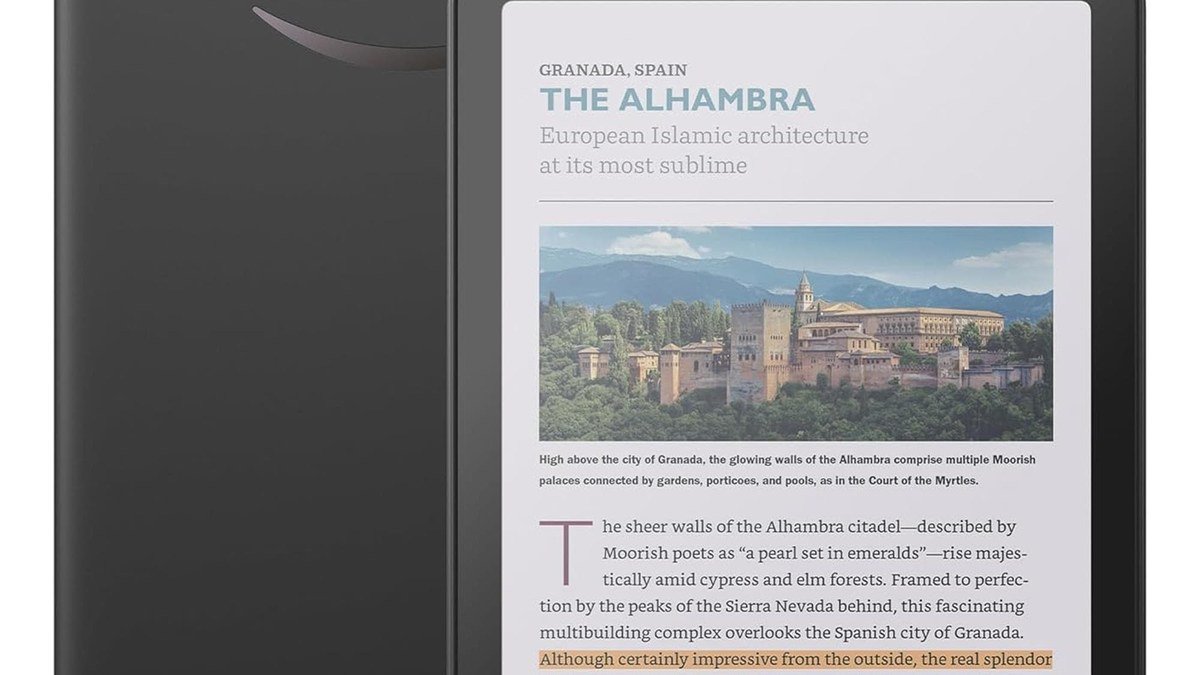
Kindle Colorsoft vs Paperwhite: Quick Comparison
Here’s how the two 2026 models stack up:
| Feature | Kindle Paperwhite (2026) | Kindle Colorsoft (2026) |
|---|---|---|
| Starting price | $199.99 | $289.99 |
| Display | 7-inch monochrome E Ink (Carta 1300), 300 ppi | 7-inch color E Ink (Kaleido 3), 300 ppi mono / 150 ppi color |
| Battery life | Up to 12 weeks | Up to 8 weeks |
| Storage | 16GB (32GB Signature Edition) | 16GB (32GB Signature Edition) |
| Waterproof | Yes, IPX8 | Yes, IPX8 |
| Front light | Adjustable warm light | Adjustable warm light |
| Design | Thinner, lighter, flush-front (6.8mm) | Thinner, lighter, flush-front (6.8mm) |
| Signature Edition | $249.99 — aluminum, auto-adjusting light, double-tap page turn, dock charging | $319.99 — aluminum, auto-adjusting light, double-tap page turn, dock charging |
Our pick for most readers: The Kindle Colorsoft is the only choice if you read comics, manga, or illustrated books. For everyone else, the Paperwhite’s sharper text and longer battery win.
As an Amazon Associate I earn from qualifying purchases.
The Display: Where Colorsoft and Paperwhite Diverge
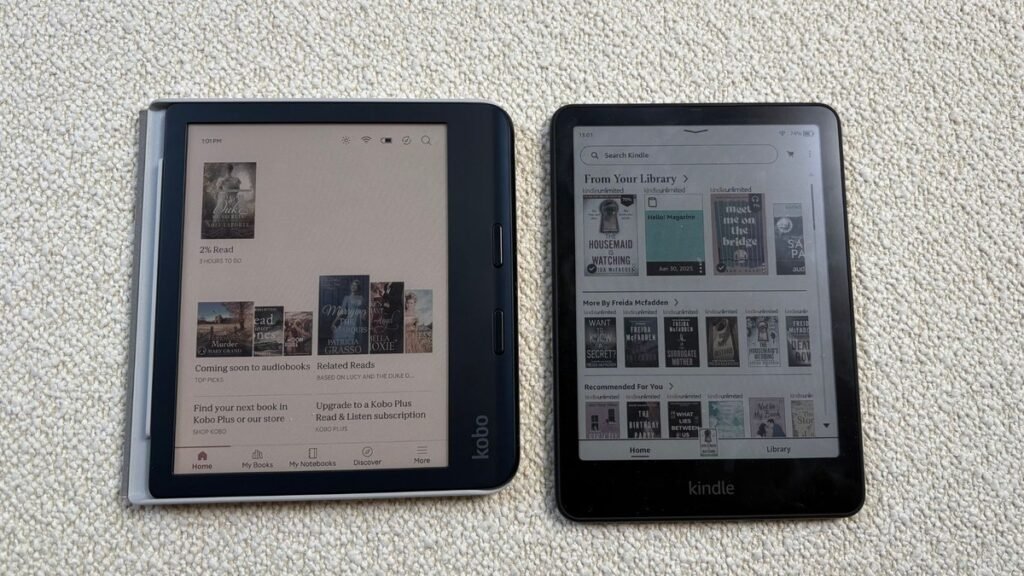
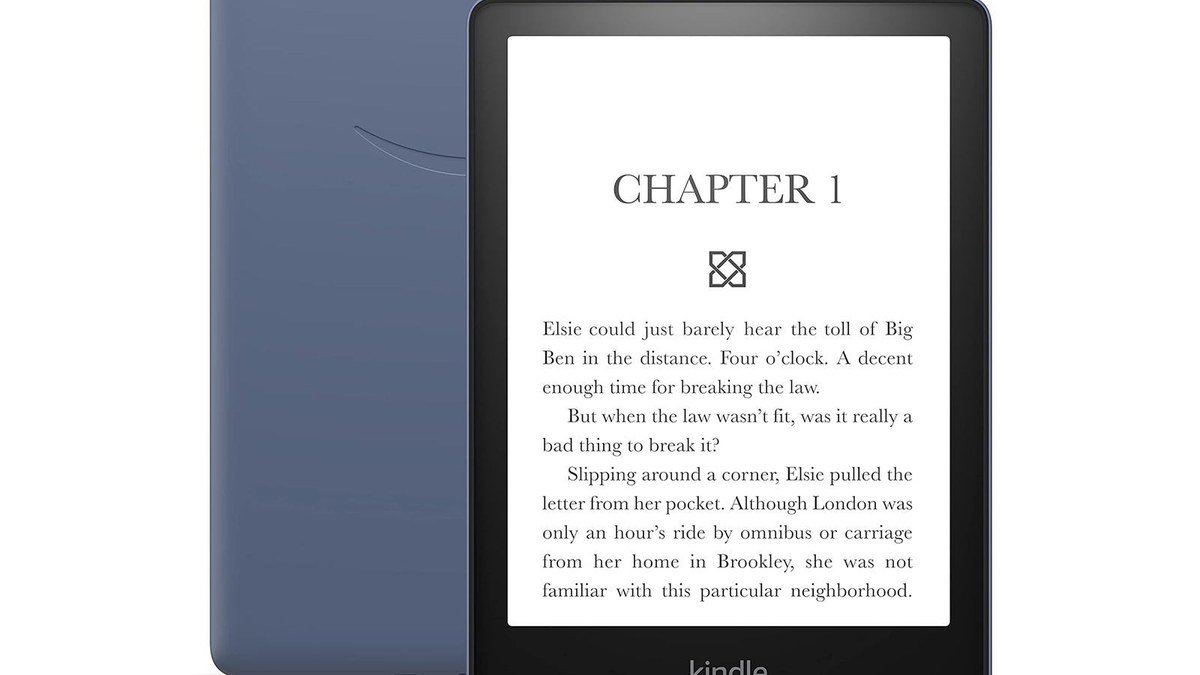
The display is the entire reason this Kindle Colorsoft vs Paperwhite decision exists. The 2026 Paperwhite uses a 7-inch Carta 1300 monochrome panel at 300 ppi — the sharpest black-and-white text Amazon has ever shipped on a Kindle. Deep blacks, excellent contrast. For novels, the Paperwhite is objectively the better reading experience: crisper text, and nothing to distract you.
The Colorsoft uses a 7-inch Kaleido 3 color E Ink display. For 2026, Amazon redesigned the display stack — nitride LEDs, an oxide backplane, custom waveforms — to deliver what it calls “paper-like color” with less glare than a tablet. Color renders at 150 ppi; black-and-white text still hits 300 ppi. The trade-off: the color filter layer shaves a little contrast, so plain text looks a touch less sharp than on the Paperwhite.
Bottom line: novels and non-fiction? Paperwhite. Comics, graphic novels, manga, children’s books, travel guides, textbooks with color charts? Colorsoft — that’s where color highlighting and color page rendering genuinely transform the experience.
Battery Life and Everyday Use
Battery life isn’t close: the Paperwhite goes up to 12 weeks per charge versus 8 on the Colorsoft. The color display’s extra layer and brighter light guide drink more power — and the 2026 Colorsoft is actually slightly lighter than before because Amazon trimmed the battery to match the Paperwhite’s weight. In real life, both last weeks; most readers won’t charge either more than once a month. But heavy readers and travelers should note the Paperwhite’s edge.
The rest is a tie: both are IPX8 waterproof, both have adjustable warm lighting for nighttime reading, and both are 6.8mm thin with edge-to-edge flush-front glass. Neither has built-in page-turn buttons — though the Signature Editions support double-tap page turning and work with Amazon’s new $34.99 Kindle Click Bluetooth remote.
Signature Editions: Worth the Upgrade?
Both models now come in a Signature Edition: Paperwhite Signature at $249.99, Colorsoft Signature at $319.99. You get 32GB of storage (double the base), an aluminum rear housing, an auto-adjusting front light, double-tap page turning, and pogo-pin dock charging. The upgrades are genuinely nice — auto-brightness alone is worth it for bedside readers. But they’re a luxury, not a necessity. If you’re already stretching your budget, the standard models are the smarter buy.
Kindle Colorsoft vs Paperwhite: Which Should You Buy?
Buy the Kindle Paperwhite ($199.99) if:
- You mostly read novels, non-fiction, and long-form articles
- You want the sharpest possible text and the longest battery life
- You read in the bath or by the pool and want IPX8 waterproofing on a budget
- You’d rather save $90 and spend it on books instead
Buy the Kindle Colorsoft ($289.99) if:
- You read comics, manga, graphic novels, or illustrated children’s books
- You highlight in color or study from textbooks with color diagrams
- You want one device that handles both novels and visual content well
- You’ve owned a Paperwhite before and want something meaningfully different
For the vast majority of readers, the Kindle Paperwhite is still the best e-reader you can buy in 2026. It’s $90 cheaper, the text is sharper, and the battery lasts 50% longer. The Colorsoft is the best color e-reader for people who actually need color. Just be honest with yourself about whether that’s you.
Rounding out your reading setup? A good GaN charger keeps your Kindle, phone, and laptop topped up from one brick. A compact power bank is perfect for long travel days when outlets are scarce. And if you listen to audiobooks too, check out our picks for the best wireless earbuds of 2026.
Kindle Colorsoft vs Paperwhite for Comics, Manga, and Textbooks
The Kindle Colorsoft vs Paperwhite decision gets clearer once you match the device to what you actually read. For manga and comics, the Colorsoft is transformative: full-color panels, color covers in your library, and color highlighting that actually means something when you annotate. The 7-inch screen is small for double-page comic spreads — a tablet’s still better there — but for single-page manga and graphic novels, it’s excellent.
Students and professionals working through textbooks, medical references, or technical manuals with color diagrams should also lean Colorsoft. Seeing a color-coded chart as the author intended — instead of guessing at grayscale shading — is a genuine learning advantage. The 2026 model’s improved color uniformity (thanks to micro-deflectors in the light guide) specifically fixes the muddy edges that plagued early color E Ink.
But if your library is 95% novels — literary fiction, thrillers, romance, business books — the Paperwhite is simply the better device. Sharper text, weeks-longer battery, $90 saved. Plenty of serious readers pair a Paperwhite for books with a tablet or phone for the occasional comic. That’s a perfectly rational setup the Colorsoft doesn’t obsolete.
One more thing: the Kids editions. Both models now come in Kids versions with kid-friendly covers and a 12-month Amazon Kids+ subscription. For young readers working through illustrated books and early chapter books, the Colorsoft Kids is arguably the more future-proof choice — color keeps kids engaged in a way grayscale just doesn’t.
As an Amazon Associate I earn from qualifying purchases.
Frequently Asked Questions
Is the Kindle Colorsoft worth it over the Paperwhite?
Worth the $90 premium if you read comics, manga, or illustrated books regularly — color highlighting and color covers are genuinely transformative there. For novels and text-only reading, the Paperwhite’s sharper 300 ppi text and longer battery make it the better value.
Can the Kindle Colorsoft display black-and-white books well?
Yes — the Colorsoft renders black-and-white text at 300 ppi, same as the Paperwhite. The color filter layer does shave a little contrast, so text looks marginally less crisp side by side. Most readers won’t notice day to day.
How long does the Kindle Colorsoft battery last?
Amazon rates the 2026 Colorsoft at up to 8 weeks per charge — that’s based on 30 minutes of reading per day at moderate brightness. The Paperwhite is rated at up to 12 weeks under the same conditions.
Are the 2026 Kindles waterproof?
Yes — both the 2026 Paperwhite and Colorsoft are IPX8 waterproof, meaning they survive immersion in up to 2 meters of fresh water for 60 minutes. The entry-level Kindle ($149.99) is not waterproof.
What is the difference between the standard and Signature Edition Kindles?
Signature Editions add 32GB of storage (up from 16GB), an aluminum rear housing, an auto-adjusting front light, double-tap page turning, and pogo-pin dock charging. The Paperwhite Signature is $249.99; the Colorsoft Signature is $319.99.
Should I wait for a sale before buying a Kindle?
Kindles go on sale a lot — Prime Day, Black Friday, and back-to-school season typically bring $20–$50 off. Since the 2026 models just launched in October, the first meaningful discounts will probably land around Black Friday.
Affiliate Disclosure: This article contains affiliate links. If you purchase through them, we may earn a commission at no extra cost to you.
Where to Buy: Compare Prices on Daraz · Check Daraz Deals · Check AliExpress Price · See AliExpress Deals
Check the price on AliExpress — the global marketplace with millions of tech products.
As an AliExpress affiliate, we may earn a commission on qualifying purchases.