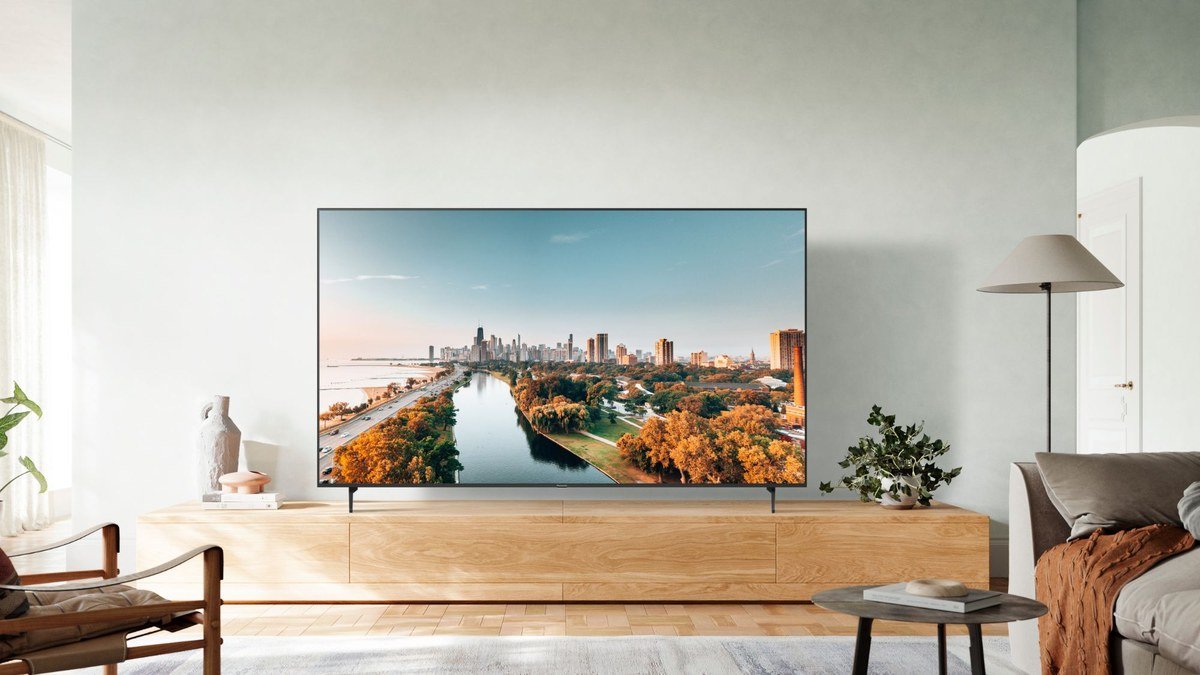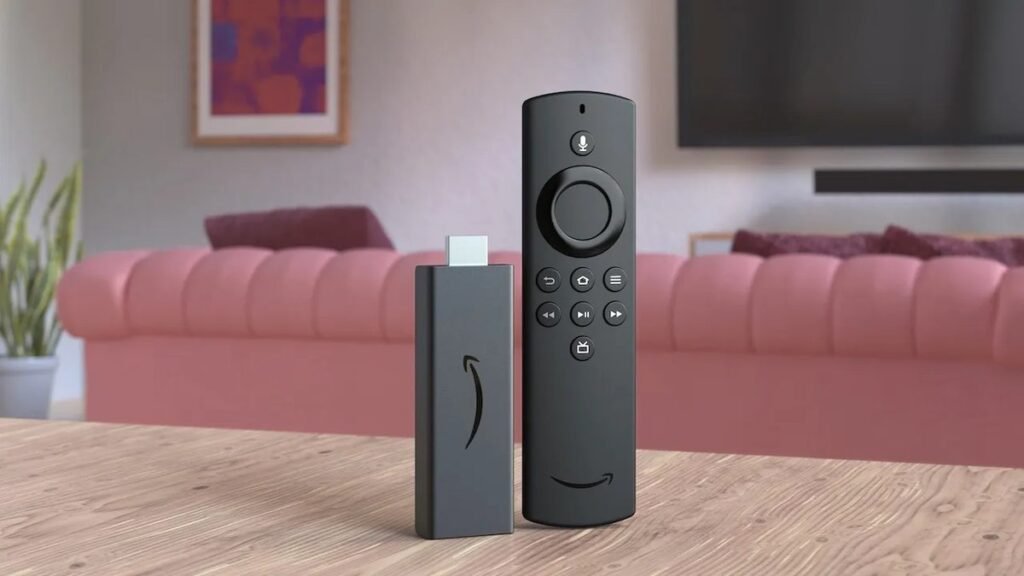
Your TV’s built-in apps were fine — three years ago. Now they’re slow, outdated, and missing features, and every brand pushes its own ecosystem. A dedicated streaming device fixes all of that for under $100, and the best streaming device 2026 offers will make even an aging TV feel brand new. We tested the current lineup from Google, Apple, Amazon, and Roku to answer one question: which one should you actually buy? The short answer is the Google TV Streamer 4K — but the right pick depends on your phone, your smart home, and your budget.
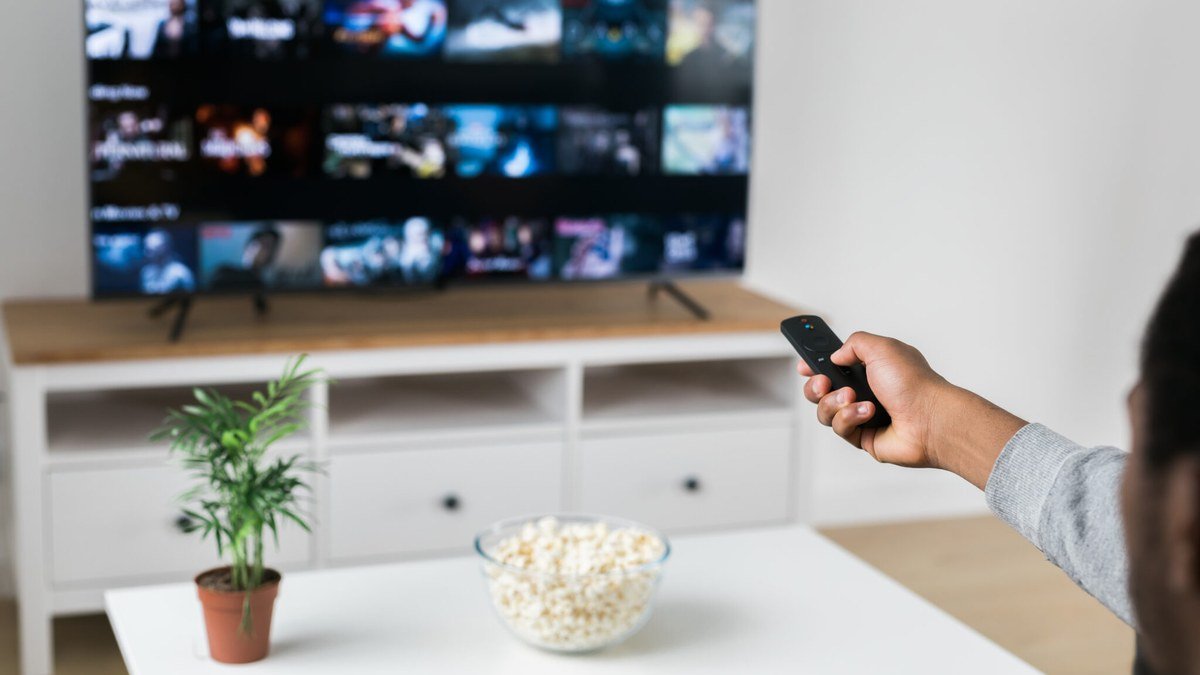
Best Streaming Devices 2026: Quick Comparison
| Device | Key spec | Price |
|---|---|---|
| Google TV Streamer 4K | 4K Dolby Vision/Atmos, Ethernet, smart home hub | $99.99 |
| Apple TV 4K (128GB) | 4K Dolby Vision/Atmos, A15 chip, Thread | $149 |
| Fire TV Stick 4K (2026) | 4K HDR10+, Wi-Fi 6, new remote | $59.99 |
| Roku Streaming Stick 4K | 4K Dolby Vision/HDR10+, long-range Wi-Fi | $49.99 |
| Roku Ultra | 4K Dolby Vision/Atmos, Ethernet, hands-free remote | $99.99 |
1. Google TV Streamer 4K — Best streaming device overall
The Google TV Streamer 4K is the streaming device we’d buy with our own money. It’s twice as fast as the old Chromecast, with 4GB of RAM and 32GB of storage that keep the interface snappy and leave room for apps. You get 4K with Dolby Vision and Dolby Atmos, an Ethernet port for rock-solid wired streaming, and — the killer feature — a built-in Matter/Thread smart home hub with Google Home integration. The remote has a customizable button and a find-my-remote chime, and Google TV’s recommendations are the best in the business at surfacing things you’ll actually watch. At $99.99, it undercuts the Apple TV 4K while matching it on features.
Specs: 4K Dolby Vision + Dolby Atmos | 4GB RAM, 32GB storage | Ethernet + Wi-Fi | Matter/Thread hub | Voice remote with finder
Pros: Fastest interface under $150; Ethernet port; smart home hub built in; great recommendations.
Cons: Bulkier than a stick; Google TV pushes YouTube TV and Google content.
2. Apple TV 4K (128GB) — Best for Apple households
If your life runs on iPhone, iPad, and Mac, the Apple TV 4K remains the gold standard. The A15 chip makes it the fastest streamer you can buy, the interface has zero ads, and everything “just works” — AirPlay from your phone, HomeKit camera feeds on the big screen, Apple Fitness+ workouts, and your iCloud photos as a screensaver. The 128GB model with Thread support and Ethernet is $149, and it’s the only streamer with a truly premium, ad-free experience. The downside is the price and the Siri Remote, which is better than the original but still polarizing. Non-Apple users get little of the magic, so this pick is strictly for the ecosystem faithful.
Specs: 4K Dolby Vision + Dolby Atmos | A15 Bionic | 128GB storage | Ethernet + Thread | Siri Remote
Pros: Fastest, most polished interface; zero ads; deep Apple ecosystem integration.
Cons: $149 is steep; benefits mostly limited to Apple users.
3. Fire TV Stick 4K (2026) — Best budget Amazon pick
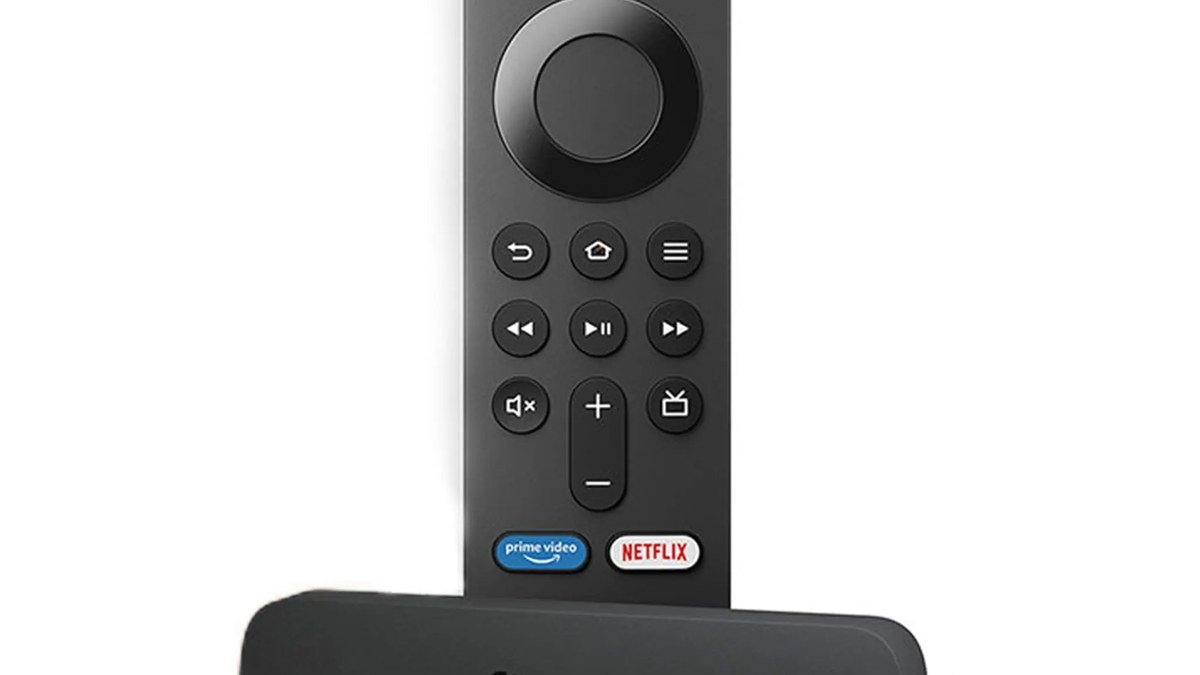
Amazon just overhauled the Fire TV Stick 4K for 2026: a slimmer design, a faster quad-core chip, Wi-Fi 6, and an all-new remote with a customizable button and better ergonomics. At $59.99 (and just $30 with the launch coupon), it’s the cheapest way to make any TV feel modern. The catch is the new Vega OS, which replaces Android — it can’t sideload apps, and the app selection, while growing past 2,000 titles with all the essentials covered, is still smaller than Google TV or Roku. It also drops Dolby Vision, offering HDR10+ instead. If you’re deep in Prime Video and Alexa, it’s a steal; power users should look elsewhere.
Specs: 4K HDR10+/HLG (no Dolby Vision) | Wi-Fi 6 | 8GB storage | Vega OS | New Fire TV remote
Pros: Incredible value at $30–60; fast new hardware; great for Prime Video and Alexa homes.
Cons: No Dolby Vision; no sideloading on Vega OS; Amazon-centric interface.
4. Roku Streaming Stick 4K — Best simple interface
The Roku Streaming Stick 4K is the streaming device for people who hate streaming devices. The interface is dead simple — a grid of apps, no ads pushed in your face, no ecosystem agenda — and it supports 4K with both Dolby Vision and HDR10+. The stick hides behind your TV, long-range Wi-Fi keeps things smooth, and the voice remote handles TV power and volume. It regularly drops to around $35 on sale, making it the best value pick for parents, grandparents, or anyone who just wants Netflix to open when they press the button. It lacks Dolby Atmos and the polish of Google TV, but for pure simplicity, nothing beats it.
Specs: 4K Dolby Vision + HDR10+ | Long-range Wi-Fi | Voice remote | 500+ free live channels
Pros: Simplest interface; both Dolby Vision and HDR10+; tiny and portable; cheap.
Cons: No Dolby Atmos; no Ethernet; basic remote.
5. Roku Ultra — Best premium Roku
Love Roku’s simplicity but want the full feature set? The Roku Ultra at $99.99 adds everything the stick lacks: Dolby Atmos audio, an Ethernet port, a faster processor, a rechargeable voice remote with hands-free commands, backlit buttons, and a remote finder. It’s the best Roku you can buy and a genuine alternative to the Google TV Streamer for anyone who prefers Roku’s neutral, ad-light interface over Google’s recommendations. Just know that Roku’s app selection, while broad, doesn’t include some niche services, and the interface feels a generation behind Google TV and tvOS in polish.
Specs: 4K Dolby Vision + Dolby Atmos | Ethernet | Hands-free rechargeable remote | Remote finder
Pros: Full features with Roku simplicity; Ethernet; excellent remote.
Cons: Interface less polished than rivals; fewer smart home features.
Streaming Device Buying Guide: How to Choose in 2026
Match your ecosystem. This is the single biggest factor. Apple household? Apple TV 4K. Google Home and Nest devices? Google TV Streamer. Alexa everywhere and Prime Video daily? Fire TV Stick. None of the above? Roku’s neutrality is a feature.
Dolby Vision and Atmos matter. If you own one of the great panels in our best 4K TVs of 2026 guide, don’t bottleneck it with a streamer that can’t pass through Dolby Vision — that’s the Fire TV Stick 4K’s main weakness. Pair a Dolby Vision TV with a Dolby Vision streamer.
Wi-Fi vs. Ethernet. 4K HDR streams need 25 Mbps of stable bandwidth, and Wi-Fi is fine for most homes. But if your router is far from the TV or your walls are thick, the Ethernet ports on the Google TV Streamer, Apple TV 4K, and Roku Ultra eliminate buffering for good.
Sticks vs. boxes. Sticks hide behind the TV and travel well; boxes (Google TV Streamer, Apple TV 4K, Roku Ultra) are faster and have Ethernet. For a main living-room TV, get the box. For bedrooms and travel, get the stick.
Don’t pay for features twice. If your 2026 TV already runs Google TV or webOS smoothly, you may not need a separate device at all — but a dedicated streamer gets updates longer and usually runs faster. And whatever you stream through, make it sound good with one of our best soundbars.
Final Verdict
The Google TV Streamer 4K is the best streaming device of 2026 for most people: fast, full-featured, and fairly priced at $99.99. Apple loyalists should get the Apple TV 4K, bargain hunters the Fire TV Stick 4K (2026) at its $30 launch price, and simplicity seekers the Roku Streaming Stick 4K. Any of them beats the built-in apps on an aging TV by a mile.
Google TV Streamer 4K
As an Amazon Associate I earn from qualifying purchases.
Frequently Asked Questions
What is the best streaming device in 2026?
The Google TV Streamer 4K ($99.99) is our top pick: it’s fast, supports Dolby Vision and Atmos, has Ethernet, and doubles as a smart home hub. The Apple TV 4K ($149) is better if you’re all-in on Apple.
Is a streaming device better than my smart TV’s built-in apps?
Usually, yes. Dedicated streamers are faster, get software updates for longer, and offer better remotes and interfaces than the built-in systems on most TVs — especially TVs more than two years old.
Do I need Dolby Vision on a streaming device?
If your TV supports Dolby Vision, yes — otherwise you’re leaving picture quality on the table. All of our picks except the 2026 Fire TV Stick 4K support it.
Fire TV Stick 4K vs. Roku Streaming Stick 4K — which is better?
The Roku is simpler and supports Dolby Vision; the Fire TV Stick is better for Prime Video and Alexa households and is cheaper at launch pricing. For most neutral buyers, we lean Roku.
Can I travel with a streaming stick?
Absolutely — sticks like the Roku Streaming Stick 4K and Fire TV Stick 4K are perfect for hotels and Airbnbs. Just bring the remote and a phone hotspot, and remember to log out when you leave.
Will a streaming device make my old TV faster?
It makes the streaming experience faster, yes — the interface, app launches, and navigation all run on the new device. It can’t improve the TV’s panel itself, but it can make a 2019 TV feel new again.
The Bottom Line
The best streaming device is the one that disappears — fast enough that you never think about it, with the apps and ecosystem you already use. For most US buyers in 2026, that’s the Google TV Streamer 4K. Grab one, pair it with a great TV from our OLED roundup, and enjoy the upgrade. For more gift-worthy tech, check our best tech gifts of 2026.
Affiliate Disclosure: This article contains affiliate links. If you purchase through them, we may earn a commission at no extra cost to you.
Where to Buy: Check Price on Amazon · Compare Prices on Daraz · Check Daraz Deals · Check AliExpress Price · See AliExpress Deals
Check the price on AliExpress — the global marketplace with millions of tech products.
As an AliExpress affiliate, we may earn a commission on qualifying purchases.