Best Ergonomic Office Chairs 2026: 5 Picks That Save Your Back
The best ergonomic office chair isn’t a luxury — it’s the piece of furniture your spine spends a third of its life in. A cheap chair that forces you to slouch costs you in back pain, neck stiffness, and physio bills that dwarf a good chair’s price. In 2026, genuinely ergonomic chairs start under $200, and icons like the Herman Miller Aeron remain the gold standard. We evaluated this year’s field on lumbar support, adjustability, build quality, and all-day comfort — these are our five picks.
Best Ergonomic Office Chairs: Quick Comparison
In a hurry? Here’s how our five picks stack up.
| Chair | Key spec | Price | Best for |
|---|---|---|---|
| Hbada P2 | 3D lumbar, 3D armrests, mesh, footrest | ~$189 | Best value overall |
| Herman Miller Aeron Remastered | PostureFit SL, 8Z Pellicle mesh | $1,395 | Best premium chair |
| Steelcase Leap | LiveBack flex, 4D arms, adjustable lumbar | ~$1,100 | Best for back pain |
| Branch Ergonomic Chair | Adjustable lumbar, flip-up arms | $329 | Best mid-range pick |
| Sihoo M57 | W-shaped seat, 3D armrests, mesh back | ~$189 | Best budget alternative |
1. Hbada P2 — Best Value Ergonomic Office Chair
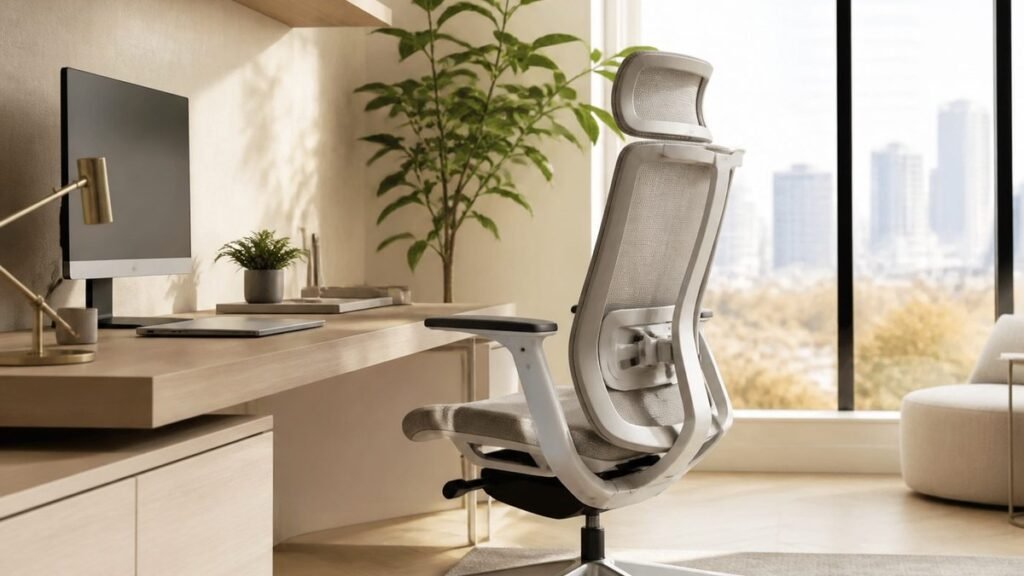
The Hbada P2 is the chair that broke the “ergonomic means expensive” rule — our top value pick for 2026. Around $189 gets a fully mesh chair with 3D adjustable lumbar support (height, depth, and width), 360° rotating 3D armrests, a 3D headrest, and 135° stepless recline — a spec sheet that embarrasses chairs costing three times more. The dual-back design flexes with your spine, keeping support where your lower back needs it.
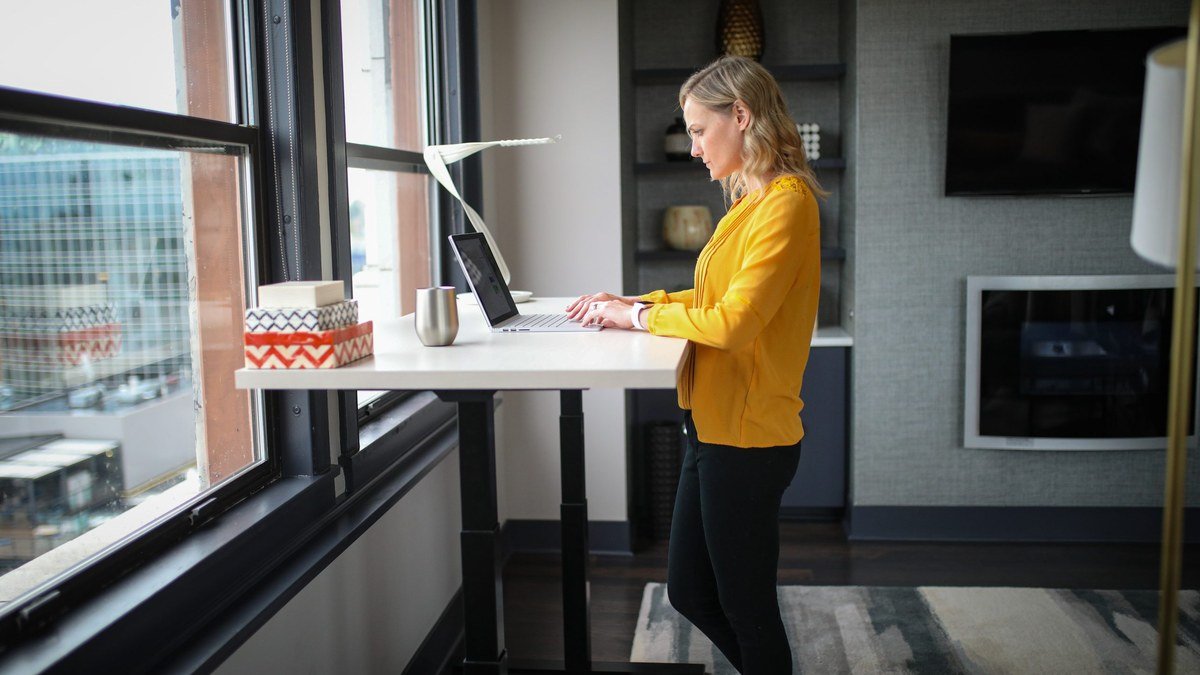
Build quality is the surprise: the P2 feels solid, rolls on silent casters, and carries a 3-year warranty with 30-day free returns. The included footrest is a nice touch for lean-back breaks. It suits users from about 5’4″ to 6’2″, and the breathable mesh keeps you cool through summer. If you want the best ergonomic office chair under $200, this is the one. Pair it with a standing desk and you’ve solved the two biggest sources of work-from-home pain for under $450.
Specs: 3D adjustable lumbar support | 3D rotating armrests | 3D headrest | 135° stepless tilt | Breathable mesh back + cushion | Footrest included | 3-year warranty
Pros: Unbeatable features for the price; genuinely comfortable lumbar support; breathable mesh; generous warranty and returns.
Cons: Not ideal for users over 6’2″; armrest padding is thin; assembly takes ~30 minutes.
2. Herman Miller Aeron Remastered — Best Premium Ergonomic Chair
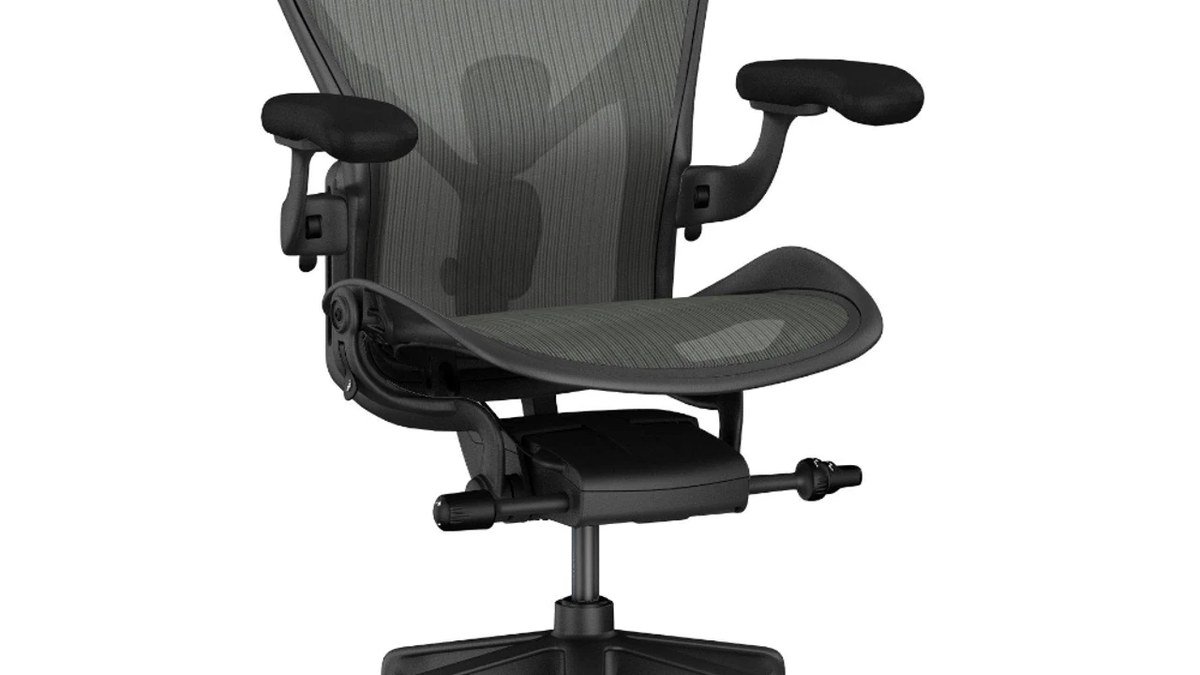
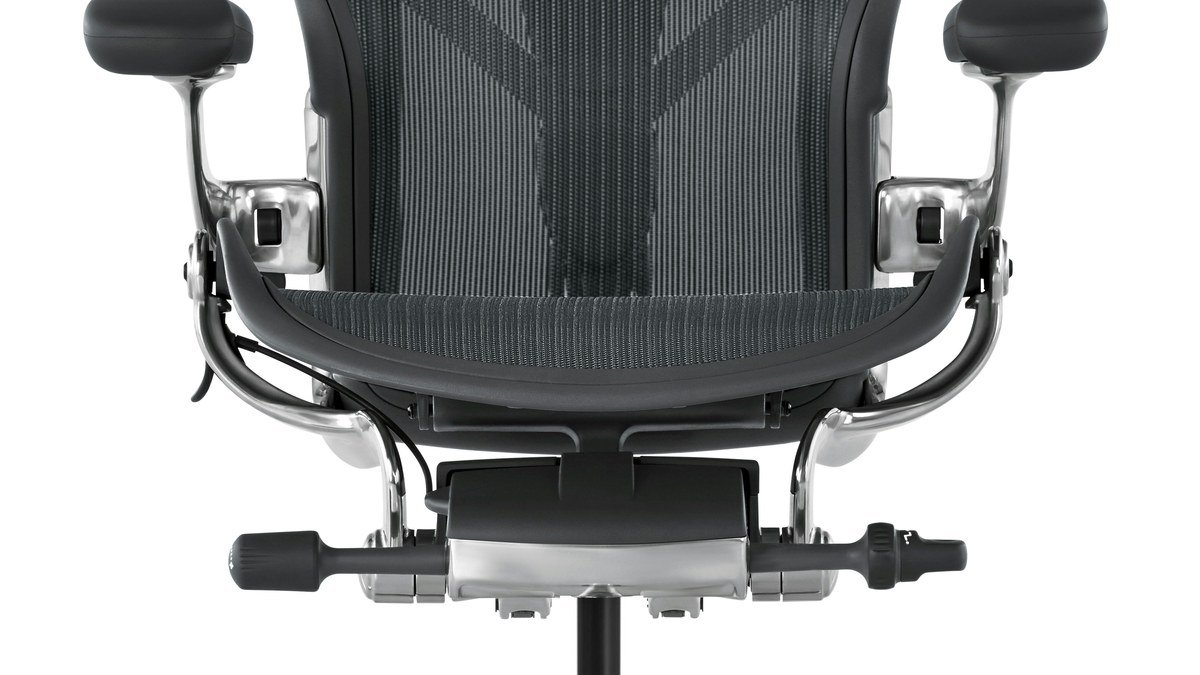
Some products earn icon status; the Aeron earned it twice. The Remastered edition keeps everything that made the original the most copied chair in history — the 8Z Pellicle suspension mesh, PostureFit SL lumbar support, and buttery tilt mechanism — updated for how we work now. Three sizes (A, B, C) mean a fit matched to your body rather than one-size-fits-most.
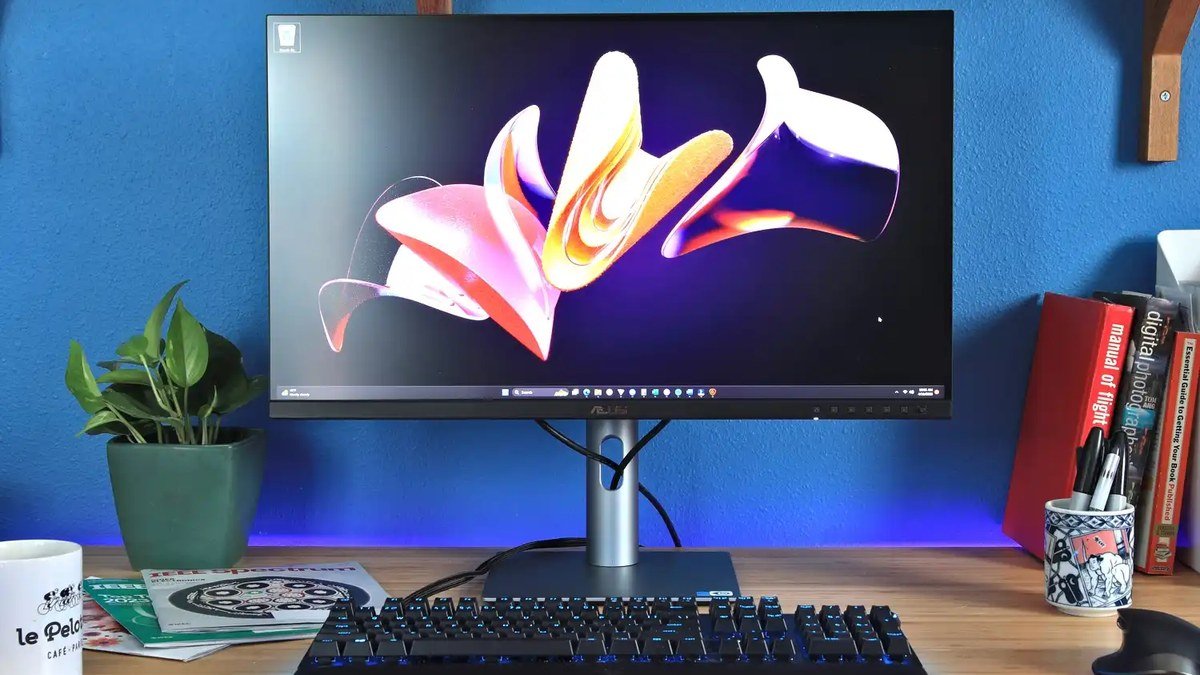
What keeps the Aeron at the top in 2026 is how it disappears: after a week, you stop thinking about your chair entirely. The mesh keeps you cool, the tilt supports the full recline range, and the build survives a decade of daily use, backed by a 12-year warranty. At $1,395 it’s an investment: amortized over 12 years of workdays, it’s about 30 cents a day. For more ways to protect your back, see our best 4K monitors for work — monitor height is the other half of posture.
Specs: 8Z Pellicle suspension | PostureFit SL lumbar | Fully adjustable arms | Tilt limiter + seat angle | Sizes A/B/C | 12-year warranty
Pros: The benchmark for ergonomic design; disappears under you; 12-year warranty; three sizes for a true fit.
Cons: Expensive; no headrest option from the factory; hard floors may want a chair mat.
3. Steelcase Leap — Best Ergonomic Chair for Back Pain
If your lower back is already complaining, the Steelcase Leap is the chair ergonomists keep recommending. Its LiveBack technology flexes to mirror your spine’s natural movement, and adjustable lumbar support firms up exactly where your lower back needs it. Unlike chairs that lock you into one “correct” posture, the Leap encourages the micro-movements that keep spinal discs happy.
The 4D armrests adjust in every direction, the seat slides for proper depth, and the whole chair is built to commercial-office standards. Around $1,100 street price puts it below the Aeron while matching it on adjustability, and many back-pain sufferers prefer the Leap’s more forgiving seat. If you’re refreshing the whole workstation, our USB-C dock guide shows how to declutter the desk around it.
Specs: LiveBack flexible frame | Adjustable lumbar support | 4D adjustable armrests | Sliding seat depth | Weight-activated recline | Up to 98% recyclable
Pros: Outstanding for existing back pain; encourages healthy movement; commercial-grade durability; highly adjustable.
Cons: Premium price; styling is corporate rather than homey; heavy to move.
4. Branch Ergonomic Chair — Best Mid-Range Ergonomic Chair
The Branch Ergonomic Chair is the sweet middle ground: $329 for a chair designed with ergonomics consultants, adjustable lumbar support, contoured high-density foam seat, and flip-up armrests that slide fully under your desk. The mesh back keeps airflow moving, and seven adjustment points cover the essentials without analysis paralysis.
What we like most is the honesty of the design — Branch focused on the adjustments that matter (lumbar height, seat depth, armrest position, recline tension) and skipped the gimmicks. Clean lines and neutral colors suit a home office, and the 7-year warranty beats most competitors at this price. It leaves budget for the noise-cancelling headphones that make home offices bearable.
Specs: Adjustable lumbar support | 7 adjustment points | Flip-up armrests | High-density foam seat | Mesh back | 275 lb capacity | 7-year warranty
Pros: Great balance of comfort, looks, and price; flip-up arms for tucking under desks; strong warranty; home-office friendly design.
Cons: Lumbar support isn’t as nuanced as premium chairs; foam seat vs. full mesh; limited color options.
5. Sihoo M57 — Best Budget Ergonomic Chair Alternative
The Sihoo M57 is the other sub-$200 heavyweight — the pick for bigger users. Its W-shaped seat distributes weight to relieve pressure on thighs and hips, the mesh back has adjustable lumbar support, and 3D armrests cover the key positions. Around ~$189, it punches well above its price in day-to-day comfort.
Compared to the Hbada P2, the M57 trades the footrest for a sturdier-feeling frame and a slightly wider seat — worth considering if you’re taller or broader. The 126° recline with tension control is smooth, and the breathable mesh handles long sessions. Pick the Hbada for maximum features, the Sihoo for maximum sturdiness.
Specs: W-shaped pressure-relief seat | Adjustable lumbar support | 3D armrests | 126° recline with tension lock | Full mesh back | ~$189
Pros: Very sturdy for the price; comfortable wide seat; excellent budget-community reputation; breathable mesh.
Cons: No footrest; armrests less refined than pricier rivals; basic aesthetics.
Buying Guide: How to Choose the Best Ergonomic Office Chair
Lumbar support is non-negotiable. Your lower back has a natural inward curve, and a chair must support it — a fixed bump in the wrong place is worse than nothing. Look for lumbar support adjustable in height (and ideally depth), so it lands exactly on your lumbar curve. This is the single biggest difference between an ergonomic chair and a pretty one.
Fit matters more than features. Seat depth should leave 2–3 inches between the seat edge and the back of your knees; seat height should let your feet rest flat with thighs roughly parallel to the floor. If you’re very tall or short, check the chair’s recommended height range — the Hbada P2 suits 5’4″ to 6’2″, while the Aeron’s three sizes cover nearly everyone.
Armrests should adjust in at least two dimensions. Shoulders relaxed, elbows near 90 degrees while typing. Fixed armrests that are too high hunch your shoulders all day. Flip-up arms (like Branch’s) are underrated — they let you pull close to the desk.
Mesh vs. foam is a climate choice. Mesh backs breathe and keep you cool; foam seats feel plusher initially but can compress over years. Premium chairs use high-resilience foam or suspension mesh that holds up — cheap foam flattens within a year, which is why ultra-cheap “ergonomic” chairs are a false economy.
Check the warranty. A chair is a 5–10 year purchase. Herman Miller’s 12-year warranty signals real durability; Hbada’s 3-year warranty is excellent for a budget chair. If a chair only offers 1 year, the manufacturer doesn’t believe in it.
Final Verdict
The Hbada P2 (~$189) is the best ergonomic office chair for most people in 2026 — 90% of the ergonomic experience at 15% of the flagship price. If budget is no object, the Herman Miller Aeron Remastered ($1,395) remains the pinnacle, and the Steelcase Leap (~$1,100) is the top choice for existing back pain. The Branch Ergonomic Chair ($329) is the sweet-spot middle ground, and the Sihoo M57 (~$189) is the sturdiest budget alternative. Complete the setup with a proper 4K work monitor at the right height, and your home office ergonomics are solved.
Hbada P2 Ergonomic Office Chair
As an Amazon Associate I earn from qualifying purchases.
Frequently Asked Questions
Are expensive ergonomic chairs worth it?
Up to a point, yes — premium chairs offer finer adjustments, better materials, and 10+ year warranties. But the gap has shrunk: chairs like the Hbada P2 and Sihoo M57 deliver the core essentials (adjustable lumbar, proper armrests, breathable mesh) for under $200. Spend more for fit precision and longevity, not basic comfort.
What is the best ergonomic office chair for lower back pain?
The Steelcase Leap, thanks to its LiveBack frame and highly adjustable lumbar support. The Herman Miller Aeron’s PostureFit SL is also excellent. Make sure the lumbar support is height-adjustable so it targets your specific pain point.
How long should an ergonomic office chair last?
A good ergonomic chair should last 7–12 years of daily use — Herman Miller backs this with a 12-year warranty. Budget chairs typically last 3–5 years before foam compresses or mechanisms loosen, still good value at their prices.
Mesh or leather for an office chair?
Mesh for most people: it breathes, keeps you cool, and doesn’t crack or peel. Leather looks executive but traps heat and wears visibly. If you run warm or sit long hours, mesh wins.
Do I need a headrest on my office chair?
Not necessarily. A headrest helps during reclined breaks, but for active typing your head should balance over your spine. The Hbada P2 includes a good adjustable one; the Aeron skips it.
What’s the best ergonomic office chair under $200?
The Hbada P2 (~$189), with 3D lumbar support, 3D armrests, a headrest, and a footrest. The Sihoo M57 (~$189) is the best alternative if you prefer a wider, sturdier seat.
A great chair is the foundation every home office is built on. Pick the chair that fits your body and budget, stand and stretch every hour, and your workdays are about to get a lot more comfortable.
Affiliate Disclosure: This article contains affiliate links. If you purchase through them, we may earn a commission at no extra cost to you.
Where to Buy: Check Price on Amazon · Compare Prices on Daraz · Check Daraz Deals · Check AliExpress Price · See AliExpress Deals
Check the price on AliExpress — the global marketplace with millions of tech products.
As an AliExpress affiliate, we may earn a commission on qualifying purchases.