Best Gaming Laptops Under $1,000 in 2026: 5 Picks That Actually Game
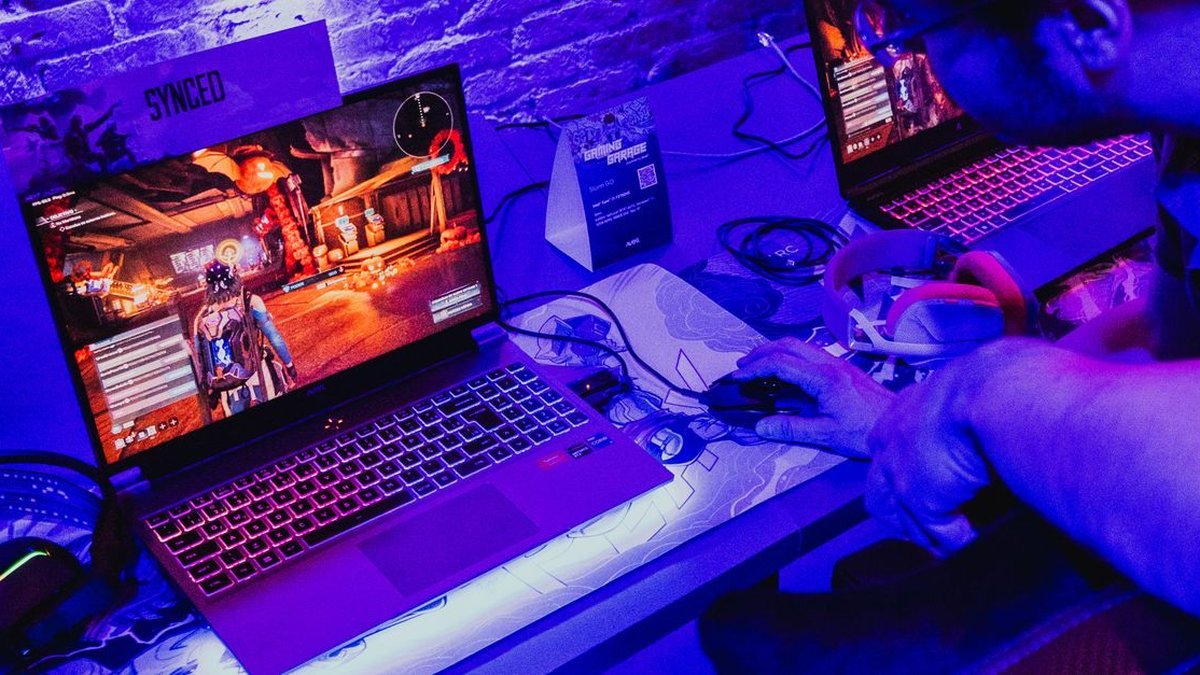
Finding the best gaming laptops under 1000 dollars used to mean settling: weak GPUs, dim screens, machines that choked on anything new. That era is over. In 2026, a sub-$1,000 laptop can pack a capable graphics card, a high-refresh display, and cooling that holds up through a full session. The trick is knowing where manufacturers cut corners at this price — and which cuts actually matter. This guide covers the five best gaming laptops under 1000 dollars that deliver: real GPUs, real screens, honest trade-offs.
Disclosure: This article contains affiliate links. As an Amazon Associate, we earn from qualifying purchases. We may also earn commissions from Daraz and AliExpress purchases made through links on this page, at no extra cost to you.
What $1,000 Buys You in a 2026 Gaming Laptop
Under $1,000 buys 1080p gaming, not 4K — and that’s fine: a 15-inch 1080p screen looks sharp, and mid-range GPUs are tuned for it. Expect an entry-level NVIDIA RTX card, a modern multi-core CPU, 16GB of RAM, and a 144Hz display. That combo handles esports titles at high frame rates and AAA games at medium-to-high settings.
What you give up versus $1,500+ machines: plastic builds, dimmer screens, smaller batteries, louder fans, and usually a previous-gen GPU tier. None of that stops the games running well. For budget buyers: GPU first, everything else second. A laptop with a stronger GPU and a plastic chassis will out-game a prettier machine with a weaker card every time. If you also need a machine for school or office work, our best laptop for most people guide covers the non-gaming side.
How to Choose a Budget Gaming Laptop: 4 Things That Actually Matter
1. The GPU tier decides everything
At this price you’re choosing between entry-level RTX cards. The gap between tiers is the gap between medium and high settings in new games — worth real money. But watch the wattage: the same GPU performs very differently depending on how much power the laptop feeds it. A higher-wattage lower-tier card can beat a starved higher-tier card — reviews with real gaming benchmarks matter more than the spec sheet.
2. 16GB RAM and a 144Hz screen are the floor
Don’t buy a 2026 gaming laptop with 8GB of RAM — 16GB is the minimum; 32GB is nice but rare under $1,000. For the display, 144Hz is standard at this price and genuinely changes how games feel. Resolution beyond 1080p costs frame rate, which matters more.
3. Cooling and noise are the hidden specs
Thin budget laptops throttle. Look for dual fans and real exhaust vents, and read reviews about sustained performance — not just benchmark peaks. A laptop that holds its clocks after 30 minutes beats one that spikes then throttles. Loud is fine in a dorm; less fine in a library or shared apartment.
4. Upgradeability extends the lifespan
The best budget laptops let you add RAM and a second SSD later — a cheap way to add years to a machine’s life. Check whether RAM is soldered (avoid if so) and whether there’s an empty M.2 slot. A second SSD from AliExpress plus a RAM stick can turn a good $800 laptop into a great one. Battery life will be mediocre on all of these — gaming laptops are desk machines that occasionally travel, so plan around the charger.

Our 5 Picks for the Best Gaming Laptops Under $1,000 in 2026
1. ASUS TUF Gaming A15 — Best Overall Budget Gaming Laptop
The ASUS TUF Gaming A15 is our pick for the best gaming laptop under $1,000 for most buyers. The TUF line’s pitch is durability — military-grade testing, a sturdy chassis, and cooling that keeps up in long sessions where thinner rivals throttle. Sub-$1,000 configs pair a capable RTX GPU with a fast CPU, 16GB of RAM, and a 144Hz display.
The TUF look is utilitarian, and the screen’s color coverage is average. But for pure gaming value, the mix of reliable thermals, upgradeable RAM and storage, and ASUS’s widespread service network is hard to beat. It does the important things right and skips the expensive garnish.
Pros: Excellent thermals for the price; durable build; upgradeable RAM and SSD; strong value configs.
Cons: Plain, bulky design; average color accuracy; short battery life.
Best for: Most buyers who want maximum reliable gaming performance per dollar.
2. Acer Nitro V 15 — Best Display in the Price Range
The Acer Nitro V 15 stands out where budget laptops usually disappoint: the screen. While rivals ship dim, washed-out panels, the Nitro V’s display is brighter and more color-accurate than the price suggests — games and media look noticeably better. Under the hood: RTX graphics, modern CPU, 16GB RAM, in a chassis slimmer than Acer’s older Nitro designs.
Cooling is decent rather than class-leading, so sustained loads run warmer than the TUF. But for players who care how games look — most of us — the screen advantage is real and daily. Around $800–900, it’s an easy upsell from the cheapest options.
Pros: Best screen in the budget class; slim, clean design; competitive pricing; good all-round specs.
Cons: Cooling merely adequate; bloatware needs a first-boot cleanup; weak speakers.
Best for: Players who prioritize visual quality and want a laptop that looks good too.
3. Lenovo LOQ 15 — Best Keyboard and Build Feel
Lenovo’s LOQ 15 brings ThinkPad-adjacent build sensibility to budget gaming. The keyboard is the best you’ll find under $1,000 — full-size, well-spaced, satisfying travel — which matters if this laptop doubles for school or work. The chassis feels solid for the price, and dual-fan cooling keeps performance consistent.
Specs track the category standard: RTX graphics, current-gen CPU, 16GB RAM, high-refresh display. You typically pay a bit more than the cheapest rivals for equivalent silicon. The keyboard, build, and Lenovo’s support justify it — especially for students buying one machine for everything.
Pros: Superb keyboard; solid build; consistent cooling; great work-and-play dual use.
Cons: Slightly pricier than same-GPU rivals; conservative design; basic webcam.
Best for: Students and hybrid users who type as much as they game.
4. HP Victus 15 — Best for Casual Gamers
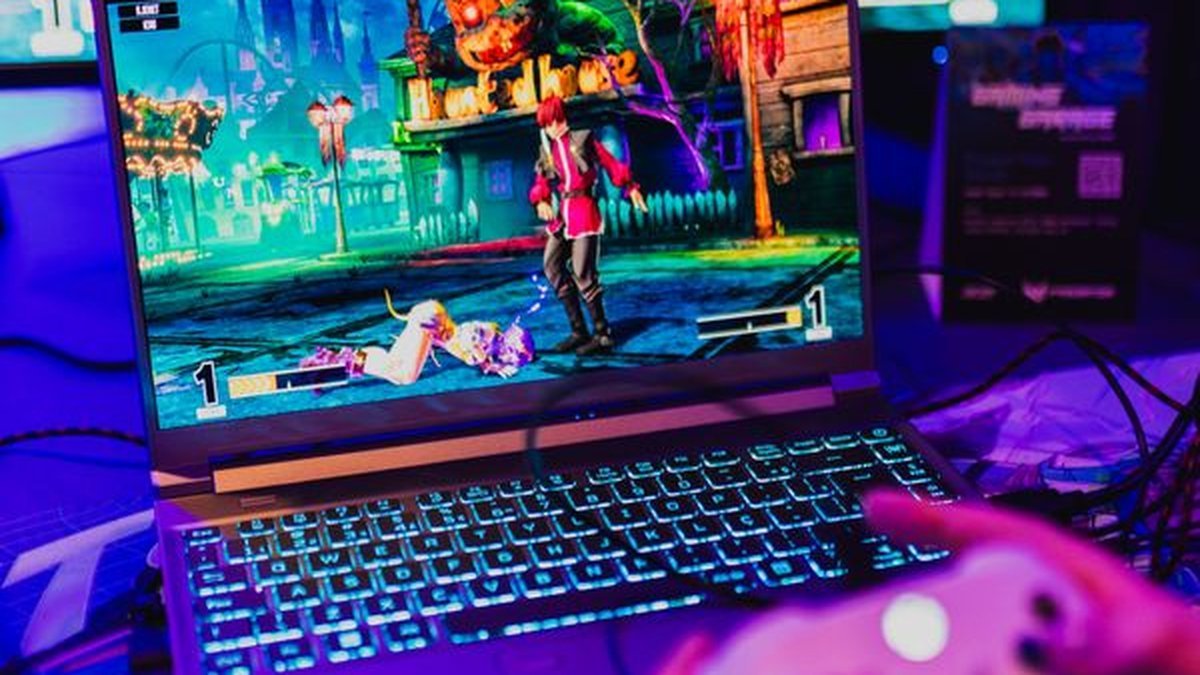
The HP Victus 15 is the friendly face of budget gaming: clean design, reasonable price, and performance that covers esports and mainstream AAA titles without drama. HP discounts the Victus line aggressively — patient buyers often find the lowest street prices here, sometimes well under $800.
The compromises are the usual ones: plastic build, average display, cooling that’s fine for typical sessions but not heroic. For Fortnite, Valorant, Minecraft, and story games at 1080p, it’s more than enough — and the savings buy games.
Pros: Frequently cheapest on sale; clean, understated looks; handles popular games easily; widely available.
Cons: Basic display; plastic build flexes; average cooling under sustained load.
Best for: Casual and younger gamers who want solid 1080p performance for the least money.
5. MSI Cyborg 15 — Best Lightweight Option
The MSI Cyborg 15 does something unusual at this price: it’s actually portable. Light enough not to wreck your shoulder, with a design that looks pricier than it is — the Cyborg is the budget gaming laptop for people who carry their machine daily. RTX graphics and a 144Hz display deliver the expected 1080p gaming experience.
Thinness costs thermals — the Cyborg runs warmer and louder than chunkier rivals under load. But if your laptop lives in a backpack, those trade-offs are rational. Check Price on Daraz for regional pricing and bundle deals.
Pros: Light and portable for a gaming laptop; distinctive design; solid 1080p gaming; 144Hz display.
Cons: Runs warm under load; loud fans; average keyboard.
Best for: Commuters and students who carry their gaming laptop everywhere.
Best Gaming Laptops Under $1,000: Comparison Table
| Laptop | Typical GPU class | Display | Weight class | Best for |
|---|---|---|---|---|
| ASUS TUF Gaming A15 | Entry RTX | 15.6″ 1080p 144Hz | ~2.3 kg | Best overall value |
| Acer Nitro V 15 | Entry RTX | 15.6″ 1080p 144Hz+ | ~2.1 kg | Best display |
| Lenovo LOQ 15 | Entry RTX | 15.6″ 1080p 144Hz | ~2.4 kg | Keyboard / dual use |
| HP Victus 15 | Entry RTX | 15.6″ 1080p 144Hz | ~2.3 kg | Casual gamers |
| MSI Cyborg 15 | Entry RTX | 15.6″ 1080p 144Hz | ~2.0 kg | Portability |
Frequently Asked Questions
Can a laptop under $1,000 really run modern games?
Yes. A 2026 sub-$1,000 gaming laptop with a dedicated RTX GPU handles modern AAA titles at 1080p medium-to-high settings and esports games at high frame rates. You won’t max settings or play at 4K, but the experience — smooth, good-looking, responsive — is genuinely there. That’s the bar every one of the best gaming laptops under 1000 dollars in this guide clears.
Should I buy a gaming laptop on sale or wait for new models?
Last-gen models often drop $150–250 when new versions launch, and the performance difference at the budget tier is modest. A discounted previous-year model with a stronger GPU beats a new weaker one at the same price.
Is 16GB of RAM enough for gaming in 2026?
Yes — 16GB is the sweet spot for gaming right now. It handles modern titles plus background apps comfortably; 8GB will stutter. If a laptop you like ships with 8GB but has an open slot, budget for a cheap RAM upgrade; otherwise, insist on 16GB.
How long will a budget gaming laptop last?
Expect 3–4 years of solid 1080p gaming before new titles force real settings compromises. Good cooling and upgradeable RAM/storage stretch that further. The GPU ages first — true at every price point, not just under $1,000.
Do I need a cooling pad for a budget gaming laptop?
It helps, especially on thin models. A simple elevated stand improves airflow noticeably; an active cooling pad with fans adds a few more degrees of headroom and cuts throttling in long sessions. Pair it with a good gaming mouse and an external gaming monitor at your desk for a very capable home setup.
Final Verdict
The ASUS TUF Gaming A15 is the best gaming laptop under $1,000 for most people — reliable thermals, durable build, honest performance per dollar. Visual sticklers should grab the Acer Nitro V 15; students will like the Lenovo LOQ 15‘s keyboard; casual players get the best deals on the HP Victus 15; commuters should look at the MSI Cyborg 15. Whichever you pick: prioritize the GPU, insist on 16GB of RAM, and buy on sale. Any of the five best gaming laptops under 1000 dollars here will serve you well for years.
Where to Buy: Compare Prices on Daraz · Check AliExpress Price
Check the price on AliExpress — the global marketplace with millions of tech products.
As an AliExpress affiliate, we may earn a commission on qualifying purchases.