Best FPV Drones for Beginners 2026: 5 Picks That Won’t Destroy Your Wallet
Finding the best FPV drones for beginners is a balancing act: you want the thrill of flying from the drone’s point of view, but traditional FPV setups can cost $500 or more before your first crash — and you will crash. This guide fixes that with five beginner-friendly picks, from $170 tiny whoop kits you can fly in your living room to DJI’s polished Avata 2. Every pick ships with everything needed to get airborne, at real 2026 prices.
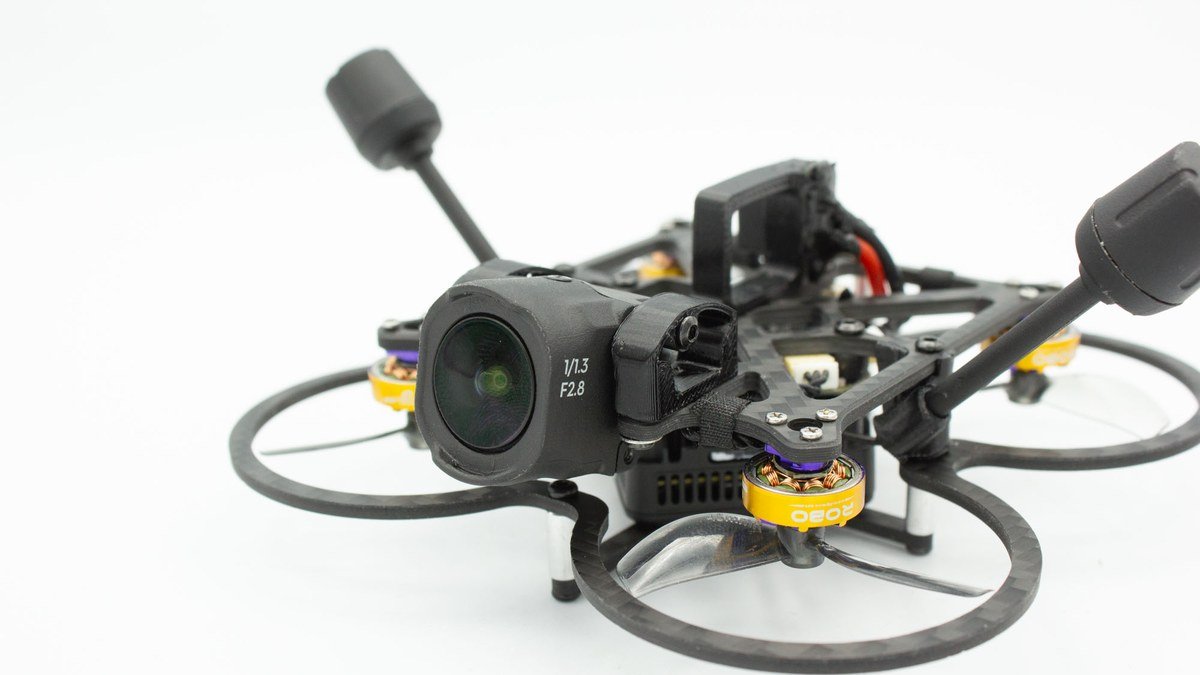
Best FPV Drones for Beginners 2026: Quick Picks
| Drone | Why it wins | Price |
|---|---|---|
| DJI Avata 2 Fly More Combo | Easiest real FPV experience, 4K HDR camera | ~$999 |
| BetaFPV Cetus X RTF Kit | Complete whoop kit, great for learning acro | ~$310 |
| DJI Neo 2 | Tiny palm-launch drone that flies FPV too | ~$259 |
| EMAX Tinyhawk III RTF Kit | Cheapest legitimate path into real FPV | ~$170–$270 |
| DJI Avata 360 (RC 2) | 2026 flagship: 8K 360° video + easy FPV flight | $479 |
What Makes a Good Beginner FPV Drone?
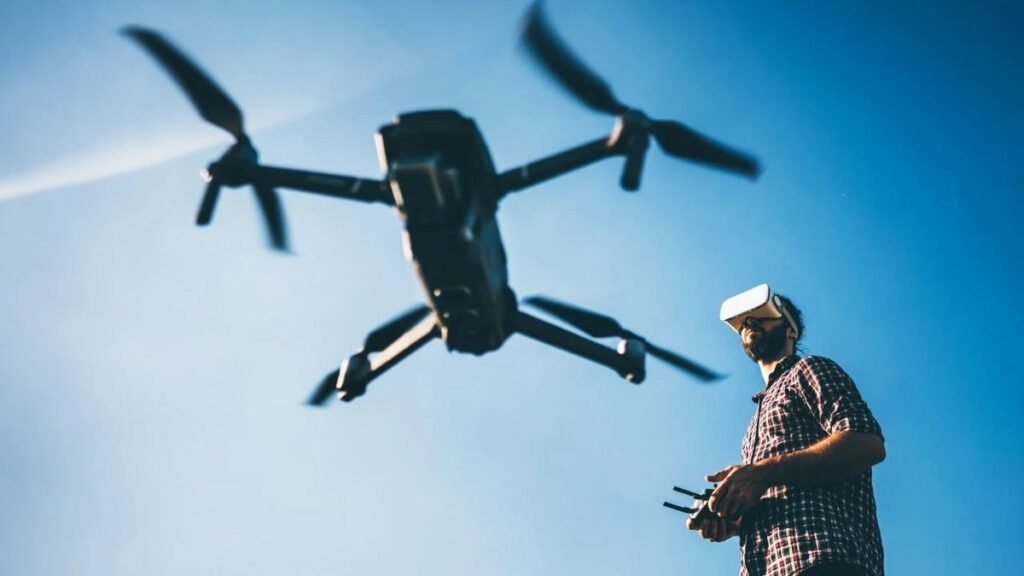
FPV means first-person view: instead of watching the drone from the ground, you see what its camera sees through goggles. Traditional FPV drones are fast, twitchy, and unforgiving. The best FPV drones for beginners solve that with ready-to-fly (RTF) kits that bundle drone, goggles, and controller; stabilized flight modes that hold the drone steady while you learn; and propeller guards that survive crashes into walls and trees.
Two flavors exist. Tiny whoop kits (Cetus X, Tinyhawk) use analog goggles, fly indoors or in the backyard, and cost a few hundred dollars all-in — ideal for learning stick skills. Cinewhoops (Avata 2, Avata 360) use digital transmission for a crisp HD feed and shoot genuinely good video, but cost more. Skills on a budget? Start with a whoop. Great footage this weekend? Start with a DJI.
1. DJI Avata 2 Fly More Combo — Best Overall
The DJI Avata 2 is FPV with a cheat code. Instead of weeks of simulator practice, you fly with the DJI RC Motion 3 — point, squeeze the trigger — while DJI Goggles 3 deliver a crisp digital feed. The 1/1.3-inch camera shoots 4K/60fps HDR video with a 155° ultrawide view, RockSteady and HorizonSteady stabilization smooth out shaky flying, flight time runs up to 23 minutes, and the O4 link reaches 13 km. The integrated prop guard plus downward and backward sensors make backyard flying far less scary.
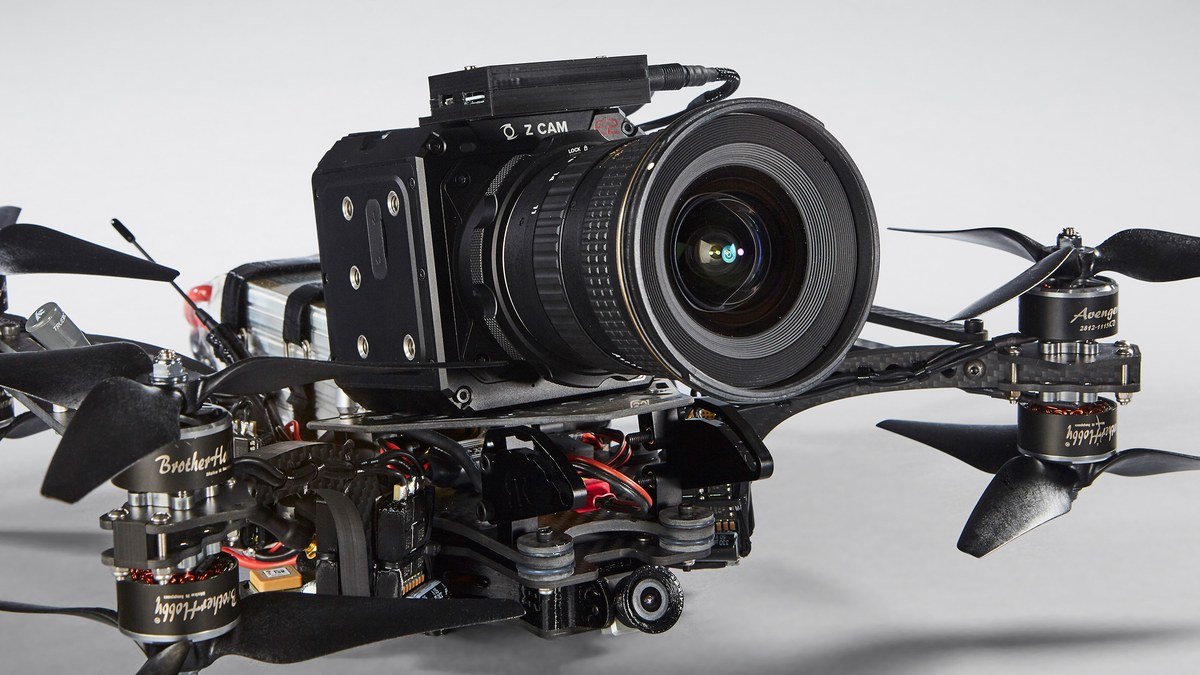
The one-battery Fly More Combo lists around $999 and has sold near $859 — pricey, but it’s a complete FPV system producing shareable 4K footage from day one.
- Pros: Easiest FPV learning curve; excellent 4K/60 HDR camera; integrated prop guard; 23-minute flight time; one-button flips and rolls.
- Cons: Expensive for a first drone; one battery in this combo; 377 g needs FAA registration.
Best for: Beginners who want real FPV flight and great video without a painful learning curve.
2. BetaFPV Cetus X RTF Kit — Best Budget Whoop Kit
The BetaFPV Cetus X is the classic answer to “how do I learn real FPV cheaply?” It’s a brushless tiny whoop — 81 g with a full prop-guard frame that bounces off walls — sold as a complete kit: quad, LiteRadio 3 transmitter, VR03 FPV goggles with DVR, four batteries, charger, and carry case, all for around $310. The Cetus flight controller adds three speed modes and assists like position hold, so you can start slow indoors and graduate to faster outdoor flights. Turtle Mode flips the drone upright remotely after a crash.
The weak spot is battery life — about 5 minutes per pack, which is why four batteries are included. This kit teaches stick skills that transfer to bigger FPV drones later, which is exactly what a beginner kit should do.
- Pros: Everything in one box for ~$310; durable whoop frame; three speed modes; DVR goggles; great indoors.
- Cons: ~5-minute flights; basic analog goggles; camera is strictly an FPV feed, not cinematic.
Best for: Beginners who want to learn real FPV stick skills on a budget.
3. DJI Neo 2 — Best Tiny All-Rounder
The DJI Neo 2 is the Swiss Army knife of beginner drones: 151 g with no FAA registration needed, palm launches, and gesture-control follow-me. Pair it with DJI Goggles N3 and the RC Motion 3 and it becomes a surprisingly capable FPV drone, shooting 4K video with up to 100fps slow motion, omnidirectional obstacle sensing, and around 19 minutes of flight time — often for about $259 on Amazon.
The catch: FPV flight needs the goggles and motion controller, sold separately. With no microSD slot and a small sensor, it’s a fun flyer and selfie drone first, a “real” FPV rig second. Still, as one tiny drone for selfies, travel, and occasional FPV, it’s unmatched. See also our best drones for beginners 2026 guide.
- Pros: 151 g, no registration; palm takeoff and gesture control; 4K video; obstacle sensing; ~$259.
- Cons: FPV needs extra gear; ~19-minute flight time; no microSD slot; struggles in wind.
Best for: Beginners who want a pocketable everyday drone that doubles as an FPV trainer.
4. EMAX Tinyhawk III RTF Kit — Cheapest Real FPV
The EMAX Tinyhawk III is the scrappy garage where you actually learn the hobby. The Tinyhawk line has been the default budget FPV recommendation for years: a tough little brushless whoop with a RunCam Nano 4 camera and adjustable video transmitter, sold as a ready-to-fly kit with goggles and controller for roughly $170–$270. It’s light, crashable, and replacement parts are cheap and everywhere.
The trade-off versus the Cetus X is refinement: fewer beginner assists, more old-school FPV rawness. That’s a feature if you want to learn properly, a bug if you want hand-holding. Either way, it’s the cheapest legitimate path into goggles-on FPV flying.
- Pros: Most affordable real FPV kit; durable and repairable; huge parts community; great for learning acro.
- Cons: Fewer assists than the Cetus X; analog video only; basic goggles.
Best for: Budget-focused beginners who want to learn FPV the traditional way.
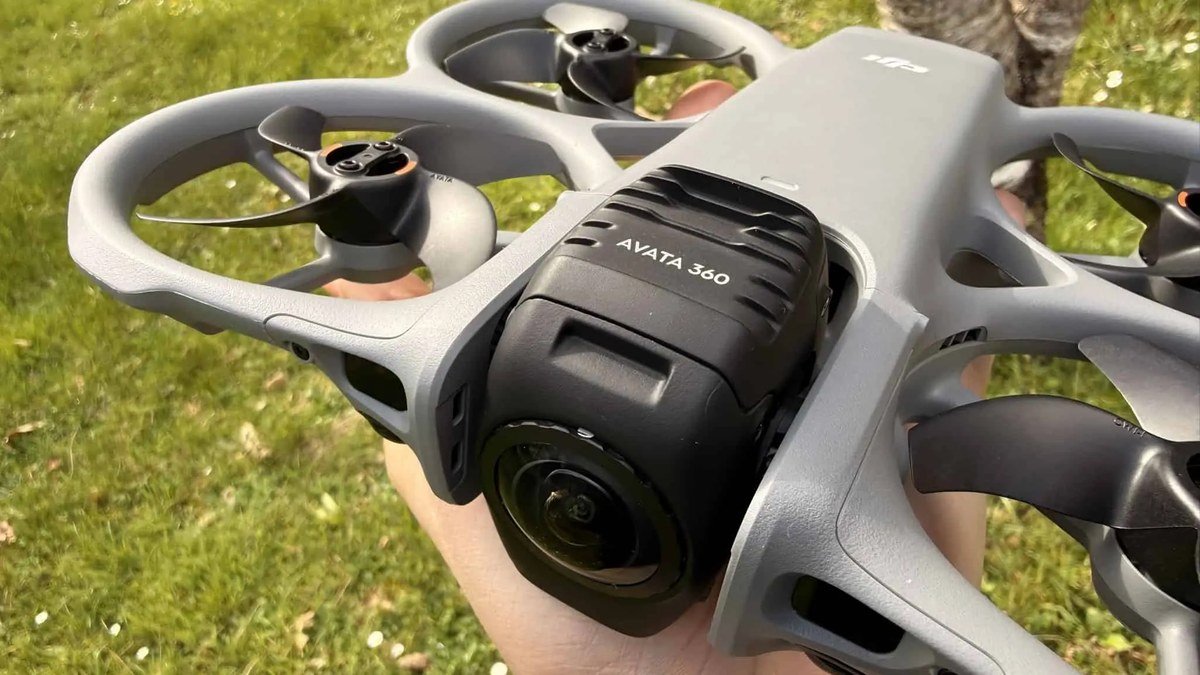
5. DJI Avata 360 (RC 2) — Best Premium Pick
DJI never released an “Avata 3” — the third-generation Avata is the Avata 360, launched March 2026, and it’s the most ambitious beginner-friendly FPV drone yet. Dual 1/1.1-inch sensors capture reframable 8K/60fps HDR 360° video; a single-lens 4K/60 mode handles classic FPV footage. The whoop-style frame keeps the integrated prop guard, O4+ transmission reaches 20 km, flight time is up to 23 minutes, and ActiveTrack 360° plus obstacle sensing keep it nearly as easy to fly as the Avata 2. The RC 2 bundle starts at $479.
At 455 g it needs FAA registration, and 8K 360° files demand serious storage. But for the easiest path to jaw-dropping FPV footage in 2026, this is it — see our full DJI Avata 360 review.
- Pros: 8K 360° video with post-flight reframing; dual 1/1.1-inch sensors; 20 km O4+ range; 42 GB internal storage.
- Cons: 455 g needs registration; huge files; price climbs with extra batteries.
Best for: Beginners with a bigger budget who want the most future-proof FPV camera drone of 2026.
Buying Guide: How to Choose Your First FPV Drone
1. Price the full system, not just the drone
Whoop kits include goggles and a controller, so the sticker price is the real price. With DJI, a $259 Neo 2 is a steal — until goggles and a motion controller add hundreds. Total it up first.
2. Match the drone to where you’ll fly
Backyard and indoors? A tiny whoop is perfect — light, quiet, crash-proof. Parks and travel? A GPS-stabilized DJI cinewhoop handles wind and distance far better.
3. Prioritize repairability
Beginners crash. Whoops like the Tinyhawk win here: cheap frames, motors, and props you swap yourself. Sealed DJI drones fly better but cost more to fix — consider DJI Care if you go that route.
4. Decide how much the video matters
For the flying sensation alone, analog whoop goggles are fine. For footage worth posting, you need digital — the Avata 2’s 4K HDR or the Avata 360’s 8K 360° — because analog FPV recordings look like a 2008 webcam.
Final Verdict
For the easiest path to great footage, the DJI Avata 2 is the pick — motion control and a real 4K camera erase the traditional FPV learning cliff. For learning piloting skills on a budget, the BetaFPV Cetus X at ~$310 is the sweet spot, with the Tinyhawk III as the cheapest legit alternative. The DJI Neo 2 is the best all-rounder for selfies, travel, and occasional FPV. And the Avata 360 is the most exciting FPV camera drone of 2026 if money is no object. Budget for extra batteries either way. For camera-drone alternatives, see our best drones under $500 roundup.
DJI Avata 2 Fly More Combo
As an Amazon Associate I earn from qualifying purchases.
Frequently Asked Questions
What is the best FPV drone for a complete beginner?
The DJI Avata 2 — motion control and GPS stabilization make it the easiest to fly, with great 4K video from day one. To learn real piloting skills cheaply, get the BetaFPV Cetus X kit (~$310).
How much does it cost to get into FPV drones?
A complete whoop RTF kit starts around $170–$310, goggles and controller included. A DJI digital setup like the Avata 2 Fly More Combo runs about $999, while the Avata 360 starts at $479 for the drone and RC 2.
Do I need a license to fly an FPV drone in the US?
Recreational pilots must pass the free FAA TRUST test, and drones over 250 g — the Avata 2 (377 g) and Avata 360 (455 g) — must be FAA-registered ($5 for 3 years). Sub-250 g drones like the Neo 2 skip registration for recreational use.
Can I fly FPV drones indoors?
Yes — tiny whoops like the Cetus X and Tinyhawk III are made for indoor flying, with prop guards and low weight that make crashes harmless. Larger cinewhoops like the Avata 2 prefer the backyard and beyond.
Is the DJI Avata 2 still worth buying in 2026?
Yes. The Avata 2 remains the cheaper, easier entry into quality FPV video — 4K/60 HDR, 23-minute flights, and a mature accessory ecosystem, especially near its $859 sale price.
What’s the difference between analog and digital FPV?
Analog FPV (whoop kits) has near-zero latency but grainy video — great for learning, bad for recording. Digital FPV (DJI O4/O4+) gives a crisp HD feed and footage worth sharing.
FPV flying is one of the most fun things you can do with a gadget in 2026. Start small, crash often, keep spare batteries charged.
Affiliate Disclosure: This article contains affiliate links. If you purchase through them, we may earn a commission at no extra cost to you.
Where to Buy: Check Price on Amazon · Compare Prices on Daraz · Check Daraz Deals · Check AliExpress Price · See AliExpress Deals
Check the price on AliExpress — the global marketplace with millions of tech products.
As an AliExpress affiliate, we may earn a commission on qualifying purchases.