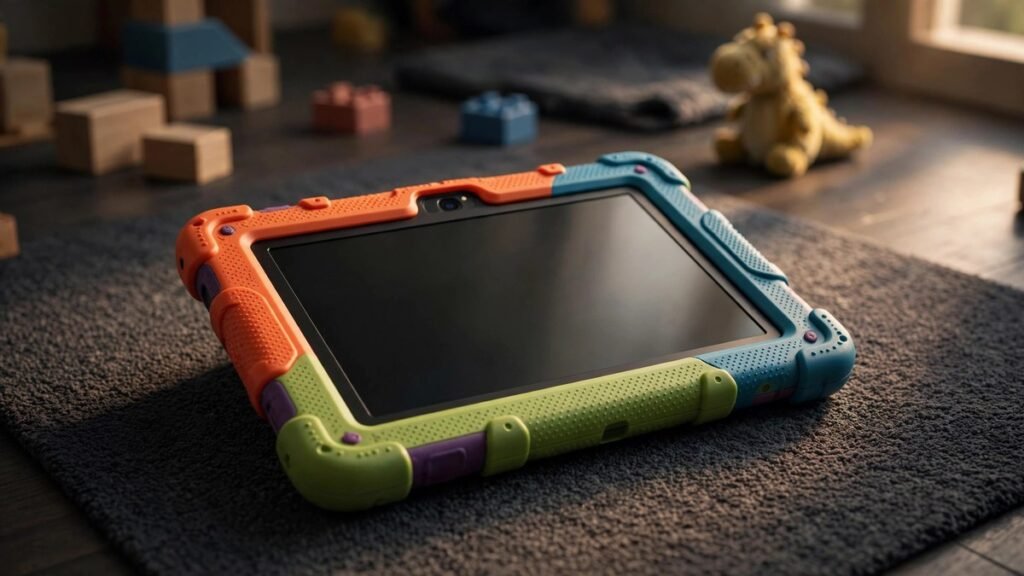
Best Tablets for Kids in 2026: 5 Durable Picks Parents Love
I’ll be honest: I was the parent who said “no tablets until they’re older.” Then a six-hour flight happened. There’s no shame in it — the trick isn’t avoiding kids’ tablets, it’s buying the right one. A good kids’ tablet is basically a tank with parental controls: it survives drops, locks down the corners of the internet, and won’t ambush you with surprise charges.
I judged these the way kids actually treat them — which is to say, badly. Drop survival, spill resistance, and withstanding sibling fights matter more than benchmarks here. I also dug into every parental control dashboard, because a “kids tablet” with confusing controls is just a regular tablet with extra steps. Here are the five worth your money.
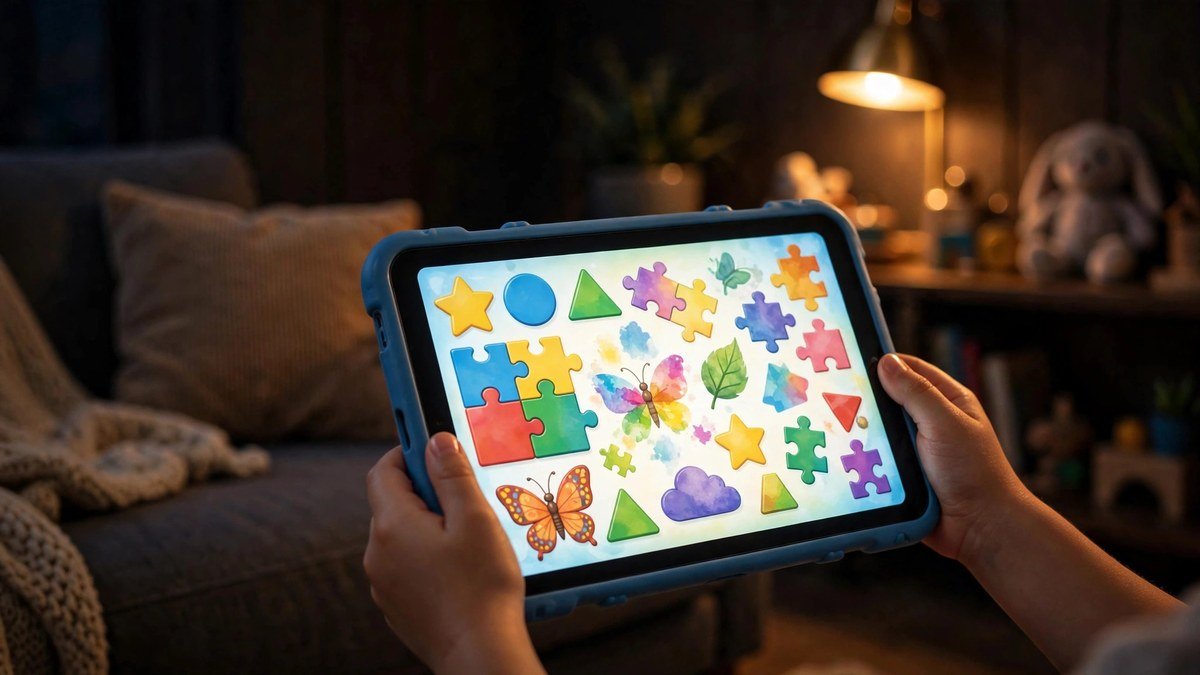
Quick Picks: The Best Kids’ Tablets of 2026
- Best overall: Amazon Fire HD 10 Kids Pro — $190. Big screen, great controls, 2-year “we replace it” guarantee.
- Best for younger kids: Amazon Fire HD 8 Kids — $150. Chunky case, simpler interface, ages 3–7.
- Best premium pick: Apple iPad 11-inch (A16) — $349. For older kids; grows with them for years.
- Best Android: Samsung Galaxy Tab A9+ — $220. Big screen, real Android, solid parental controls.
- Best under $120: Amazon Fire 7 Kids — $110. The cheapest decent option for little hands.
1. Amazon Fire HD 10 Kids Pro — Best Overall
The Fire HD 10 Kids Pro is the kids’ tablet I’d buy for my own children. It’s designed for ages 6–12: the slim (but tough) case has a built-in stand, the 10.1-inch 1080p screen is big enough for split-screen learning apps, and the 13-hour battery outlasts even long road trips.
But the real product here is the parental dashboard. Amazon Kids+ (a year included free) gives you a single app where you set screen-time limits, bedtime cutoffs, content age filters, and approve or block specific apps. It genuinely earned its awards for parental controls. Everything is ad-free, which, if you’ve ever watched a kid tap a banner ad into a sketchy game, you know is worth a lot.
And then there’s the 2-year worry-free guarantee: if your kid breaks it, Amazon replaces it. No receipts, no interrogation, no “was it dropped or thrown” — the guarantee covers exactly that kind of accident.
The tradeoff is the Amazon ecosystem — no Google Play Store by default (sideloadable, but most parents won’t bother), and the interface is clearly designed for kids, which older tweens may find babyish. For 6–12 though, it’s perfect.
Pros: Best parental controls in the business; 2-year no-questions replacement; 13-hour battery; 1 year of Kids+ content included.
Cons: No Google Play by default; Amazon-centric; tweens may outgrow the kid interface.
2. Amazon Fire HD 8 Kids — Best for Younger Kids (Ages 3–7)
For preschoolers and early readers, the 10-inch Pro is overkill. The Fire HD 8 Kids is the little-sibling version: an 8-inch screen, a chunkier protective bumper case in fun colors, and the same excellent parental controls and 2-year guarantee, for $150.
What I like: the interface for the youngest kids is dead simple — big tiles, no reading required to find their shows. The case is genuinely drop-proof. Battery does about 13 hours, and it’s light enough for small hands at 1.1 pounds with the case.
Same Amazon-ecosystem caveats as its bigger sibling. And if your kid is already 7 or 8, skip straight to the 10 Pro — they’ll outgrow the 8-inch screen fast.
Pros: Perfect size for small hands; same great controls and guarantee; $150 is very fair; super durable case.
Cons: 8-inch screen feels small for schoolwork; same Amazon limitations; kids outgrow it by ~age 8.
3. Apple iPad 11-inch (A16) — Best Premium Pick
Hear me out: a $349 iPad for a kid sounds extravagant until you do the math. It’ll last five-plus years, it runs every educational app ever made, and Apple’s parental controls — Screen Time, content restrictions, Ask to Buy — are excellent once set up.
This is the pick for kids 10 and up, especially for schoolwork. The app library for education is unmatched: Khan Academy, Duolingo, Scratch, Swift Playgrounds, and a million interactive textbooks that are iPad-first or iPad-only. If your kid’s school uses iPads (many do), matching the platform is just practical.
You’ll want a rugged case — budget $30–40 for a good kid-proof one. And setup takes longer than the Fire tablets: plan 30 minutes with Apple’s Screen Time settings before handing it over. Our iPad guide covers which model makes sense if you’re deciding between Apple’s options.
Pros: Lasts for years; best educational app library; great Screen Time controls; doubles as a school device.
Cons: $349 plus a rugged case; setup takes effort; no accident forgiveness from Apple.
4. Samsung Galaxy Tab A9+ — Best Android Option
The Tab A9+ is the “I don’t want Amazon or Apple” pick, and it’s a good one. At $220 you get an 11-inch 90Hz display — bigger and smoother than the Fire tablets — real Android with the Play Store, and Samsung’s Kids Mode plus Google Family Link for parental controls.
Family Link is the unsung hero here: you manage the tablet from your own phone, set daily limits, bedtimes, and content filters, approve app installs remotely, and even locate the device. The 90Hz screen makes everything feel snappy, and the quad speakers are great for video calls with grandparents.
Downside: no kid-proof case in the box and no replacement guarantee — add a rugged case ($25–35) to the budget. And while Family Link is good, it takes more setup than Amazon’s out-of-the-box experience.
Pros: Big 11″ 90Hz screen; real Android + Play Store; good Family Link controls; solid $220 value.
Cons: No case or guarantee included; setup takes longer; not as locked-down as Fire tablets.
5. Amazon Fire 7 Kids — Best Under $120
Sometimes you just need the cheapest thing that works — a backseat tablet, a restaurant emergency device, a gift for a niece you see twice a year. The Fire 7 Kids at $110 is that thing. 7-inch screen, same parental controls, same 2-year replacement guarantee, same year of Kids+ content.
Is the screen great? No. Is it fast? Not really. But for a 3-year-old watching downloaded episodes, none of that matters. It does the job, it survives the job, and if it ends up in a toilet (it happens), you’re out $110 and Amazon sends a new one.
Pros: $110 is nearly disposable; same guarantee and controls as the big ones; perfect for toddlers.
Cons: Small, dim screen; sluggish; kids over 6 will want bigger.
Kids’ Tablets Compared
| Tablet | Price | Ages | Screen | Parental Controls | Breakage Policy |
|---|---|---|---|---|---|
| Fire HD 10 Kids Pro | $190 | 6–12 | 10.1″ 1080p | Amazon Kids dashboard | 2-year free replacement |
| Fire HD 8 Kids | $150 | 3–7 | 8″ HD | Amazon Kids dashboard | 2-year free replacement |
| iPad 11″ (A16) | $349 | 10+ | 11″ 2K | Apple Screen Time | None (AppleCare+ extra) |
| Galaxy Tab A9+ | $220 | 6–12 | 11″ 90Hz | Family Link / Kids Mode | None |
| Fire 7 Kids | $110 | 3–6 | 7″ basic | Amazon Kids dashboard | 2-year free replacement |
What to Look for in a Kids’ Tablet
Parental controls you will actually use. The best dashboard is the one you’ll open. Amazon’s is the simplest; Apple’s Screen Time is the most powerful; Google Family Link sits in between. If setup takes more than 20 minutes, most parents never finish it — be honest about which camp you’re in.
The breakage policy matters more than the specs. Kids break tablets. It’s physics. Amazon’s 2-year worry-free replacement is the single best feature on any kids’ tablet because it converts anxiety into a non-issue. For iPads and Galaxy tabs, a rugged case is mandatory, not optional.
Match the age, not the price. A 4-year-old doesn’t need a 10-inch screen; a 12-year-old will resent a babyish interface. The age ranges above aren’t marketing — they reflect real differences in case design, UI, and content.
Download before you go. Whatever you buy, preload content. Every one of these supports offline downloads for video and apps, and the difference between a prepared parent and an unprepared one is the difference between peace and chaos at 35,000 feet.
Set up purchases to require approval. On every platform here, turn on “Ask to Buy” / purchase approval during initial setup. A kid with one-tap buying and a Roblox obsession is a horror story waiting to happen.
As an Amazon Associate I earn from qualifying purchases.

Frequently Asked Questions
What age should a kid get their first tablet?
There’s no magic number, but most pediatric guidance suggests limited, supervised use is fine from around age 2–3, with the tablet becoming genuinely useful for learning around 4–5. The bigger question is boundaries: time limits and content filters matter more than the starting age.
Are Amazon Kids tablets really replaced for free if broken?
Yes — the 2-year worry-free guarantee covers accidental damage, and Amazon honors it without hassle. You contact support, they ship a replacement. It’s the standout feature of the Fire Kids lineup.
Can kids access YouTube or the regular internet on these?
Only if you allow it. Out of the box, Fire Kids tablets use a curated, ad-free content library, and you can grant access to specific apps and websites through the parent dashboard. On iPad and Galaxy, Screen Time / Family Link give you the same control.
Is a regular tablet with a kid case just as good?
For older kids (10+), yes — an iPad or Galaxy Tab with a rugged case and proper parental controls is arguably better, since it grows with them. For younger kids, the dedicated Kids editions win on simplicity: the controls are pre-configured and the interface is age-appropriate from the first boot.
How do I stop surprise in-app purchases?
Three steps on any tablet: enable purchase approval (Ask to Buy / authenticate every purchase), remove or don’t save your payment method on the kid’s profile, and turn off in-app purchases entirely in the restrictions. Do this during setup, not after the first $99 charge.
Verdict
For most families, the Fire HD 10 Kids Pro is the answer — great controls, tough enough, and that replacement guarantee removes all the anxiety. Little ones (3–7) should get the Fire HD 8 Kids; the Fire 7 covers the cheapest slot. If your kid is 10+ and needs a real school device, the iPad 11-inch is worth the premium. And Android households should look at the Galaxy Tab A9+ with a good rugged case.
Whatever you choose, set it up before wrapping it. A fully configured tablet on Christmas morning — content downloaded, limits set, purchases locked — is the difference between a great gift and a tech-support holiday.
Affiliate Disclosure: This article contains affiliate links. If you purchase through them, we may earn a commission at no extra cost to you.
Where to Buy: Check Price on Amazon · Compare Prices on Daraz · Check Daraz Deals · Check AliExpress Price · See AliExpress Deals
Check the price on AliExpress — the global marketplace with millions of tech products.
As an AliExpress affiliate, we may earn a commission on qualifying purchases.