iPad Pro vs Galaxy Tab S11 Ultra: Which Pro Tablet Should You Buy in 2026?
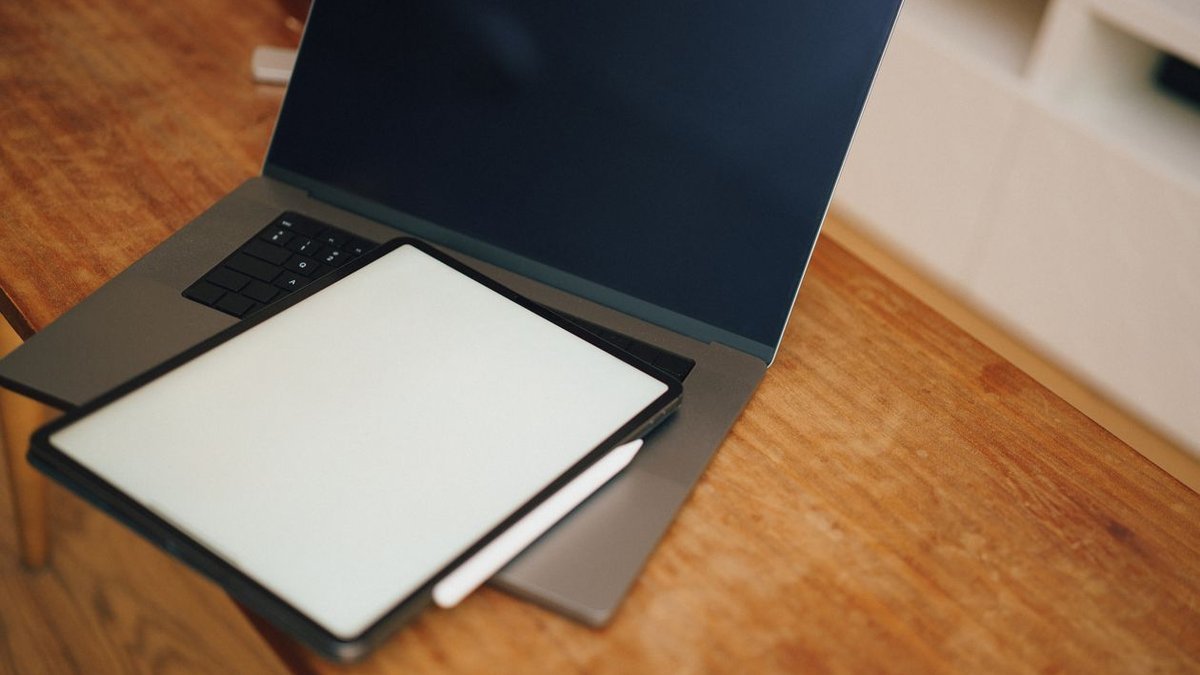
This is the heavyweight fight of the tablet world. In one corner, Apple’s iPad Pro — the thinnest, fastest tablet Apple has ever made, with a tandem OLED display and the M4 chip. In the other, Samsung’s Galaxy Tab S11 Ultra — a 14.6-inch AMOLED monster with the S Pen in the box and a desktop mode that genuinely replaces a laptop. If you’re weighing the iPad Pro vs Galaxy Tab S11 Ultra decision in 2026, you’re choosing between two completely different philosophies of what a pro tablet should be.
This head-to-head breaks down what each tablet offers, compares them across the five dimensions that actually matter — display, performance, software, stylus and accessories, and price — and gives a clear verdict for each type of buyer.
Disclosure: This article contains affiliate links. As an Amazon Associate, we earn from qualifying purchases. We may also earn commissions from Daraz and AliExpress purchases made through links on this page, at no extra cost to you.
What the iPad Pro Offers
The iPad Pro (M4, 2024 — still the current Pro in 2026) is Apple’s vision of a pro tablet: impossibly thin at 5.1mm, absurdly fast with the M4, and fitted with the best display Apple has ever shipped in a tablet — a tandem OLED with deep blacks, searing brightness, and ProMotion 120Hz. It comes in 11-inch and 13-inch sizes, supports the Apple Pencil Pro and the redesigned Magic Keyboard, and runs iPadOS with a deep bench of pro apps: Final Cut Pro, Logic Pro, Photoshop, and superb drawing apps like Procreate.
The iPad Pro’s strengths are refinement and ecosystem. Everything is fast, the display is reference-quality, and if you already live in Apple’s world — iPhone, Mac, AirPods — the integration is seamless. The weaknesses: price (from around $999 for the 11-inch, with keyboard and pencil extra) and iPadOS itself, which still frustrates anyone wanting true desktop multitasking. Read our broader take on which iPad is actually right for most people before assuming Pro is the answer.
Check iPad Pro Price on Amazon
What the Galaxy Tab S11 Ultra Offers
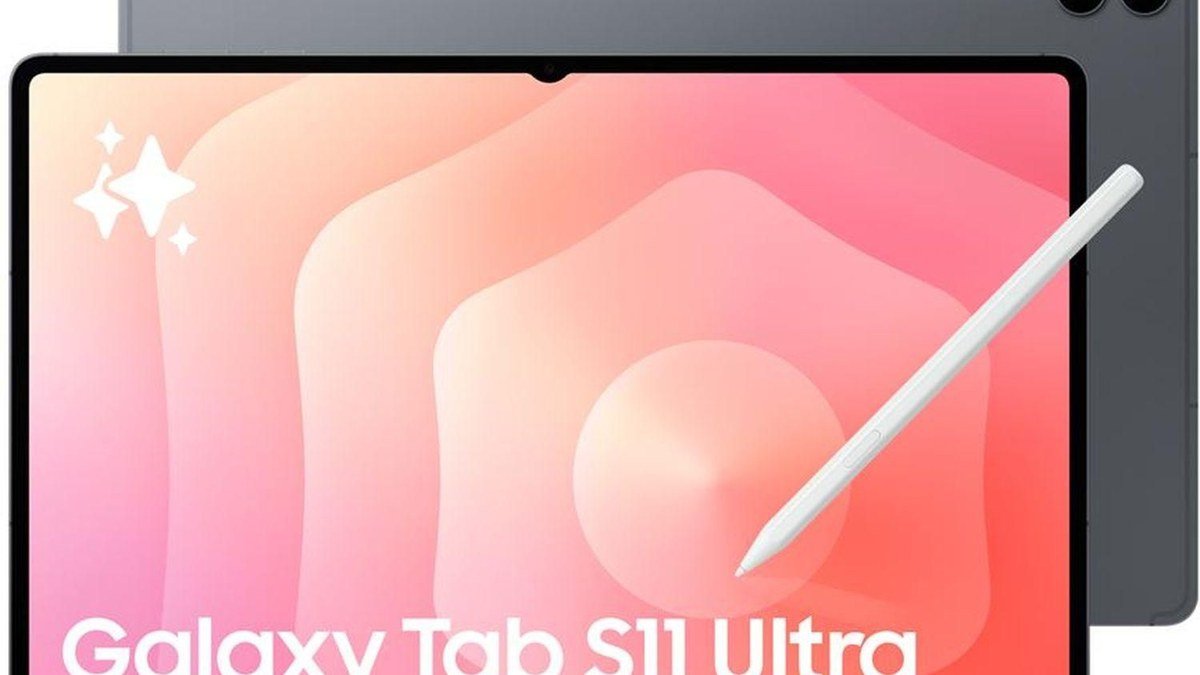
The Galaxy Tab S11 Ultra is Samsung’s maximalist answer: a 14.6-inch AMOLED — the largest screen on any mainstream tablet — with 120Hz, an included S Pen, and Samsung DeX, a desktop-style interface that turns the tablet into a surprisingly capable laptop replacement with a keyboard attached. The MediaTek flagship chip inside handles everything from gaming to multitasking, the quad speakers are excellent, and Samsung now promises years of software updates.
The Ultra’s philosophy is value-through-inclusion: the S Pen comes in the box (Apple charges $129+ for a pencil), DeX gives you windowed multitasking iPadOS can’t match, and the screen is simply enormous — closer to a portable monitor than a tablet. The trade-offs are size and weight (not a one-hand device), a starting price around $1,200, and an Android tablet app ecosystem that still trails iPadOS for pro creative apps. Our full review explains why the Tab S11 Ultra’s excess is kind of the point.
Check Tab S11 Ultra Price on Amazon
iPad Pro vs Galaxy Tab S11 Ultra: 5 Key Differences
1. Display: precision vs. sheer size
Both screens are superb, but they serve different masters. The iPad Pro’s 11-inch and 13-inch tandem OLED panels are the most color-accurate displays on any tablet — brighter highlights, better calibration, ideal for photo and video work. The Tab S11 Ultra answers with a 14.6-inch AMOLED that dwarfs both iPad sizes: for split-screen multitasking, spreadsheets, and drawing with room to spare, the extra inches beat the last 5% of color accuracy. Color-critical creative work? iPad Pro. Biggest portable workspace? Samsung — and it’s not close.
2. Performance: M4 vs. MediaTek flagship
The M4 in the iPad Pro is in a different league — laptop-class CPU and GPU that embarrasses most Windows ultrabooks, let alone tablets. Video editing, 3D work, heavy multitasking — it all flies. The Tab S11 Ultra’s MediaTek flagship is fast for a tablet and handles gaming and DeX multitasking smoothly, but it’s a generation behind the M4 in sustained pro workloads. Most buyers will never feel the gap; video editors and 3D artists will feel it immediately.
3. Software: iPadOS polish vs. DeX flexibility
This is the real fork in the road. iPadOS has the best tablet apps in existence — Procreate, Final Cut Pro, Logic Pro, Affinity, LumaFusion — and the most polished touch experience. But its multitasking still feels cramped next to a desktop. Samsung’s One UI plus DeX gives you resizable windows, a taskbar, and external monitor support that genuinely replaces a laptop for office work. The catch: Android’s tablet app selection, especially for pro creative work, stays thinner. Pick iPadOS for creative apps; pick Samsung for desktop-style productivity.
4. Stylus and keyboard: included vs. expensive extras
Samsung puts the S Pen in the box — a $0 stylus that’s excellent for notes, drawing, and air gestures. Apple charges separately for the Pencil Pro, and the Magic Keyboard is another big-ticket item; a fully kitted iPad Pro can run several hundred dollars past its sticker price. Samsung’s Book Cover Keyboard costs extra too, but the starting math favors Samsung: out of the box, the Ultra is the more complete package — the iPad Pro is the better platform once you pay the accessory tax.
5. Battery, charging, and price
The Tab S11 Ultra’s huge battery outlasts the iPad Pro in mixed use, and its 45W charging refills faster than the iPad’s. On price: the 11-inch iPad Pro starts around $999, the 13-inch around $1,299 (before accessories); the Tab S11 Ultra starts around $1,200 with the S Pen included. Street prices move constantly — Samsung discounts aggressively, Apple rarely — so the Samsung often ends up cheaper in comparable configurations.
iPad Pro vs Galaxy Tab S11 Ultra: Spec Comparison
| iPad Pro (M4) | Galaxy Tab S11 Ultra | |
|---|---|---|
| Display | 11″ or 13″ tandem OLED, 120Hz | 14.6″ AMOLED, 120Hz |
| Chip | Apple M4 | MediaTek flagship |
| Stylus | Pencil Pro (sold separately) | S Pen (included) |
| Desktop mode | Stage Manager (limited) | DeX (full windowing) |
| Starting price | Around $999 (11″) | Around $1,200 |
Frequently Asked Questions
Which is better for drawing: iPad Pro or Tab S11 Ultra?
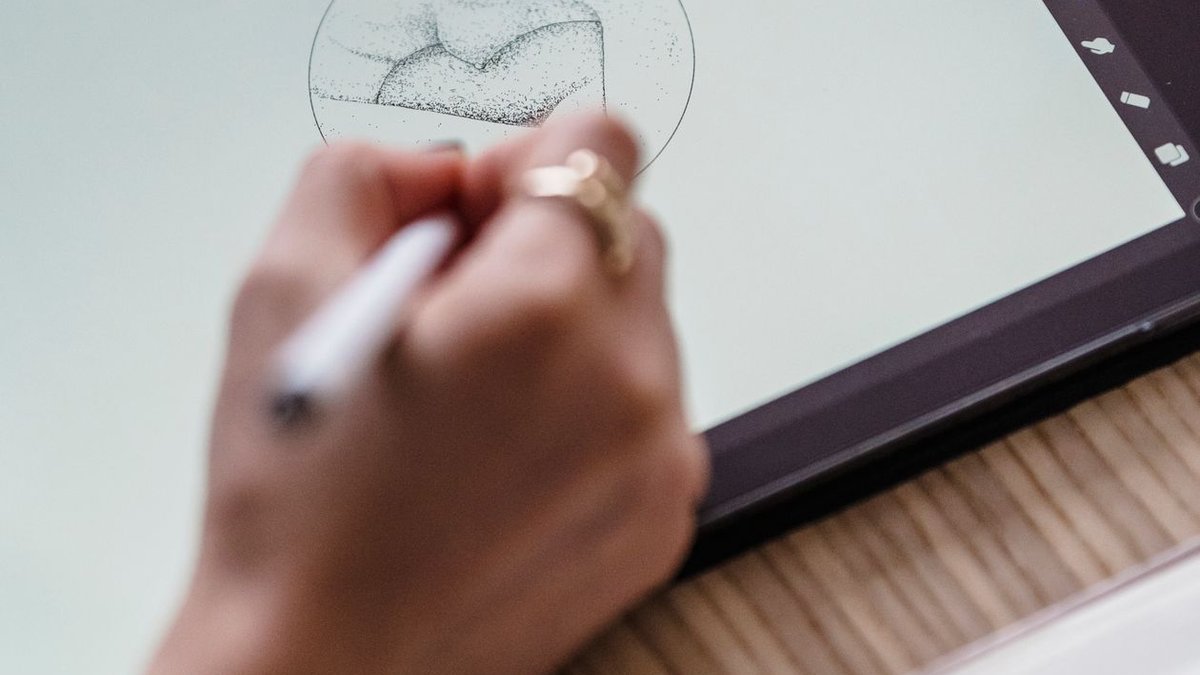
The iPad Pro, narrowly — Procreate is iPad-only and still the best drawing app on any tablet, and the Pencil Pro’s hover and squeeze gestures are superb. But the Tab S11 Ultra’s 14.6-inch canvas with the included S Pen is a fantastic drawing setup for less money, and Clip Studio Paint runs well on it.
Can the Galaxy Tab S11 Ultra replace a laptop?
Closer than any iPad gets. DeX with a keyboard gives you windowed apps, a taskbar, and external display support covering office work, browsing, and media. It still can’t run desktop-only software (full Photoshop, dev tools, games), so check your must-have apps first.
Is the iPad Pro overkill for most people?
Honestly, yes. The M4’s power goes to waste on streaming, browsing, and note-taking — an iPad Air does all of that for much less. Buy the Pro for pro creative work, the best display, or a 5+ year keeper; otherwise the Air is the smarter buy.
Does the Tab S11 Ultra work well with a Mac or iPhone?
It works, but without the magic. You lose AirDrop, Handoff, Universal Clipboard, and iMessage sync — the connective tissue that makes Apple devices feel like one device. If your phone is an iPhone, the iPad Pro’s integration is a real daily advantage worth weighing heavily.
Which holds its value better?
iPads, by a wide margin. Apple tablets hold resale value for years; Samsung tablets — Ultra included — depreciate faster thanks to constant discounting. If you upgrade every 2–3 years and resell, the iPad Pro’s total cost of ownership is often lower than the sticker suggests.
Final Verdict
Buy the iPad Pro for creative pro work, Apple’s ecosystem, or the best display and strongest chip in a tablet — it’s the more refined, longer-lasting machine. Buy the Galaxy Tab S11 Ultra for the biggest screen, a laptop-replacing desktop mode, and an included S Pen — the more versatile, better-value package out of the box. There’s no wrong answer here, only the wrong answer for you: match the tablet to your ecosystem and workflow, and compare live prices on Daraz and AliExpress before deciding — Samsung discounts can make this race closer than it looks.
Where to Buy: Compare Prices on Daraz · Check AliExpress Price
Check the price on AliExpress — the global marketplace with millions of tech products.
As an AliExpress affiliate, we may earn a commission on qualifying purchases.