iPad Air vs Galaxy Tab S10: Which Tablet Should You Buy in 2026?
A friend texted me last month: “iPad Air or Galaxy Tab? I keep going in circles.” I get it — these are the two tablets that everyone cross-shops, and the internet is full of spec-sheet comparisons that don’t actually help you decide. So I did what I always do: compared both closely — specs, display quality, stylus experience, battery reports from real owners — and focused on the stuff that actually affects daily life.
Quick note on naming: Samsung’s “Tab S10” lineup means the Tab S10+ and S10 Ultra here (there’s no plain S10), so this is the iPad Air 11-inch (M3, $599) versus the Galaxy Tab S10+ ($999) — the two premium tablets real people actually debate between. I’ll flag where the cheaper Galaxy Tab S10 FE ($449) changes the math.
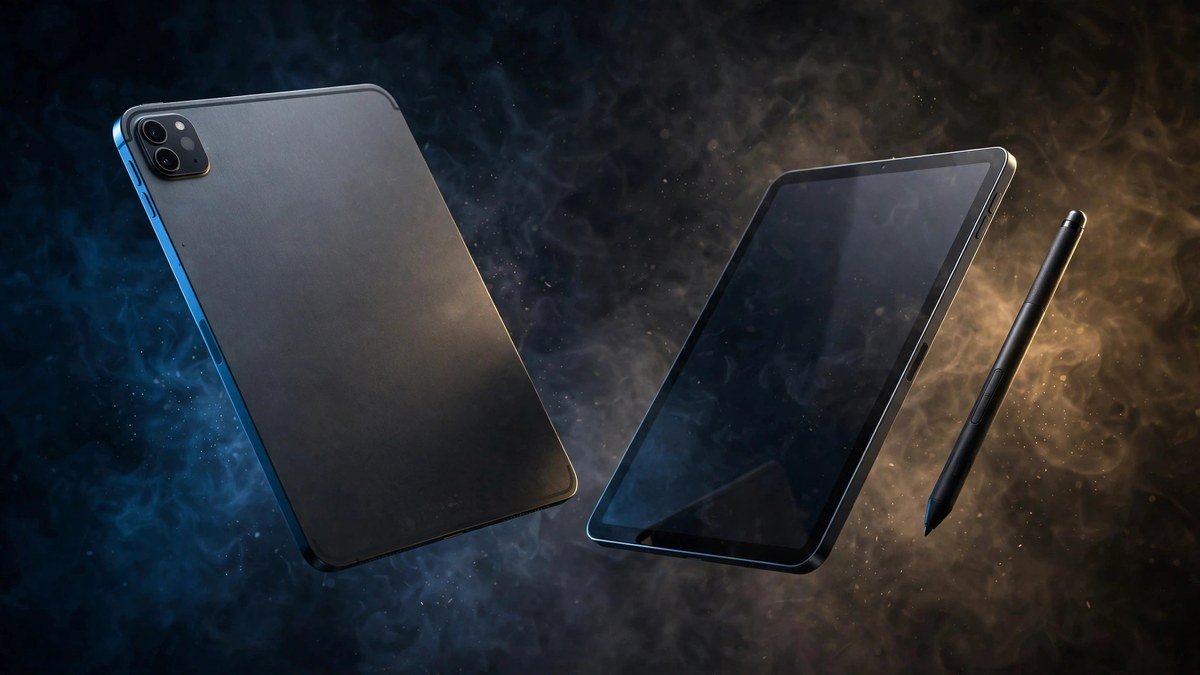
The Short Answer
Get the iPad Air if: you want the best apps, the longest software support, the best drawing/note-taking software (Procreate, Notability, GoodNotes), or you’re already in Apple’s ecosystem. It’s also $400 cheaper, which is not a small thing.
Get the Galaxy Tab S10+ if: you want the biggest, best display (12.4-inch AMOLED at 120Hz), you want the S Pen included free, you’re an Android person, or you want a tablet that can genuinely double as a desktop via DeX.
Now the details, because “it depends” deserves an actual explanation.
Design and Display: Samsung Wins on Paper (and in Person)
Let’s not dance around it — the Tab S10+’s 12.4-inch Dynamic AMOLED 2X display is the better screen. Deeper blacks, punchier colors, 120Hz smoothness, and nearly an inch and a half more diagonal than the Air. Watching movies on it feels like a class above the iPad Air.
The iPad Air’s 11-inch Liquid Retina display is no slouch — it’s laminated, color-accurate (P3 wide color), and plenty bright at 500 nits. But it’s 60Hz LCD in 2026, and next to 120Hz AMOLED, you notice. For reading and notes it’s a non-issue. For video and gaming, Samsung pulls ahead.
On design, both are premium slabs of aluminum. The Tab S10+ is bigger and a bit heavier (1.28 lbs vs 1.02 lbs), which you feel holding it one-handed on the couch. The iPad Air is the more portable device; the Samsung is the more cinematic one. Samsung also throws in IP68 water and dust resistance — the iPad has no water rating at all.
Performance: Apple’s M3 Is in Another League
This one’s not close. The M3 in the iPad Air is a laptop-class chip — 8-core CPU, hardware ray tracing, and the kind of single-core performance that makes the Snapdragon 8 Elite in the Tab S10+ look midrange. In real use, both tablets feel fast. But push them — 4K video edits, huge Procreate canvases, console-quality games — and the Air finishes first and stays cooler doing it.
Does it matter for most buyers? Honestly, only at the margins. Both handle multitasking, streaming, and office work effortlessly. But the M3’s headroom is also about longevity: Apple supports iPads for 6+ years, and the M3 will still feel fast in 2030. Samsung promises 7 years of updates for the S10 series (credit where due), but the chip will show its age sooner.
Stylus: Samsung Includes It, Apple Charges $129
This is the most lopsided part of the comparison, and it drives me a little crazy. Samsung’s S Pen comes in the box, magnetically docks for charging, and is genuinely excellent — low latency, good pressure curve, and full integration with Samsung Notes.
Apple’s Pencil Pro is arguably the better stylus (squeeze gesture, barrel roll, haptic feedback, Find My tracking), but it’s $129 on top of the $599 tablet. So the “cheaper” iPad Air becomes a $728 note-taking setup, while the $999 Samsung is complete out of the box. If a stylus is central to how you’ll use the tablet, do the real math — the price gap shrinks fast.
Software and Ecosystem: Pick Your Team
iPadOS remains the better tablet operating system. The app situation isn’t close: Procreate, Notability, GoodNotes, LumaFusion, and a thousand polished tablet-first apps that either don’t exist on Android or arrived years late. Stage Manager multitasking is genuinely useful now, and if you own an iPhone or Mac, the continuity features (Universal Clipboard, AirDrop, Sidecar) are the kind of small magic that adds up.
Android’s counter: DeX mode. Plug the Tab S10+ into a monitor (or just enable it on-device) and you get a real desktop interface with resizable windows and a taskbar. It’s the closest any tablet gets to replacing a laptop, and for productivity nerds it’s compelling. Android is also more flexible — real file system access, sideloading, emulators, default app choices.
The honest summary: iPadOS has better apps; Android gives you more freedom. Most people are happier with better apps.
Battery Life and Charging
Both tablets do a full day comfortably — Apple’s 10-hour claim and Samsung’s 14-hour video claim both hold up in real-world use, with the Samsung edging ahead thanks to its bigger 10,090mAh battery. The Tab S10+ also charges faster (45W vs the Air’s ~20W-ish real-world speeds), so it refills in about half the time. Neither will die on you mid-day, which is what actually matters.
Price and Value: The $400 Question
iPad Air 11-inch (M3, 128GB): $599
Galaxy Tab S10+ (256GB): $999
That $400 gap is the whole debate. The Samsung gives you double the storage, a bigger and better display, an included stylus, and DeX. The iPad gives you a faster chip, better apps, and longer useful life for much less money.
And here’s the wrinkle: the Galaxy Tab S10 FE at $449 (with S Pen included and a 90Hz display) undercuts the iPad Air while covering 80% of what most people do on a tablet. If you’re Android-curious but the S10+ price stings, the FE deserves a look.
iPad Air vs Galaxy Tab S10+ Compared
| iPad Air 11″ (M3) | Galaxy Tab S10+ | |
|---|---|---|
| Price | $599 | $999 |
| Display | 11″ LCD, P3, 60Hz, laminated | 12.4″ AMOLED, 120Hz |
| Chip | Apple M3 | Snapdragon 8 Elite |
| Stylus | Pencil Pro, $129 extra | S Pen included |
| Storage (base) | 128GB | 256GB + microSD |
| Weight | 1.02 lbs | 1.28 lbs |
| Water resistance | None | IP68 |
| Desktop mode | Stage Manager | Samsung DeX |
| Update promise | 6+ years (typical) | 7 years |
Buying Advice: How to Actually Decide
Check your phone first. iPhone owners should default to the iPad Air — AirDrop, iMessage, iCloud Keychain, and Universal Control with a Mac make the Apple tablet dramatically more useful. Galaxy phone owners get the same synergy going the other way (Quick Share, Samsung Notes sync, Galaxy AI features).
Be honest about the stylus. If you’ll use it daily, price both setups completely: iPad Air ($599) + Pencil Pro ($129) = $728 vs Tab S10+ ($999) with S Pen included. The gap is $271, not $400.
Think about your apps. Make a list of the 5 apps you’ll use most. If any are iPad-only (Procreate, many pro creative apps), the decision makes itself. If everything you need is cross-platform, choose on hardware.
Consider the FE. If you want Samsung hardware without the $999 sting, the Tab S10 FE at $449 is the value play of this whole comparison. And if you want Apple but cheaper, the base iPad 11-inch at $349 covers the essentials.
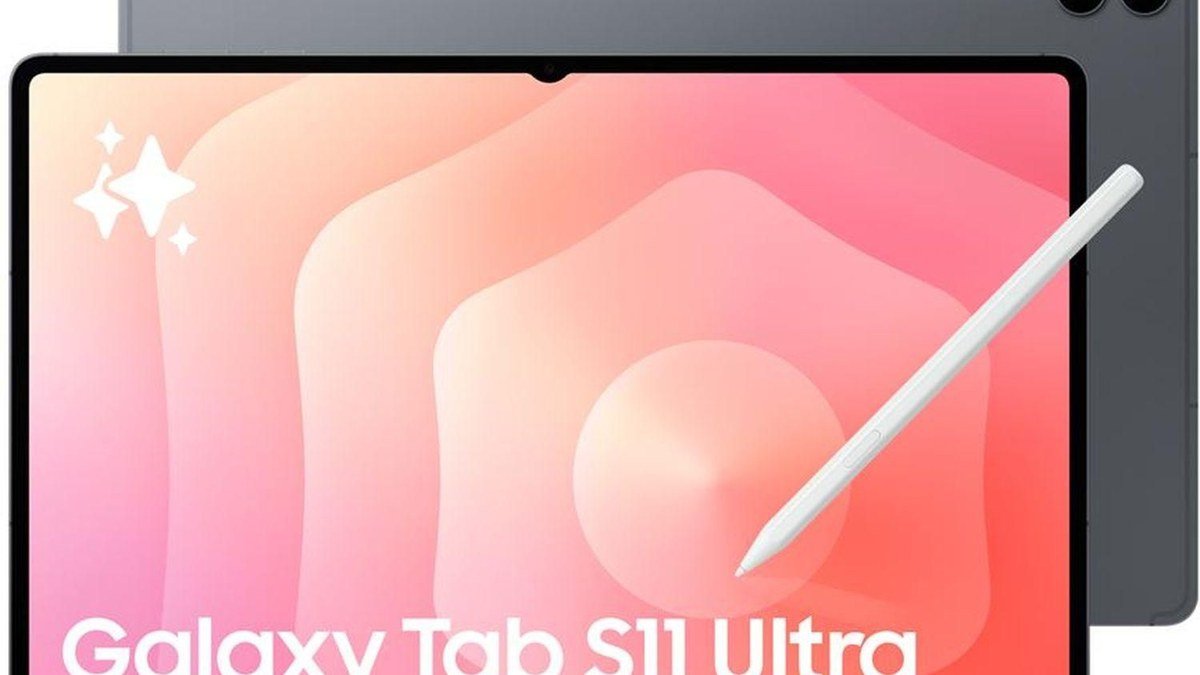
For the ultra-premium tier, Samsung’s Galaxy Tab S11 Ultra exists if money is no object — but that’s a different conversation.
As an Amazon Associate I earn from qualifying purchases.
Frequently Asked Questions
Is the Galaxy Tab S10+ worth $400 more than the iPad Air?
Only if you’ll use what the $400 buys: the bigger AMOLED display, the included S Pen, and DeX. If those don’t excite you, the iPad Air is the better buy — it’s faster, has better apps, and keeps $400 in your pocket.
Which is better for drawing and note-taking?
It’s close. The iPad Air has the better app library (Procreate is iPad-only) and the Pencil Pro’s extra features. The Tab S10+ has the bigger canvas and includes the pen free. Artists tied to Procreate: iPad. Everyone else: try both pens in a store if you can.
Can the Galaxy Tab S10+ replace a laptop?
Closer than any iPad, thanks to DeX. For writing, spreadsheets, web apps, and light multitasking with a keyboard cover, yes. For specialized desktop software (full Photoshop, CAD, development tools), no tablet truly replaces a laptop yet.
Which tablet holds its value better?
iPads, historically, by a clear margin. The M3 Air will still be worth meaningful money in three years; Android tablets depreciate faster. If resale value matters to you, that’s a quiet point for Apple.
Should I just get the cheaper FE/base models instead?
For most people, yes — genuinely. The iPad 11-inch ($349) and Galaxy Tab S10 FE ($449) cover web, video, notes, and reading brilliantly. Only step up to the Air or S10+ if you need the performance, the better display, or the pro creative apps.
Verdict
After comparing both closely, here’s where I landed: the iPad Air is the smarter buy for most people. It’s $400 cheaper, faster, has the better app ecosystem, and will stay useful longer. The Galaxy Tab S10+ is the more impressive device — that display is something you have to see — and it’s the right choice for Android loyalists, DeX dreamers, and anyone who wants the pen included without the upsell dance.
My friend? She bought the iPad Air. She draws in Procreate every night and hasn’t thought about the Samsung since. But she also owns an iPhone, which — let’s be honest — decided it before I said a word.
Affiliate Disclosure: This article contains affiliate links. If you purchase through them, we may earn a commission at no extra cost to you.
Where to Buy: Check Price on Amazon · Compare Prices on Daraz · Check Daraz Deals · Check AliExpress Price · See AliExpress Deals
Check the price on AliExpress — the global marketplace with millions of tech products.
As an AliExpress affiliate, we may earn a commission on qualifying purchases.