Shopping for the best budget hall effect keyboard in 2026? Good news: magnetic switches used to be a luxury reserved for $200+ enthusiast boards. Now the technology has filtered down to much more reasonable prices, and Hall Effect keyboards are getting genuinely hard to ignore. Adjustable actuation, rapid trigger, switches that never wear out — features that used to cost a fortune now show up on boards regular gamers can afford.
Here’s what this guide does: explain what Hall Effect keyboards actually do, what to look for when buying one, and the two picks that make the most sense in 2026. That’s the ASUS ROG Falchion Ace HFX if you want premium magnetic performance in a compact board, and the Redragon K630 if you just want to spend as little as possible. No gimmicks, no invented specs — just what matters.
What is a Hall Effect keyboard (and why gamers care)?
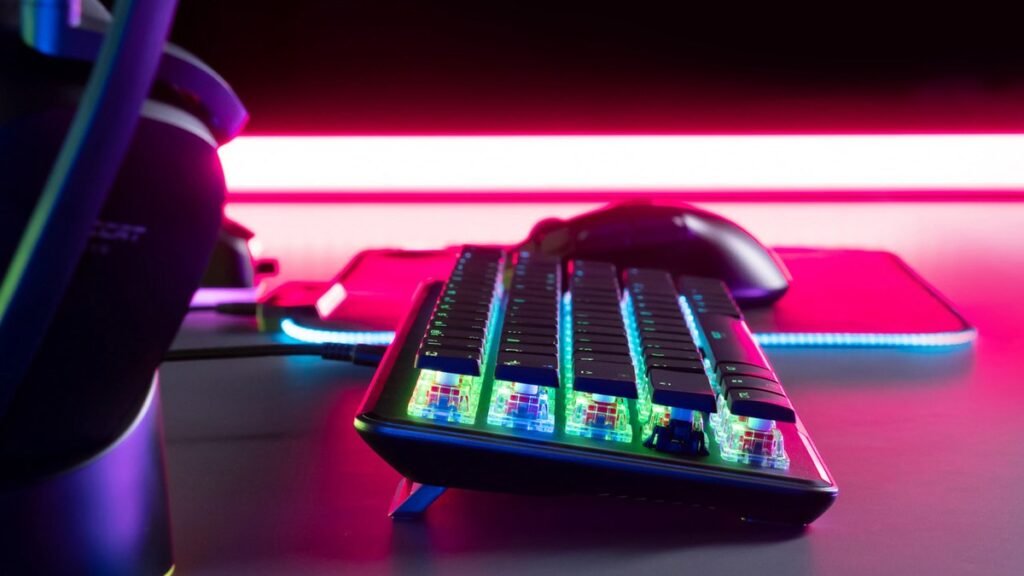
A traditional mechanical keyboard uses physical metal contacts inside each switch: press far enough and two metal leaves touch, registering the keypress. Hall Effect keyboards swap that contact for a magnet and a sensor. Press a key and the sensor tracks the magnet’s position to register the press — no physical contact, no wear, no debounce delay.
That one design change unlocks two features that matter for gaming. The first is adjustable actuation: set each key to register with a very light press, or require a deeper press. For an FPS game, you might set WASD to trigger almost immediately so movement feels quick and responsive; for typing, a deeper actuation so you don’t fat-finger keys constantly. Different profiles for different games, switched on the fly.
The second is rapid trigger — and it’s the bigger deal. Normally a key has fixed actuation and release points: press past the line, it registers; release back past another line, it resets. Rapid trigger resets the key the instant you start lifting your finger, with no fixed release point. In movement-heavy shooters like Counter-Strike 2 and Valorant, counter-strafing and jiggle-peeking feel noticeably snappier. Esports pros have adopted this almost universally, which is why every serious gaming keyboard now ships with it.
One honest caveat before we go further: keyboard polling rate (8K vs 1K) matters far less than marketing suggests. The jump from a sluggish office keyboard to any decent gaming board is dramatic. The jump from 1K to 8K polling? Fractions of a millisecond you’ll never feel. Don’t pay extra for polling numbers alone.
How to choose a Hall Effect keyboard in 2026
1. Layout: how much desk space do you want?
Hall Effect boards come in 60%, 65%, 75%, TKL, and full-size layouts. Competitive FPS players tend to prefer 60–65% because it frees desk space for wide mouse sweeps. Need dedicated function keys, macros, or a numpad for work? Go bigger — just know that fully featured wireless 65% boards cost significantly more.
2. Actuation range and software
Not all magnetic switches are equal. Look for boards that adjust actuation in fine increments (0.1mm or better), and check whether the software has to run in the background or can save settings to the board’s onboard memory. ASUS’s Armoury Crate, for example, is required for deep customization of the Falchion Ace HFX.
3. Build quality and sound
Cheaper boards often sound hollow and feel light. Multiple layers of sound dampening, gasket mounting, and decent keycaps make a board feel — and sound — far more premium. If you’ll also type on this keyboard for work or school, acoustics matter: deep and satisfying beats rattly and high-pitched, every time.
4. Wireless vs wired (and what you give up)
Most budget Hall Effect boards are wired, and that’s fine — wired is one less thing to charge and one less source of latency. Wireless magnetic boards exist now (Keychron’s K2 HE is a popular example), but they cost more and often cap polling at 1,000Hz in wireless mode. For competitive play on a budget, wired is the smart choice.
The best budget Hall Effect keyboards of 2026
Best value pick: ASUS ROG Falchion Ace HFX
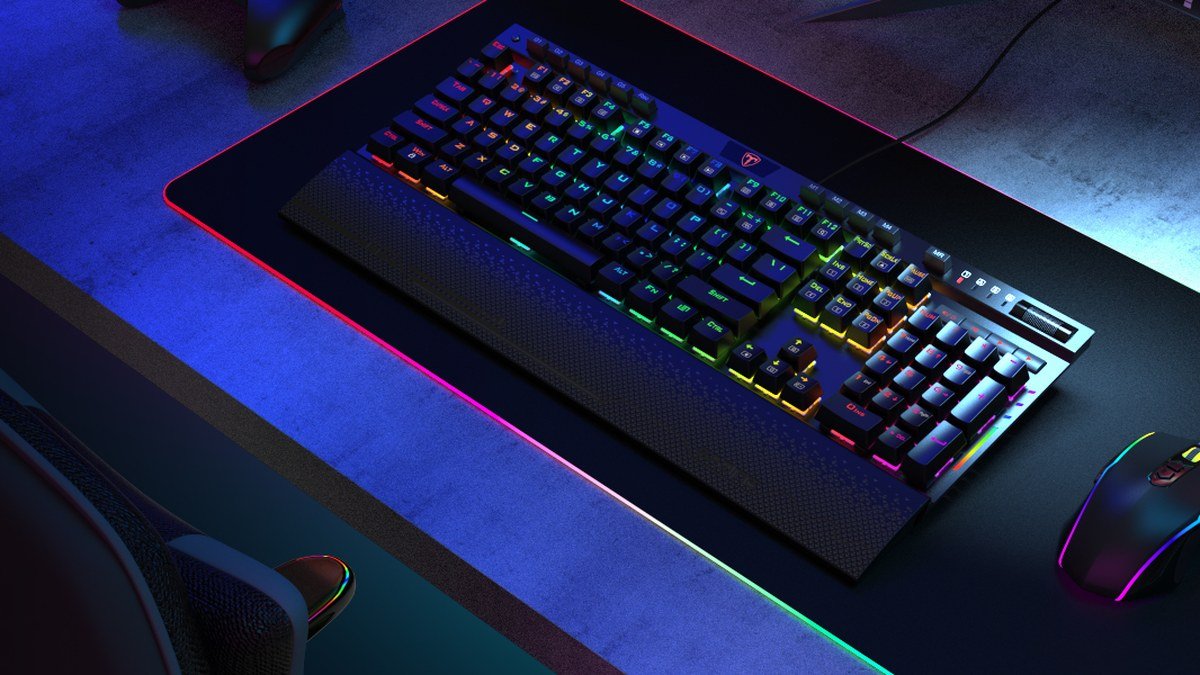
The ASUS ROG Falchion Ace HFX is a compact 65% keyboard aimed squarely at gamers who want the full benefits of magnetic switches — without a giant keyboard and without enthusiast prices. It runs ASUS’s own ROG Magnetic HFX switches: Hall Effect switches with adjustable actuation, rapid trigger support, and no physical contacts to wear out.
On paper it’s well specced: an 8000Hz polling rate and a claimed 0.125ms response time, plus rapid trigger and a Speed Tap-style mode that prioritizes the most recent of two conflicting keypresses (useful in strafing — though Counter-Strike 2 and some competitive leagues have banned that class of feature, so keep it off in competitive play). There’s also a side touch panel for volume and macros, and dual USB-C connectivity for switching between two PCs.
What separates it from most budget boards is the acoustic engineering. ASUS packs multiple layers of dampening and a silicone gasket into the chassis — so instead of the hollow ping of a cheap gaming board, you get a deeper, more satisfying sound. If you care about how your keyboard sounds as much as how it performs, that matters more than you’d expect. You’ll hear every keystroke for thousands of hours.
The layout is 65%: dedicated arrow keys in a footprint barely bigger than a 60%. It’s portable enough for LAN events and leaves generous mouse room on the desk.
Pros:
- Full Hall Effect feature set — adjustable actuation, rapid trigger — at a mid-range price
- Excellent acoustics: gasket mount and multi-layer dampening for a deep sound
- Compact 65% layout with dedicated arrows; great for FPS setups
- 8000Hz polling, dual USB-C, and a handy side touch panel
Cons:
- Requires ASUS Armoury Crate software for actuation customization
- Speed Tap-style strafing features are banned in some competitive games — know the rules
Best for: Competitive FPS players who want serious magnetic-switch performance, adjustable actuation per game, and a compact desk footprint without paying flagship prices.
Budget pick: Redragon K630
If you want to spend as little as possible, the Redragon K630 is a much simpler proposition. It’s a 60% keyboard with hot-swappable switches and a detachable USB-C cable. Note: this is the classic mechanical-style entry point, with tactile brown switches that give a noticeable bump without being loud — traditional feel at a price that barely registers.
Is it a Hall Effect board? No — and it doesn’t pretend to be. The K630 is for the reader who opened this guide, winced at even mid-range pricing, and just wants a compact, reliable gaming keyboard for as little money as possible. It’s not trying to compete with premium boards, and that’s the appeal: compact, straightforward, inexpensive, and hot-swappable if you ever want to change the switch feel later.
Pair it with one of the best gaming mice of 2026 and you’ve got a genuinely competitive setup for very little money — because your mouse affects your aim far more than your keyboard’s polling rate ever will.
Pros:
- Extremely affordable — one of the cheapest ways into a decent gaming keyboard
- Hot-swappable switches for easy feel changes later
- Compact 60% layout, detachable cable, no-nonsense design
- Tactile brown switches suit both gaming and typing
Cons:
- No Hall Effect features — no adjustable actuation, no rapid trigger
- 60% means no arrow keys or function row without layer shortcuts
Best for: Budget-first buyers who want a compact, reliable keyboard now and aren’t ready to pay the Hall Effect premium.
Hall Effect vs mechanical: quick comparison
| ASUS ROG Falchion Ace HFX | Redragon K630 | |
|---|---|---|
| Switch type | Hall Effect (magnetic) | Mechanical-style (tactile brown) |
| Adjustable actuation | Yes | No |
| Rapid trigger | Yes | No |
| Layout | 65% | 60% |
| Polling rate | 8000Hz | Standard |
| Price tier | Mid-range | Budget |
| Switch wear | Contactless (minimal wear) | Standard mechanical wear |
As an Amazon Associate I earn from qualifying purchases.
FAQs about Hall Effect keyboards
Is a Hall Effect keyboard actually better for gaming?
For movement-heavy competitive shooters, yes — the difference is real, and it’s mostly rapid trigger, not polling rate. Counter-strafing and directional changes feel more responsive because keys reset the moment you start lifting. For casual or single-player gaming, a good traditional mechanical keyboard feels nearly as good; the magnetic advantage matters most at the highest levels of competitive play.
What’s the difference between Hall Effect and mechanical switches?
A mechanical switch registers a keypress when two physical contacts touch; a Hall Effect switch uses magnets and sensors with no contact at all. The practical differences: Hall Effect switches don’t wear out the same way, they allow adjustable actuation and rapid trigger, and they eliminate debounce delay. They cost more and usually need software for full customization.
Should I turn rapid trigger and Speed Tap on for ranked play?
Rapid trigger itself is generally fine. Speed-tap-style features that prioritize the most recent of two conflicting keypresses have been banned in Counter-Strike 2 and some tournament formats because they automate a movement skill. Casual matchmaking is more lenient — but if you play ranked, keep those features off.
Do I need an 8K polling rate on a keyboard?
Honestly, no. Keyboard polling matters far less than mouse polling because keypresses are much slower events than cursor movement. Any modern gaming keyboard at 1,000Hz is already far faster than human reaction time. 8K looks impressive on a spec sheet but changes nothing you’ll actually notice.
Who shouldn’t buy a Hall Effect keyboard?
If you mostly write documents, browse the web, and answer emails, you don’t need any of this. A simple mechanical or even membrane keyboard does the job perfectly well. RGB lighting and programmable gaming features won’t make typing an email any faster. Spend the money on a better chair or monitor instead.
Final verdict
The best budget Hall Effect keyboard of 2026 for most gamers is the ASUS ROG Falchion Ace HFX: full magnetic-switch features, genuinely good sound, and a compact layout at a mid-range price. It delivers the rapid trigger and adjustable actuation that make Hall Effect worth buying — without the $200+ enthusiast tax.
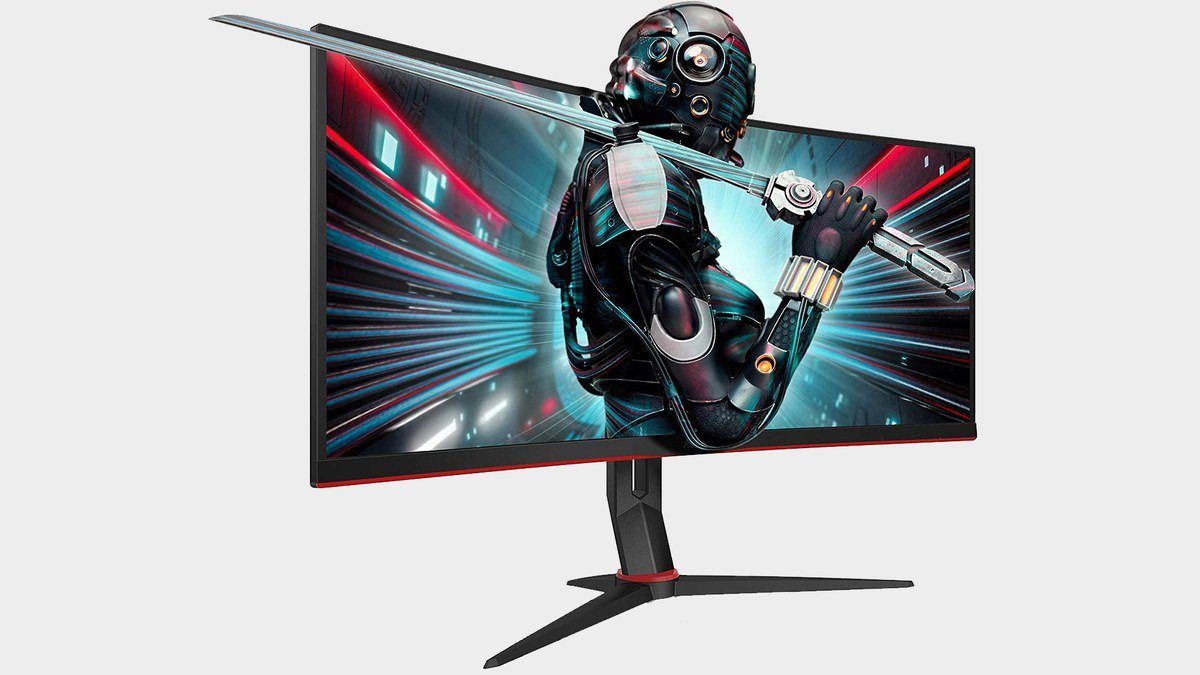
The Redragon K630 is the honest alternative for tight budgets: no magnetic magic, but a solid, hot-swappable 60% board that gets the fundamentals right. And whatever you choose, remember the pairing matters — your keyboard, your gaming monitor, and a good gaming headset together shape your setup far more than any single spec.
Affiliate Disclosure: This article contains affiliate links. If you purchase through them, we may earn a commission at no extra cost to you.
Where to Buy: Check Price on Amazon · Compare Prices on Daraz · Check Daraz Deals · Check AliExpress Price · See AliExpress Deals
Check the price on AliExpress — the global marketplace with millions of tech products.
As an AliExpress affiliate, we may earn a commission on qualifying purchases.