Best Wireless Chargers of 2026: 5 Fast, Cool, Reliable Picks
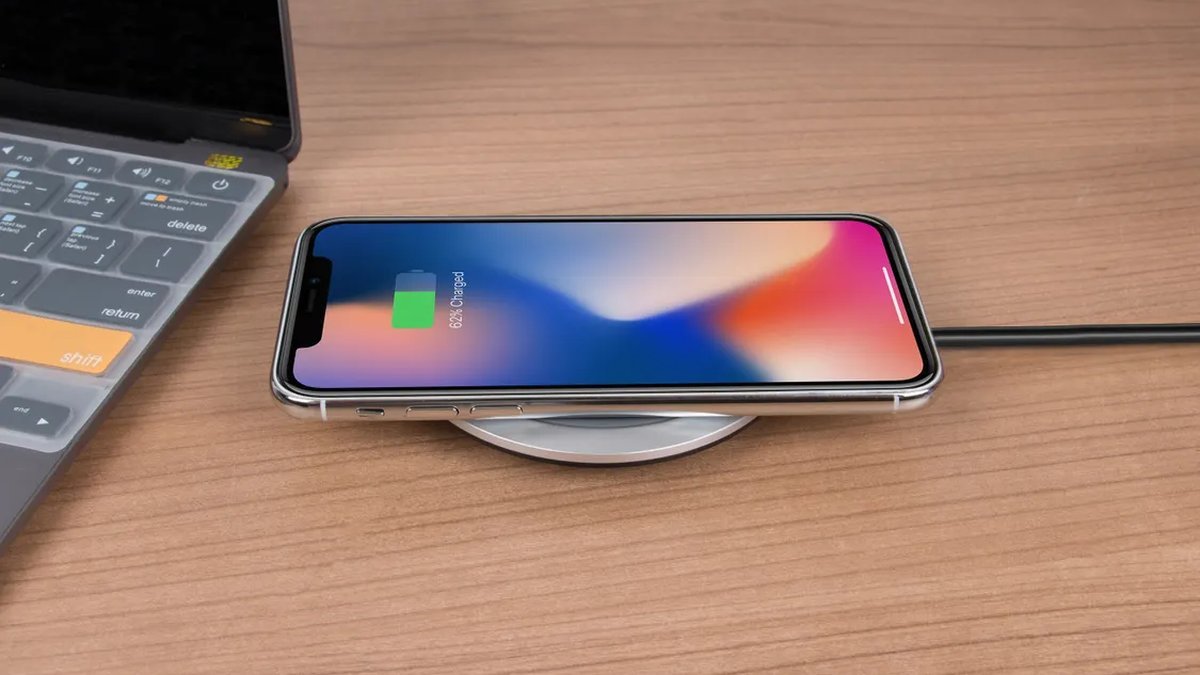
Wireless charging finally grew up. The best wireless chargers of 2026 — built on the Qi2 standard with its magnetic alignment — charge nearly as fast as a cable, stay cool doing it, and don’t make you play the “find the sweet spot” game every night. If your last wireless charger was a slow, hot puck from 2021, the difference is night and day.
We picked five chargers covering the real-world setups: a 3-in-1 station for the nightstand, a travel-friendly foldable, Apple’s own MagSafe puck, a budget single-device pad, and a Samsung option for Galaxy owners. Every pick here is Qi2 or MagSafe certified — and that matters more than brand names. Certification is what guarantees the speed and safety claims. Pair any of these with a good GaN wall charger and you’re set.
Disclosure: This article contains affiliate links. As an Amazon Associate, we earn from qualifying purchases. We may also earn commissions from Daraz and AliExpress purchases made through links on this page, at no extra cost to you.
Qi2, MagSafe, and Why Certification Matters
The short version: Qi2 is the standard everything is built on. Developed with Apple’s help, Qi2 took MagSafe’s magnetic alignment ring and made it part of the open standard. That magnetic snap aligns the charging coils perfectly every time (no more waking up to a dead phone) and enables 15W speeds older Qi pads couldn’t reliably hit.
MagSafe is Apple’s branding for its own implementation; Qi2 is the universal version for iPhones and Android alike. Plenty of Samsung, Google, and other Android phones now support Qi2 magnetic alignment too, usually with a magnetic case. The buying rule: look for the Qi2 logo or “Qi2 certified” on the box. Uncertified chargers can claim 15W but throttle under heat or misalign — certification means it passed actual testing.
One more thing: wireless charging is less efficient than a cable (some energy becomes heat), so it’s best for overnight and desk charging — not “I need 50% in 20 minutes” emergencies. For that, keep a cable handy.
How to Choose a Wireless Charger
1. Decide: single pad, stand, or 3-in-1 station
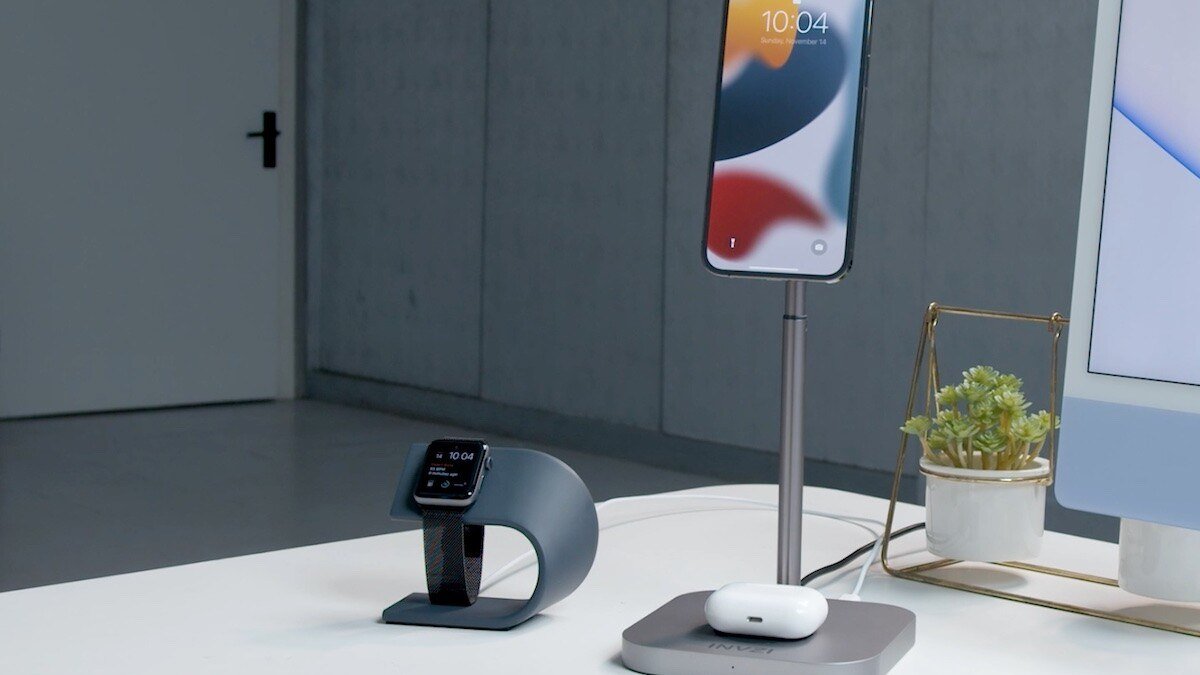
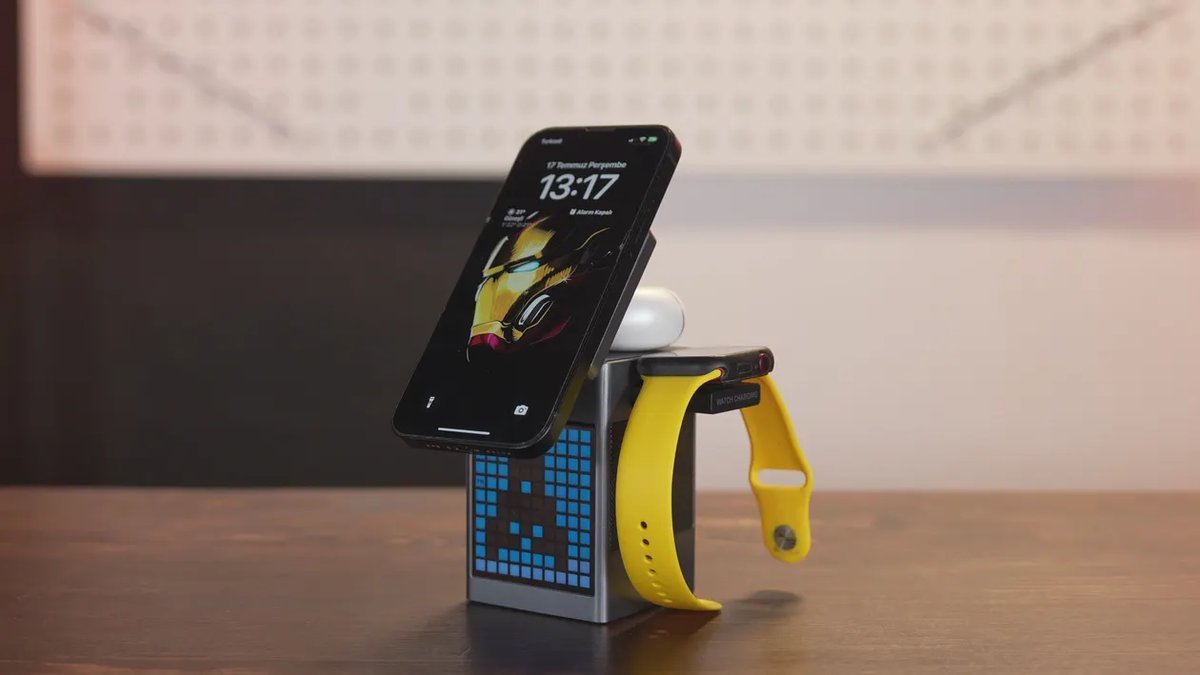
Single pads are cheapest and smallest — fine for a desk. Stands prop the phone upright for notifications and iPhone StandBy mode. 3-in-1 stations charge phone, watch, and earbuds at once: the best nightstand upgrade most people can make — one cable, zero clutter.
2. Check Qi2 certification and real wattage
Only buy chargers labeled Qi2 certified (or Apple’s MagSafe, equivalent for iPhones). Certified chargers deliver a real 15W; uncertified “15W” chargers often throttle to 5–7.5W once warm. For Apple Watch charging, check the station specifically lists watch support — watch pucks differ, and cheap stations sometimes include a slow one.
3. Heat management matters more than you think
Heat is the enemy of battery longevity. Good chargers include thermal management — ventilation, heat-dissipating materials, sometimes a tiny fan. If a charger gets uncomfortably hot to the touch, it’s cooking your battery; the picks below all run cool enough for nightly use.
4. Count the cables (and the brick)
Many 3-in-1 stations need a 30–40W power brick to run all three chargers at full speed, and some don’t include one in the box. Check what’s included before you buy — a “great deal” that needs a separate $20 brick isn’t one. For travel chargers, a built-in or attached cable means one less thing to forget.
The 5 Best Wireless Chargers of 2026
1. Belkin BoostCharge Pro 3-in-1 (Qi2) — Best overall
Belkin’s BoostCharge Pro is the nightstand charger we’d buy with our own money. The Qi2 magnetic pad delivers a full 15W to the phone, the Apple Watch puck supports fast charging, and there’s a dedicated spot for earbuds — all running off a single included power supply. The weighted base feels premium and doesn’t slide when you grab the phone one-handed in the dark.
Build quality is a clear step above generic 3-in-1 stations: metal and soft-touch materials, a compact footprint, and cool, quiet operation with no fan noise. At around $130–150 it’s firmly premium — but it replaces three chargers and three cables with one clean unit.
Pros:
- Full 15W Qi2 phone charging plus fast watch charging
- Premium build, stable weighted base
- Power supply included in the box
- Cool, silent operation
Cons:
- Premium price (around $130–150)
- Takes up real nightstand space
Best for: The nightstand — anyone charging a phone, watch, and earbuds nightly.
2. Anker MagGo 3-in-1 Charging Station — Best for travel
Anker’s MagGo station folds flat into something roughly the size of a deck of cards, then unfolds into a full 3-in-1 charger: 15W Qi2 magnetic phone pad, watch charger, and earbuds spot. It’s the charger for people who want their whole nightstand setup to fit in a carry-on.
The phone pad hits full Qi2 speeds and the whole unit runs cool; folded open, the phone sits at a nice viewing angle for hotel nightstands. Tradeoffs: you supply your own USB-C brick (Anker recommends 40W), and the lightweight build can tip if you yank the phone off carelessly. At around $90 it’s cheaper than the Belkin while covering the same three devices.
Pros:
- Folds flat for travel — a full 3-in-1 in a tiny package
- Full 15W Qi2 charging speeds
- Cheaper than premium desk stations
Cons:
- Power brick not included
- Light build can tip with rough handling
Best for: Travelers who want phone + watch + earbuds charging in one packable unit.
3. Apple MagSafe Charger — Best single-device puck
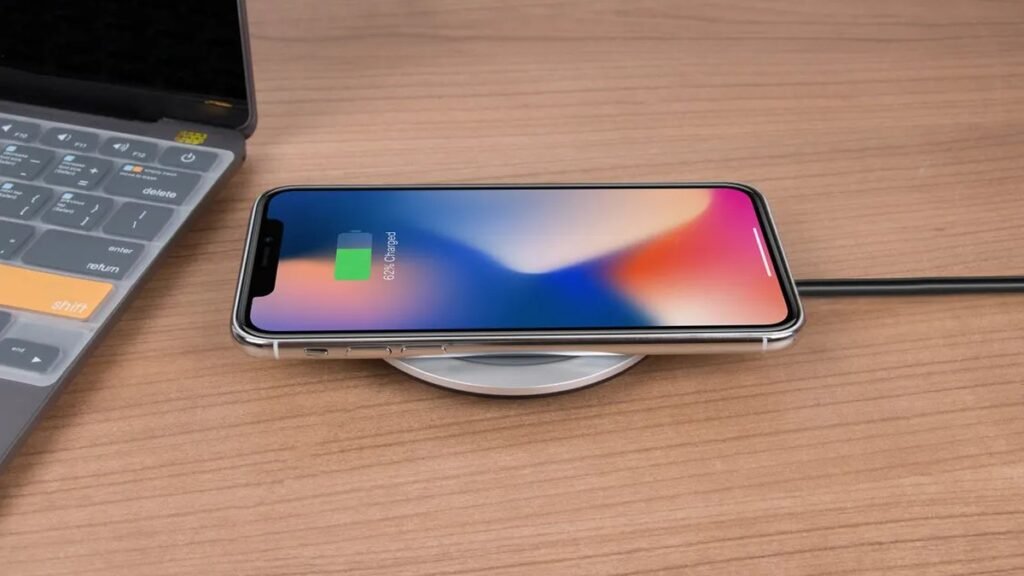
Sometimes you just need one good puck. Apple’s MagSafe Charger is the reference design: a clean aluminum-and-soft-touch disc with a braided USB-C cable, perfect magnetic alignment with every MagSafe iPhone, and 15W charging (25W on the newest iPhones with a 30W+ brick). It does exactly one job and does it flawlessly.
No stand, no extra device spots, and at around $39 it’s pricier than generic pucks — but generic pucks are exactly what this list steers you away from. The magnet strength and thermal behavior are dialed in because Apple controls both ends. Keep one on the desk, one in the travel bag. If you need multi-device charging, look at the stations above; if you need one reliable pad, stop here.
Pros:
- Perfect MagSafe alignment, every time
- Compact and travel-friendly
- Reliable 15W charging, cool operation
Cons:
- Single device only
- No brick included; pricier than generic pucks
Best for: iPhone owners who want one simple, reliable charging puck.
4. ESR Qi2 3-in-1 Charging Station — Best budget 3-in-1
ESR’s Qi2 station delivers the 3-in-1 nightstand experience for roughly half the Belkin’s price — around $60–70. You get a 15W Qi2 magnetic phone pad, an Apple Watch charger, and an earbuds pad, plus CryoBoost-style cooling tech (a small fan plus heat-dissipating design) that keeps charging speeds up during long sessions.
The fan is the main compromise: it’s quiet, but it’s there, and light sleepers might notice it in a silent bedroom. The plastics feel less premium than Belkin’s, and the footprint is a bit larger. But functionally — three devices, full speeds, one cable — it’s remarkably close to chargers costing twice as much. The budget pick for the full nightstand setup, and it’s widely available on AliExpress and Daraz too.
Pros:
- Full 3-in-1 charging at around $60–70
- Active cooling keeps speeds up
- Real 15W Qi2 phone charging
Cons:
- Small cooling fan (very quiet, but present)
- Plasticky build vs. premium rivals
Best for: Budget shoppers who want the whole 3-in-1 setup without the premium price.
5. Samsung Wireless Charger (15W) — Best for Galaxy owners
Samsung’s own wireless charger is the natural pick for Galaxy phones. It supports Samsung’s 15W fast wireless charging — the full speed Galaxy phones are designed for — plus standard Qi charging for everything else, and it includes a built-in cooling fan that keeps temperatures in check during fast charges.
The pad-style design works with cases up to a reasonable thickness, and there’s an LED indicator that dims at night (a small mercy for bedroom use). It’s not magnetic, so there’s no snap alignment — you place the phone and check the indicator — and at around $40–50 it’s not the cheapest single pad. But for Galaxy owners who want guaranteed full-speed wireless charging without guesswork, the first-party option earns its keep. It also pairs well with Samsung’s power banks for a complete Samsung charging setup.
Pros:
- Full 15W fast wireless charging for Galaxy phones
- Built-in cooling fan
- Night-friendly dimming LED
Cons:
- No magnetic alignment
- Pricier than generic Qi pads
Best for: Samsung Galaxy owners who want guaranteed full-speed wireless charging.
Wireless Charger Comparison Table
| Charger | Type | Phone power | Around |
|---|---|---|---|
| Belkin BoostCharge Pro 3-in-1 | 3-in-1 station | 15W Qi2 | $130–150 |
| Anker MagGo 3-in-1 | Foldable 3-in-1 | 15W Qi2 | $90 |
| Apple MagSafe Charger | Single puck | 15W MagSafe | $39 |
| ESR Qi2 3-in-1 | 3-in-1 station | 15W Qi2 | $60–70 |
| Samsung Wireless Charger | Single pad | 15W (Galaxy) | $40–50 |
Wireless Charger FAQs
Is Qi2 better than MagSafe?
They’re closely related — Qi2 adopted MagSafe’s magnetic alignment into the open standard. For iPhones they perform nearly identically. Qi2’s advantage is universality: magnetic alignment and 15W speeds for Android phones too. Buy Qi2 for cross-platform use; MagSafe is fine if you’re all-Apple.
Does wireless charging damage the battery?
Not meaningfully with a good charger — the concern is heat, and quality Qi2 chargers manage thermals well. What wears batteries is heat plus sitting at 100%, so use your phone’s 80% charge limit if it has one. A cheap hot-running pad is worse for the battery than any certified charger.
Why is my wireless charger so slow?
Usually misalignment (no magnetic snap means the coils aren’t lined up), a weak power brick, or a thick case creating distance between the coils. Qi2’s magnetic alignment fixes the first; check the other two if speeds disappoint.
Can I use a wireless charger with a case on?
Yes, with most cases up to about 3mm thick. MagSafe-compatible cases work perfectly. Very thick rugged cases, or cases with metal kickstands or card slots on the back, can block charging — remove those or charge without the case.
Do I need a special power brick?
Often, yes. A 3-in-1 station needs 30–40W input for full speed on all three devices, and many don’t include the brick. A single 15W pad needs at least a 20W USB-C brick. Check the box contents before buying.
Final Verdict
The Belkin BoostCharge Pro 3-in-1 is our overall pick — the best nightstand charger you can buy, with full Qi2 speeds and premium build. Travelers should get the Anker MagGo 3-in-1, budget shoppers the ESR Qi2 station, and anyone who just needs one good puck the Apple MagSafe Charger. Galaxy owners: Samsung’s own 15W Wireless Charger guarantees full speed. Whichever you choose, make sure it says Qi2 certified — that’s what separates the good chargers from the hot, slow ones.
Where to Buy: Compare Prices on Daraz · Check AliExpress Price
Check the price on AliExpress — the global marketplace with millions of tech products.
As an AliExpress affiliate, we may earn a commission on qualifying purchases.