Modern phones aren’t small anymore. Flagships are heavy enough that one-handed use gets uncomfortable fast — and propping your phone against a coffee mug to watch a video is a ritual nobody enjoys. A MagSafe phone grip and stand is the tiny accessory that fixes both problems: it gives your fingers something secure to hold and gives your phone legs whenever you need them. This guide covers the three best approaches in 2026 — the minimalist grip-stand, the travel-friendly wallet combo, and the creator-focused auto-tracking stand — so you can pick the one that matches how you actually use your phone.
These are small purchases with outsized daily impact. The right one disappears into your routine; the wrong one lives in a drawer. Here’s how to choose well.
Why a Phone Grip and Stand Is Worth It
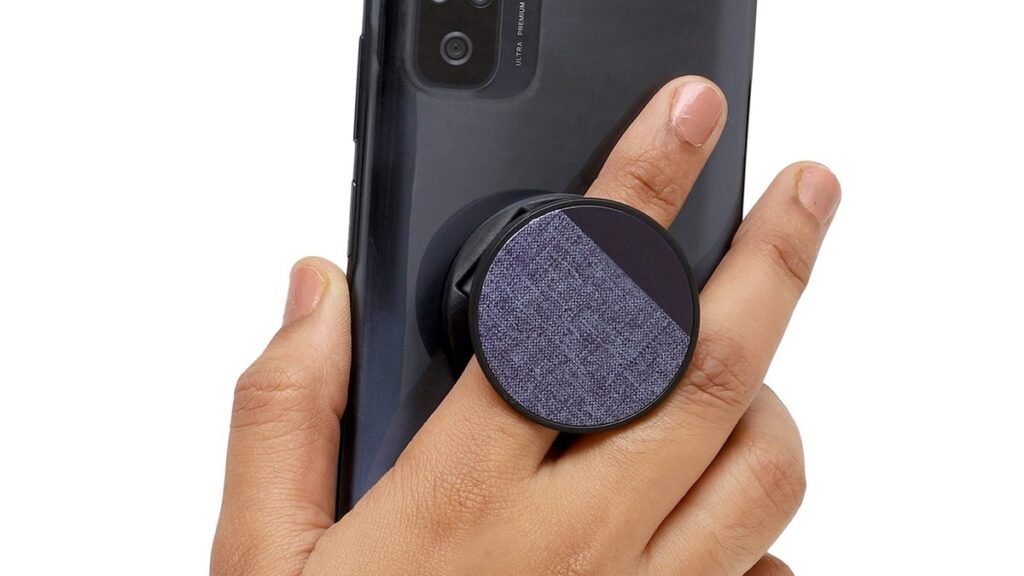
Phone sizes plateaued years ago — at “large.” A Pro Max-class phone weighs the better part of 230 grams, and holding that securely one-handed while your thumb reaches across the screen is an ergonomic challenge. A grip spreads that load across your fingers, making one-handed texting, scrolling, and photo-taking meaningfully more comfortable — and it kills the dreaded phone-to-face drop in bed.
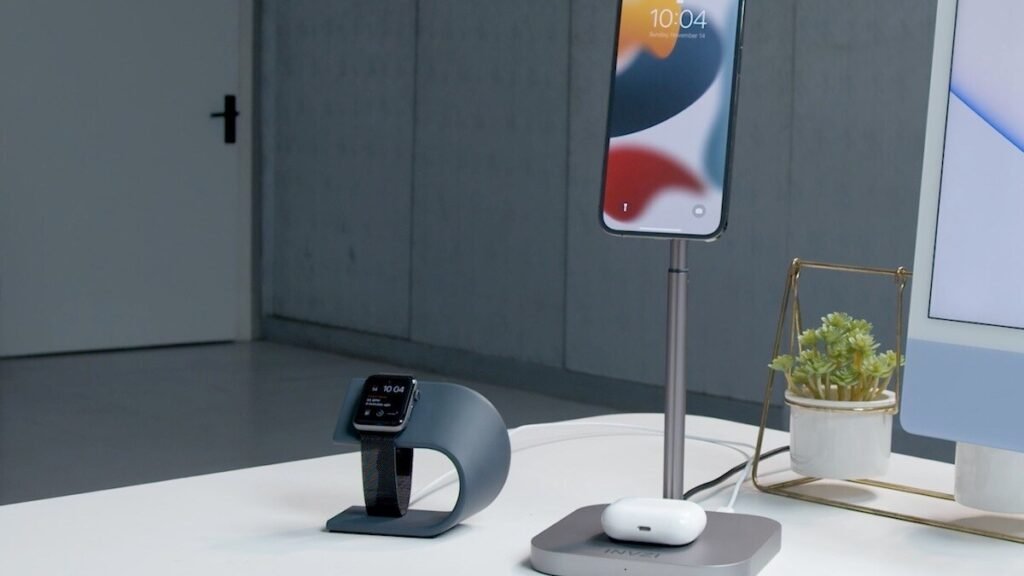
The stand half is about reclaiming surfaces. Video calls from a desk, recipes in the kitchen, movies on a plane tray, filming a quick TikTok — a kickstand turns any flat surface into a hands-free setup. MagSafe (and the Qi2 magnetic standard spreading to Android) made this category dramatically better: accessories snap on and off in a second, with no adhesive, no bulk, no commitment. You get the benefit only when you want it.
The catch is compatibility: magnetic accessories need a magnetic phone or case. If your case is extremely thick or non-magnetic, sort out a MagSafe-compatible case first — our phone case guide covers protective options that play nicely with magnetic accessories.
How to Choose a Phone Grip and Stand
1. Grip first, stand second — or the reverse?
Be honest about your primary frustration. If your hand cramps holding your phone, prioritize grip ergonomics — finger loops and rotating stands made for holding. If you mostly want hands-free viewing, prioritize stand stability and viewing angles. The best products do both, but every design leans one way.
2. Check the magnet strength
A weak magnet turns your grip into a liability — the phone stays, the grip goes, usually at the worst moment. Look for accessories that quote strong magnetic hold (measured in Newtons in the better listings). And consider your case: thick cases weaken the connection, non-magnetic cases need an adapter ring. Metal rings can interfere with wireless charging, so decide which matters more to you.
3. Count the functions you actually need
The category now spans single-function grips to Swiss-army combos: grip + stand + wallet + Find My tracking. More functions mean more bulk and more money. A traveler who wants cards, a stand, and tracking in one slab will love a combo; a minimalist who just wants secure one-handed use will find it overkill. Don’t pay for functions you’ll never trigger.
4. Think about your ecosystem
Some accessories are iPhone-only (Apple’s MagSafe accessories and the Belkin tracker below), while magnetic rings extend compatibility to Android phones with Qi2. If you switch platforms or share accessories with family, universal magnetic-ring designs are the safer bet. And if you’re building a full mobile kit, a compact power bank pairs naturally with a stand for long travel days.
The Best Phone Stands and Grips of 2026
Best overall: Snap Grip Stand
The Snap Grip Stand looks simple until you see how much it does. Made for MagSafe-compatible phones, it combines a finger grip with an adjustable metal kickstand that rotates up to 350 degrees and works in portrait or landscape. The grip fits one or two fingers depending on your hold, and the whole thing stays relatively slim — unlike bulkier grips, it doesn’t change your phone’s shape. It comes in several colors at around $39.99.
What makes it the best overall is balance: genuinely good at both gripping and standing, slim enough to leave on all day, simple enough that there’s nothing to learn. It’s the default recommendation for a reason.
Pros:
- Excellent grip-plus-stand combination in one slim unit
- 350-degree rotation; portrait and landscape
- One- or two-finger hold options
- Slim profile that doesn’t bulk up your phone
Cons:
- Needs a MagSafe-compatible phone or case
- No wallet or extra functions — it’s a purist’s pick
Best for: Most people — the best blend of grip comfort and stand versatility.
Best for travel: MOFT Snap-on Stand & Wallet
Travel rewards minimalism, and the MOFT Snap-on Stand & Wallet is minimalism engineered. Its origami-style design folds flat against your phone, then unfolds into a stand, a grip, and a card holder for two to three cards. On a plane it props your phone for movies; at a café table it holds it upright for video calls; and it replaces your wallet for the coffee run. All while adding very little bulk.
The 2026 versions add niceties like Apple Find My tracking in some models, so the one accessory you’d hate to lose can now be found. The trade-off for the slim origami design is that it’s a better stand and wallet than a dedicated deep grip — heavy one-handed users may prefer the Snap Grip.
Pros:
- Three functions (stand, grip, wallet) in a slim package
- Holds 2–3 cards — leave the wallet behind
- Folds completely flat when not in use
- Ideal travel companion
Cons:
- Grip ergonomics aren’t as secure as dedicated grips
- Card capacity is limited
Best for: Travelers and minimalists who want cards, stand and grip in one.
Best for content creators: Belkin Face Tracking Stand
If you film TikToks, Reels, or any talking-to-camera content, the Belkin Face Tracking Stand automates the most annoying part: framing. Your phone attaches magnetically, and the stand physically rotates to follow your face as you move — no cameraperson, no fixed tripod framing, no re-shooting because you drifted out of frame. It runs on three AA batteries, so no cable tethers it to a wall.
The big limitation is compatibility: it’s designed for iPhone users. And it’s a single-purpose tool — this isn’t something you carry in your pocket. But for creators filming solo, an auto-tracking stand is transformative in a way a passive kickstand can’t match. Pair it with a phone lens and your mobile videos take a visible step up.
Pros:
- Auto face-tracking keeps you framed while moving
- Battery-powered — no cables, place it anywhere
- Magnetic attach is quick and secure
Cons:
- iPhone-focused; limited Android support
- Bulky and single-purpose — not an everyday carry
Best for: Solo content creators who film themselves regularly.
Phone Grips and Stands Compared
| Accessory | Type | Stand angles | Extra functions | Best for |
|---|---|---|---|---|
| Snap Grip Stand | Grip + kickstand | 350° rotation, portrait/landscape | — | Everyday use |
| MOFT Snap-on Stand & Wallet | Origami stand + wallet | Multiple viewing angles | 2–3 card holder | Travel |
| Belkin Face Tracking Stand | Auto-tracking stand | Motorized face follow | — | Creators |
MagSafe Phone Grip and Stand FAQs
Do MagSafe grips work with a case on?
Yes, if the case is MagSafe-compatible — it has its own magnet array that relays the connection. Standard non-magnetic cases weaken or block the hold; very thick cases can too. If your favorite case isn’t magnetic, adhesive magnetic rings exist, but they can interfere with wireless charging. When in doubt, get a MagSafe-compatible case.
Will a grip interfere with wireless charging?
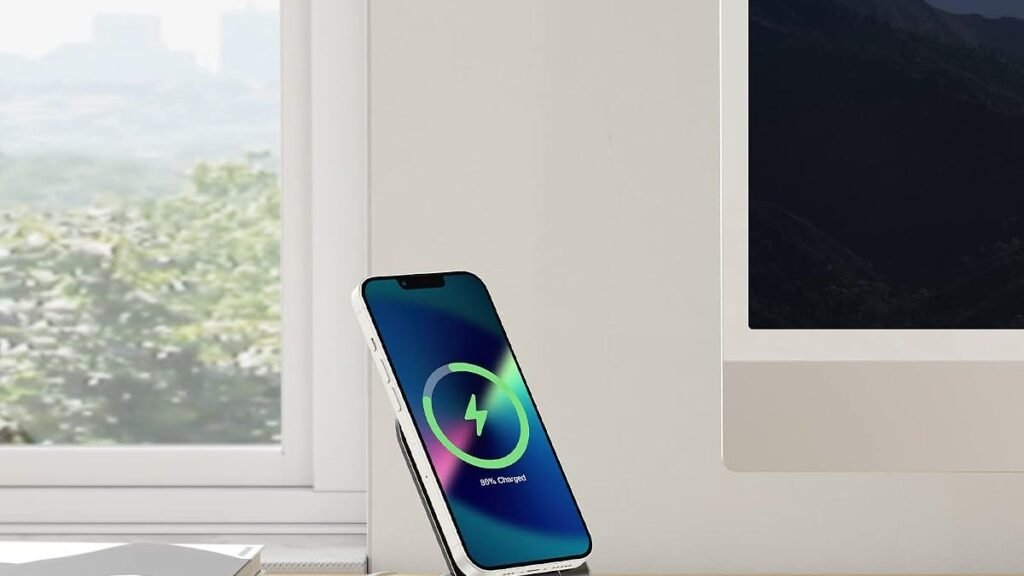
It depends. Slim magnetic grips often let you charge right through them, but thicker ones and metal adapter rings can block it. The practical answer: magnetic accessories pop off in one second, so just remove the grip to charge. If you charge wirelessly every night and hate fiddling, look for chargers and grips designed to stack.
Grip vs. PopSocket — what’s the difference?
Classic PopSockets use adhesive and are primarily grips (some double as basic stands). A MagSafe phone grip and stand attaches magnetically — no adhesive, easily removable, and usually a more capable kickstand. Magnetic wins for flexibility; adhesive wins if your phone has no magnetic support at all.
Is the Belkin face tracking stand worth it over a tripod?
For static filming, a tripod is cheaper and steadier. The Belkin earns its keep when you move — cooking videos, fitness content, presentations where you pace. If your content is mostly sit-and-talk, save the money. If you perform while filming, auto-tracking is genuinely liberating.
Can I use these with Android phones?
Increasingly, yes. Qi2 brings MagSafe-style magnetic alignment to Android, and magnetic adapter rings cover older phones. The Snap Grip and MOFT designs work with any magnetically-equipped phone; the Belkin tracker is the iPhone-specific outlier. Check the specific product’s compatibility list before buying.
Final Verdict: Phone Stands and Grips
A MagSafe phone grip and stand is one of those rare accessories that earns its keep daily. Most people should start with the Snap Grip Stand — the best all-rounder for grip comfort and stand versatility. Travelers will get more from the MOFT Snap-on Stand & Wallet’s card-carrying minimalism. And creators filming solo should seriously consider the Belkin Face Tracking Stand — it’s the only one here that actively improves your content. Small accessory, big difference: pick the one that matches your day, and your phone will feel like it was designed for your hand all along.
Affiliate Disclosure: This article contains affiliate links. If you purchase through them, we may earn a commission at no extra cost to you.
Where to Buy: Check Price on Amazon · See Amazon Deals · Compare Prices on Daraz · Check Daraz Deals · Check AliExpress Price · See AliExpress Deals
Check the price on AliExpress — the global marketplace with millions of tech products.
As an AliExpress affiliate, we may earn a commission on qualifying purchases.