Best Video Editing Software of 2026: 5 Free and Paid Picks Worth Learning
The best video editing software is the one you’ll actually learn. And here’s the 2026 reality: you don’t need to spend a dollar to edit like a pro. Free editors have closed the gap so far that paid options now have to justify themselves — with workflow speed, ecosystem perks, or platform-specific magic. Cutting YouTube videos, TikToks, short films, client work — whatever it is, these five editors cover every skill level and budget. Features, pricing, learning curve: all compared, so you can pick once and start creating.
Disclosure: This article contains affiliate links. As an Amazon Associate, we earn from qualifying purchases. We may also earn commissions from Daraz and AliExpress purchases made through links on this page, at no extra cost to you.
Check Price on Amazon — Video Editing Software Deals
What Matters When Choosing an Editor
All five picks cut video on a timeline. The differences live in workflow, performance, and price model. Pricing model is the first fork in the road: subscriptions (Premiere Pro), one-time purchases (Final Cut Pro, Filmora), and genuinely free (DaVinci Resolve, CapCut). Subscriptions compound; one-time purchases age; free tools sometimes monetize through cloud features or export watermarks — check before you commit.
Learning curve beats feature lists. A beginner-friendly editor you master in a weekend outperforms a pro tool you abandon in frustration. Performance counts too: good editors lean on your GPU for smooth playback and fast exports — critical if your laptop isn’t a powerhouse. And weigh the ecosystem: shooting on iPhone with a Mac in the mix? Final Cut’s integration is hard to beat. Living in Adobe’s world? Premiere’s Dynamic Link with After Effects is the draw.
Buying Guide: How to Choose Video Editing Software
1. Start with your platform and content type
Mac-only creators get Final Cut Pro as the natural fit; Windows users pick between Premiere Pro, DaVinci Resolve, and Filmora. Short-form vertical (TikTok, Reels, Shorts) is CapCut’s home turf — its templates and auto-captions were built for exactly that. Long-form YouTube and client work want the timeline depth of Resolve or Premiere.
2. Free is genuinely enough for most creators
DaVinci Resolve’s free version handles 4K editing, color grading, and audio mixing at a level that embarrasses some paid tools. CapCut is free and shockingly capable for short-form. Pay only when you hit a genuine wall — specific pro codecs, team collaboration, a workflow feature you actually need — not for bullet points on a list.
3. Weigh subscription vs. one-time pricing honestly
Do the math honestly: $21/month is $250 a year, every year. A $300 one-time purchase pays for itself in 15 months. Edit consistently for years and one-time buys (Final Cut Pro, DaVinci Resolve Studio) win on cost. Edit in bursts, or need the bleeding edge? Subscriptions make more sense.
4. Check the hardware requirements before you fall in love
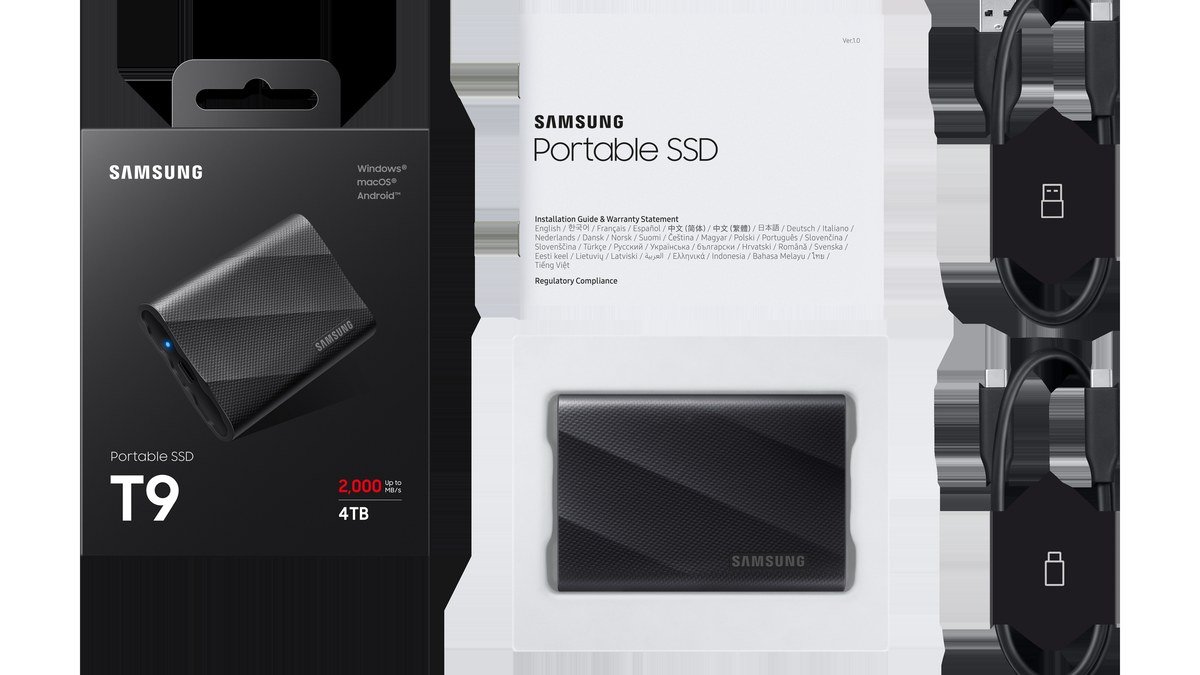
Pro editors are hungry: a decent GPU, 16GB+ RAM, fast storage. 4K timelines on a weak machine stutter no matter how good the software is. All five picks offer free trials or free tiers — install two, import the same project, and see which one breathes easier on your machine. Fast external storage helps too — see our best portable SSD for creators guide.
The 5 Best Video Editing Software Picks of 2026
1. DaVinci Resolve — Best Free Editor (and Best Overall Value)
DaVinci Resolve is the minor miracle of the editing world: a professional-grade editor that costs nothing. The free version packs multi-track 4K editing, the industry’s best color grading, Fairlight audio mixing, and Fusion visual effects — no watermark, no export limits that matter for most creators. The learning curve runs steeper than CapCut’s, but thousands of free tutorials flatten it fast. DaVinci Resolve Studio ($295 one-time) adds pro codecs, AI tools, and team collaboration. Pricing: free; Studio $295 one-time. Platforms: Windows, Mac, Linux. Learning curve: moderate — a weekend to get comfortable, months to master color.
Pros: Unmatched free feature set; best-in-class color grading; one-time Studio upgrade, no subscription; runs well on modest hardware.
Cons: The interface can overwhelm beginners; some pro codecs hide behind Studio; fewer templates than CapCut/Filmora.
Best for: YouTubers and filmmakers who want pro tools for free and don’t mind learning.
2. Adobe Premiere Pro — Best for Professionals and Teams
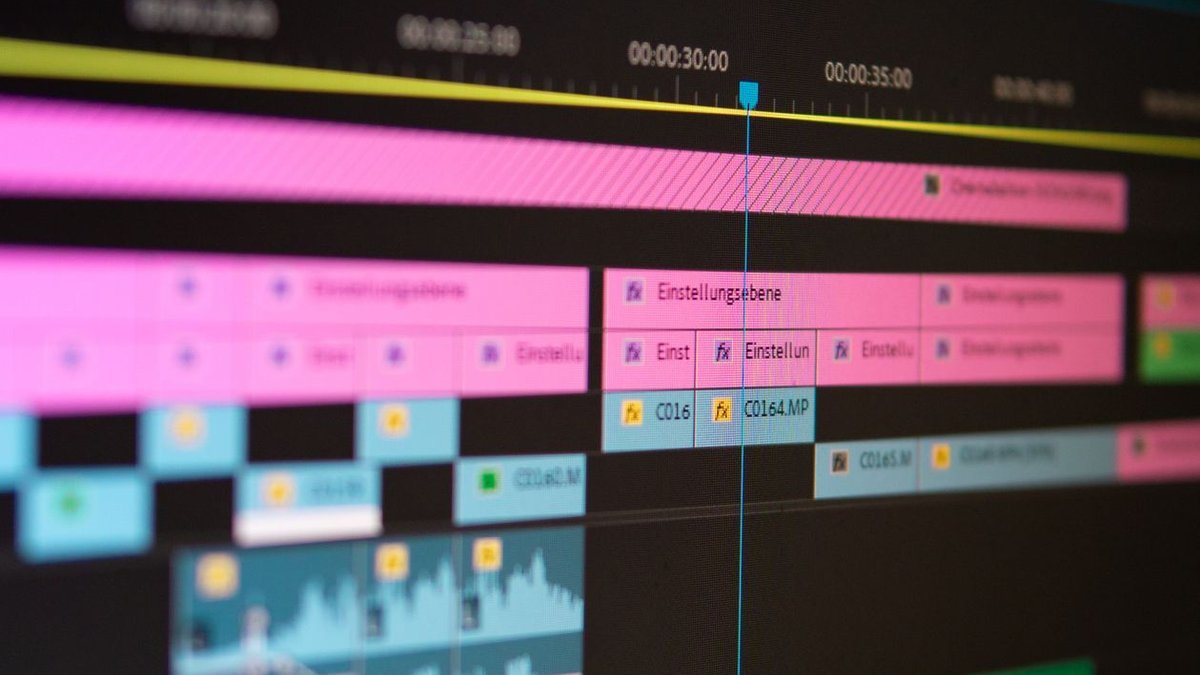
Premiere Pro is the industry standard for a reason: deep timeline tools, seamless Dynamic Link with After Effects and Audition, the Productions workflow for big projects, and the widest tutorial and plugin ecosystem of any editor. Adobe’s AI features — text-based editing, auto-reframe, speech enhancement — keep getting sharper. The catch is the subscription: around $23/month for Premiere alone or via Creative Cloud. And it wants solid hardware. Pricing: ~$23/month subscription (annual plan). Platforms: Windows, Mac. Learning curve: moderate to steep — familiar if you’ve touched any pro editor.
Pros: Industry-standard workflow; deepest Adobe integration; a huge plugin and tutorial library; strong AI editing features.
Cons: Subscription-only — the bills never stop; occasional bugginess after major updates; wants a capable machine for smooth 4K.
Best for: Professionals, freelancers, and teams already inside the Adobe ecosystem.
3. CapCut — Best Free Editor for Short-Form
CapCut (from TikTok’s parent ByteDance) owns short-form editing: auto-captions in dozens of languages, trending templates and effects, background removal, one-tap publishing to TikTok, Reels, and Shorts. The desktop version has grown into a genuinely capable full editor, and the mobile app is still the fastest way to cut vertical video on a phone. Free with generous limits; Pro (~$8/month) unlocks premium effects and cloud storage. Pricing: free; Pro ~$8/month optional. Platforms: iOS, Android, Windows, Mac, web. Learning curve: easy — editing in minutes, templates do the heavy lifting.
Pros: Best auto-captions and templates for short-form; a genuinely free core; excellent mobile app; fast to learn.
Cons: Less precise for long-form; some effects sit behind Pro; cloud features raise privacy eyebrows for some.
Best for: TikTok, Reels, and Shorts creators chasing speed and trends.
4. Final Cut Pro — Best for Mac Creators
Final Cut Pro is Apple’s one-time-purchase pro editor ($300), and on Apple Silicon it’s the fastest-feeling editor you can buy — buttery timeline, background rendering, deep macOS/iPhone integration (iPhone Cinematic mode footage edits natively). The magnetic timeline feels strange for a day, then genuinely speeds you up once it clicks. No subscription; historically, free updates for years. The obvious boundary: Mac only. Pricing: $300 one-time. Platforms: Mac only (plus a separate iPad version). Learning curve: moderate — give the magnetic timeline a day to “click.”
Pros: Blazing on Mac; one-time price, no subscription; superb iPhone footage integration; clean, fast workflow.
Cons: Mac only — Windows users look elsewhere; smaller plugin ecosystem than Premiere; the magnetic timeline isn’t for everyone.
Best for: Mac owners who want pro power without a subscription.
5. Filmora — Best Easy Paid Editor for Beginners
Filmora (by Wondershare) is the friendly middle ground: far more capable than a phone app, far less intimidating than Resolve or Premiere. Drag-and-drop effects, titles, transitions, templates; AI tools for captions, background removal, silence detection; straightforward 4K export. Flexible pricing — around $50/year or ~$80 one-time for a perpetual license (watch for sales). Not a pro tool, but for beginners and casual creators who want nice results fast, it’s the path of least resistance. Pricing: ~$50/year or ~$80 one-time. Platforms: Windows, Mac, mobile. Learning curve: easy — the gentlest on-ramp here.
Pros: Very easy to learn; affordable one-time option; big template and effects library; helpful AI assists.
Cons: Not built for pro/client workflows; some advanced features run shallow; in-app upsells can grate.
Best for: Beginners and hobbyists who want good-looking videos without a learning cliff.
Check Price on Amazon — Editing Software Deals
Check Software Deals on AliExpress
Comparison Table: Best Video Editing Software
| Software | Price Model | Platforms | Best for |
|---|---|---|---|
| DaVinci Resolve | Free / $295 one-time (Studio) | Win, Mac, Linux | Best free pro editor |
| Adobe Premiere Pro | ~$23/month subscription | Win, Mac | Professionals & teams |
| CapCut | Free / ~$8/mo Pro | iOS, Android, Win, Mac, web | Short-form creators |
| Final Cut Pro | $300 one-time | Mac only | Mac creators, no subscription |
| Filmora | ~$50/yr or ~$80 one-time | Win, Mac, mobile | Beginners |
Frequently Asked Questions
What is the best free video editing software in 2026?
DaVinci Resolve. The free version is a genuine professional editor — no watermark, no meaningful export limits. For short-form vertical, CapCut is the free pick: faster to learn, with the best auto-captions and templates for TikTok and Reels. Between the two, most creators are fully covered for $0.
Is DaVinci Resolve really free? What’s the catch?
Yes — really free. Blackmagic makes its money on cameras and hardware panels; the software is the hook. Free covers 4K, color grading, and audio mixing; the $295 Studio version adds pro codecs, advanced AI tools, and multi-user collaboration. Most solo creators never need Studio.
Premiere Pro vs DaVinci Resolve — which should I learn?
Learn Resolve if you want pro tools for free and care about color; learn Premiere if you’re freelancing (clients expect it), need After Effects integration, or work in teams. Both are excellent long-term skills — neither is a dead end. Try both free for a week and trust your gut on which workflow fits.
Can I edit videos professionally on a phone?
For short-form, yes — CapCut mobile is where a huge share of TikTok and Reels content gets cut. For long-form YouTube or client work, desktop is still far more efficient: bigger timeline, finer precision, faster exports. Phone editing is a great start, not a permanent home for serious projects.
What computer specs do I need for 4K video editing?
Target 16GB RAM minimum, a dedicated or recent integrated GPU, and fast SSD storage — 4K timelines choke on spinning drives and weak machines. All five editors have free tiers, so benchmark on your actual hardware before committing. Keep project files on fast external storage; our portable SSD guide has picks that editors love.
Final Verdict
Start free: DaVinci Resolve for long-form and serious color work, CapCut for short-form speed — between them, most creators never pay a cent. Mac owners who’d rather buy once: Final Cut Pro ($300). Working pros and teams: Premiere Pro (~$23/month). Beginners wanting the easiest path: Filmora (~$50/year or ~$80 one-time). Honestly, the software matters less than the reps — pick one, learn its keyboard shortcuts, edit every week. Pair it with a good mic from our wireless mic guide and you’re putting out content that looks and sounds professional.
Where to Buy: Compare Prices on Daraz · Check AliExpress Price
Check the price on AliExpress — the global marketplace with millions of tech products.
As an AliExpress affiliate, we may earn a commission on qualifying purchases.