Best Studio Microphones for Creators in 2026: 5 Picks for Pro-Quality Voice
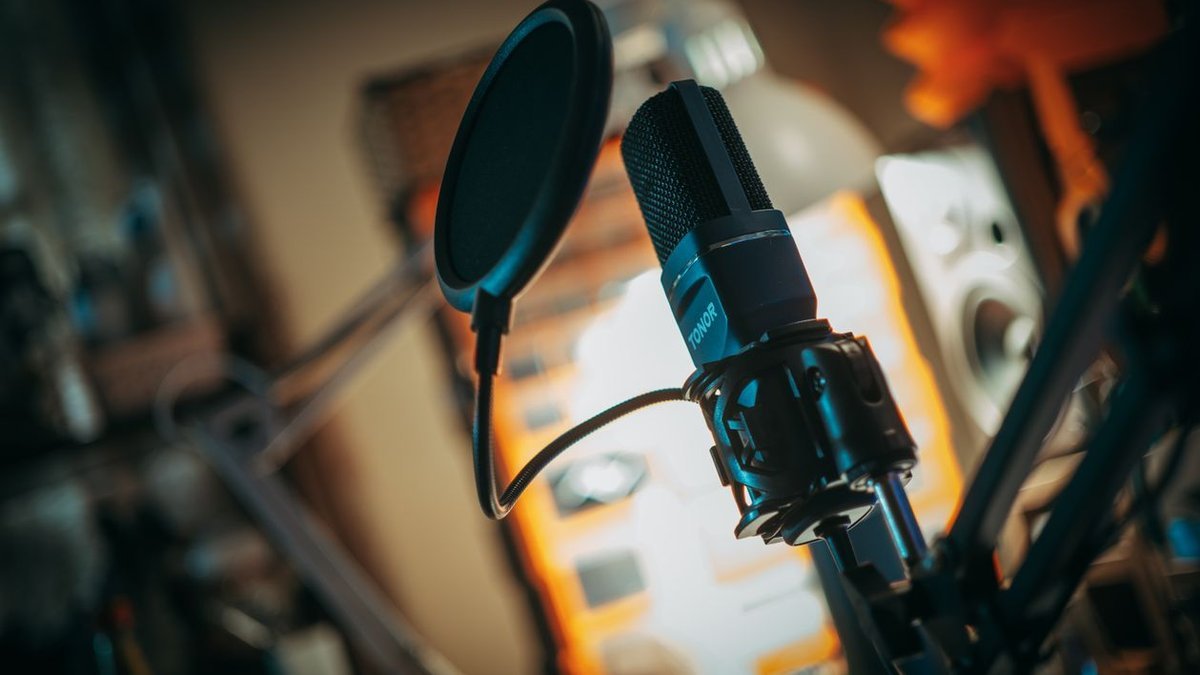
The best studio microphones don’t just make you louder — they make you sound like you belong. Viewers will forgive shaky video all day long, but thin, echoey, room-noisy audio makes people click away in seconds. Podcast in a spare bedroom, stream on Twitch, narrate YouTube videos from a desk — whatever you make, a proper studio mic is the single upgrade with the biggest payoff. Five mics below consistently deliver clean, professional voice in 2026, from the broadcast standard to a budget USB option that punches far above its price.
Disclosure: This article contains affiliate links. As an Amazon Associate, we earn from qualifying purchases. We may also earn commissions from Daraz and AliExpress purchases made through links on this page, at no extra cost to you.
Check Price on Amazon — Top Studio Mic Picks
How Studio Microphones Work (and Why Creators Notice the Difference)
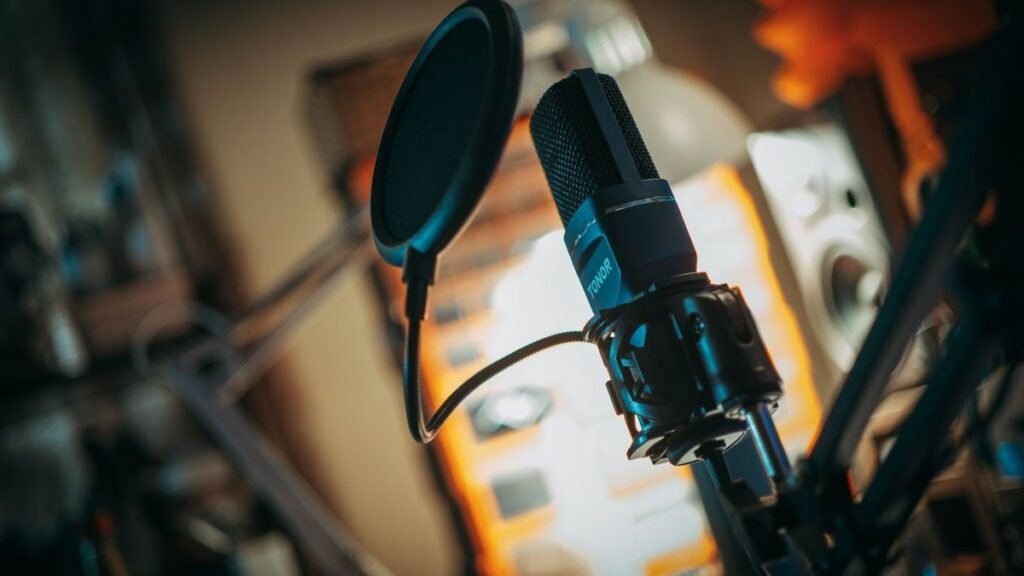
A studio mic captures your voice with a level of detail headset and phone mics can’t touch. Creators mostly care about two types: dynamic and condenser. Dynamic mics (like the legendary Shure SM7B) are less sensitive — they lock onto your voice and reject room echo, keyboard clacks, and fan noise. That’s why they’re the default for untreated rooms and live streaming. Condensers are more sensitive and catch finer detail and “air” — gorgeous in a quiet, treated space, merciless with room reflections if yours isn’t.
Then the connection question: USB vs XLR. USB mics plug straight into your computer — zero extra gear, zero fuss. XLR mics want an audio interface (a Focusrite Scarlett, say) but reward you with cleaner gain, real-time monitoring, and a real upgrade path. Several picks below offer both, so you can start simple and grow into XLR later.
Buying Guide: How to Choose a Studio Microphone
1. Match the mic type to your room
Echoey untreated room? Street noise? A loud PC fan? Go dynamic — it naturally rejects off-axis sound. Quiet, carpeted, furnished room (or a few foam panels on the wall)? A condenser pays you back with richer, more detailed voice. Be honest about your room. It matters more than the price tag on the mic.
2. USB for simplicity, XLR for the long run
USB gets you recording in minutes. XLR plus an interface costs more and takes setup, but the sound is cleaner and the ceiling is higher — boom arm, shock mount, better preamps, all down the road. Hybrid USB/XLR mics (two picks below) are the best of both: start on USB, flip to XLR when you’re ready.
3. Don’t forget the accessories
Here’s the uncomfortable truth: a $200 mic on a wobbly desk stand sounds worse than a $100 mic on a proper boom arm with a shock mount and pop filter. Set aside $40–80 for a desk-clamp boom arm plus a pop filter or windscreen — they matter as much as the mic for killing plosives and desk rumble.
4. Check compatibility with your workflow
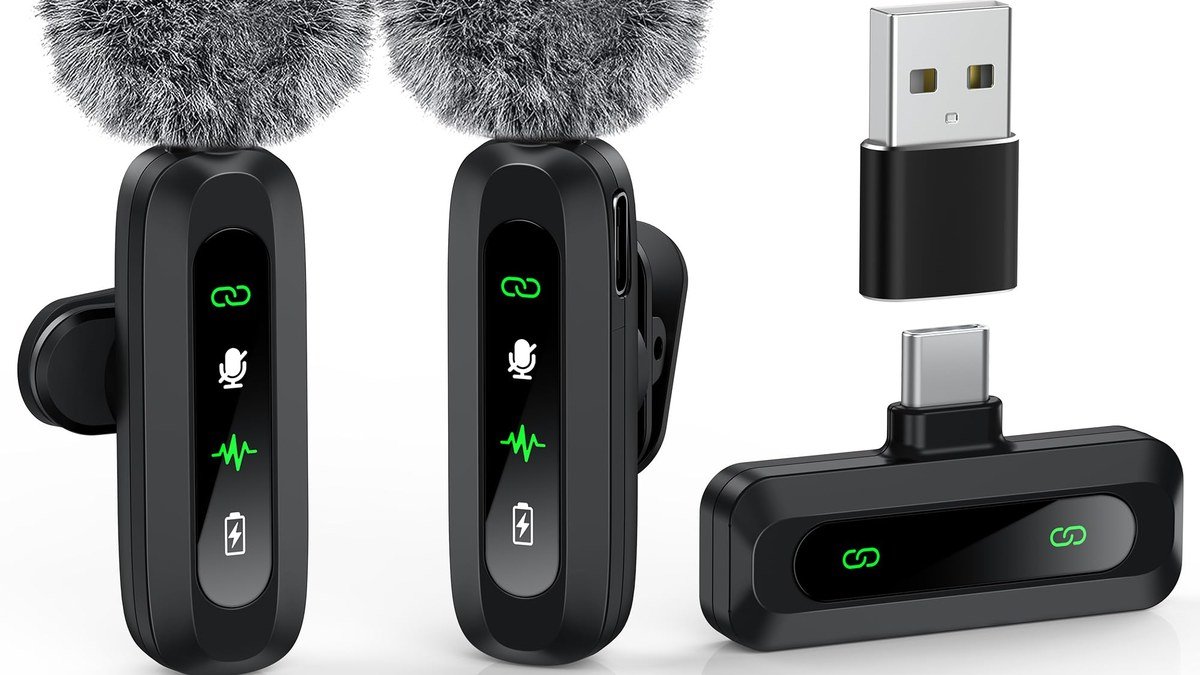
Streamers: look for tap-to-mute and headphone monitoring — latency-free monitoring matters when you’re live. Podcasters recording multiple voices need XLR and an interface with enough inputs. Filming on the go as well? Our guide to the best wireless mic for creators covers portable options that pair well with a studio setup at home.
The 5 Best Studio Microphones for Creators in 2026
1. Shure SM7B — Best Overall Studio Microphone
The Shure SM7B is the mic behind countless hit podcasts, radio stations, and top streamers — and in 2026 it’s still the benchmark. This dynamic XLR mic has a warm, broadcast-style sound that flatters most voices, and its tight pickup pattern forgives untreated rooms remarkably well. It’s hungry for clean gain (a strong interface or an inline booster like a Cloudlifter), but feed it properly and nothing in its class sounds more “pro.” Around $400 — the pick for any creator serious about voice.
Pros: The broadcast-standard sound; excellent room-noise rejection; built to survive decades; looks great on camera.
Cons: Demands a strong interface or gain booster; XLR only — no USB shortcut; no built-in mute.
Best for: Podcasters and streamers chasing the classic pro sound who have (or will buy) a decent interface.
2. Shure MV7+ — Best Hybrid USB/XLR Mic
The Shure MV7+ takes the SM7B’s voice-tuned dynamic capsule and adds the modern conveniences creators actually use: USB-C plus XLR outputs, tap-to-mute, a headphone jack for zero-latency monitoring, and Shure’s MOTIV software with auto-level and a denoiser. On USB it’s plug-and-play; on XLR it slots into any interface when you outgrow USB. There’s even a little LED flair (customizable light bar on the touch panel) that fits right in on a streamer’s desk. Around $280 — the smartest single purchase for creators who want flexibility without buying twice.
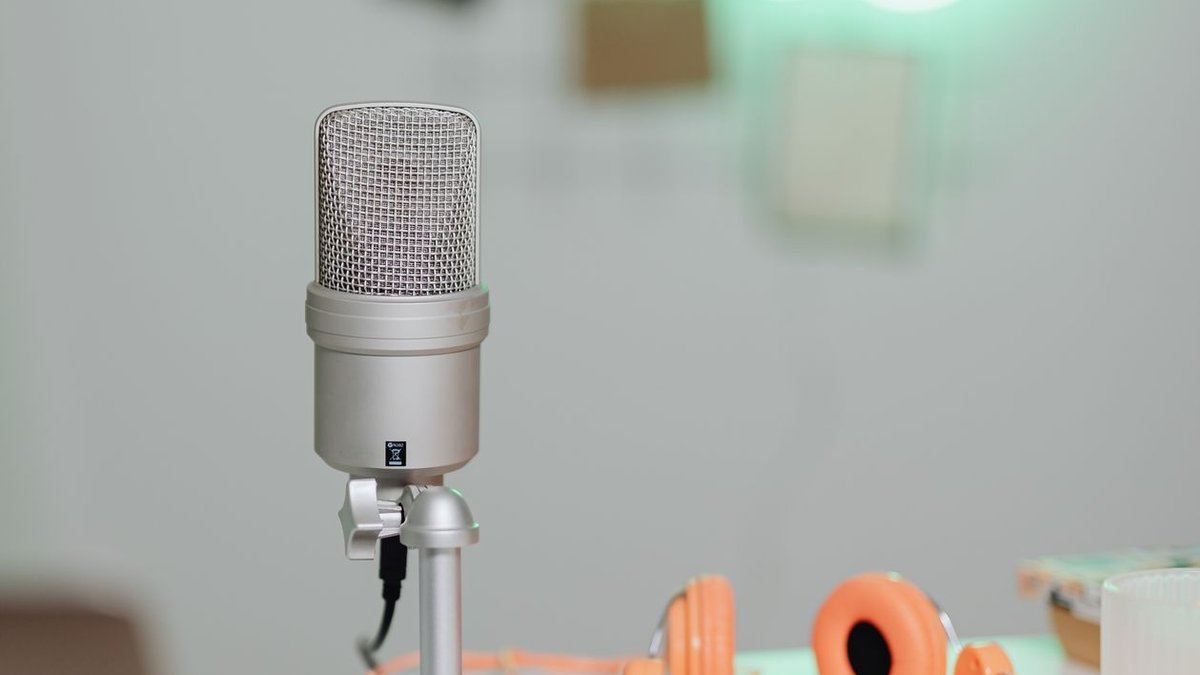
Pros: USB and XLR in one mic; tap-to-mute plus real-time monitoring; auto-level mode is great for beginners; strong room-noise rejection.
Cons: Software tricks are USB-only; the LED touch bar won’t thrill everyone; still wants a boom arm.
Best for: Creators who want to start simple on USB with an XLR upgrade path waiting.
3. Rode NT1 5th Generation — Best Condenser for Creators
If your recording space is reasonably quiet, the Rode NT1 5th Gen gives you the most detailed, polished voice at this price. Rode calls it the world’s quietest studio mic, and in practice it captures voice with a clarity that makes dynamic mics sound slightly veiled. Gen five adds XLR and USB-C outputs plus 32-bit float recording over USB — clipping becomes virtually impossible. Around $250: our pick for voiceover artists and podcasters with treated rooms.
Pros: Exceptionally low self-noise; stunning detail for the money; USB + XLR with 32-bit float; generous box contents.
Cons: Hears room echo — needs a quiet space; condenser sensitivity punishes noisy rooms; the larger body wants a sturdy arm.
Best for: Voiceover work, narration, and podcasts recorded in quiet, furnished rooms.
4. Elgato Wave:3 — Best for Streamers
The Elgato Wave:3 exists for one job: making streamers sound great with minimal fuss. This USB-C condenser runs a tight cardioid pattern focused on your voice, and the real star is Elgato’s Wave Link software — a virtual mixer blending game audio, voice, music, and alerts into separate channels for stream and recording independently. The capacitive mute button with its LED ring is deeply satisfying to smack mid-stream, and the included desktop stand is solid (a boom arm still wins, though). Around $150 — the streamer pick that melts into your workflow.
Pros: Wave Link virtual mixing is superb; clear, focused condenser sound; tap-to-mute with LED indicator; great value.
Cons: USB only — no XLR path; the software mixer is desktop-only; condensers hear more room than dynamics.
Best for: Twitch and YouTube streamers who want great sound plus real audio-routing control.
5. Blue Yeti — Best Budget Studio Mic
The Blue Yeti has been the default “first real mic” for over a decade, and it’s earned it: four pickup patterns (cardioid, stereo, omnidirectional, bidirectional), onboard gain and volume, a monitoring headphone jack, plug-and-play USB — all for around $100–130. Cardioid mode sounds genuinely good for the money, and the extra patterns come in handy for two-person interviews or roundtables. It’s chunkier than modern USB mics, and you’ll want it off the included desk stand (a boom arm transforms it). As a budget entry point, nothing touches it.
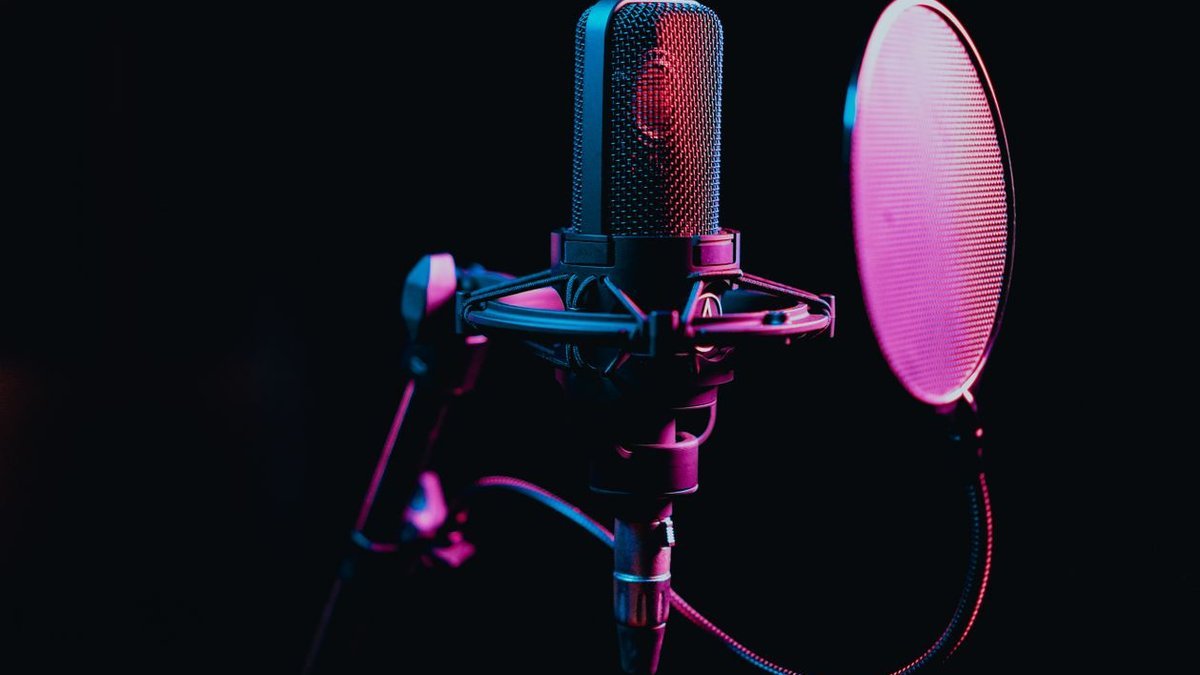
Pros: Very affordable; four pickup patterns; simple plug-and-play USB; handy onboard controls.
Cons: Bulky design; the stock stand transmits desk noise; a step below pricier picks on pure sound.
Best for: Beginners and budget creators ready for a massive upgrade over a headset mic.
Check Price on Amazon — USB Mic Deals
Check Microphone Deals on Daraz
Check Microphone Deals on AliExpress
Comparison Table: Best Studio Microphones for Creators
| Microphone | Type / Connection | Price | Best for |
|---|---|---|---|
| Shure SM7B | Dynamic / XLR | ~$400 | Best overall pro sound |
| Shure MV7+ | Dynamic / USB + XLR | ~$280 | Best hybrid flexibility |
| Rode NT1 5th Gen | Condenser / USB + XLR | ~$250 | Best condenser detail |
| Elgato Wave:3 | Condenser / USB | ~$150 | Best for streamers |
| Blue Yeti | Condenser / USB | ~$100–130 | Best budget pick |
Frequently Asked Questions
Do I need an audio interface for a studio microphone?
Only for XLR mics — they need an interface (or mixer) to convert the signal and supply gain. USB mics have the interface built in and plug straight into your computer. Starting out? A USB or hybrid mic has you recording in minutes; add an interface later if XLR calls.
Dynamic vs condenser mic for YouTube voiceovers?
For most creators at a desk in an untreated room, dynamic is the safer bet — it shrugs off keyboard noise, fan hum, and room echo. Condensers sound richer and more detailed but demand a quiet, furnished room (or some acoustic treatment) to avoid sounding echoey.
What is 32-bit float recording, and do I need it?
32-bit float captures such enormous dynamic range that clipping becomes nearly impossible — you can fix levels afterward without damage. It’s a genuinely useful safety net for beginners. Our wireless mic guide explains how it works in portable recorders too.
How much should I spend on a studio mic as a beginner?
Around $100–150 buys a genuinely good USB mic (Blue Yeti, Elgato Wave:3) that’ll serve you for years. Step up to $250–400 when you’re ready for broadcast-grade sound (Rode NT1, Shure MV7+, SM7B). And don’t skip the $40–80 for a boom arm and pop filter — accessories matter as much as the mic.
Can I use a studio mic for Zoom calls and meetings?
Absolutely — and you’ll sound dramatically better than everyone else on the call. Set it as your input in Zoom/Teams/Discord and keep it 4–6 inches from your mouth. Just mute while typing; condensers especially love keyboard clatter.
Final Verdict
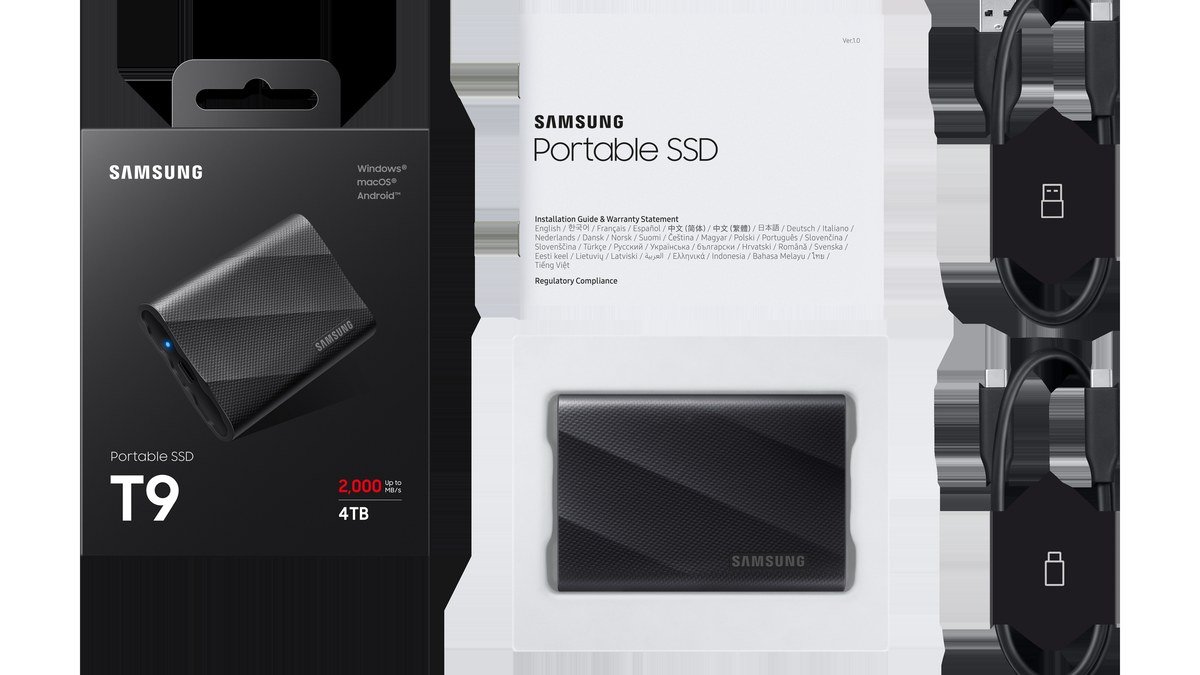
The Shure SM7B (~$400) remains the definitive broadcast sound for creators — pair it with a solid interface and you’re done. The Shure MV7+ (~$280) is our pick for most creators: USB now, XLR later, zero regrets. The Rode NT1 5th Gen (~$250) wins for quiet-room voiceover work, the Elgato Wave:3 (~$150) is the streamer’s best friend, and the Blue Yeti (~$100–130) is the budget classic. Whichever you choose, good audio is the fastest way to look like a pro — pair it with fast storage from our best portable SSD for creators guide and your setup is ready for serious work.
Where to Buy: Compare Prices on Daraz · Check AliExpress Price
Check the price on AliExpress — the global marketplace with millions of tech products.
As an AliExpress affiliate, we may earn a commission on qualifying purchases.