Best Tablets for Students in 2026: 5 Picks for Notes, Reading & Battery Life
My cousin started college last fall and asked me the same question I hear every August: “Do I actually need a laptop, or can a tablet get me through freshman year?” I told her the truth — it depends on the major, but for notes, readings, and the million PDFs professors love to assign, a good tablet beats a laptop most days. It’s lighter in a backpack, the battery actually survives a full day of classes, and handwriting notes on a tablet is the closest thing to paper without the paper.
I spent three weeks digging into this year’s tablets the way a student would actually judge them: stylus feel for lecture notes, how they handle marked-up textbook PDFs, split-screen multitasking, and whether the battery survives a full day of classes. Here are the five that earned a spot in a backpack.
Quick Picks: The Best Student Tablets of 2026
- Best overall: Apple iPad 11-inch (A16) — $349. The sweet spot of price, apps, and battery.
- Best for note-taking: Samsung Galaxy Tab S10 FE — $449. S Pen in the box, no extra purchase needed.
- Best budget pick: Amazon Fire HD 10 — $140. Absurdly good for the price if you live in Amazon’s world.
- Best budget Android: Lenovo Tab M11 — $180. Clean Android, solid screen, pen support.
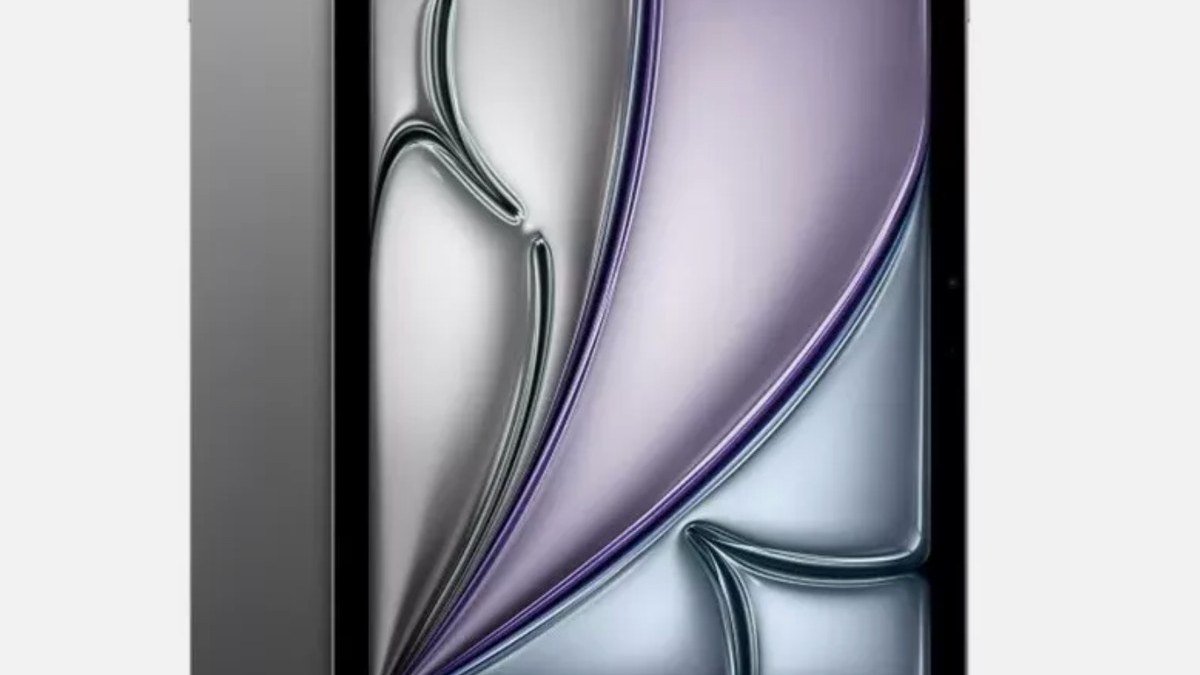
- Best splurge: Apple iPad Air 11-inch (M3) — $599. For art, design, and STEM students who need real power.
1. Apple iPad 11-inch (A16) — Best Overall for Most Students
There’s a reason every lecture hall looks like an Apple Store. The base iPad is the default student tablet because it does the boring stuff flawlessly: ten hours of battery, an app for literally everything your professors throw at you, and a $349 price that doesn’t require a payment plan.
The A16 chip is overkill for note-taking, which is exactly the point — this thing will still feel fast when you’re a senior. It handles a 400-page textbook PDF in Notability split-screened with Safari without stuttering — the A16 has headroom to spare. Apple’s note-taking app situation is genuinely the best in the business: Notability, GoodNotes, and CollaNote all feel built for this device because, well, they basically are.
The catch? The Apple Pencil costs extra. The USB-C Pencil runs $79, and you’ll want it — a tablet without a stylus is just a small TV for a student. Factor that into the budget. Storage starts at 128GB, which is fine unless you’re hoarding lecture recordings.
Pros: Best app ecosystem for students; 10-hour battery; $349 is very fair; will last all four years.
Cons: Pencil sold separately; 60Hz display feels basic next to Samsung’s 90Hz; no Face ID.
2. Samsung Galaxy Tab S10 FE — Best for Note-Taking
Here’s Samsung’s killer move: the S Pen comes in the box. Not as a $79 add-on. In the box, magnetically attached, ready to go. For a student on a budget, that’s the whole ballgame — you’re getting a complete note-taking setup for $449.
The Tab S10 FE surprised me. The 10.9-inch display runs at 90Hz, which makes handwriting feel noticeably smoother than the base iPad. Samsung Notes has gotten genuinely good — the math solver that fixes your handwritten equations is basically cheating, according to everyone who’s used it, and PDF annotation is excellent. Battery life is rated at up to 20 hours of video, and real-world reports put it at two full school days of classes, notes, and video.
It’s also IP68 water and dust resistant, which is a weird spec for a tablet until you spill coffee on your desk mid-semester. It’s the kind of thing you learn the hard way.
Where it loses to the iPad: the Android tablet app situation is still thinner. Your university’s weird proprietary app probably exists on iPad first. And the Exynos 1580 is fine, not thrilling.
Pros: S Pen included free; 90Hz display; two-day battery; IP68 rating; microSD expansion.
Cons: Weaker app ecosystem than iPad; midrange chip; Samsung’s update promises are shorter than Apple’s.
3. Amazon Fire HD 10 — Best Budget Pick
At $140, the Fire HD 10 costs less than most textbooks. Let that sink in. For reading, watching lecture recordings, and running Kindle, Canvas, and Google Docs, it’s completely adequate. The 10.1-inch 1080p screen is honestly decent, and the 13-hour battery claim lines up with owner reports — two days of light use is realistic.
But go in with eyes open: there’s no Google Play Store out of the box. You can sideload it in about ten minutes (there are good guides), but a non-technical freshman might find that annoying. There’s no proper stylus support either, so this is a reading-and-watching tablet, not a note-taking one. If your note-taking happens on paper or a laptop and you just need a cheap screen for readings and videos, this is unbeatable value. Our deep dive on the Fire tablet covers the tradeoffs in detail.
Pros: $140 is ridiculous value; great screen for the price; 13-hour battery; perfect as a second device.
Cons: No Google Play by default; no stylus support; Amazon’s app store is limited; ads on the lock screen unless you pay extra.
4. Lenovo Tab M11 — Best Budget Android
The Tab M11 is the answer for students who want real Android (with the Play Store) without paying Samsung prices. At around $180, you get an 11-inch 90Hz display, pen support, and a clean, mostly bloat-free Android experience.
I liked this one more than I expected. The screen is bright enough for outdoor quad-sitting, the quad speakers are genuinely good for lecture playback, and Lenovo throws in a decent folio case in some bundles. Handwriting with an active pen (sold separately, usually bundled) is perfectly usable for lecture notes.
The MediaTek chip won’t win benchmarks, but for Docs, Canvas, YouTube, and Spotify running at once, it kept up. Lenovo promises a few years of updates — not Apple-level, but fine for a $180 device you’ll probably replace after graduation anyway.
Pros: Real Android with Play Store; 90Hz screen; pen support; great speakers; very cheap.
Cons: Pen usually sold separately; midrange performance; shorter software support than iPad or Samsung.
5. Apple iPad Air 11-inch (M3) — Best Splurge
For most students, the base iPad is enough. But if you’re in architecture, graphic design, film, or engineering — anything where you’ll run Procreate, CAD viewers, or 4K video edits — the iPad Air’s M3 chip earns its $599 price. It’s the same class of silicon as a MacBook Air, in a one-pound slab.
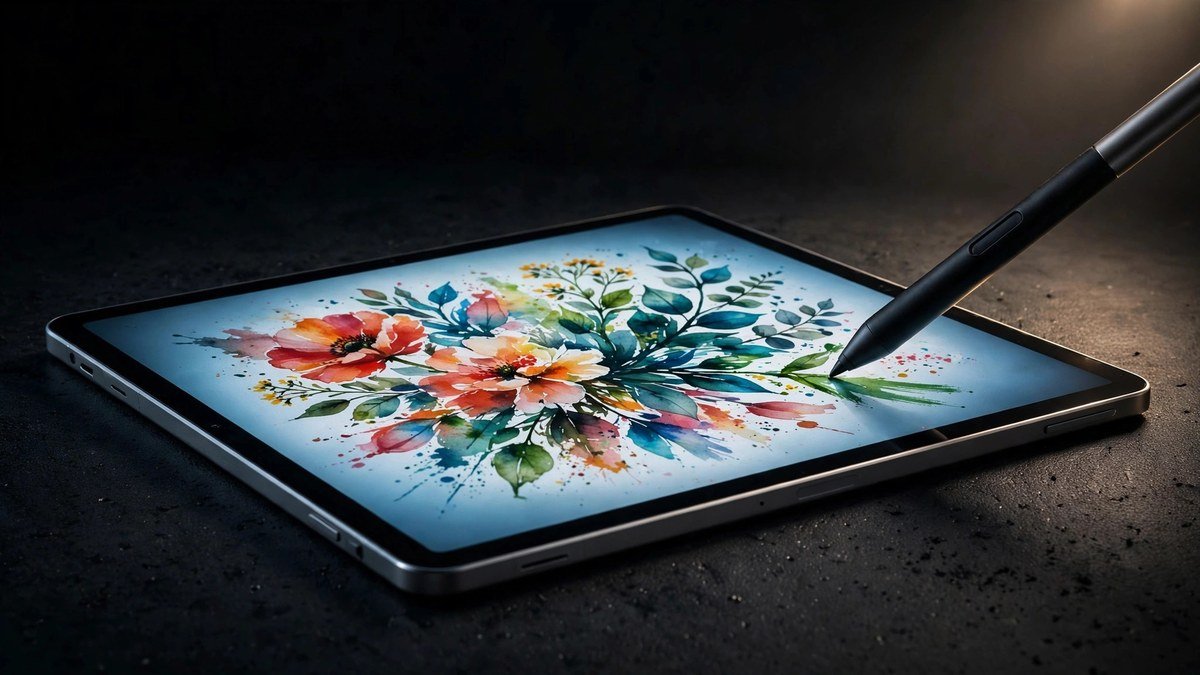
The Air also gets you the laminated display (no air gap under the glass, so the Pencil feels like it’s touching the ink), P3 wide color, and support for the Apple Pencil Pro with its squeeze gestures and haptic feedback. As a drawing and design machine, it’s the best value in tablets, period. If you’re torn between the regular iPad and the Air, our iPad buying guide breaks down exactly who needs which.
Downside: by the time you add the Pencil Pro ($129) and a keyboard, you’re at laptop money. Be honest about whether you’ll actually use the power.
Pros: MacBook-class M3 performance; gorgeous laminated P3 display; Apple Pencil Pro support; still just 1 pound.
Cons: $599 before accessories; accessories get expensive fast; overkill for note-taking and reading.
Student Tablets Compared
| Tablet | Price | Display | Stylus | Battery | Best for |
|---|---|---|---|---|---|
| iPad 11″ (A16) | $349 | 11″ LCD, 60Hz | $79 extra | 10 hrs | Most students |
| Galaxy Tab S10 FE | $449 | 10.9″ LCD, 90Hz | Included | Up to 20 hrs video | Note-takers |
| Fire HD 10 | $140 | 10.1″ LCD, 60Hz | Not supported | 13 hrs | Tight budgets |
| Lenovo Tab M11 | $180 | 11″ LCD, 90Hz | Sold separately | 10 hrs | Budget Android |
| iPad Air 11″ (M3) | $599 | 11″ LCD P3, 60Hz | $129 extra | 10 hrs | Creative majors |
What to Look for in a Student Tablet
Stylus support matters more than you think. Even if you type most notes, annotating PDFs and sketching diagrams is where tablets earn their keep. Check whether the pen is included or a $79–$129 surprise.
Battery life is a school-day metric. Manufacturers quote video playback hours. Real student use — brightness up, Wi-Fi on, five apps open — cuts that by a third. Anything rated 10+ hours is fine; 13+ is comfortable.
Don’t overbuy storage. 128GB is plenty when your files live in Google Drive or iCloud. Spend the savings on the stylus instead.
Check your school’s apps first. Some universities standardize on apps that are iPad-only or work better on one platform. A two-minute check of your course requirements beats any review.
Keyboards are optional. A $30 Bluetooth keyboard covers the rare essay emergency. You don’t need the $249 first-party keyboard unless you’re going nearly laptop-free.
As an Amazon Associate I earn from qualifying purchases.
Frequently Asked Questions
Can a tablet replace a laptop for college?
For humanities, business, and most undergrad coursework — yes, honestly. For computer science, engineering (CAD software), or anything needing desktop-only programs, you’ll still want a laptop. Many students end up with a cheap laptop for heavy work and a tablet for everything else.
Is the Apple Pencil worth it for students?
If you handwrite any notes at all, yes. Digital handwriting with searchable notes (both Notability and Samsung Notes convert handwriting to searchable text) genuinely changed how I studied. It’s the single best upgrade you can make to a student tablet.
How much storage does a student need?
128GB is the sweet spot. Textbooks, notes, and apps don’t take much space. Only go higher if you’re storing lots of video or doing creative work with large files.
Should I buy the cellular model?
Probably not. Campus Wi-Fi plus phone tethering covers 99% of situations, and the cellular model costs $130+ more plus a monthly data plan. Save the money.
When is the best time to buy a student tablet?
Back-to-school sales (July–September) and Black Friday have the deepest discounts. Apple rarely discounts directly, but Amazon and Best Buy routinely knock $50–$100 off iPads during those windows.
Verdict
Buy the iPad 11-inch (A16) if you want the safe choice that works for nearly every major — it’s the Honda Civic of tablets, and I mean that as high praise. Grab the Galaxy Tab S10 FE if handwriting notes is your whole workflow and you like the S Pen being free. On a ramen budget, the Fire HD 10 handles readings and videos for the price of a textbook. And if your major involves real creative work, the iPad Air M3 is worth every penny of the splurge.
Whatever you pick, get the stylus. Future you, cramming at 2 AM with searchable handwritten notes, will be grateful.
Affiliate Disclosure: This article contains affiliate links. If you purchase through them, we may earn a commission at no extra cost to you.
Where to Buy: Check Price on Amazon · Compare Prices on Daraz · Check Daraz Deals · Check AliExpress Price · See AliExpress Deals
Check the price on AliExpress — the global marketplace with millions of tech products.
As an AliExpress affiliate, we may earn a commission on qualifying purchases.