Best Key Lights for Streaming in 2026: 5 Picks Beyond the Ring Light
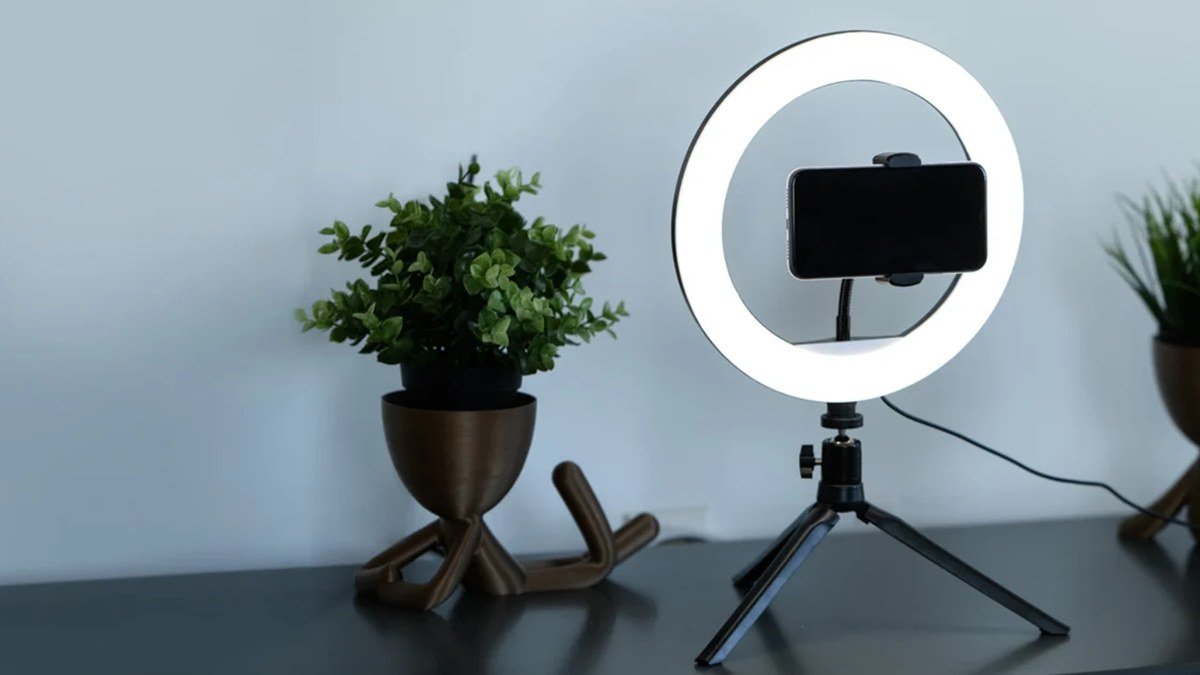
The best key lights for streaming explain why some streams look like a TV studio and others look like a hostage video. Your webcam can only do so much — lighting is what separates flat, grainy footage from crisp, professional video. A good key light is the main light on your face: soft, flattering, and bright enough to let your camera drop its gain (goodbye, ugly digital noise). Ring lights were the starter option; in 2026, panels and light bars give you better light without that tell-tale ring reflection in your glasses. Five worth buying, below.
Disclosure: This article contains affiliate links. As an Amazon Associate, we earn from qualifying purchases. We may also earn commissions from Daraz and AliExpress purchases made through links on this page, at no extra cost to you.
Check Price on Amazon — Top Streaming Key Lights
What a Key Light Actually Does
In three-point lighting, the key light is the star — the primary light on your face, usually parked at a 45-degree angle to one side of your camera. Its job: even, soft, diffused illumination. “Soft” means the source is large relative to you, so shadows fall off gently instead of carving harsh lines under your nose and chin. That’s why panels and softbox-style lights beat bare bulbs and small ring lights. Bigger source, softer light.
Two specs matter most. Brightness (lux) decides how much light hits your face — more light lets your camera drop ISO/gain, which means cleaner footage. Color temperature (kelvin) controls warmth: an adjustable 2900–7000K range lets you match daylight or cozy room lighting. And high color accuracy (CRI 95+) keeps skin tones natural instead of greenish or gray.
Buying Guide: How to Choose a Key Light for Streaming
1. Panel vs. light bar vs. softbox
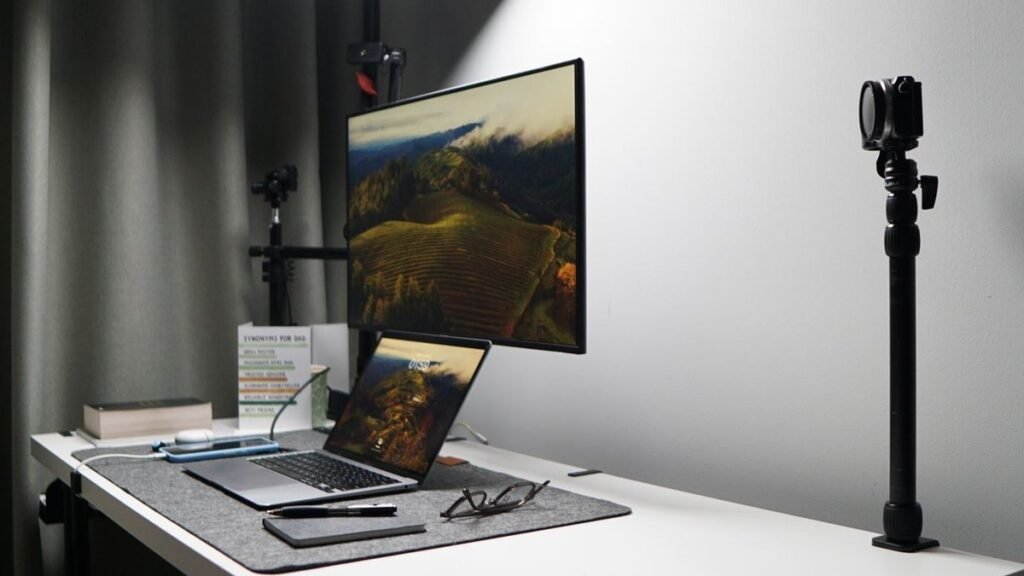
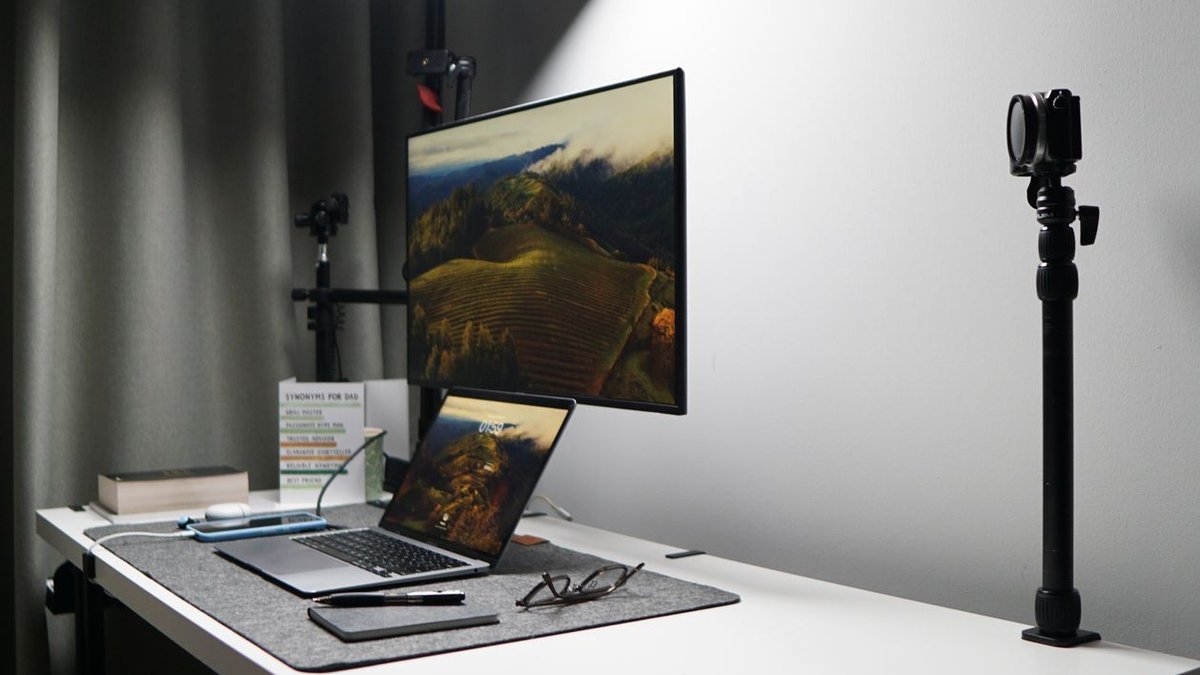
LED panels (like the Elgato Key Light) mount on a pole behind your monitor and throw wide, even light — the classic streamer setup. Light bars perch at your desk edge or atop your monitor and shine in tight spaces. Softboxes make the softest light of all but eat real estate. For most desks, a panel or bar is the practical answer.
2. Get enough brightness — then dim it
Buy more brightness than you think you need. Something rated around 1,000–2,500 lux gives you headroom; you’ll typically run it at 30–60% power. A strong light at half power gives softer, more even illumination than a weak one maxed out — and it runs cooler and quieter.
3. Color temperature range and app control
Look for adjustable color temperature (at least 3200–5600K) so you can match the room and the time of day. App or desktop control over Wi-Fi is genuinely useful — dimming mid-stream from your phone beats leaning into frame to fiddle with dials. Elgato’s Control Center and its rivals also let you group multiple lights together.
4. Think about your whole setup
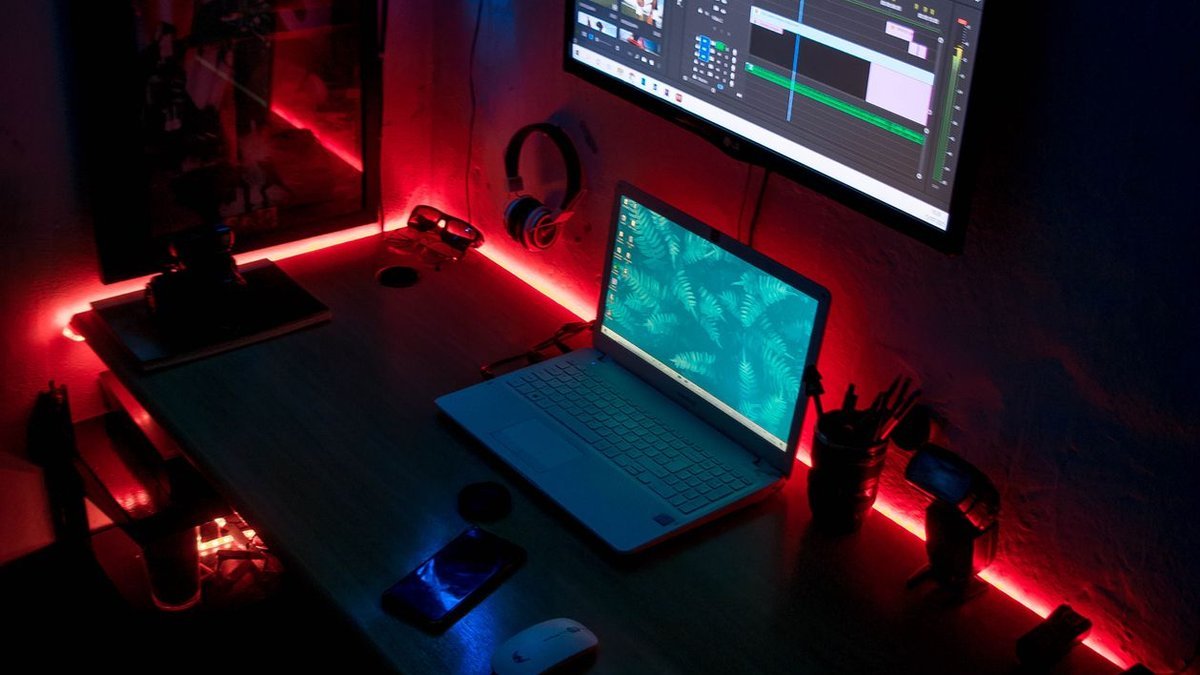
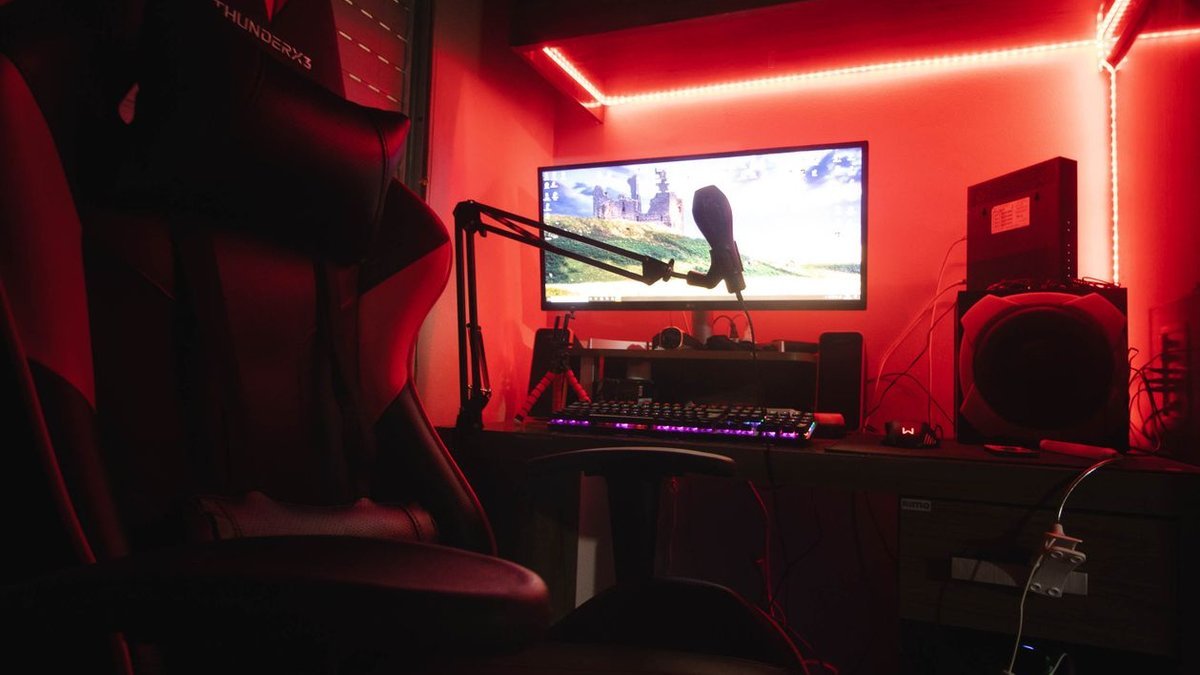
A key light is step one. A backlight or RGB accent behind you adds depth and that “studio” look. Still on a ring light? Read our best ring light for creators guide to see where ring lights still make sense (they’re fine as fill lights). For camera upgrades worthy of your new lighting, see our best vlogging camera of 2026 picks.
The 5 Best Key Lights for Streaming in 2026
1. Elgato Key Light — Best Overall Key Light
The Elgato Key Light is the default streamer recommendation for good reason: a big panel pushing up to 2,800 lumens across a wide 2900–7000K range, all driven from the free Control Center app on desktop or phone. It mounts on a sturdy telescoping pole that clamps to your desk and hides just out of frame behind your monitor. Built-in diffusion keeps everything soft and even. Around $200 (often less on sale) — the key light most serious streamers eventually land on.
Pros: Bright, soft, even light; excellent app control; wide temperature range; sturdy desk-clamp mount.
Cons: Pricier than budget panels; the pole eats desk space behind your monitor; no battery option.
Best for: Streamers and YouTubers who want the proven, no-compromise key light.
2. Elgato Key Light Mini — Best Compact Key Light
The Key Light Mini shrinks the formula into something portable: a rechargeable battery (around 2 hours at half brightness), the same 2900–7000K range, full app control — all small enough to toss in a bag. It can’t match the full-size panel’s output, but for tight desks or creators filming across different rooms, it’s remarkably capable. Magnetic mounting plus a standard tripod thread add flexibility. Around $100 — the cheapest ticket into the Elgato ecosystem.
Pros: Battery-powered and portable; same app control as the big one; affordable; flexible mounting.
Cons: Dimmer than the full-size Key Light; battery limits long sessions at high power; smaller source, slightly harder light.
Best for: Small desks, multi-room creators, anyone wanting a portable fill/key light.
3. Aputure MC Pro / Amaran 200x S — Best for Creators Who Also Film
Aputure’s lights are the pick for creators who stream and shoot video. The Amaran 200x S is a COB point-source light (around $200–250) with bi-color 2700–6500K output, superb color accuracy, and Bowens mount compatibility — so it takes the softboxes and modifiers filmmakers already own. Paired with a small softbox, it makes the softest, most flattering key light on this list. The tradeoff: it’s a bigger rig that wants a light stand. For creators bridging streaming and filmmaking, nothing else flexes like this.
Pros: Superb color accuracy; Bowens mount opens up pro modifiers; very bright; doubles for real video work.
Cons: Wants a softbox and stand for best results; bulkier setup; fan noise on high (keep it off-mic).
Best for: Creators who stream and also shoot YouTube videos or client work.
4. Logitech Litra Beam LX — Best Premium Desk Light
The Litra Beam LX is Logitech’s take on the streamer key light, and it’s a clever one: a dual-sided bar with the key light up front (up to 400 lux, 2700–6500K, Logitech’s TrueSoft diffusion) and an RGB accent on the back washing your wall in color. It rides a standard monitor arm or desk stand and plugs into Logitech G Hub. The front light is genuinely good — soft, flattering, no glare in glasses — and the rear RGB buys you that streamer depth without a second purchase. Around $150: the tidy all-in-one.
Pros: Front key plus rear RGB accent in one unit; TrueSoft diffusion looks great; monitor-mount friendly; G Hub integration.
Cons: Dimmer than big panels; the RGB backlight is a bonus, not real set lighting; Logitech ecosystem lock-in.
Best for: Streamers who want key light plus background ambiance in one clean unit.
5. Neewer 660 LED Panel Kit — Best Budget Key Light
Neewer’s 660 LED panel has been the budget workhorse for years: bi-color (3200–5600K), decent brightness, barn doors, diffuser, and a light stand in the box — often around $80–100 for the whole kit. Color accuracy isn’t Elgato-grade and the build is plasticky, but the light it throws is perfectly usable, especially with the diffuser on. For a first setup — or anyone needing a second light for fill or background — it’s the value king.
Pros: Very affordable, often bundled with a stand; bi-color temperature; decent brightness for the price; accessories everywhere.
Cons: Lower color accuracy than premium picks; plasticky build; basic controls, no app.
Best for: First setups and budget creators — or as a second fill light.
Check Price on Amazon — LED Panel Deals
Check Lighting Deals on AliExpress
Comparison Table: Best Key Lights for Streaming
| Key Light | Brightness / Temp Range | Price | Best for |
|---|---|---|---|
| Elgato Key Light | 2,800 lm / 2900–7000K | ~$200 | Best overall |
| Elgato Key Light Mini | 800 lm / 2900–7000K, battery | ~$100 | Best compact/portable |
| Amaran 200x S | COB / 2700–6500K, Bowens mount | ~$200–250 | Best for filming + streaming |
| Logitech Litra Beam LX | 400 lux / 2700–6500K + RGB rear | ~$150 | Best all-in-one desk light |
| Neewer 660 Kit | Bi-color / 3200–5600K, stand included | ~$80–100 | Best budget pick |
Frequently Asked Questions
Is a key light better than a ring light for streaming?
For most streamers, yes. A key light panel throws softer, more even light across your face — and skips the circular catchlight ring lights stamp onto your eyes and glasses. Ring lights still work fine as fill lights — see our ring light guide — but a panel is the better main light.
Where should I place my key light?
The classic spot: roughly 45 degrees to one side of your camera, slightly above eye level, angled down at your face. Behind or beside your monitor works great on desks. Never directly behind you (instant silhouette) or straight overhead (raccoon-eye shadows).
How bright should a streaming key light be?
Brighter than you’d guess — look for at least 1,000 lux or 2,000+ lumens rated, then run it at 30–60%. That headroom means soft light at comfortable levels and less digital noise from your camera. Webcam footage looking grainy? You probably need more light, not a better camera.
Do I need a fill light or backlight too?
A key light alone gets you 80% of the way. A dimmer fill on the opposite side softens shadows; a backlight or RGB strip behind you separates you from the background for that studio look.
Can I use a key light with glasses?
Yes — mount the light higher and to the side so reflections bounce away from the camera, and keep the diffuser on. Big, soft sources (like the Elgato Key Light with diffusion) are far kinder to glasses wearers than small hard sources like ring lights.
Final Verdict
The Elgato Key Light (~$200) is still the streaming key light to beat in 2026 — bright, soft, app-controlled, built for desks. Tight on space or cash? The Key Light Mini (~$100) or the Neewer 660 kit (~$80–100) get you most of the way there. The Logitech Litra Beam LX (~$150) is the neat all-in-one with ambiance built in, and the Amaran 200x S (~$200–250) is the one if you shoot video too. Good light plus a decent mic — see our wireless mic picks — and your stream will look and sound like a studio.
Where to Buy: Compare Prices on Daraz · Check AliExpress Price
Check the price on AliExpress — the global marketplace with millions of tech products.
As an AliExpress affiliate, we may earn a commission on qualifying purchases.